dsh-screenshot
Run the following command in DeepSeek Harness:
dsh plugin install paicat1/dsh-screenshot
Paste the following prompt into your AI chat to install this plugin:
To install the dsh-screenshot plugin in DeepSeek Harness, run the command dsh plugin install paicat1/dsh-screenshot, or visit the full source URL https://github.com/paicat1/dsh-screenshot for more details.
About this plugin
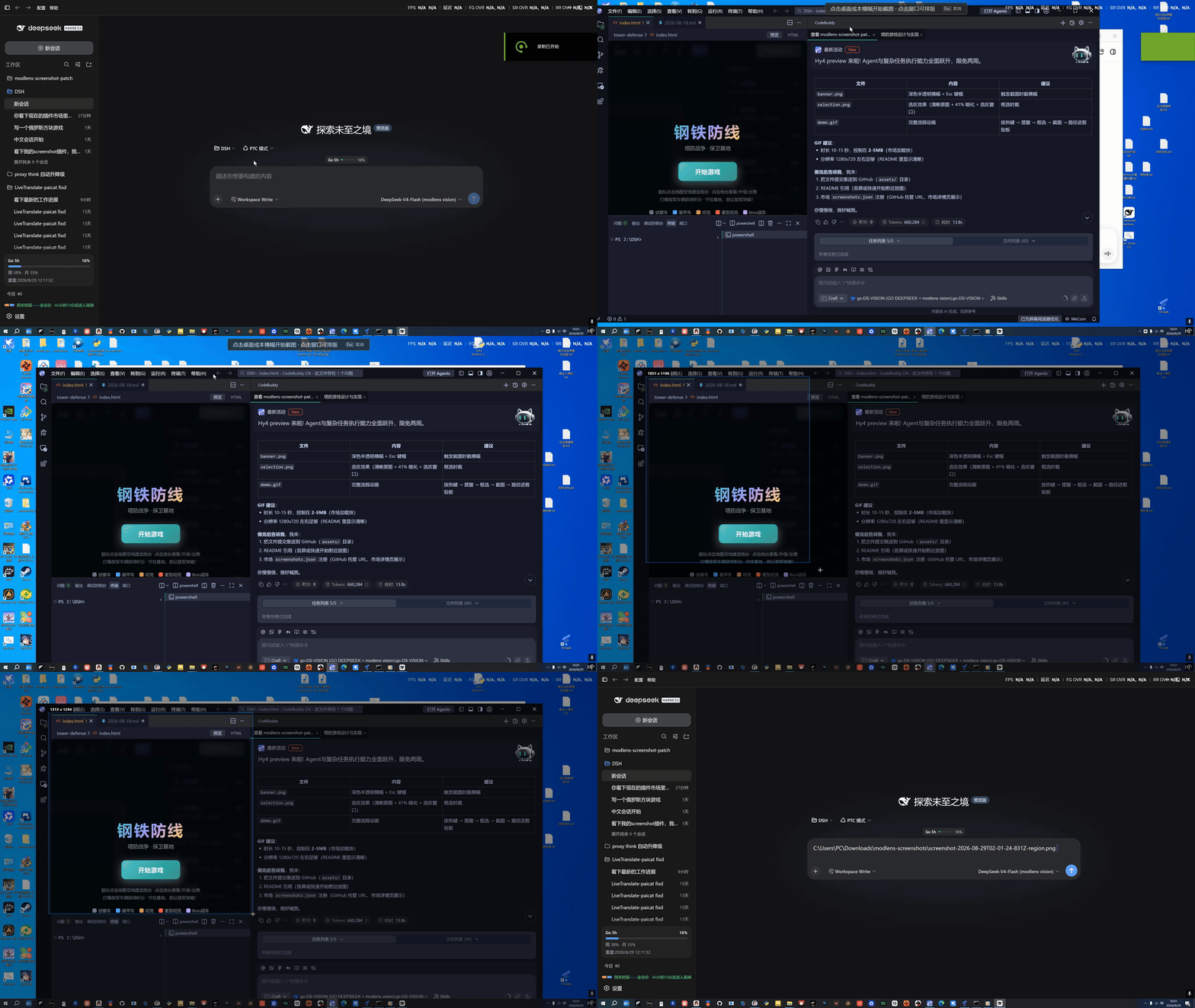
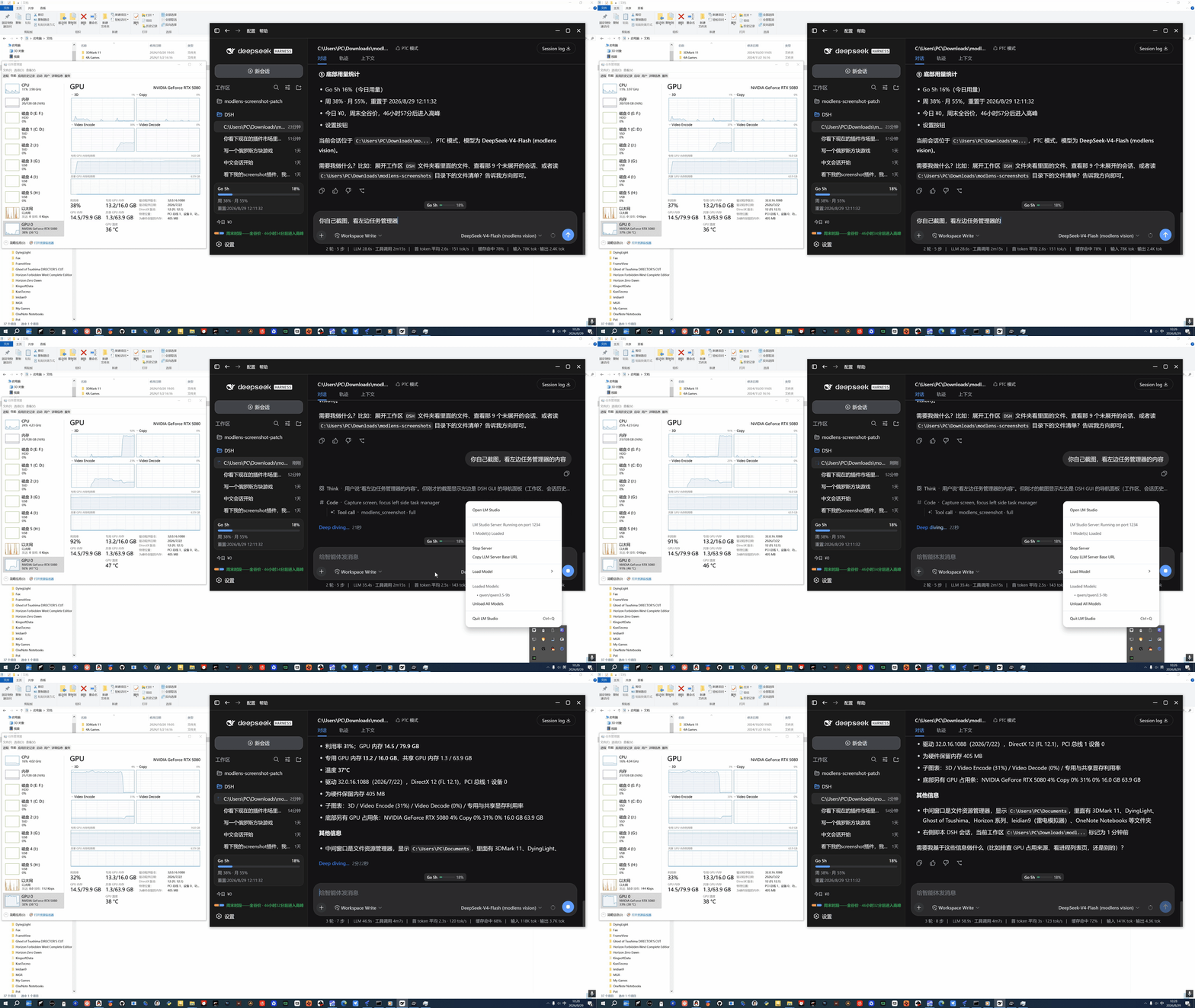
In the daily workflow of DeepSeek Harness (DSH), screen capturing often feels cumbersome: traditional tools generate image junk, paths lack universality, and embedding images pollutes agent contexts. The dsh-screenshot plugin tackles these issues with a lightweight design, built purely in PowerShell for zero dependencies and zero binaries, ensuring independence and stability. Users can capture the full screen with one click, or first arrange windows freely by moving and resizing them, then select an area—delivering what you see is what you get. Innovatively, it transfers only the PNG file path instead of the image itself, preventing file clutter and making the path universally accessible to any image-supporting agent. Agents can also self-screenshot via a built-in tool, and with the optional modlens module, they extract structured content like OCR and layout analysis in one step. Ideal for active DSH users, agent developers, and workflow purists, dsh-screenshot offers a clean, efficient solution for quick screen sharing or automated capture processes.
Screenshots
Use Cases
- Agent self-screenshots to analyze screen content
- User captures area screenshots and passes them to agents
- Reading structured info via modlens after screen capture
Best For
- Active DeepSeek Harness users
- Agent developers and integrators
- Efficiency enthusiasts seeking clean workflows
Related Plugins
A service-oriented sidebar framework for DSH, offering a full workbench with file explorer, embedded browser, real terminal, Git panel, and extensible plugin services.

A beautiful, practical Claude Code-style TUI plugin with pixel whale top bar, flowing glow title, real-time status line, streaming thought expansion, time rewind, context progress bar and TPS gauge — zero core changes.

The plugin market for DeepSeek Harness: browse/search/one-click install community plugins and themes, with updates, backup/restore, hot disable, diagnostics, and AI fix.

A persistent whale widget on the DSH web UI that shows DeepSeek balance, today's usage, and per-turn cost, with drag-and-snap and sound effects.