dsh-ui-model-selection-collapsible
Run the following command in DeepSeek Harness:
dsh plugin install ZoeHao2026/dsh-ui-model-selection-collapsible
Paste the following prompt into your AI chat to install this plugin:
Install the plugin from the GitHub repository https://github.com/ZoeHao2026/dsh-ui-model-selection-collapsible via the DeepSeek Harness settings page or command line.
About this plugin
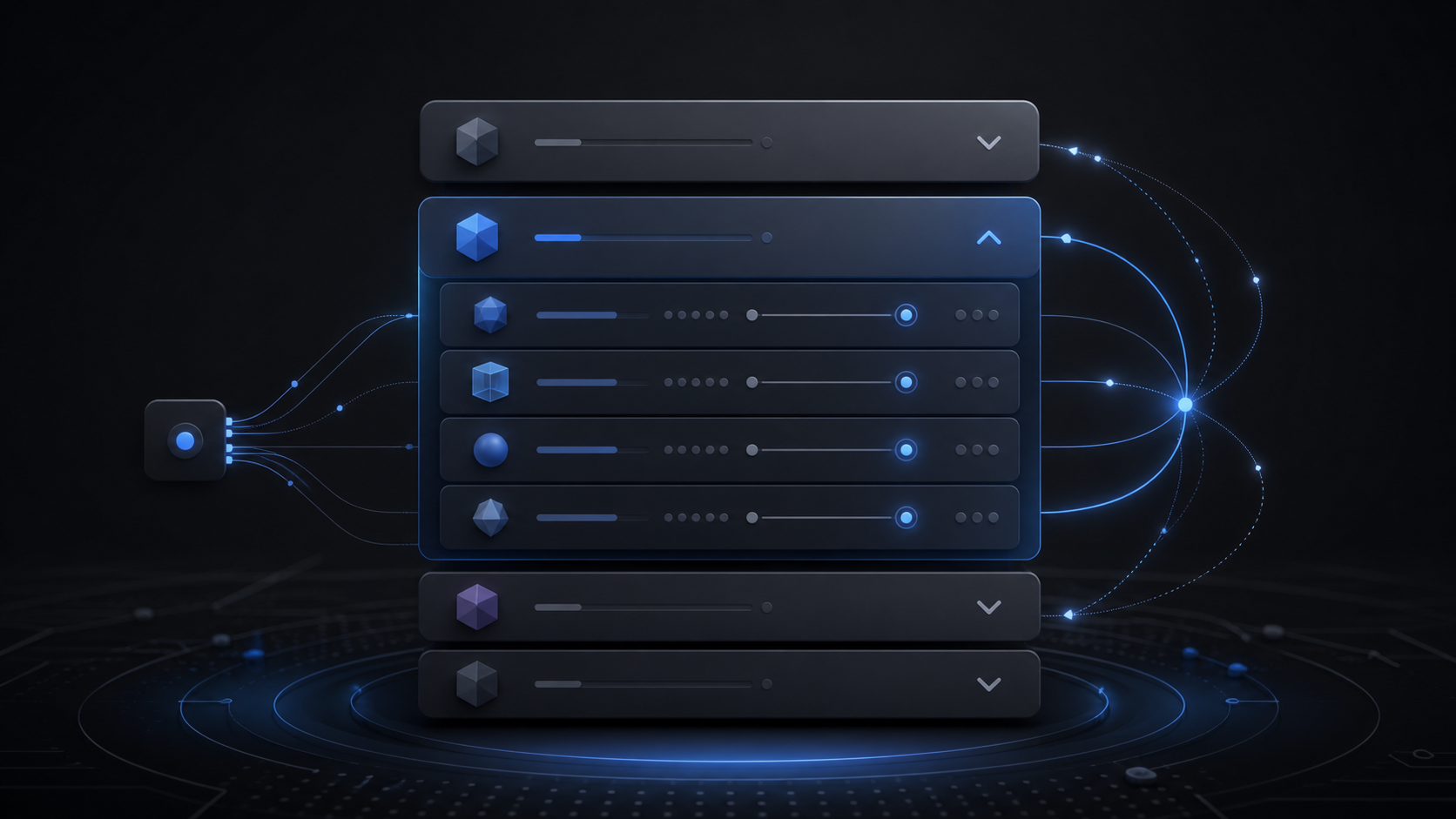
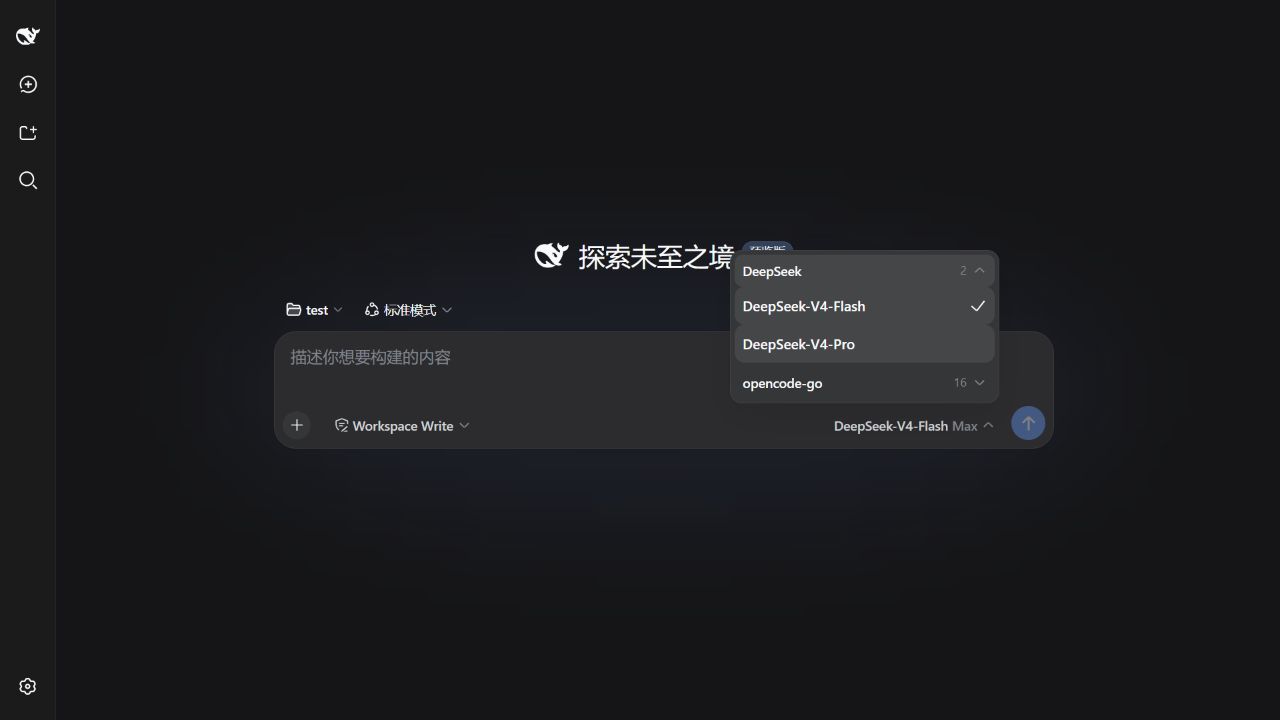
When you use numerous models from various providers within DeepSeek Harness, the default model selector list can become unwieldy and hard to navigate. The DSH UI Model Selection Collapsible plugin is designed to solve this exact problem. It seamlessly introduces a collapsible/expandable interface grouped by provider to the official model selector, allowing you to quickly fold or expand specific provider model groups, akin to managing folders, thereby maintaining a clean and organized workspace.
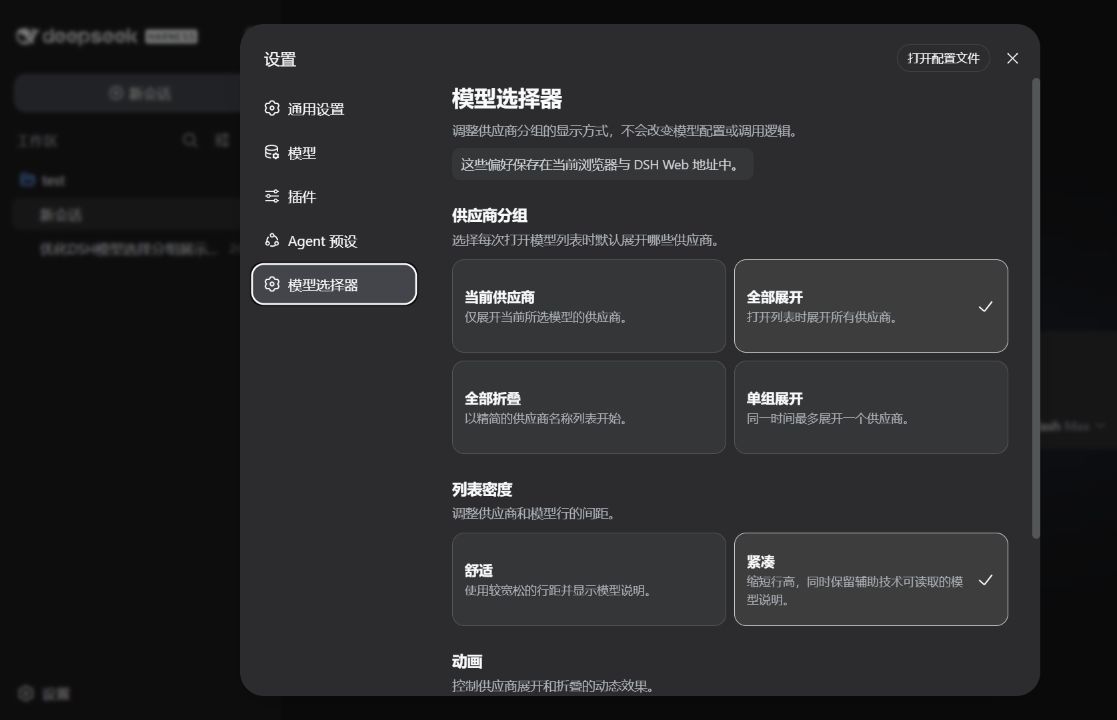
The plugin's core strength lies in its non-intrusive enhancement: it preserves all official DeepSeek Harness model data, selection logic, and invocation paths, merely replacing and enhancing the visual interaction seat. You can flexibly configure the default expansion strategy for provider groups (e.g., expand only the current provider or all), switch list density (comfortable/compact), and control smooth collapse animations via a dedicated settings page. It also fully supports keyboard navigation and accessibility standards for screen readers.
This is a community plugin crafted for power users, developers, and anyone seeking a tidy and efficient workflow. Whether you frequently test models across different providers or simply want a more manageable model list, it offers direct utility. The plugin is compatible with the current DSH development preview, and once installed, you can customize it directly in the settings, with your preferences saved locally in the browser for lightweight and easy maintenance.
Screenshots
Use Cases
- When the model list becomes too long after grouping by provider and you need to quickly locate a specific one.
- When you want to personalize the expansion strategy, density, and animation effects of the model list.
- When accessibility standards are needed, and model selection must be fully operable via keyboard.
Best For
- Power users or developers who manage models from multiple providers.
- Users who prefer a clean, configurable interface to boost workflow efficiency.
- Visually impaired users who rely on screen readers or require full keyboard navigation.
Related Plugins
A service-oriented sidebar framework for DSH, offering a full workbench with file explorer, embedded browser, real terminal, Git panel, and extensible plugin services.

A beautiful, practical Claude Code-style TUI plugin with pixel whale top bar, flowing glow title, real-time status line, streaming thought expansion, time rewind, context progress bar and TPS gauge — zero core changes.

The plugin market for DeepSeek Harness: browse/search/one-click install community plugins and themes, with updates, backup/restore, hot disable, diagnostics, and AI fix.

A persistent whale widget on the DSH web UI that shows DeepSeek balance, today's usage, and per-turn cost, with drag-and-snap and sound effects.