dsh-mcp-view
Run the following command in DeepSeek Harness:
dsh plugin install stopchewing/dsh-mcp-view
Paste the following prompt into your AI chat to install this plugin:
To install this plugin in DeepSeek Harness, run the command `dsh plugin install stopchewing/dsh-mcp-view` or follow the instructions in the GitHub repository at https://github.com/stopchewing/dsh-mcp-view.
About this plugin
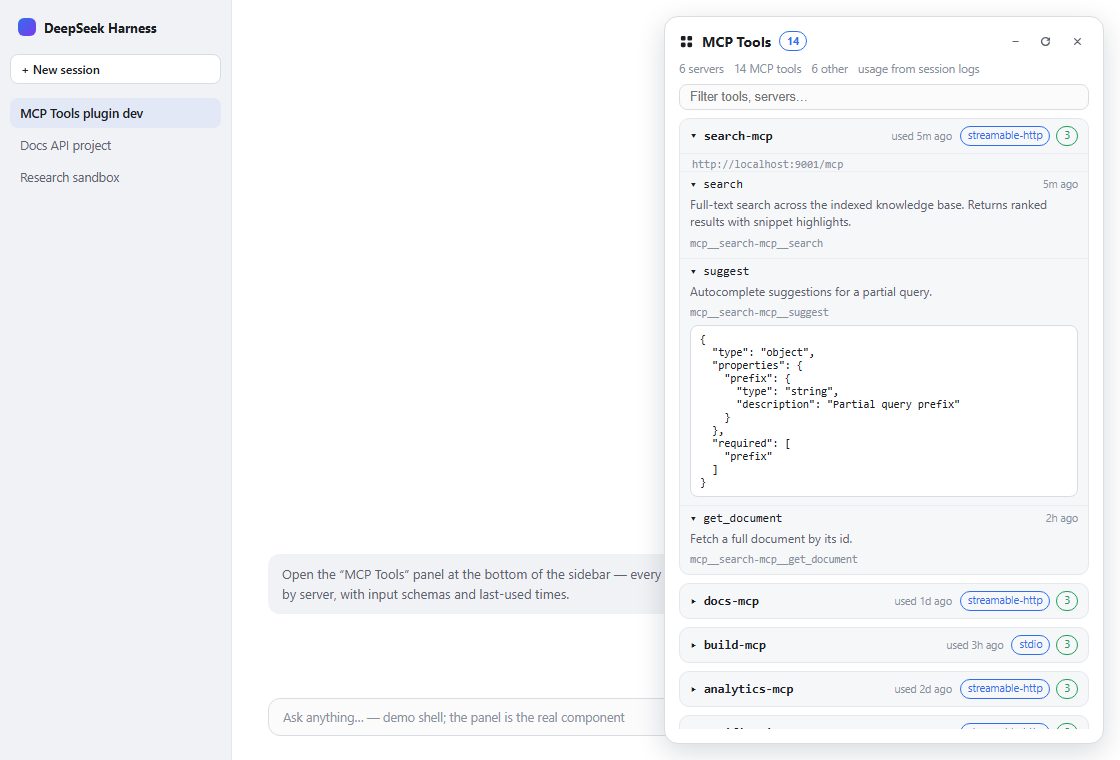
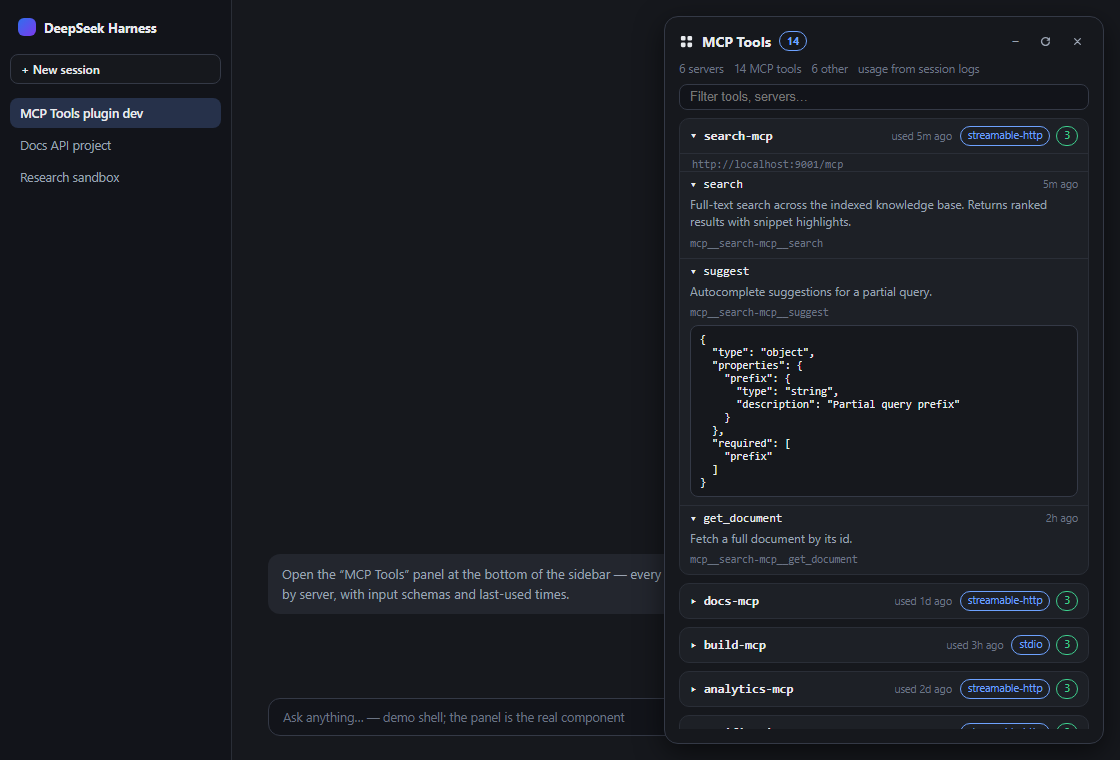
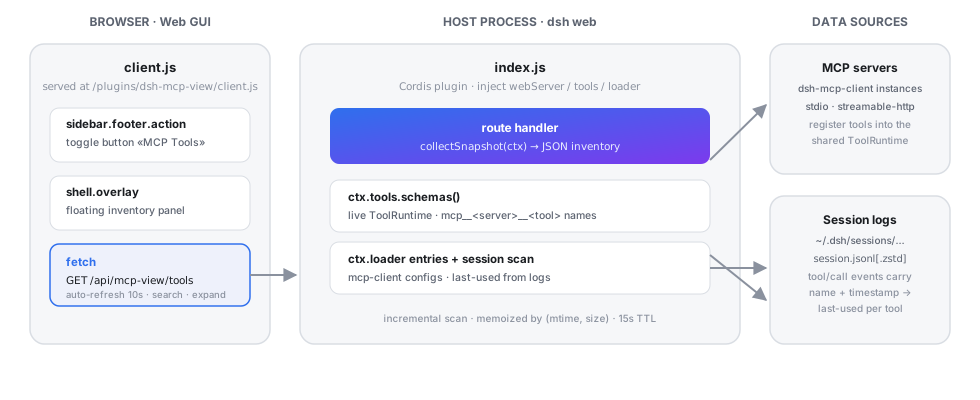
In DeepSeek Harness, users can configure MCP servers to access a variety of tools, but there was no unified interface to view these tools' configuration and status. This often required manual checks of configs or session logs, leading to inefficiency. The dsh-mcp-view plugin addresses this by providing a floating panel in the Web GUI that centralizes all MCP server and tool details.
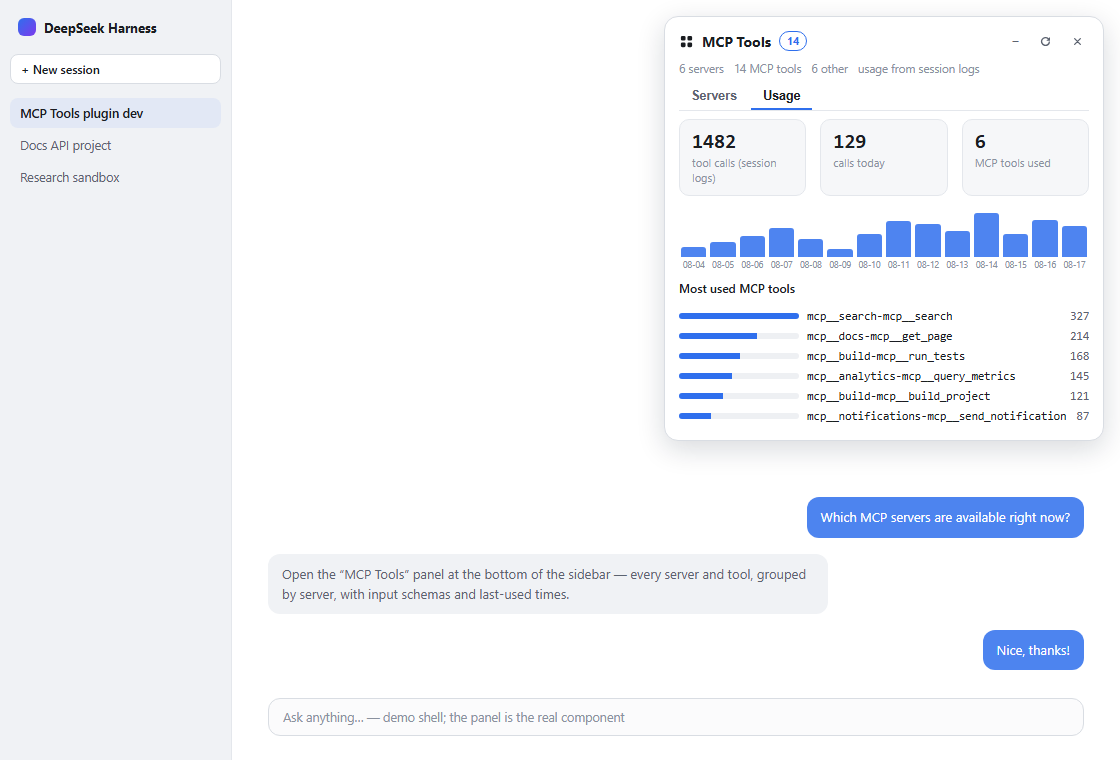
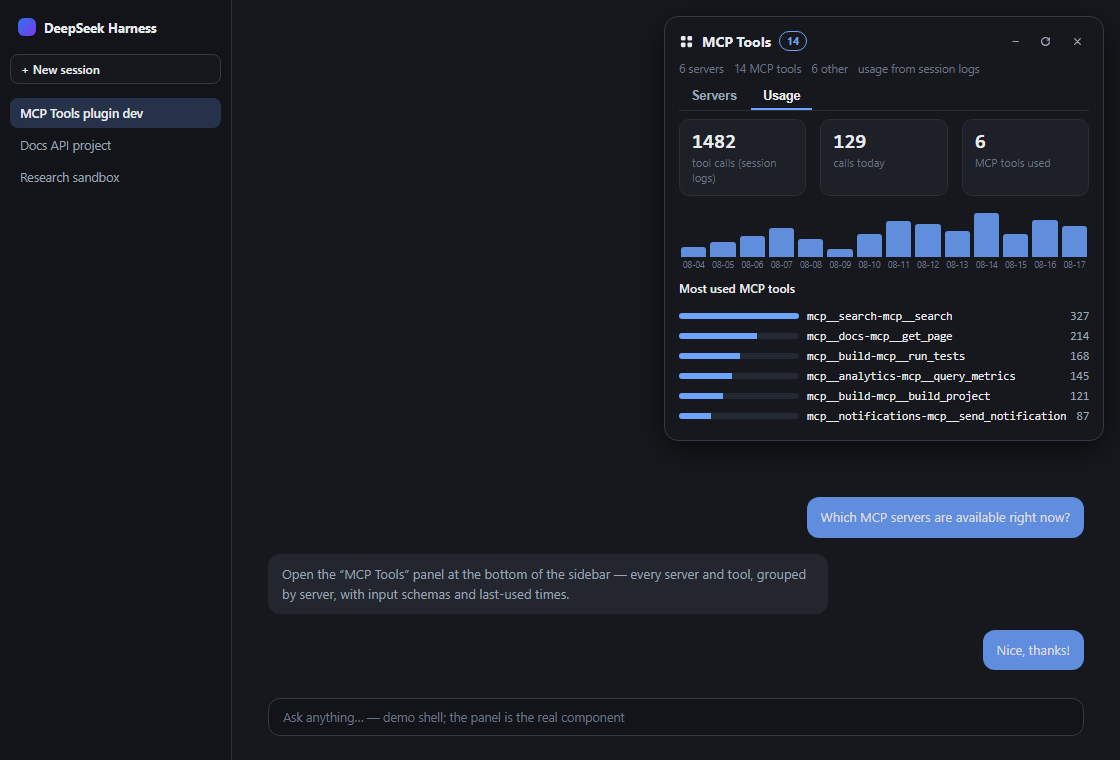
Its core capabilities include grouping servers by instance, displaying full JSON schemas for each tool, live search functionality, and last-used times derived from real session logs. Additionally, it offers health checks, export to JSON or Markdown, and an overview of non-MCP tools, giving users a comprehensive view of their tool landscape.
dsh-mcp-view is ideal for developers, system administrators, and power users who frequently work with MCP tools in DeepSeek Harness. Whether you need to quickly debug tool integrations, monitor usage patterns, or optimize workflows, this plugin simplifies management and boosts efficiency.
Screenshots

Use Cases
- Quickly view all configured MCP servers and their tool details.
- Live search and filter tools to boost productivity.
- Monitor tool usage to optimize resource allocation and workflows.
Best For
- Developers who frequently use MCP tools.
- System administrators managing tool integrations.
- Power users optimizing their workflows.
Related Plugins
A service-oriented sidebar framework for DSH, offering a full workbench with file explorer, embedded browser, real terminal, Git panel, and extensible plugin services.

A beautiful, practical Claude Code-style TUI plugin with pixel whale top bar, flowing glow title, real-time status line, streaming thought expansion, time rewind, context progress bar and TPS gauge — zero core changes.

The plugin market for DeepSeek Harness: browse/search/one-click install community plugins and themes, with updates, backup/restore, hot disable, diagnostics, and AI fix.

A persistent whale widget on the DSH web UI that shows DeepSeek balance, today's usage, and per-turn cost, with drag-and-snap and sound effects.