
dsh-open-file
Run the following command in DeepSeek Harness:
dsh plugin install hyper-dsh-plugins/dsh-open-file
Paste the following prompt into your AI chat to install this plugin:
In DeepSeek Harness, run the command `dsh plugin install hyper-dsh-plugins/dsh-open-file` to install the plugin from https://github.com/hyper-dsh-plugins/dsh-open-file.
About this plugin
dsh-open-file solves a common challenge in DeepSeek Harness conversations: seamlessly incorporating diverse files without leaving the interface. Instead of juggling external converters or tools, you can drag and drop files directly into your session, where the plugin takes over. Its core strengths lie in an integrated agent toolkit that inspects file metadata, reads content, performs local OCR in English and Simplified Chinese, and renders documents to images—all within a traceable workflow. This makes it ideal for anyone who works with documents, images, code, or data, such as researchers, writers, or developers, allowing them to analyze reports, extract text from screenshots, or preview presentations without disrupting their focus. The plugin emphasizes ease of use and reliability, turning file handling from a distraction into a natural part of your AI-assisted work.
Screenshots
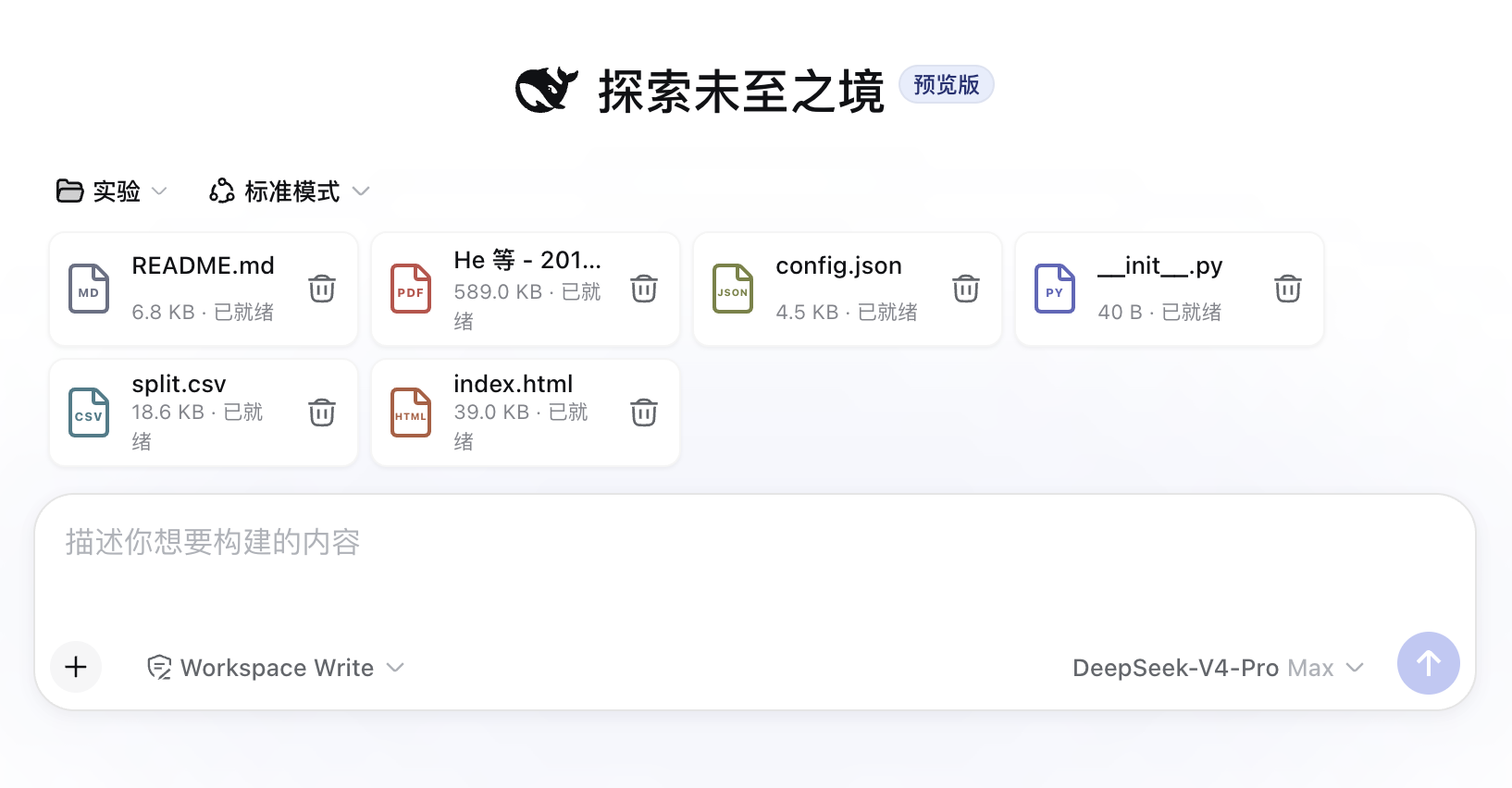
Use Cases
- Quickly upload and analyze report files within the chat.
- Use OCR to recognize text in images and extract content.
- Render documents to images for sharing previews in the conversation.
Best For
- Researchers who need to handle documents frequently.
- Developers analyzing code files or logs.
- Content creators working with images and multimedia files.
Related Plugins
A service-oriented sidebar framework for DSH, offering a full workbench with file explorer, embedded browser, real terminal, Git panel, and extensible plugin services.

A beautiful, practical Claude Code-style TUI plugin with pixel whale top bar, flowing glow title, real-time status line, streaming thought expansion, time rewind, context progress bar and TPS gauge — zero core changes.

The plugin market for DeepSeek Harness: browse/search/one-click install community plugins and themes, with updates, backup/restore, hot disable, diagnostics, and AI fix.

A persistent whale widget on the DSH web UI that shows DeepSeek balance, today's usage, and per-turn cost, with drag-and-snap and sound effects.