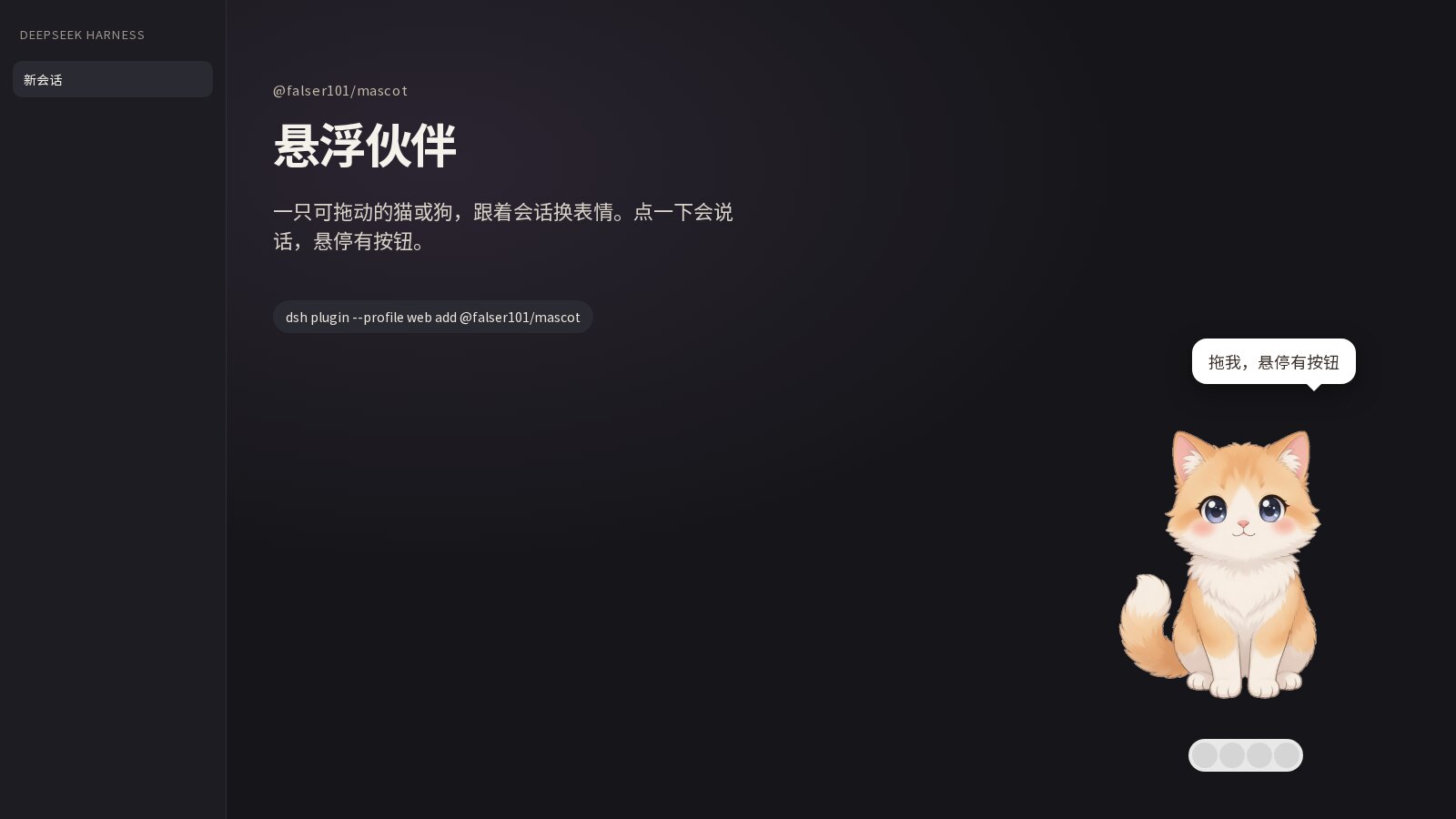
dsh-mascot
Run the following command in DeepSeek Harness:
dsh plugin install falser101/dsh-mascot
Paste the following prompt into your AI chat to install this plugin:
In DeepSeek Harness, you can install this plugin using the command `dsh plugin install falser101/dsh-mascot` or visit https://github.com/falser101/dsh-mascot for detailed installation instructions.
About this plugin
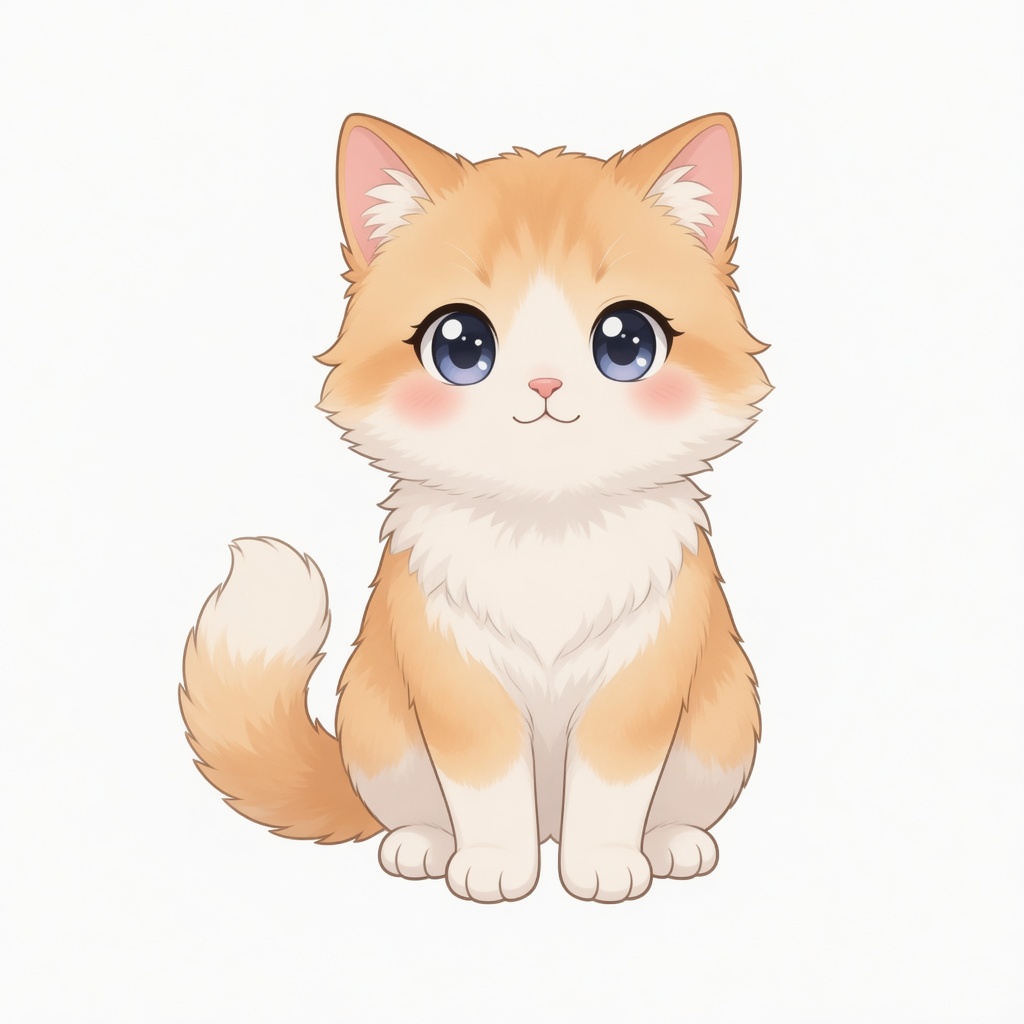
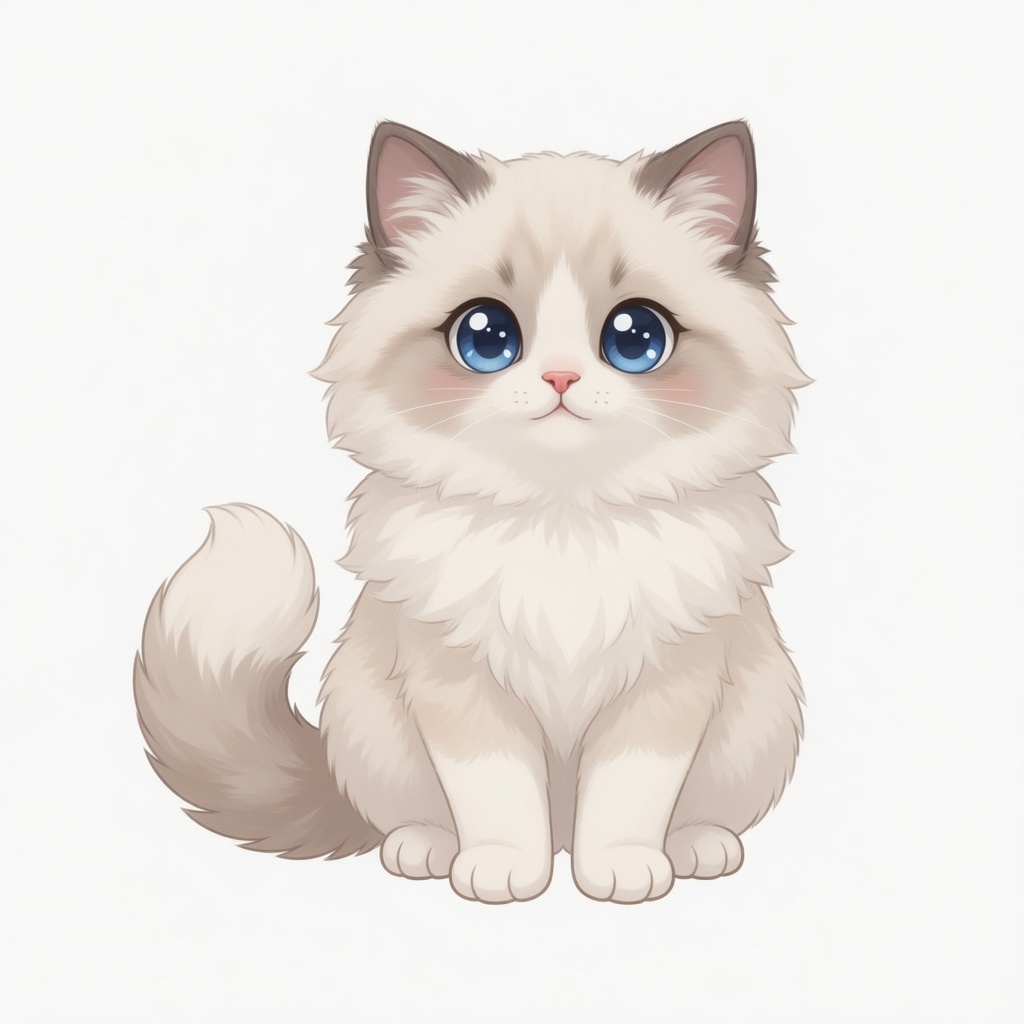
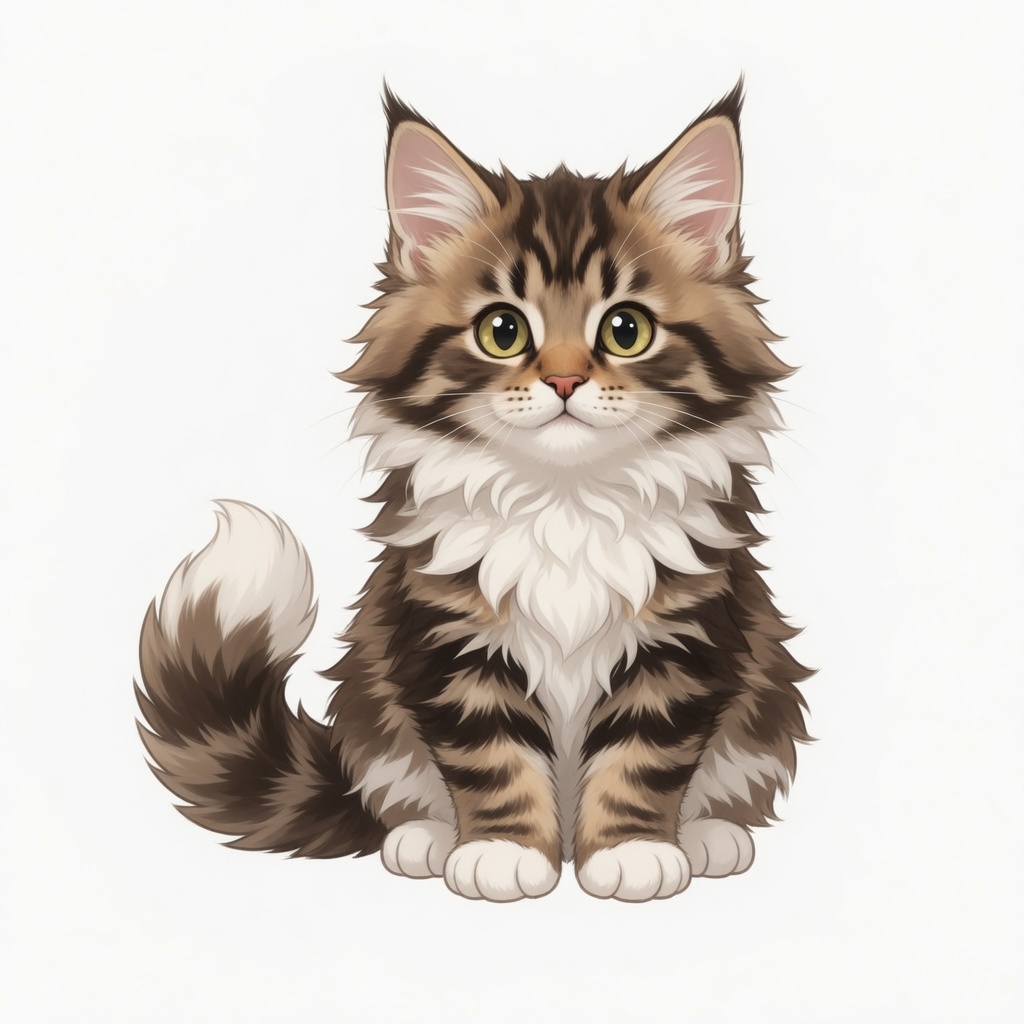
When using DeepSeek Harness for extended conversations or tasks, users may experience monotony or a lack of companionship. The dsh-mascot plugin addresses this by providing a draggable cartoon cat or dog floating companion that adds a touch of fun and emotional support. It dynamically changes expressions and bubble messages based on real-time conversation states, such as thinking, busy, or completed, making the workflow more engaging.
The plugin's core capabilities lie in its state-sensing and interactive design. It displays appropriate expressions for stages like queuing, awaiting confirmation, reasoning, tool-calling, or answering, while supporting drag-and-drop, hover buttons, and double-click to minimize. Users can switch between cat and dog avatars in settings, adjust bubble activity levels, and optionally enable an AI mini-theater for additional surprises—all aimed at enhancing emotional connection and visual delight during use.
dsh-mascot is ideal for frequent DeepSeek Harness users engaged in deep work, development, or learning. Whether you're an independent developer seeking companionship or a researcher wanting a livelier interface, this plugin transforms a technical tool into a warmer, more interactive experience. It suits anyone who values a blend of fun and productivity, making long sessions more enjoyable through subtle, responsive interactions.
Screenshots
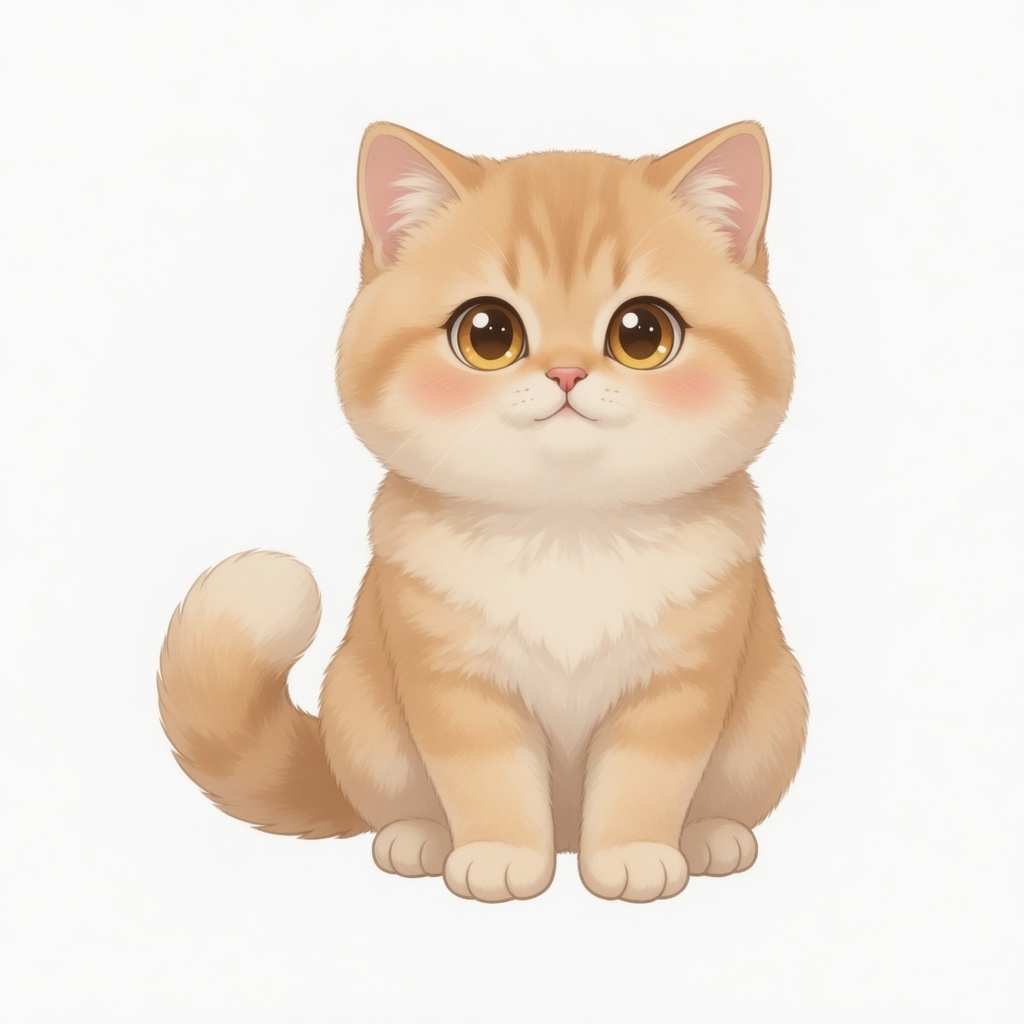
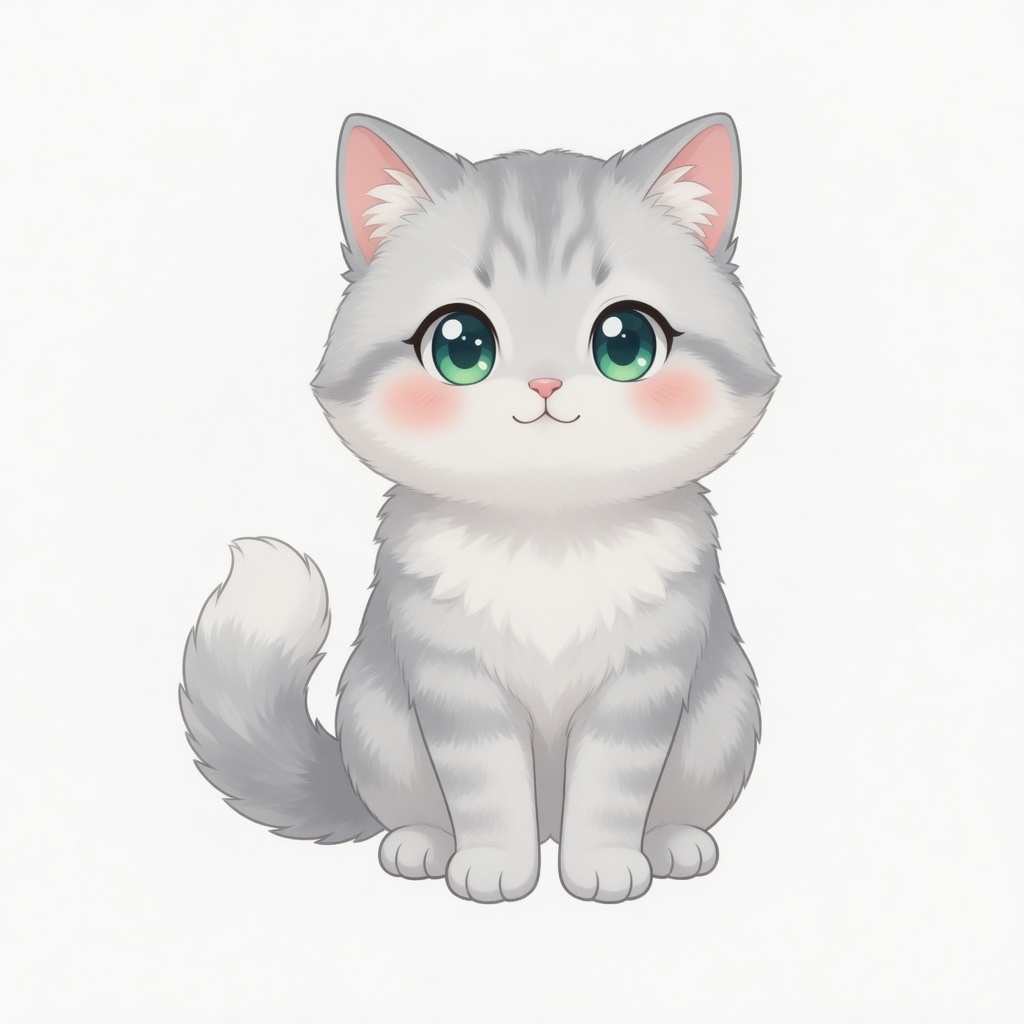
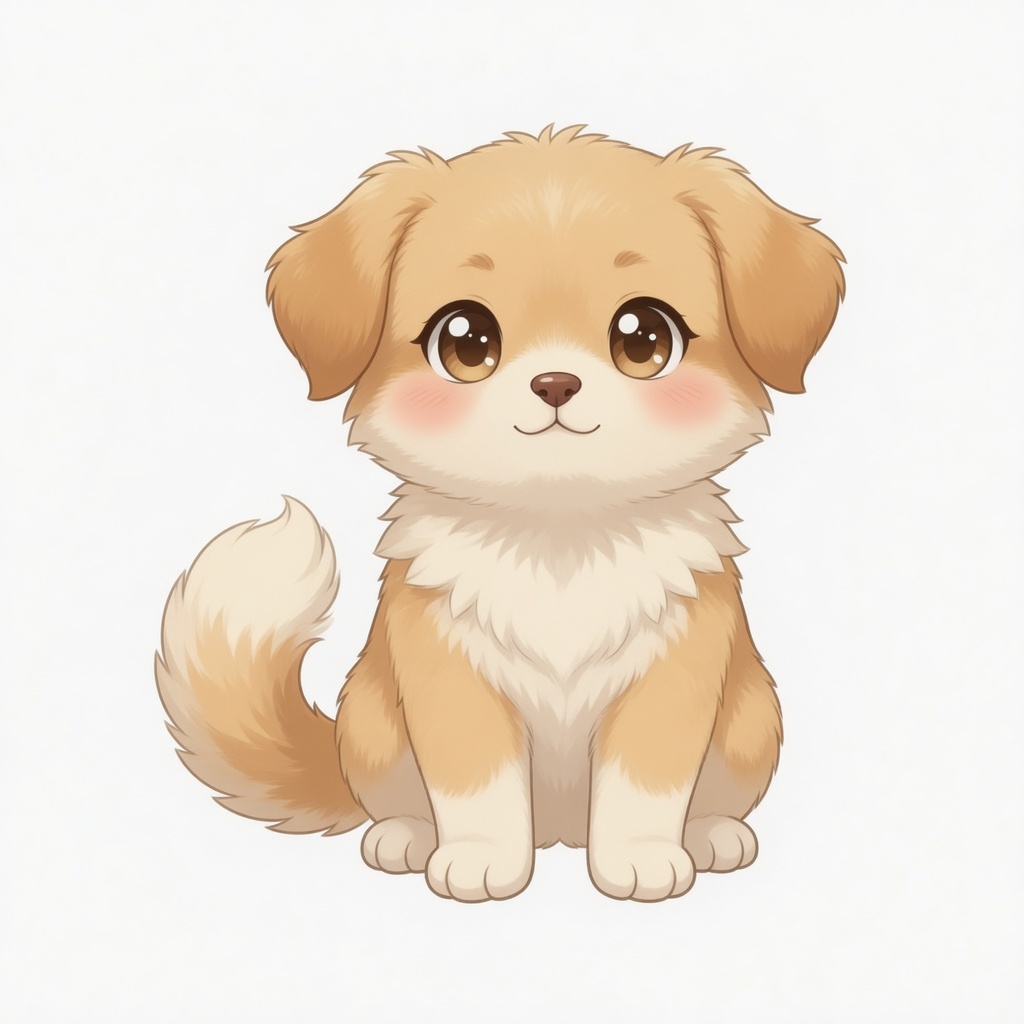
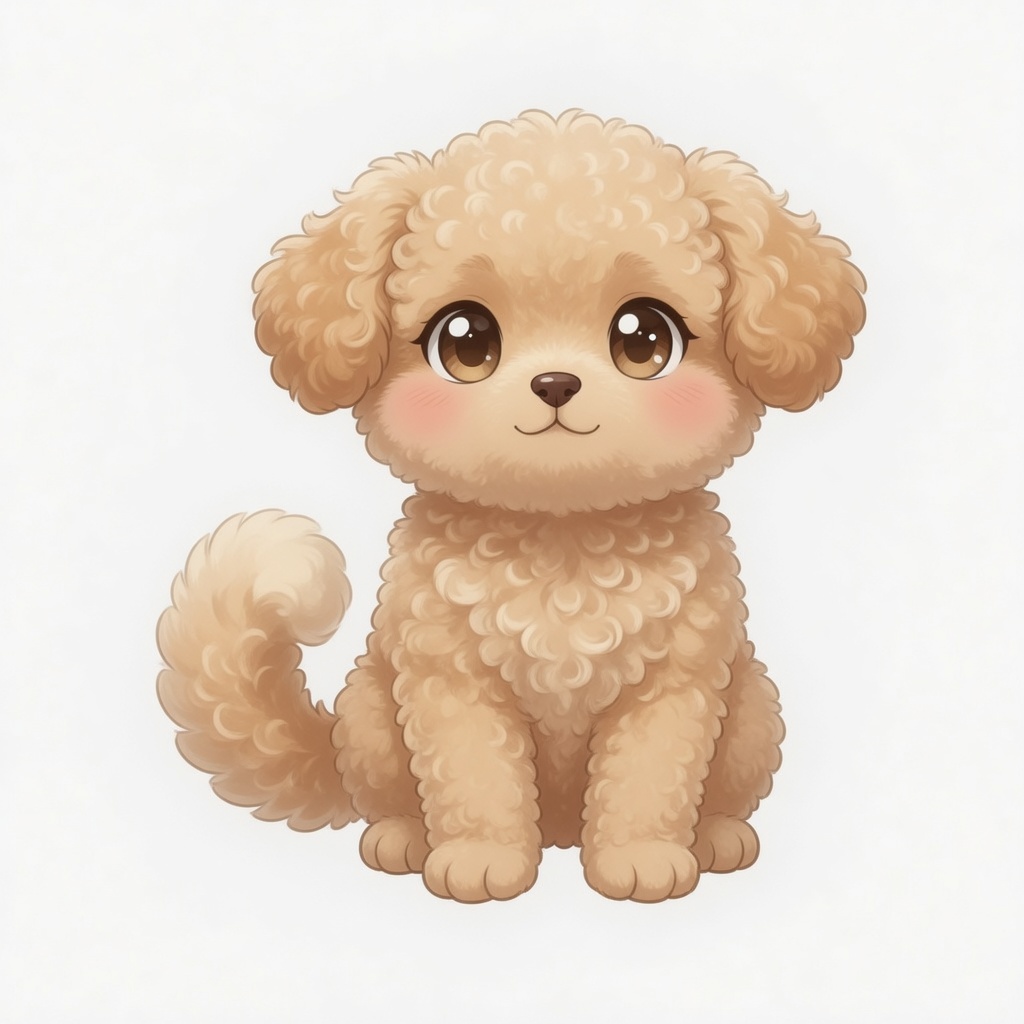
Use Cases
- Providing visual companionship and interactive fun during extended conversations in DeepSeek Harness.
- Alleviating boredom while waiting for AI responses or during processing by showing expressions and bubbles.
- Intuitively sensing session progress when needing to switch between tasks or states.
Best For
- Developers or researchers who frequently use DeepSeek Harness for deep work.
- Users who seek interface fun and emotional support, especially those spending long hours on screen.
- General users who enjoy cartoon avatars and interactive elements, wanting tools to be more lively.
Related Plugins

whale-girl is a desktop pet in the DSH Web GUI (bottom-right for instant companionship) — draggable, feedable, playable; completed tasks, sessions and companionship time accrue into seniority levels, titles, and memories.

Renders your local Wallpaper Engine wallpapers as the DSH web background, supporting video, web, and scene wallpapers with a liquid-glass effect and rich customization.

A WebGPU ocean skin for DeepSeek Harness with five-wave Gerstner waves, translucent theme, day/night cycle, and quick controls, installable as plugin or extension.

A Galgame-style conversation view and visual scene editor for DSH web sessions, with a real-time editing mode.