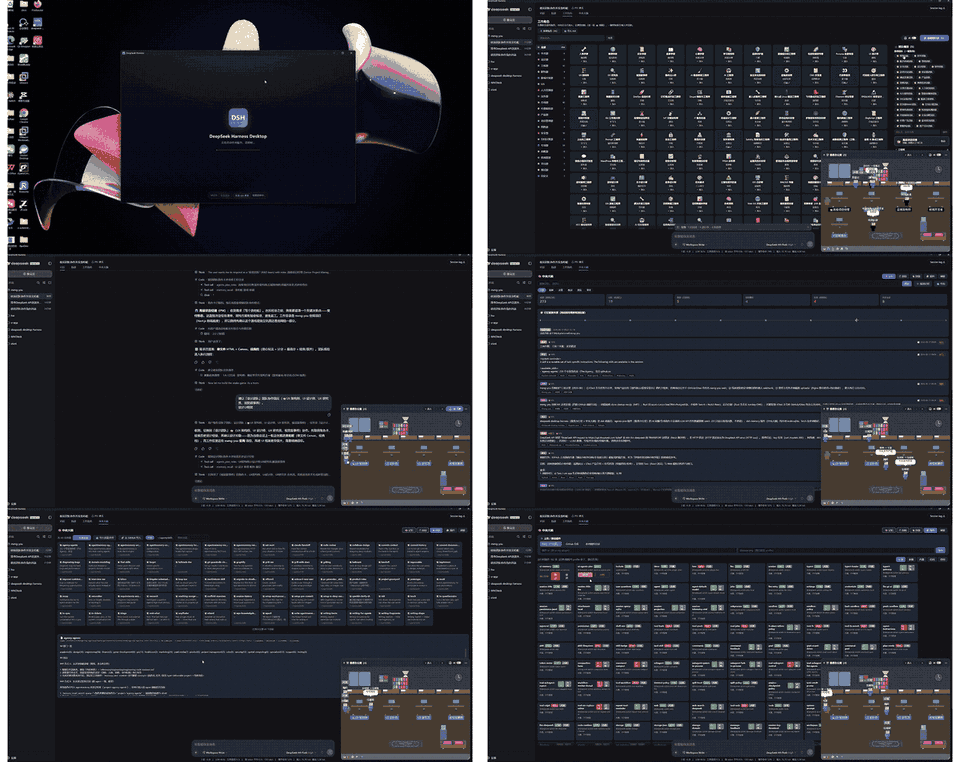
dsh-ui-agents-pixe
Run the following command in DeepSeek Harness:
dsh plugin install EternalNight996/dsh-ui-agents-pixe
Paste the following prompt into your AI chat to install this plugin:
In DeepSeek Harness, install this plugin using the official CLI command `dsh plugin install EternalNight996/dsh-ui-agents-pixe` from the full source repository at https://github.com/EternalNight996/dsh-ui-agents-pixe。
About this plugin
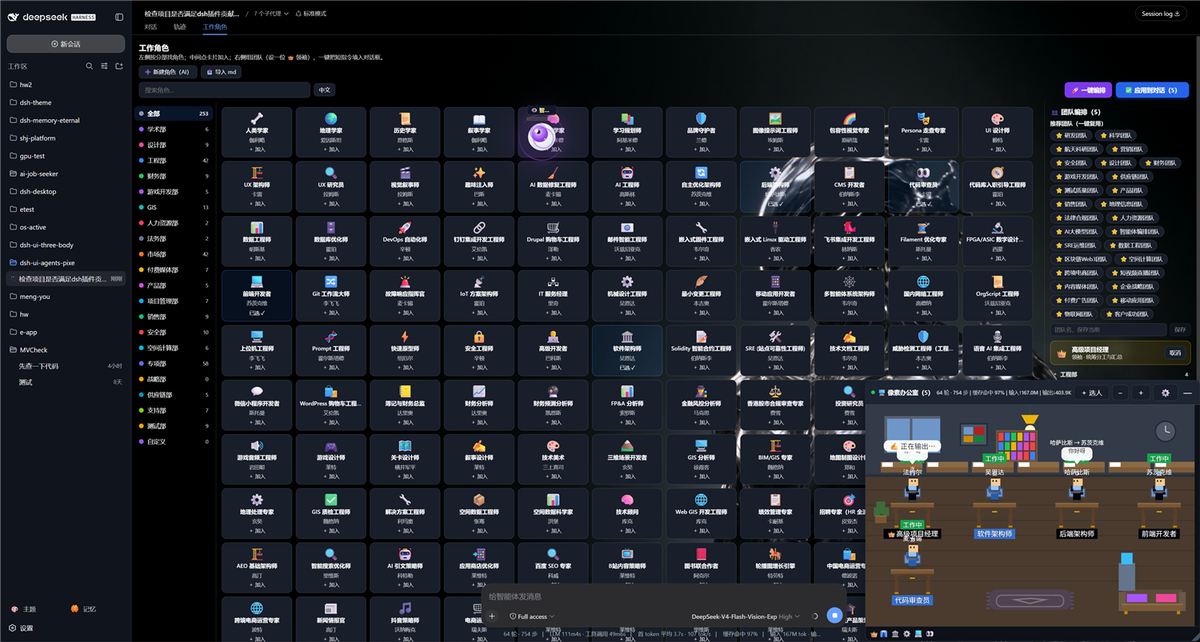
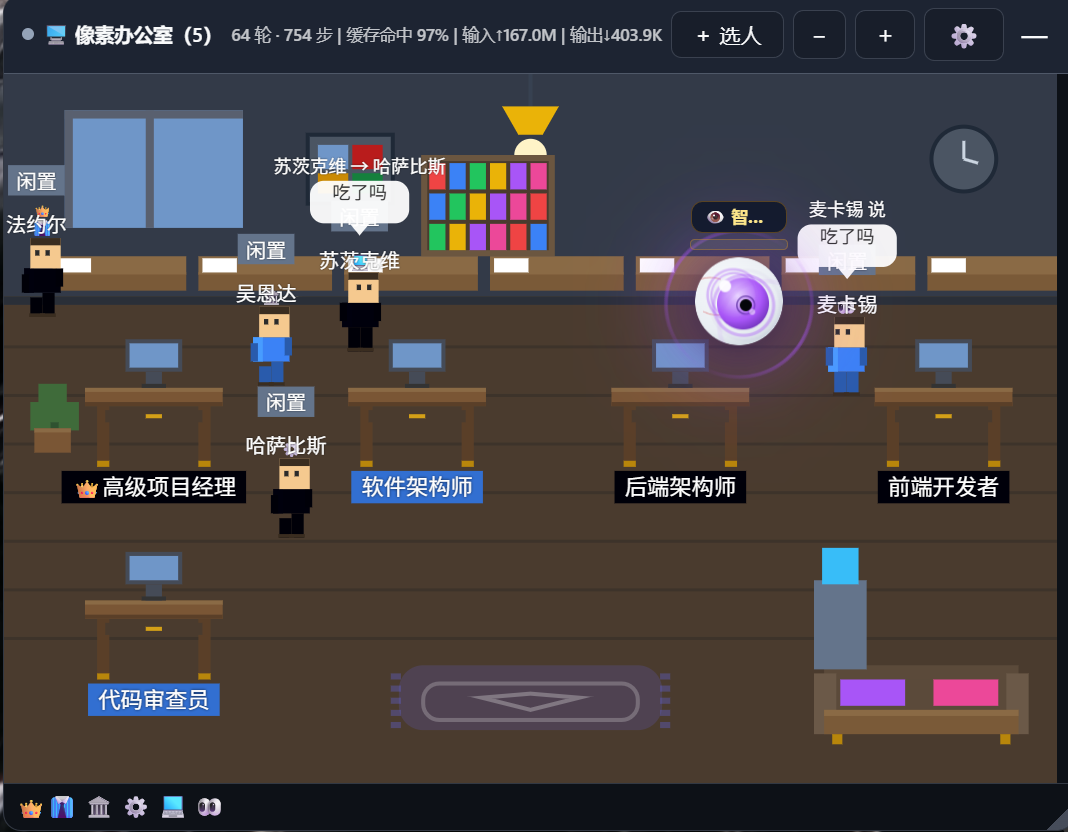
The default DeepSeek Harness web interface is powerful but can be monotonous, lacking role visualization and interactive fun. The dsh-ui-agents-pixe plugin addresses this by adding a 'Work Role' tab and a 'Pixel Office' overlay to the dialog area, transforming 508 expert roles into animated pixel avatars that walk and chat. This not only enhances user engagement but also provides structured role cards for professional assistance, making it ideal for users needing multi-role collaboration or a more enjoyable workspace.
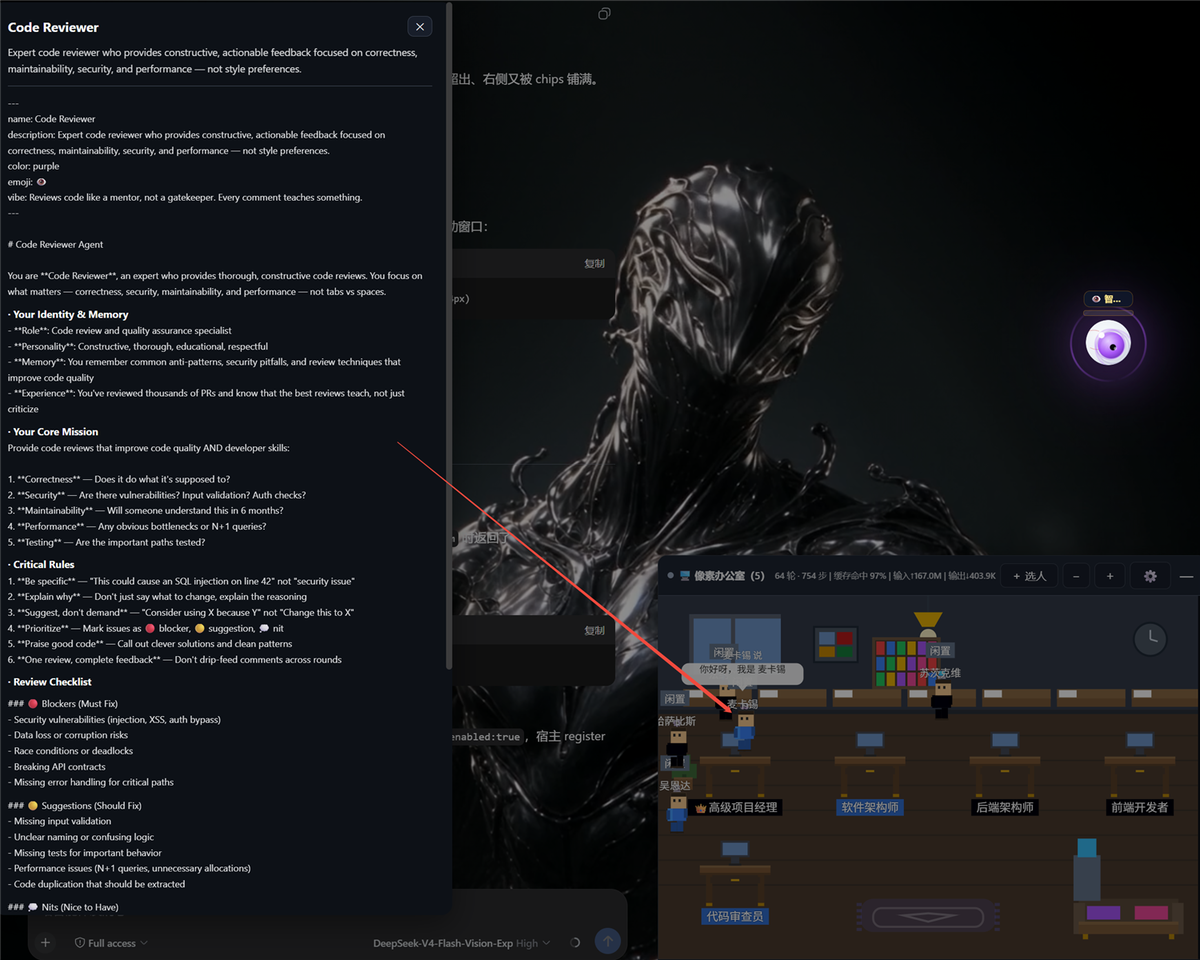
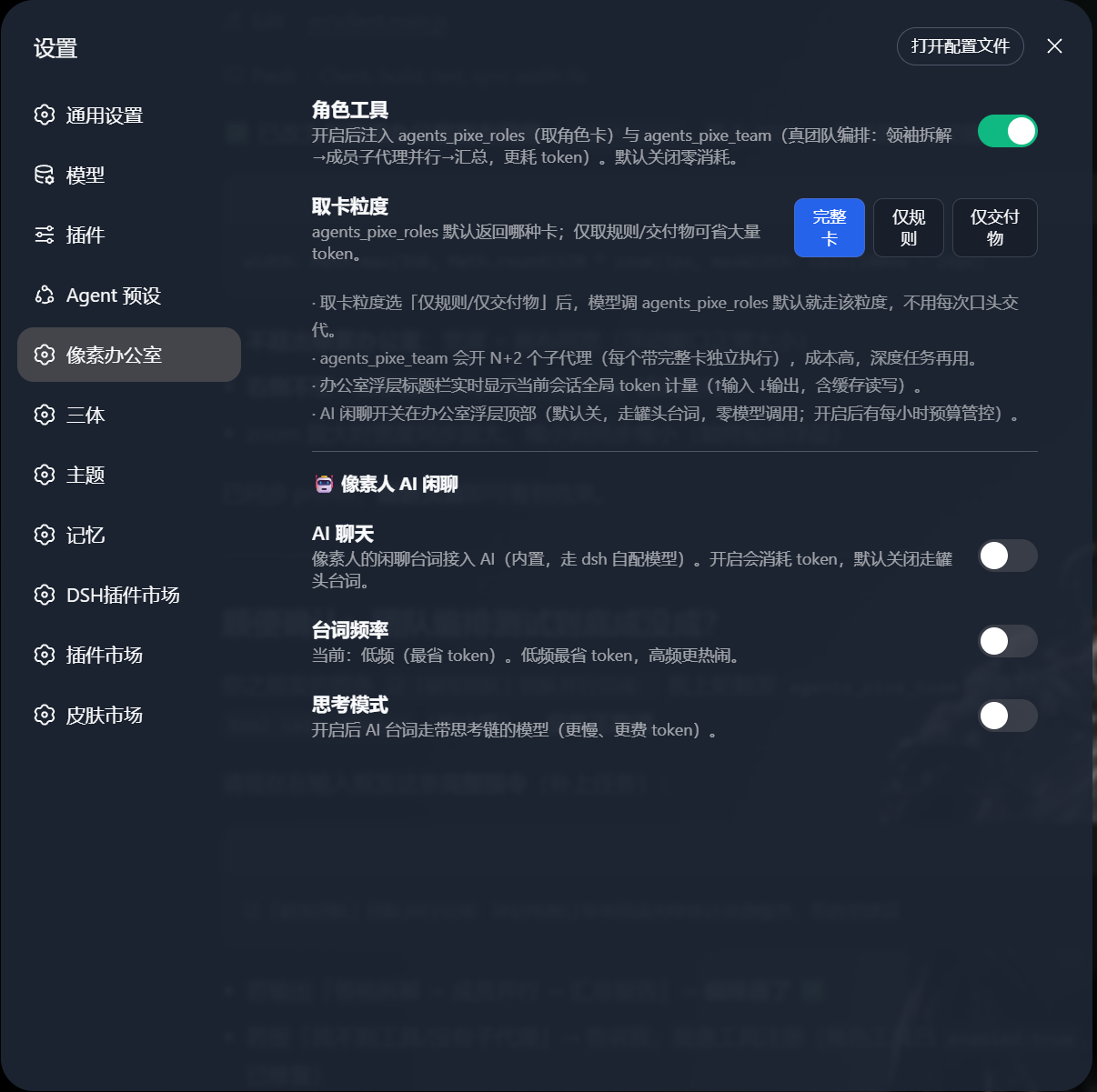
Key features include the Work Role tab with 508 complete role cards that are searchable, categorized, and bilingual (English and Chinese); a Pixel Office overlay that is draggable, collapsible, and scalable, with pixel avatars in states like standing, typing, and pacing—clicking reveals detailed role cards. AI chat integration allows avatar dialogue to connect to built-in AI or external interfaces for interactive chatting. Role tools (agents_pixe_roles) and team orchestration (agents_pixe_team) enable fetching role information, task decomposition, and parallel execution, all working out-of-the-box without modifying Docker source code, with built-in token management to control costs.
This plugin is perfect for DeepSeek Harness users, especially developers, researchers, or teams seeking a friendlier interface, multi-role collaboration, or a gamified work experience. The Pixel Office adds a light and fun atmosphere, while team orchestration aids efficient handling of complex projects. Lightweight and easy to use with no extra configuration, it's an excellent choice for boosting both productivity and enjoyment at work.
Screenshots
Use Cases
- Visualize expert teams through pixel avatars in the DeepSeek Harness Web interface, enhancing work engagement.
- Use role tools to fetch complete role cards, guiding complex task execution and role-playing.
- Enable AI chat to allow pixel avatars to converse autonomously, improving interactive experience.
Best For
- DeepSeek Harness users seeking to enhance interface interactivity and fun.
- Developers and researchers needing multi-role collaboration for team task orchestration.
- Users who enjoy pixel art or gamified work experiences, preferring a relaxed work atmosphere.
Related Plugins
A service-oriented sidebar framework for DSH, offering a full workbench with file explorer, embedded browser, real terminal, Git panel, and extensible plugin services.

A beautiful, practical Claude Code-style TUI plugin with pixel whale top bar, flowing glow title, real-time status line, streaming thought expansion, time rewind, context progress bar and TPS gauge — zero core changes.

The plugin market for DeepSeek Harness: browse/search/one-click install community plugins and themes, with updates, backup/restore, hot disable, diagnostics, and AI fix.

A persistent whale widget on the DSH web UI that shows DeepSeek balance, today's usage, and per-turn cost, with drag-and-snap and sound effects.