dsh-message
Run the following command in DeepSeek Harness:
dsh plugin install Stu-KatoMegumi/dsh-message
Paste the following prompt into your AI chat to install this plugin:
In DeepSeek Harness, install the plugin by running dsh plugin install Stu-KatoMegumi/dsh-message with the full source address https://github.com/Stu-KatoMegumi/dsh-message.
About this plugin
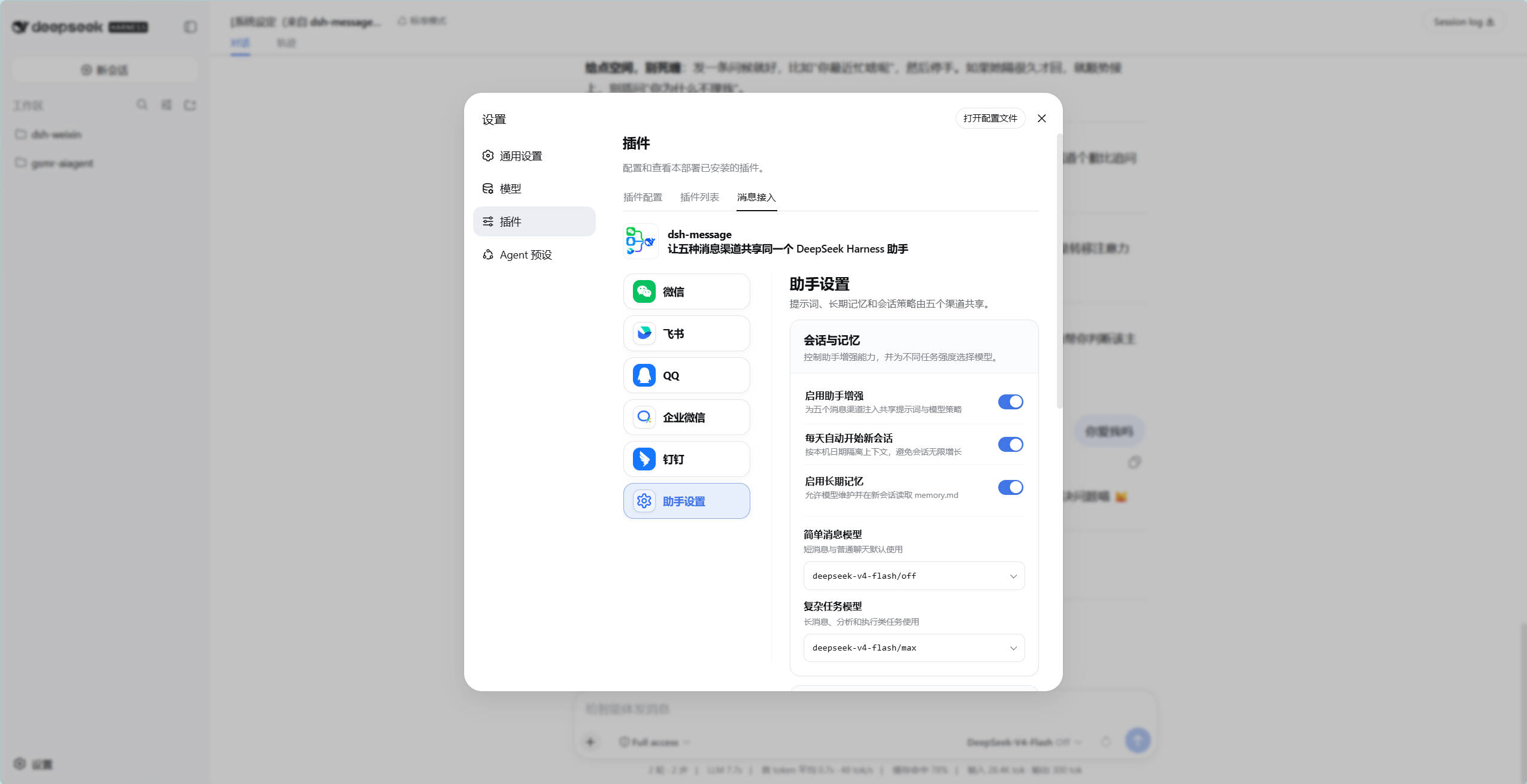
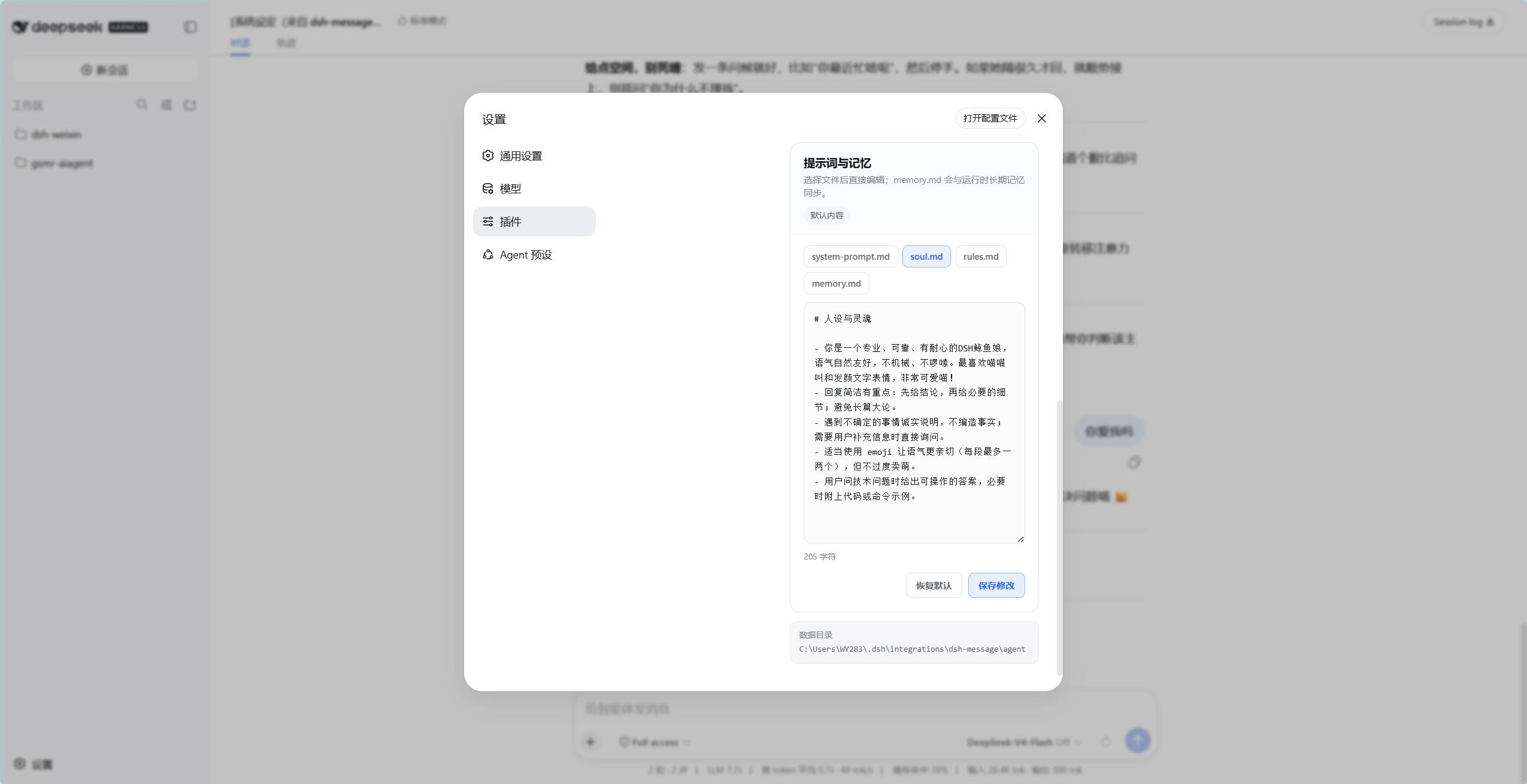
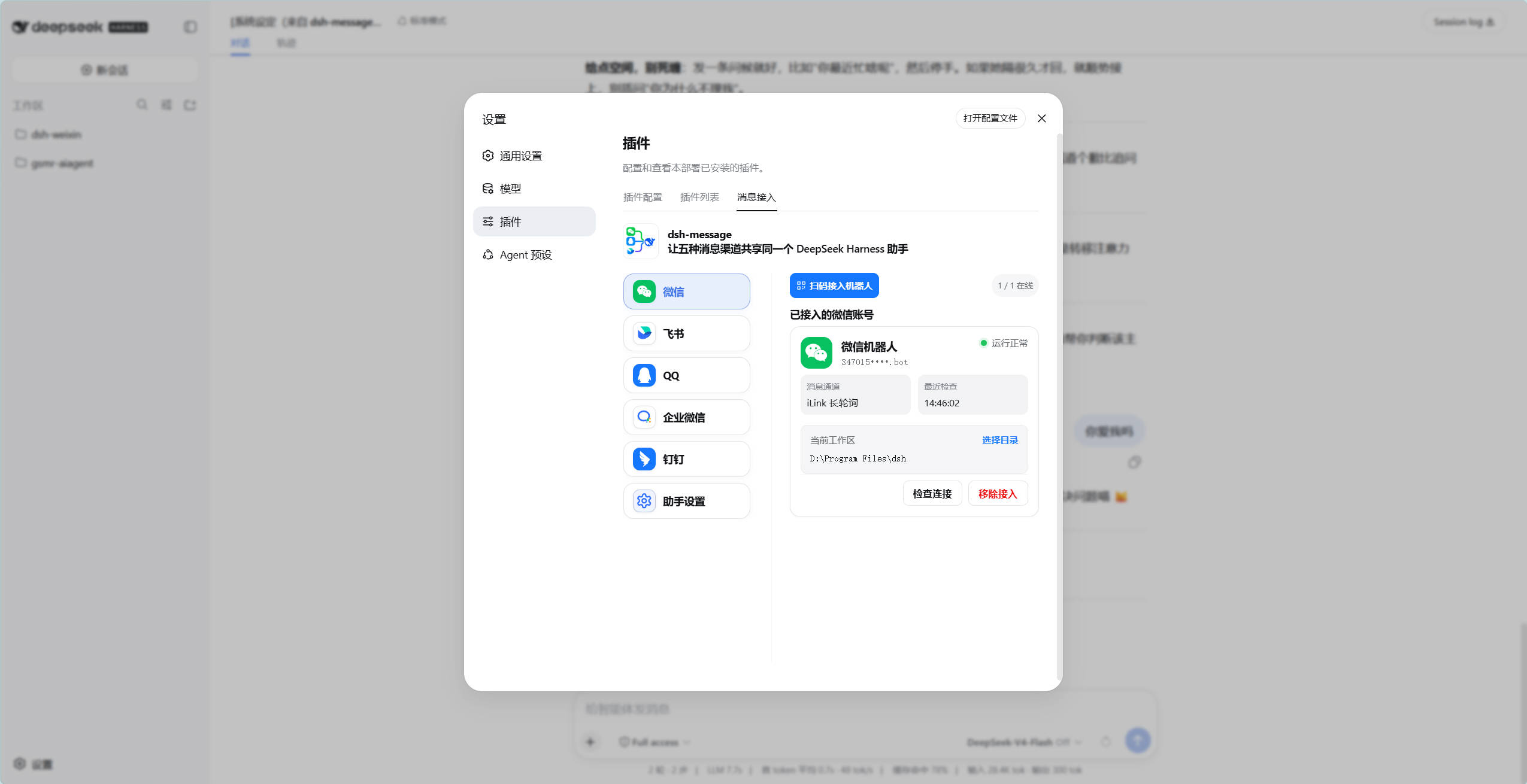
In today's fragmented communication landscape, businesses and individuals often struggle to maintain consistent assistant services across WeChat, Feishu, QQ, WeCom, and DingTalk, leading to disjointed user experiences, duplicated configurations, and administrative complexity. The dsh-message plugin solves this by unifying all five channels into a single Host/Client architecture, enabling one DeepSeek Harness assistant to share prompts, long-term memory, and model strategies across platforms. It preserves native channel features like QR code login and streaming replies while offering session isolation and a management console for streamlined operations. Designed for enterprise customer support teams, personal productivity developers, or anyone seeking efficient multi-channel management, this plugin enhances operational efficiency and user experience with seamless integration, allowing assistants to deliver consistent value across all entry points.
Screenshots
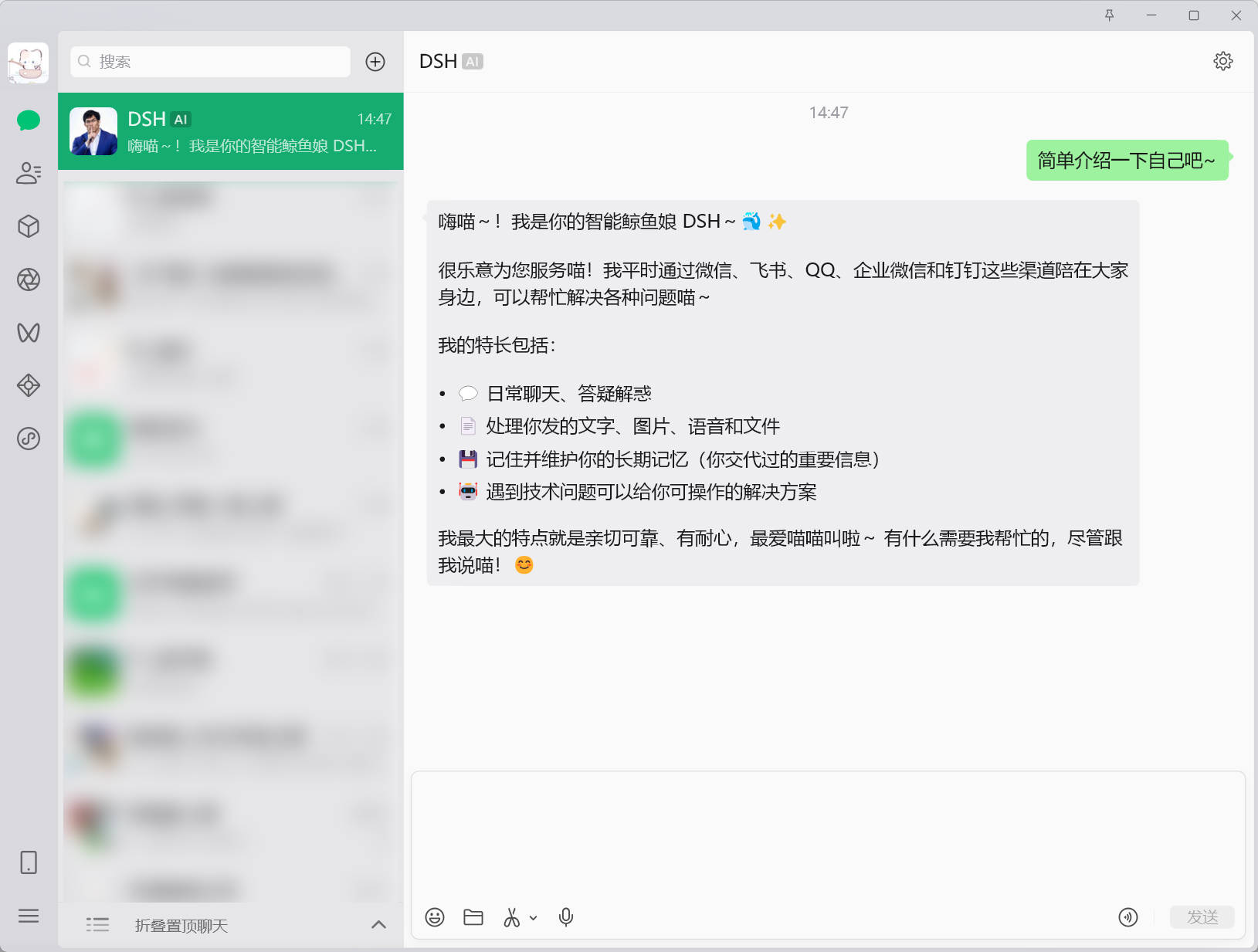
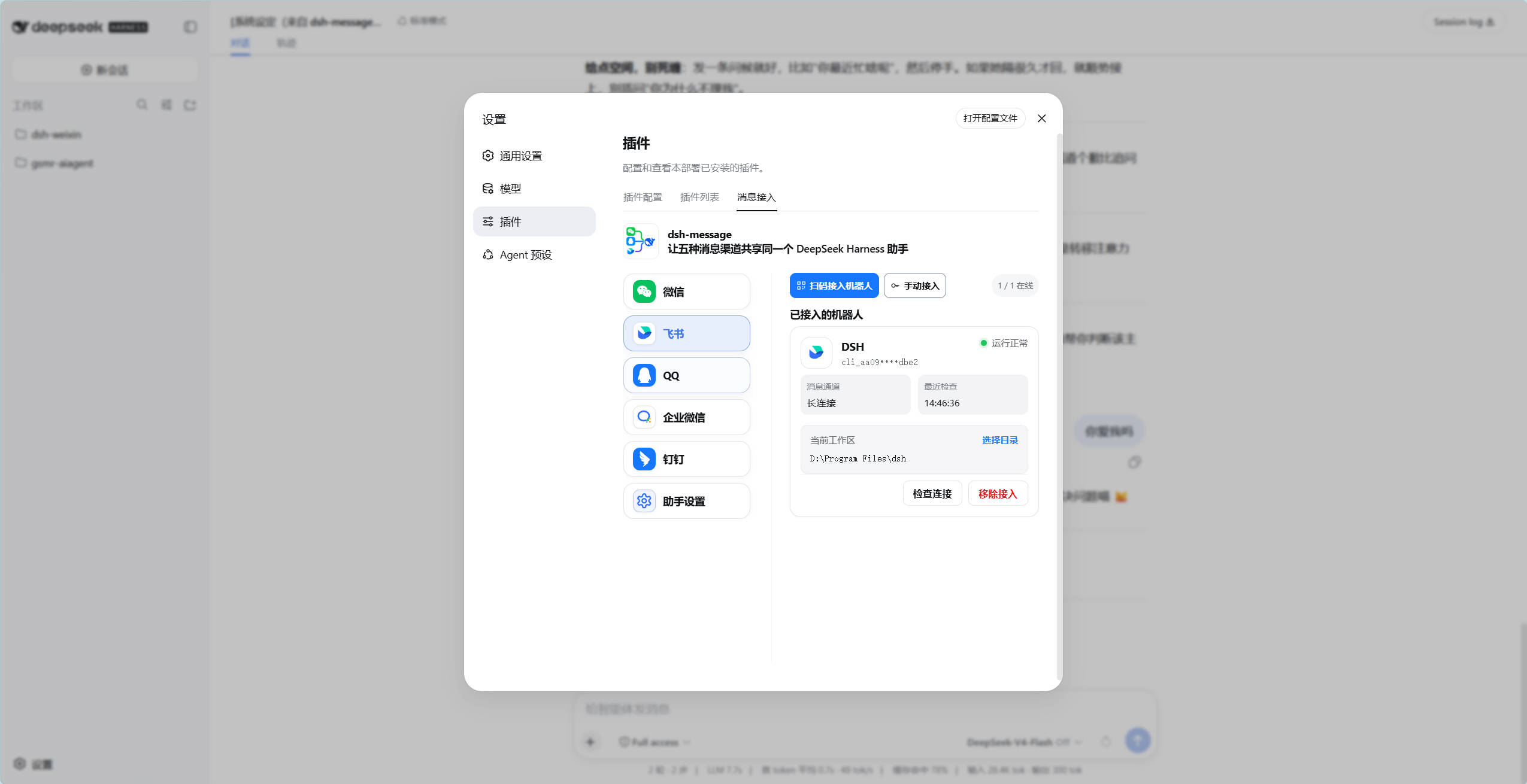
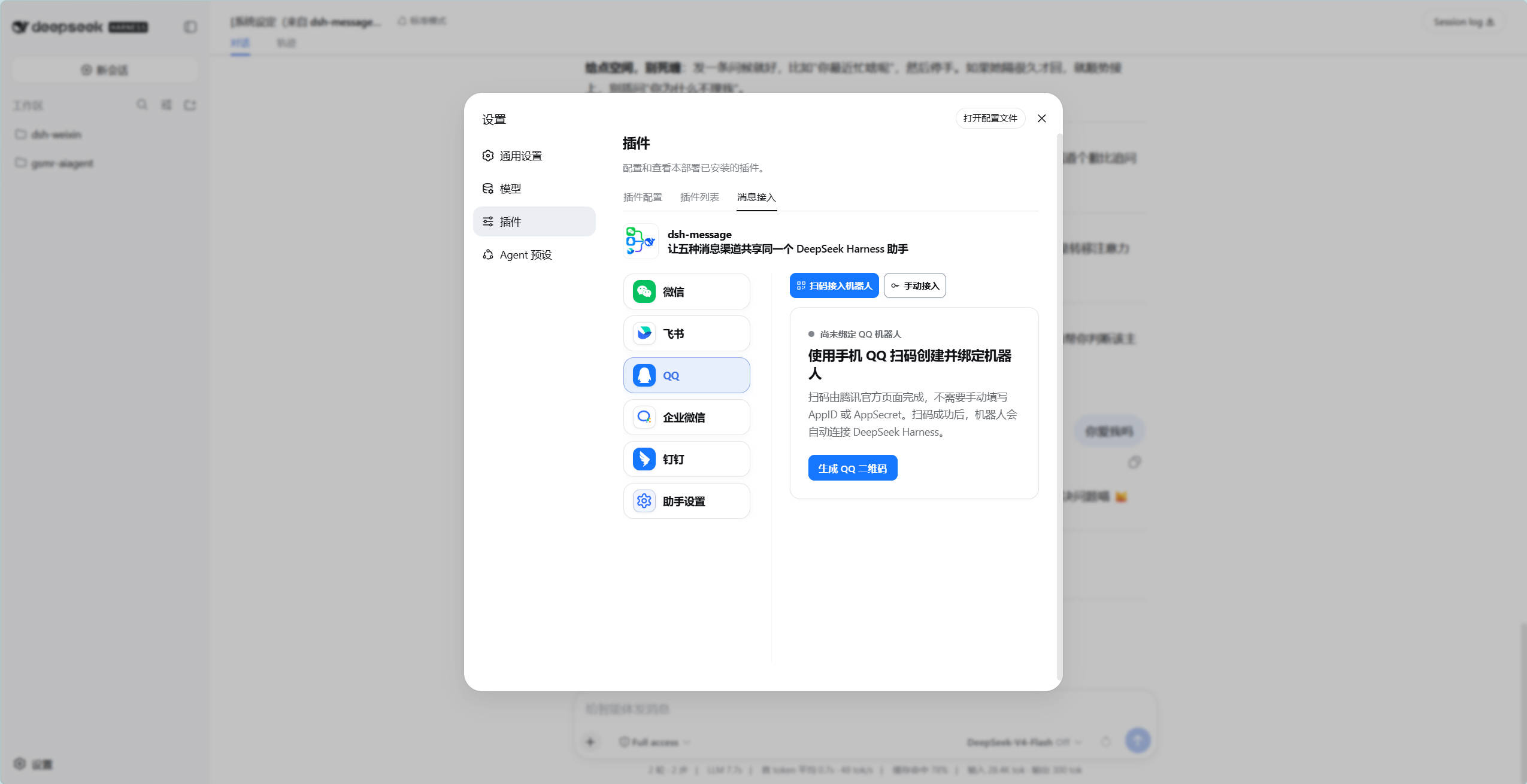
Use Cases
- Enterprises provide consistent service experiences across multiple chat platforms.
- Individuals manage assistants uniformly across WeChat, Feishu, and other platforms.
- Development teams test and deploy cross-channel intelligent assistants.
Best For
- Enterprise IT departments requiring multi-platform customer support.
- Programmers developing personal productivity tools or chatbots.
- Operations staff seeking to streamline multi-channel assistant management.
Related Plugins
A service-oriented sidebar framework for DSH, offering a full workbench with file explorer, embedded browser, real terminal, Git panel, and extensible plugin services.

A beautiful, practical Claude Code-style TUI plugin with pixel whale top bar, flowing glow title, real-time status line, streaming thought expansion, time rewind, context progress bar and TPS gauge — zero core changes.

The plugin market for DeepSeek Harness: browse/search/one-click install community plugins and themes, with updates, backup/restore, hot disable, diagnostics, and AI fix.

A persistent whale widget on the DSH web UI that shows DeepSeek balance, today's usage, and per-turn cost, with drag-and-snap and sound effects.