dsh-bgm
Run the following command in DeepSeek Harness:
dsh plugin install skymecode/dsh-bgm
Paste the following prompt into your AI chat to install this plugin:
In DeepSeek Harness, install the dsh-bgm plugin by running the command dsh plugin install skymecode/dsh-bgm, with the full source address at https://github.com/skymecode/dsh-bgm.
About this plugin
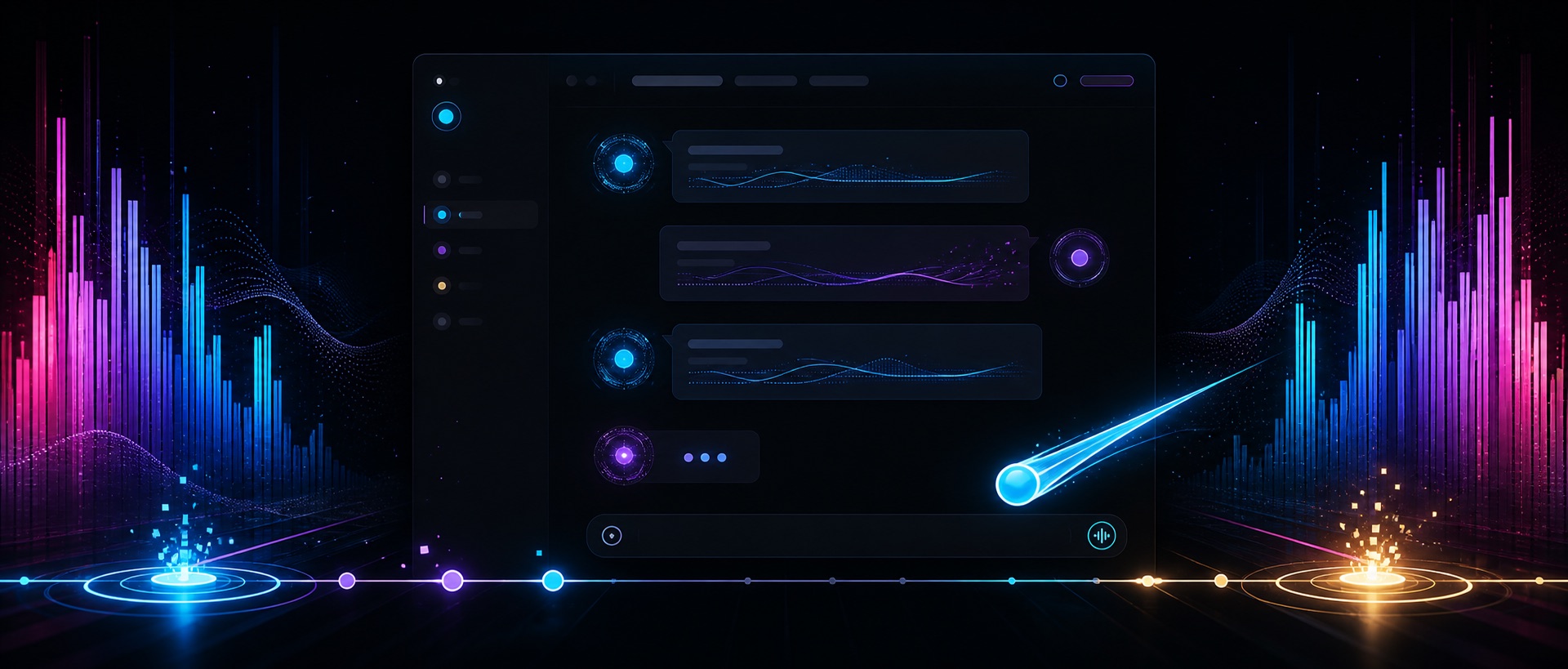
The dsh-bgm plugin addresses the disconnection between agent activities and music rhythm in DSH Web. By capturing system audio, it enables dynamic syncing of thinking, tool calls, and other processes with real-time musical rhythms. Its core capabilities include continuous text waves, rhythm game judgements, ambient columns, and card rewards, transforming static interactions into an engaging experience. It is ideal for all DSH users, especially music enthusiasts, those seeking immersive interactions, or anyone wanting to add more fun and dynamism to their workflow.
Screenshots
Use Cases
- When playing any system music during DSH conversations, activity lines pulse in real-time.
- During tool calls or thinking, rhythm game judgements and combos enhance interactivity.
- After an answer is complete, view the four-act settlement animation and card rewards.
Best For
- DSH users who want more immersive and fun interactions.
- Music enthusiasts who enjoy integrating music rhythms into tool usage.
- Geeks seeking dynamic visual effects and gamified experiences.
Related Plugins

whale-girl is a desktop pet in the DSH Web GUI (bottom-right for instant companionship) — draggable, feedable, playable; completed tasks, sessions and companionship time accrue into seniority levels, titles, and memories.

Renders your local Wallpaper Engine wallpapers as the DSH web background, supporting video, web, and scene wallpapers with a liquid-glass effect and rich customization.

A WebGPU ocean skin for DeepSeek Harness with five-wave Gerstner waves, translucent theme, day/night cycle, and quick controls, installable as plugin or extension.

A Galgame-style conversation view and visual scene editor for DSH web sessions, with a real-time editing mode.