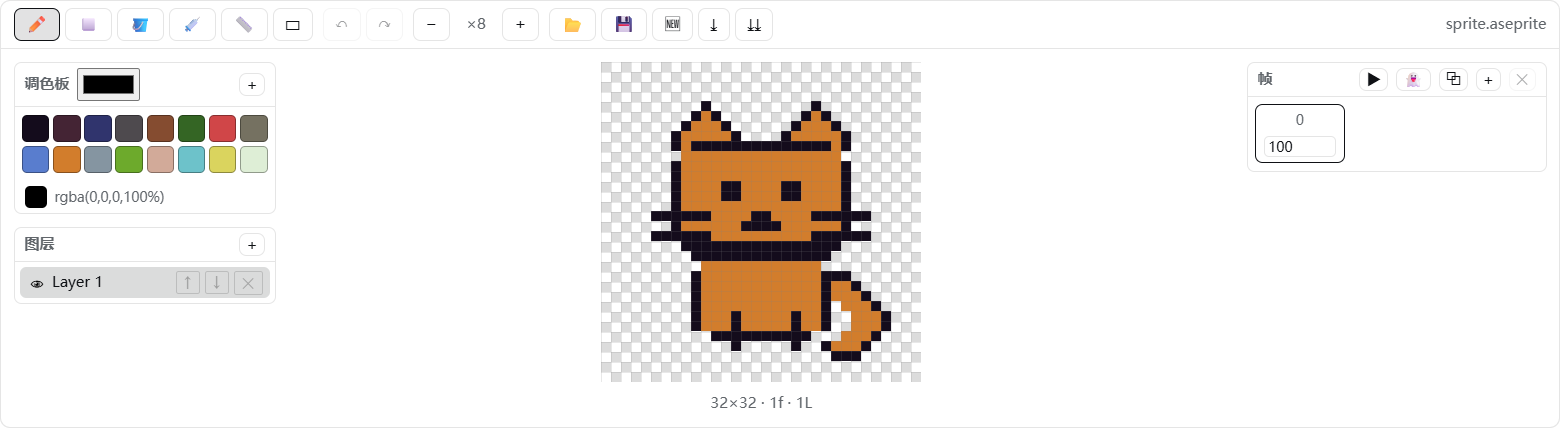
dsh-aseprite
Run the following command in DeepSeek Harness:
dsh plugin install Ratevoid/dsh-aseprite
Paste the following prompt into your AI chat to install this plugin:
To install this plugin in DeepSeek Harness, use the command dsh plugin install Ratevoid/dsh-aseprite or visit the full source address at https://github.com/Ratevoid/dsh-aseprite for instructions.
About this plugin
dsh-aseprite is a plugin for DeepSeek Harness that addresses the need for integrated pixel-art editing within AI conversations, eliminating the requirement for separate Aseprite installation. It runs entirely in the browser, offering essential drawing tools like pencil, eraser, and fill, along with layer and animation frame management for a smooth creative process. Key capabilities include AI-assisted adjustments, where users can select regions to send images to the AI for feedback, and a blueprint system that enables reusable workflow nodes—passive blueprints operate locally, while active blueprints engage the AI. This makes the plugin ideal for pixel artists and game developers seeking rapid prototyping, as well as DeepSeek Harness users who want to merge visual creation into dialogue-driven projects for enhanced collaboration.
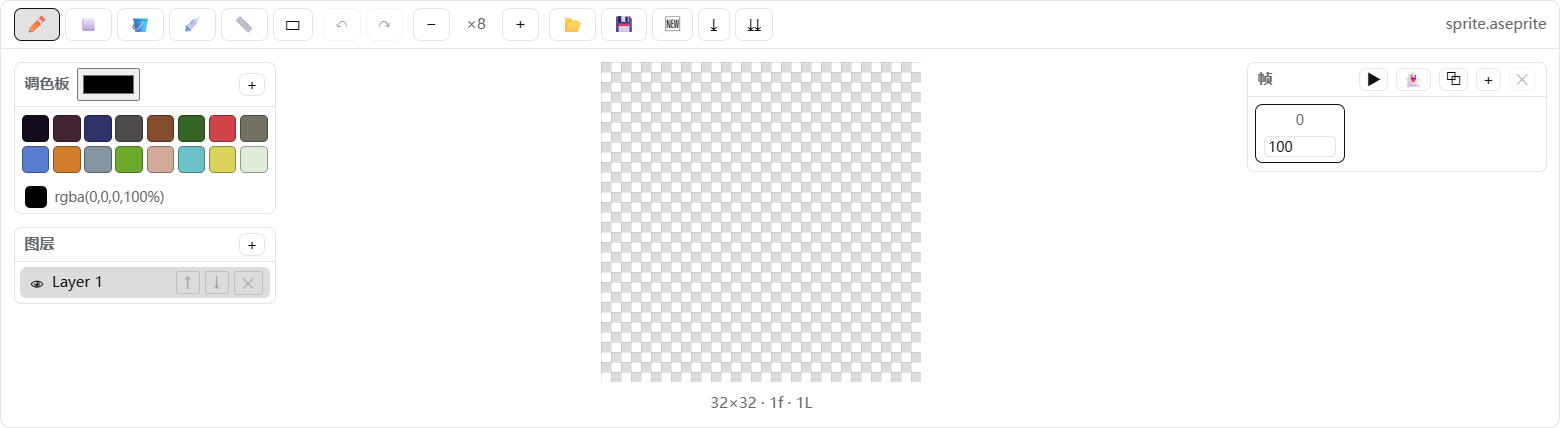
Screenshots

Use Cases
- Edit pixel sprites directly within DeepSeek Harness conversations
- Use AI assistance to adjust image regions for design refinement
- Automate repetitive graphic tasks via blueprint workflows
Best For
- Pixel artists needing rapid prototyping
- Independent developers creating game sprite animations
- DeepSeek Harness users seeking integrated graphic editing
Related Plugins
A service-oriented sidebar framework for DSH, offering a full workbench with file explorer, embedded browser, real terminal, Git panel, and extensible plugin services.

A beautiful, practical Claude Code-style TUI plugin with pixel whale top bar, flowing glow title, real-time status line, streaming thought expansion, time rewind, context progress bar and TPS gauge — zero core changes.

The plugin market for DeepSeek Harness: browse/search/one-click install community plugins and themes, with updates, backup/restore, hot disable, diagnostics, and AI fix.

A persistent whale widget on the DSH web UI that shows DeepSeek balance, today's usage, and per-turn cost, with drag-and-snap and sound effects.