dsh-home-migrate
Run the following command in DeepSeek Harness:
dsh plugin install ygcdsj/dsh-home-migrate
Paste the following prompt into your AI chat to install this plugin:
In DeepSeek Harness, install this plugin using the command `dsh plugin install ygcdsj/dsh-home-migrate`, with the source code available at https://github.com/ygcdsj/dsh-home-migrate.
About this plugin
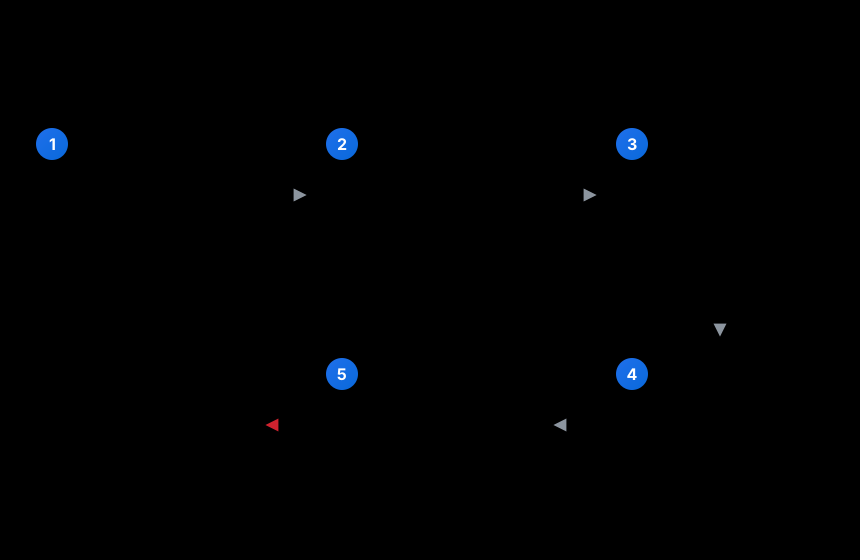
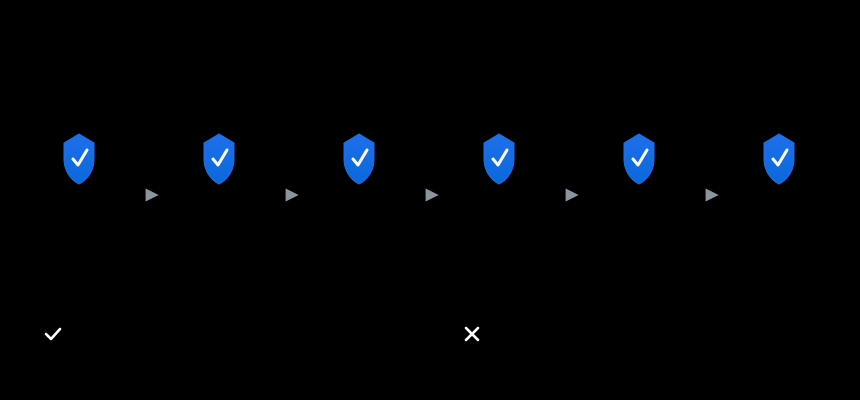
DSH, as a local AI assistant framework, often requires users to migrate personalized configurations across different machines, including plugins, settings, and presets. Manual backups are tedious, error-prone, and may expose sensitive credentials like API keys. The dsh-home-migrate plugin offers a complete migration solution: exporting configurations from the source machine into a .dshmig archive with automatic exclusion and sanitization of sensitive data, then restoring on the target machine to a new profile with path recalculation, dependency installation, and a three-level verification chain. Failures trigger automatic rollback to ensure data integrity. This tool is ideal for all DSH users, whether syncing across personal devices, recovering after system reinstalls, or sharing configurations in teams, making the migration process both convenient and reliable.
Screenshots
Use Cases
- Migrating DSH configuration from an old computer to a new one
- Quickly restoring a personalized environment after system reinstall
- Securely sharing plugins and settings packages within a team
Best For
- Developers needing to sync DSH across devices
- DSH users who want to retain configurations after system reinstall
- System administrators prioritizing data security
Related Plugins

whale-girl is a desktop pet in the DSH Web GUI (bottom-right for instant companionship) — draggable, feedable, playable; completed tasks, sessions and companionship time accrue into seniority levels, titles, and memories.

Renders your local Wallpaper Engine wallpapers as the DSH web background, supporting video, web, and scene wallpapers with a liquid-glass effect and rich customization.

A WebGPU ocean skin for DeepSeek Harness with five-wave Gerstner waves, translucent theme, day/night cycle, and quick controls, installable as plugin or extension.

A Galgame-style conversation view and visual scene editor for DSH web sessions, with a real-time editing mode.