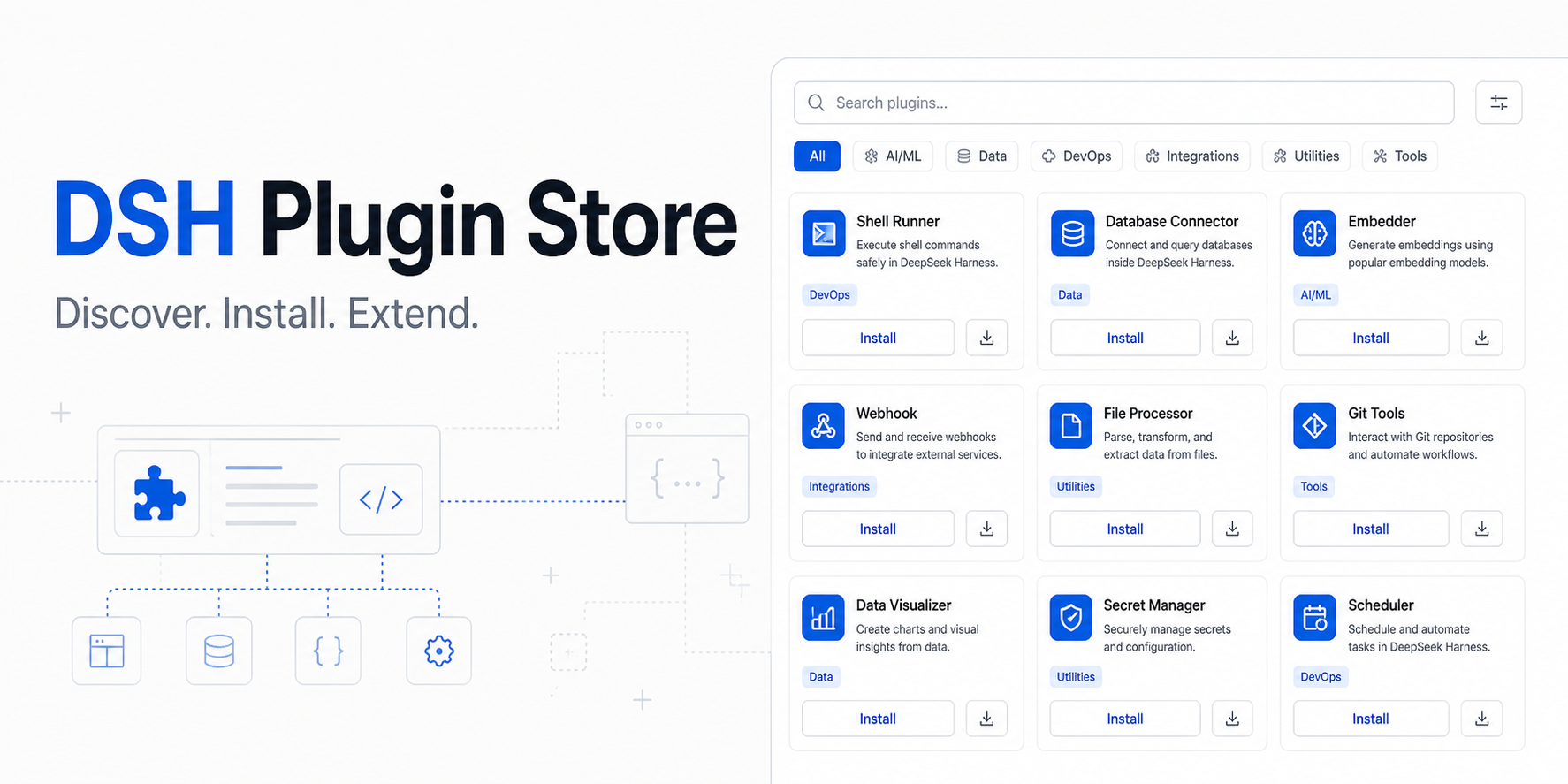
dsh-plugin-store
Run the following command in DeepSeek Harness:
dsh plugin install sandbaseai/dsh-plugin-store
Paste the following prompt into your AI chat to install this plugin:
In DeepSeek Harness, run the command 'dsh plugin install sandbaseai/dsh-plugin-store' to install this plugin, with the source code address at https://github.com/sandbaseai/dsh-plugin-store.
About this plugin
DSH Plugin Store addresses the pain points of plugin discovery and management in the rapidly growing DeepSeek Harness ecosystem. Currently, users must manually search GitHub for plugins, check compatibility, and copy installation commands, a cumbersome and error-prone process. This plugin creates a native discovery layer by integrating the community plugin catalog into the Harness interface, enabling seamless browsing, searching, and installation.
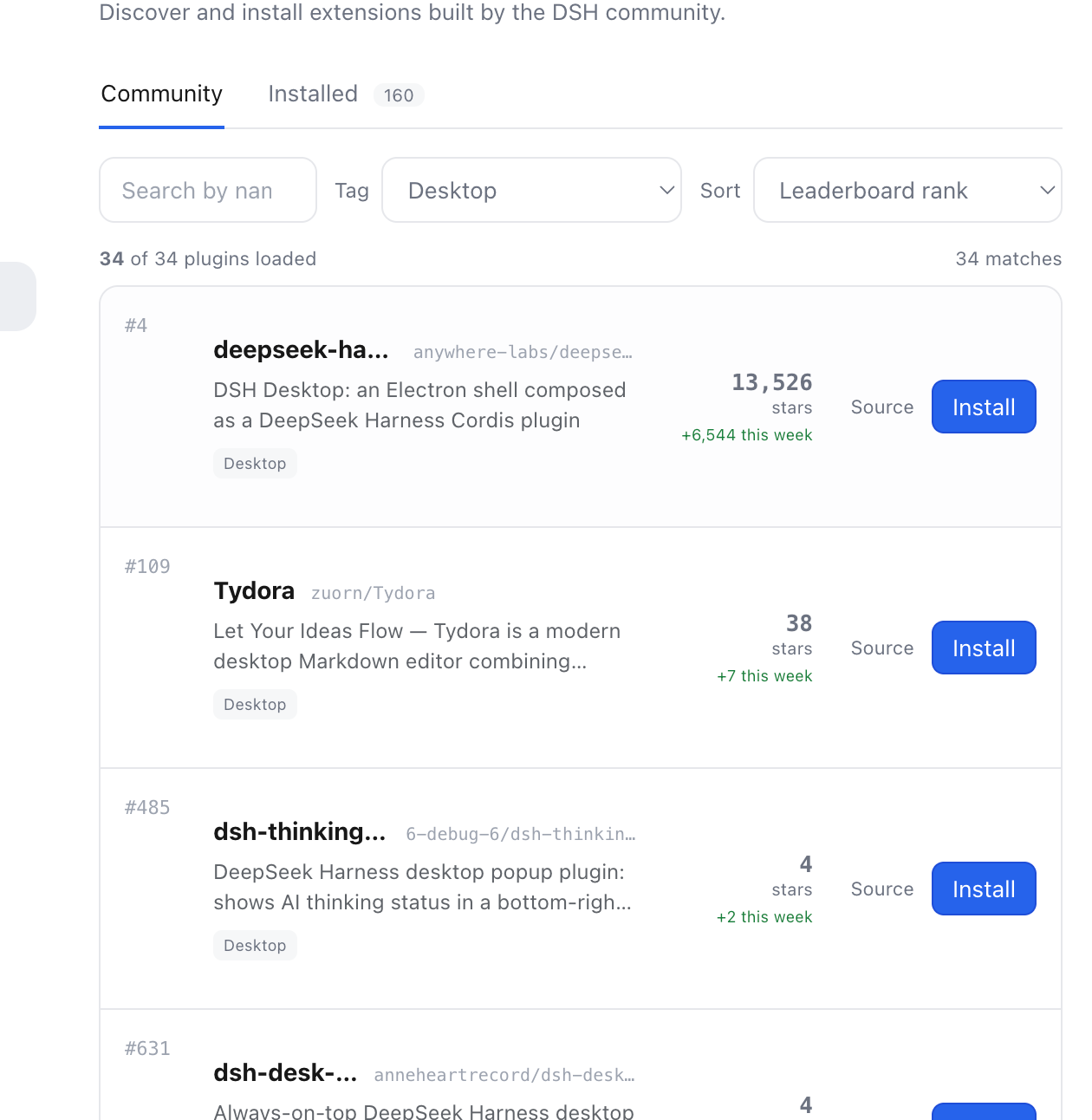
Its core capabilities include browsing over 4,000 plugin packages, with search functionality by name, description, or category, and filtering through leaderboard tags, sorting by rank, stars, or growth. Users can install plugins directly within the DeepSeek Harness settings without leaving the environment, while also inspecting the inventory of loaded plugins. Additionally, it provides native tools for Agents, such as searching and browsing the catalog, enabling programmatic discovery.
The plugin is ideal for plugin authors seeking better distribution, Harness users who want convenient plugin management, and enterprise teams with requirements for private catalogs and auditing. By streamlining interactions with the plugin ecosystem, DSH Plugin Store makes DeepSeek Harness more powerful and user-friendly.
Screenshots
Use Cases
- Browse and install plugins within DeepSeek Harness settings.
- Use Agent tools to search and discover plugins.
- Manage locally installed plugins and inspect inventory.
Best For
- Developers looking to extend DeepSeek Harness functionality.
- Plugin authors seeking to distribute their work.
- Harness users wanting convenient plugin management.
Related Plugins
A service-oriented sidebar framework for DSH, offering a full workbench with file explorer, embedded browser, real terminal, Git panel, and extensible plugin services.

A beautiful, practical Claude Code-style TUI plugin with pixel whale top bar, flowing glow title, real-time status line, streaming thought expansion, time rewind, context progress bar and TPS gauge — zero core changes.

The plugin market for DeepSeek Harness: browse/search/one-click install community plugins and themes, with updates, backup/restore, hot disable, diagnostics, and AI fix.

A persistent whale widget on the DSH web UI that shows DeepSeek balance, today's usage, and per-turn cost, with drag-and-snap and sound effects.