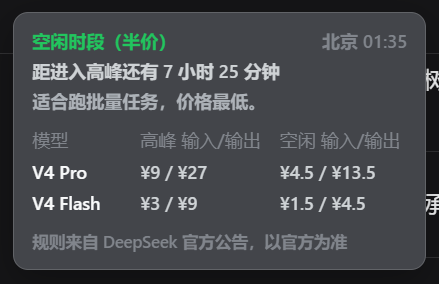
orca-dsh-launcher
Run the following command in DeepSeek Harness:
dsh plugin install Lheyang/orca-dsh-launcher
Paste the following prompt into your AI chat to install this plugin:
Please run `dsh plugin install Lheyang/orca-dsh-launcher` in DeepSeek Harness or use the setup wizard; the full project URL is https://github.com/Lheyang/orca-dsh-launcher.
About this plugin
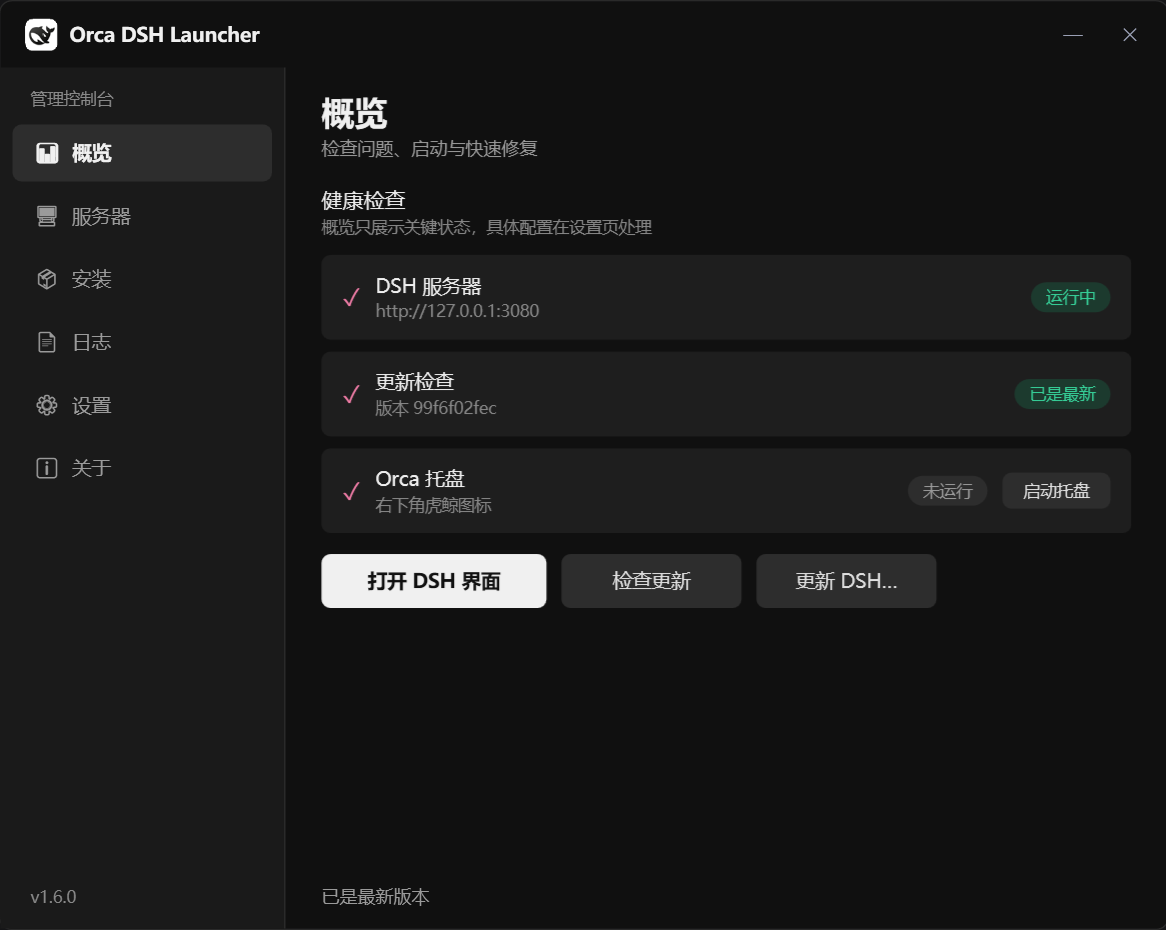
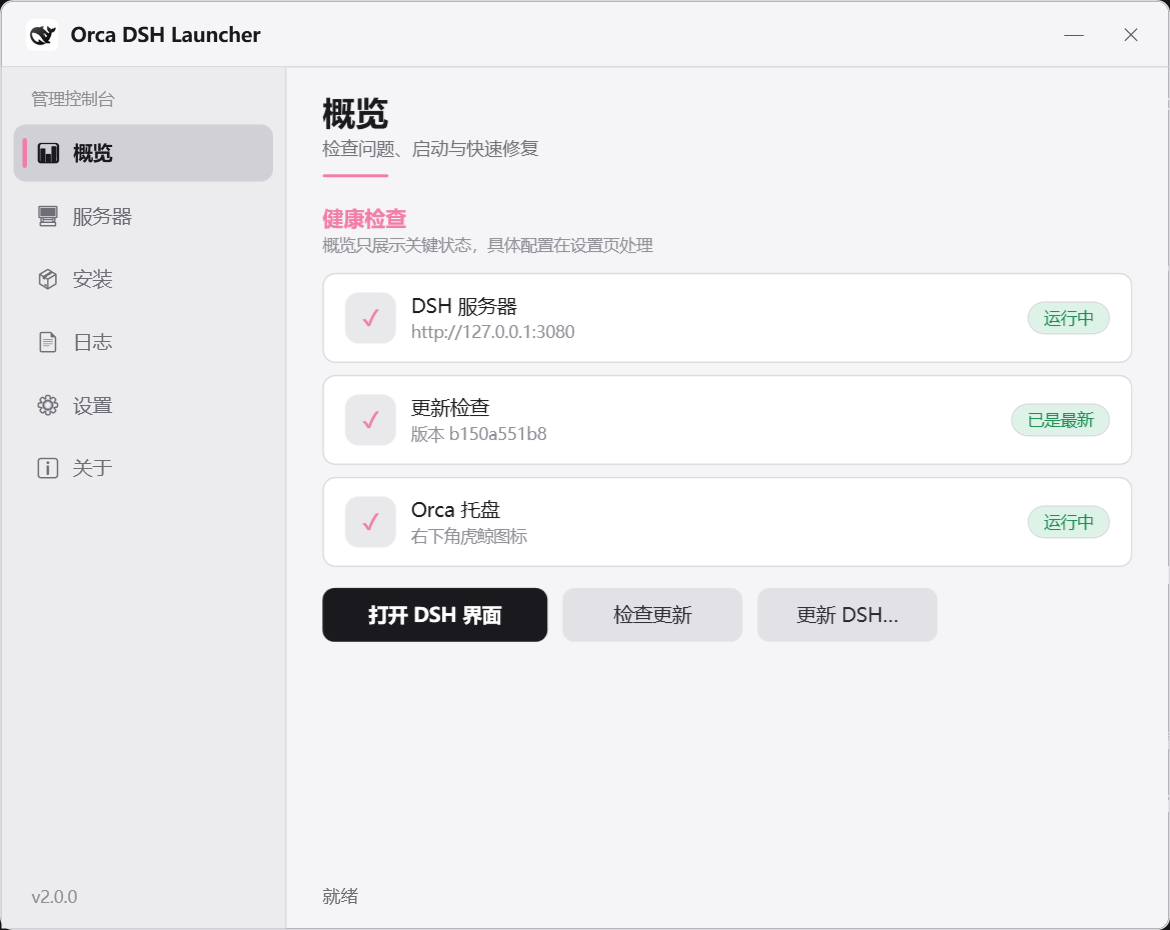
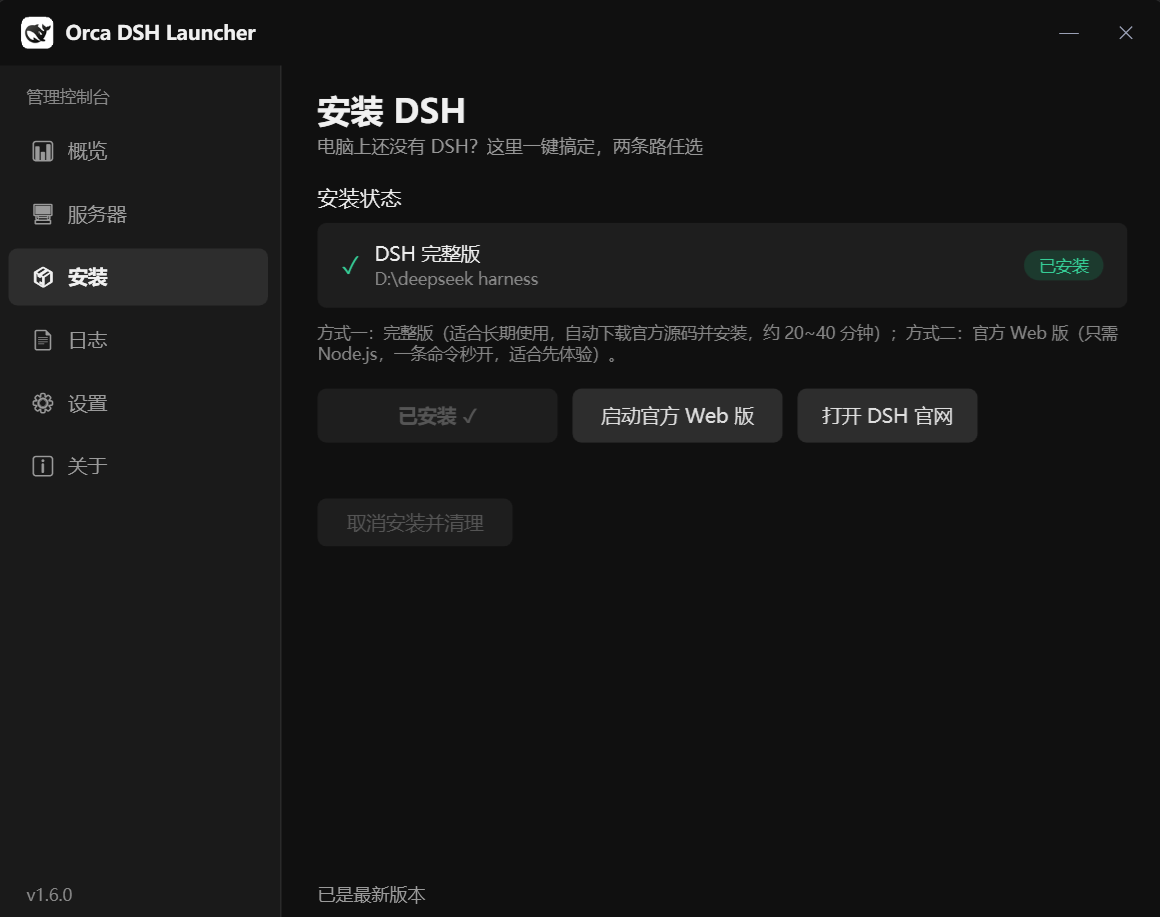
DeepSeek Harness (DSH) is a powerful AI agent framework, but as a source-delivered project, its day-to-day management, updating, and maintenance on Windows aren't always straightforward. Manually checking for updates, starting/stopping the server via command line, troubleshooting port conflicts, or installing from scratch can disrupt workflow and add technical overhead. Orca DSH Launcher was born to solve these experience pain points by integrating all critical operations into an intuitive system tray icon and a graphical console. Whether it's quickly checking if the official repository has new commits (with notifications only, never silent updates) or starting, stopping, or restarting the service with a few clicks, this plugin makes DSH operations simpler than ever. Its built-in one-click installation wizard further guides newcomers through rapid environment setup, eliminating the complexity barrier of dependency installation. At its core, it seamlessly integrates into the DSH ecosystem, providing four pillars of capability: status monitoring, safe updates, convenient control, and friendly installation—essentially a desktop companion for DSH users on Windows.
This plugin is especially suited for developers and AI researchers seeking a smoother, more automated DSH experience on the Windows platform. If you are tired of repeatedly opening a terminal to input commands for service management, manually resolving port conflicts, or feeling lost when facing installation steps as a DSH newcomer, then Orca DSH Launcher is your ideal tool. It transforms backend management operations into foreground, visual tasks, allowing you to focus more on AI application development and exploration rather than tedious environment maintenance. For team collaborations or users aiming to uniformly manage local DSH instances, its clear graphical status panel and log viewing capabilities also offer significant convenience.
Screenshots
Use Cases
- Check for DeepSeek Harness updates on a daily basis
- Start or stop the DSH server with one click via the GUI or system tray
- Rapidly install and configure the DSH environment on a fresh Windows PC
Best For
- Developers using DeepSeek Harness for AI agent development
- Windows users who want to simplify DSH server operations
- Newcomers unfamiliar with the command line, preferring graphical management tools
Related Plugins
A service-oriented sidebar framework for DSH, offering a full workbench with file explorer, embedded browser, real terminal, Git panel, and extensible plugin services.

A beautiful, practical Claude Code-style TUI plugin with pixel whale top bar, flowing glow title, real-time status line, streaming thought expansion, time rewind, context progress bar and TPS gauge — zero core changes.

The plugin market for DeepSeek Harness: browse/search/one-click install community plugins and themes, with updates, backup/restore, hot disable, diagnostics, and AI fix.

A persistent whale widget on the DSH web UI that shows DeepSeek balance, today's usage, and per-turn cost, with drag-and-snap and sound effects.