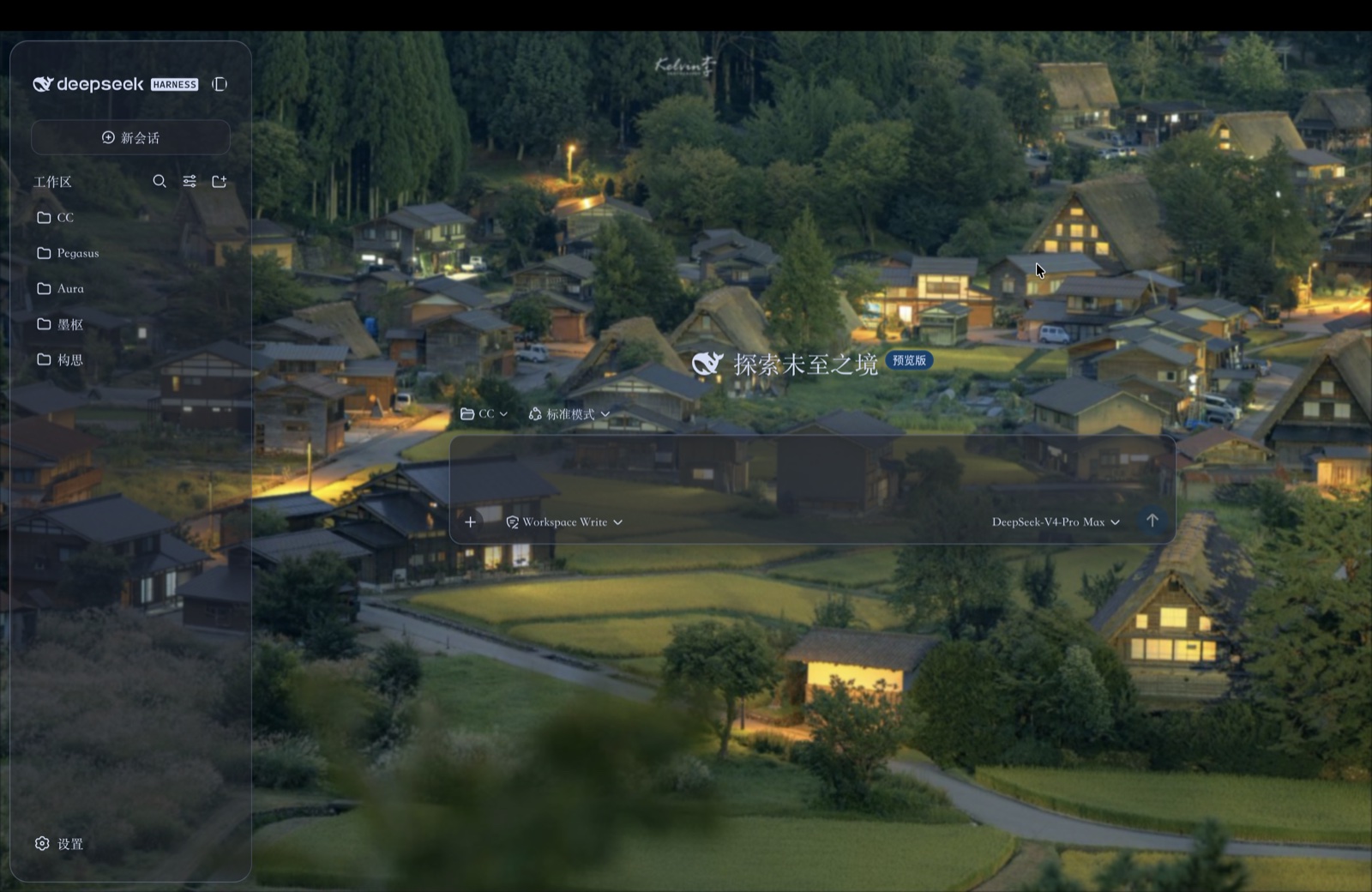
dsh-prism-plugin
Run the following command in DeepSeek Harness:
dsh plugin install mantonlove/dsh-prism-plugin
Paste the following prompt into your AI chat to install this plugin:
To install this plugin in DeepSeek Harness, run the command 'dsh plugin install mantonlove/dsh-prism-plugin' or visit the GitHub source: https://github.com/mantonlove/dsh-prism-plugin.
About this plugin
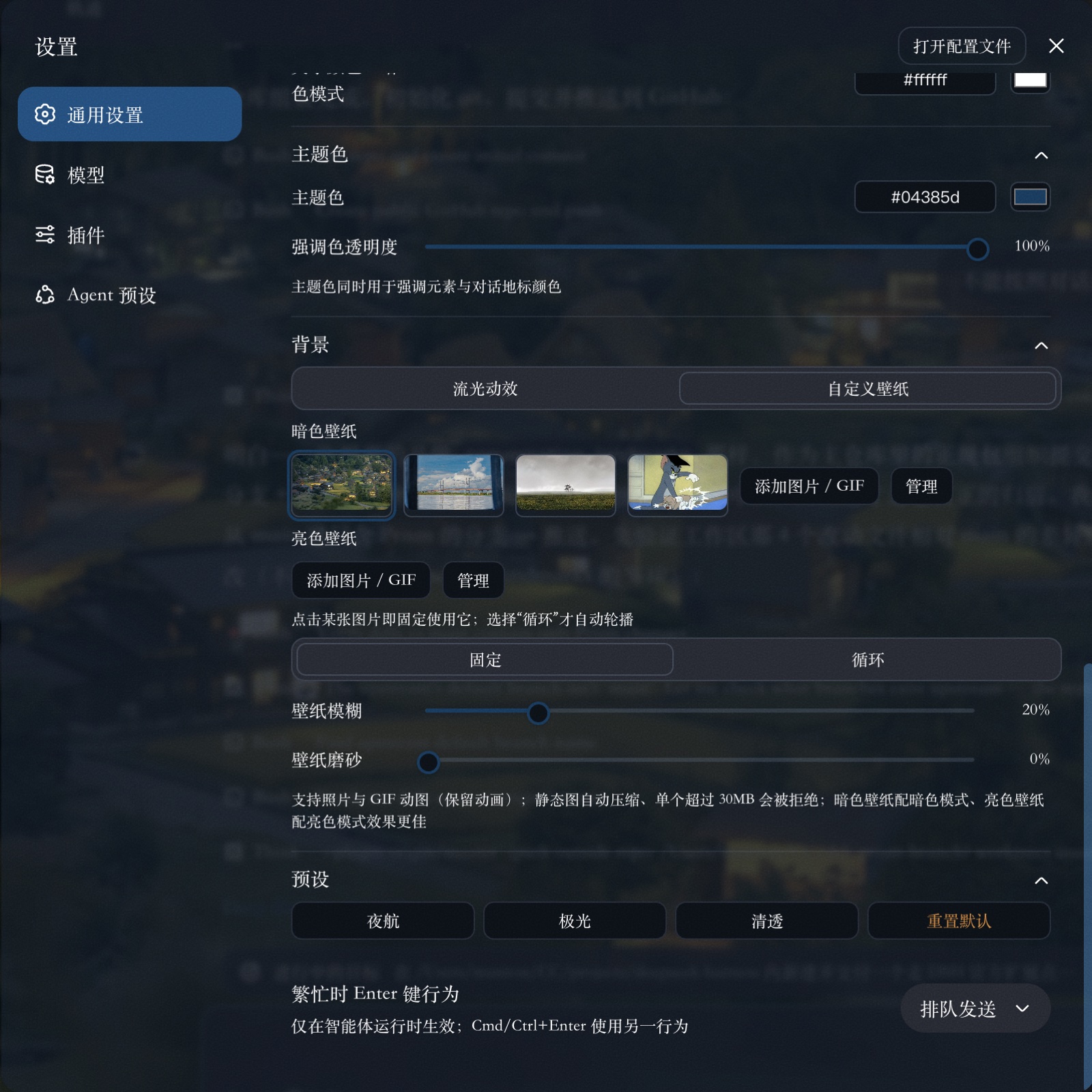
The default Web GUI of DeepSeek Harness is functionally robust but visually minimalistic, leaving users seeking personalization to enhance their experience. The DSH Prism plugin addresses this by introducing a glassmorphism theme, transforming the interface with a modern and customizable aesthetic.
The plugin offers a wealth of customization options, including various glass materials (clear, frosted, velvet), dynamic blur and global frost effects, and opacity controls for different interface zones like sidebars and cards. Users can also adjust theme colors, backdrop hues, and text colors through a full-range color control panel, and even set animated aurora backdrops and rotating wallpapers to bring the interface to life.
This plugin is ideal for DeepSeek Harness users who prioritize personalization and a visually appealing interface, especially those wanting quick customization without sacrificing functionality. It enables one-click restoration of the stock UI and syncs settings across tabs, ensuring convenience and a consistent, enjoyable user experience.
Screenshots
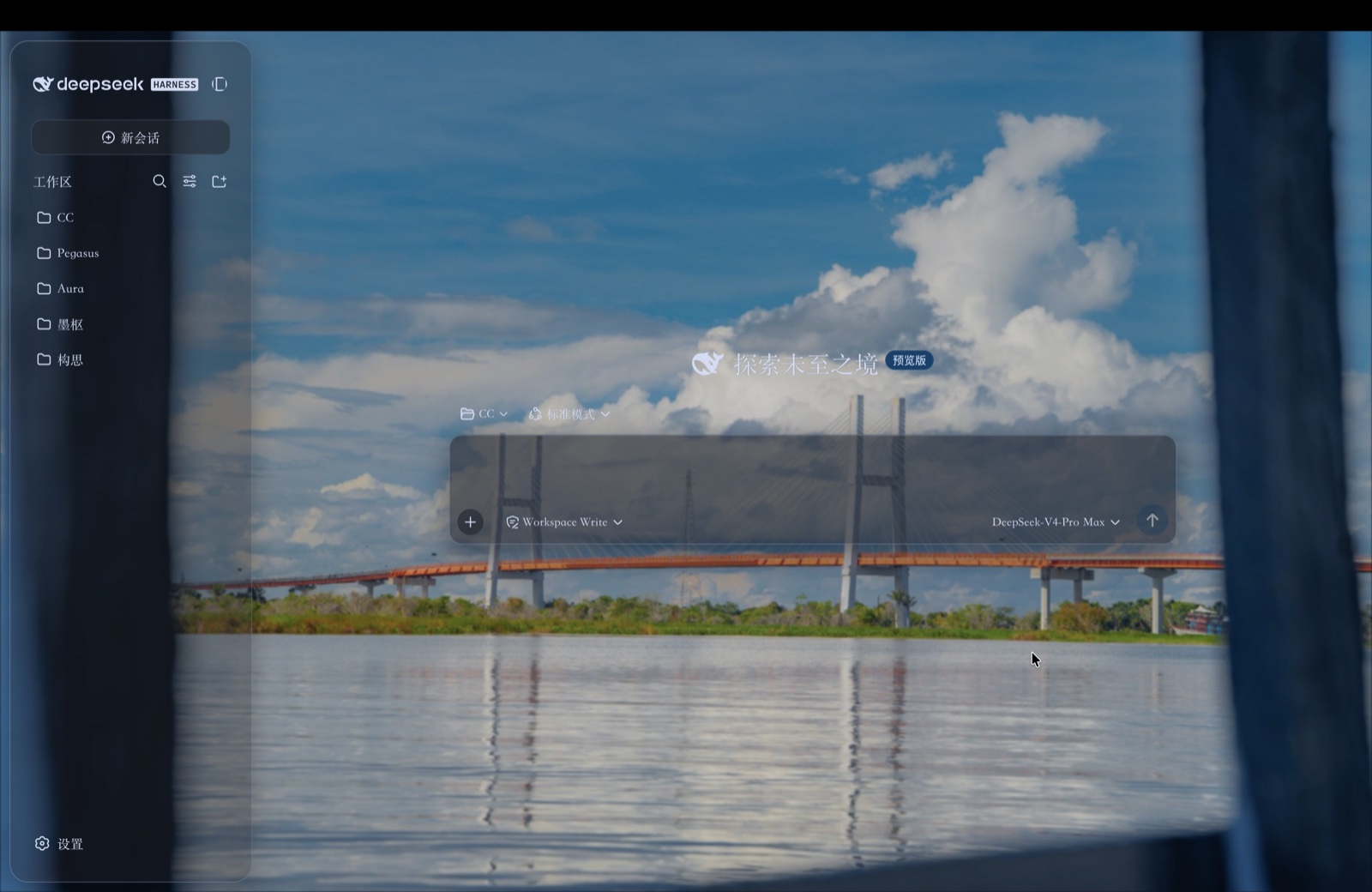
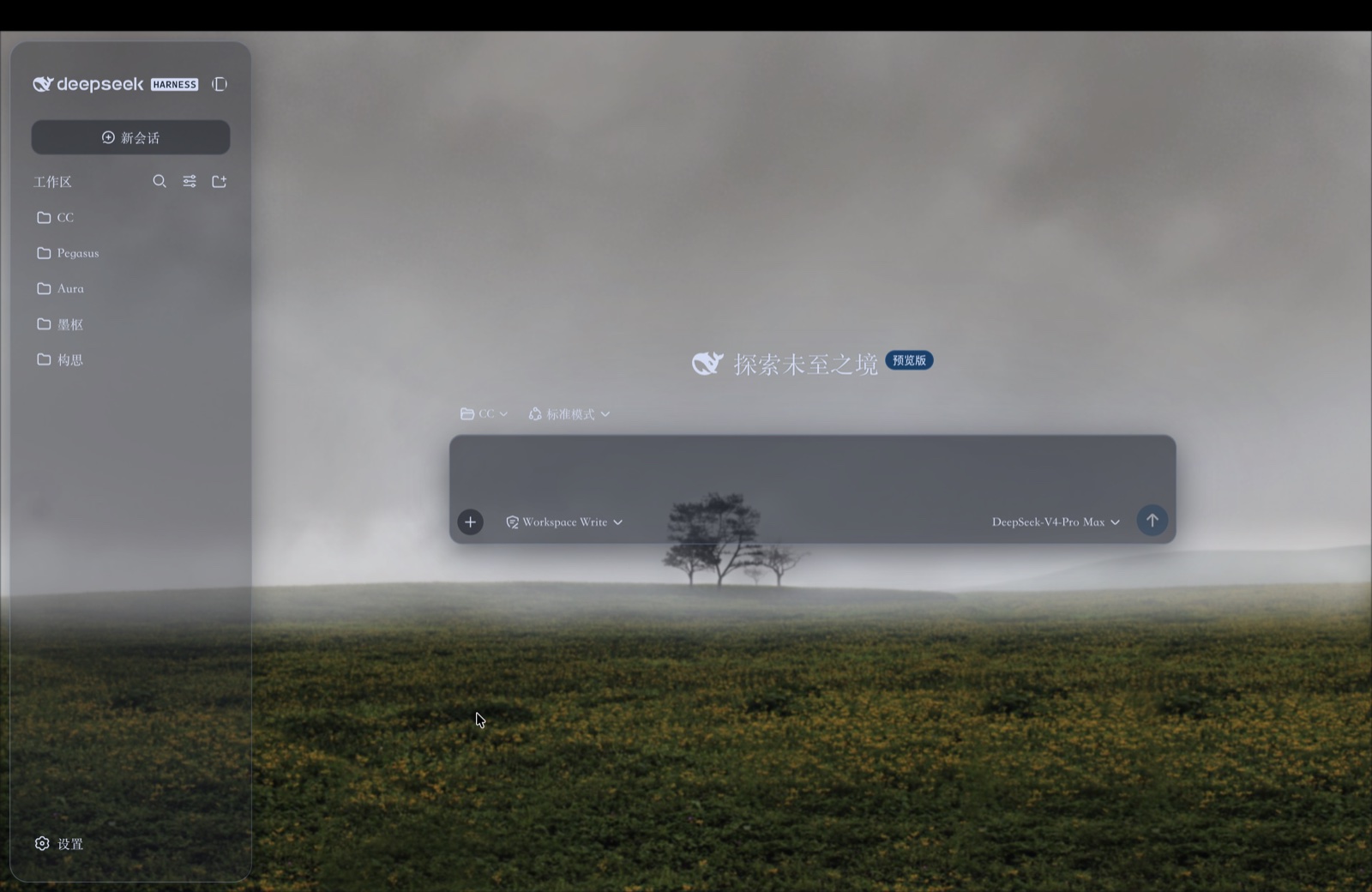
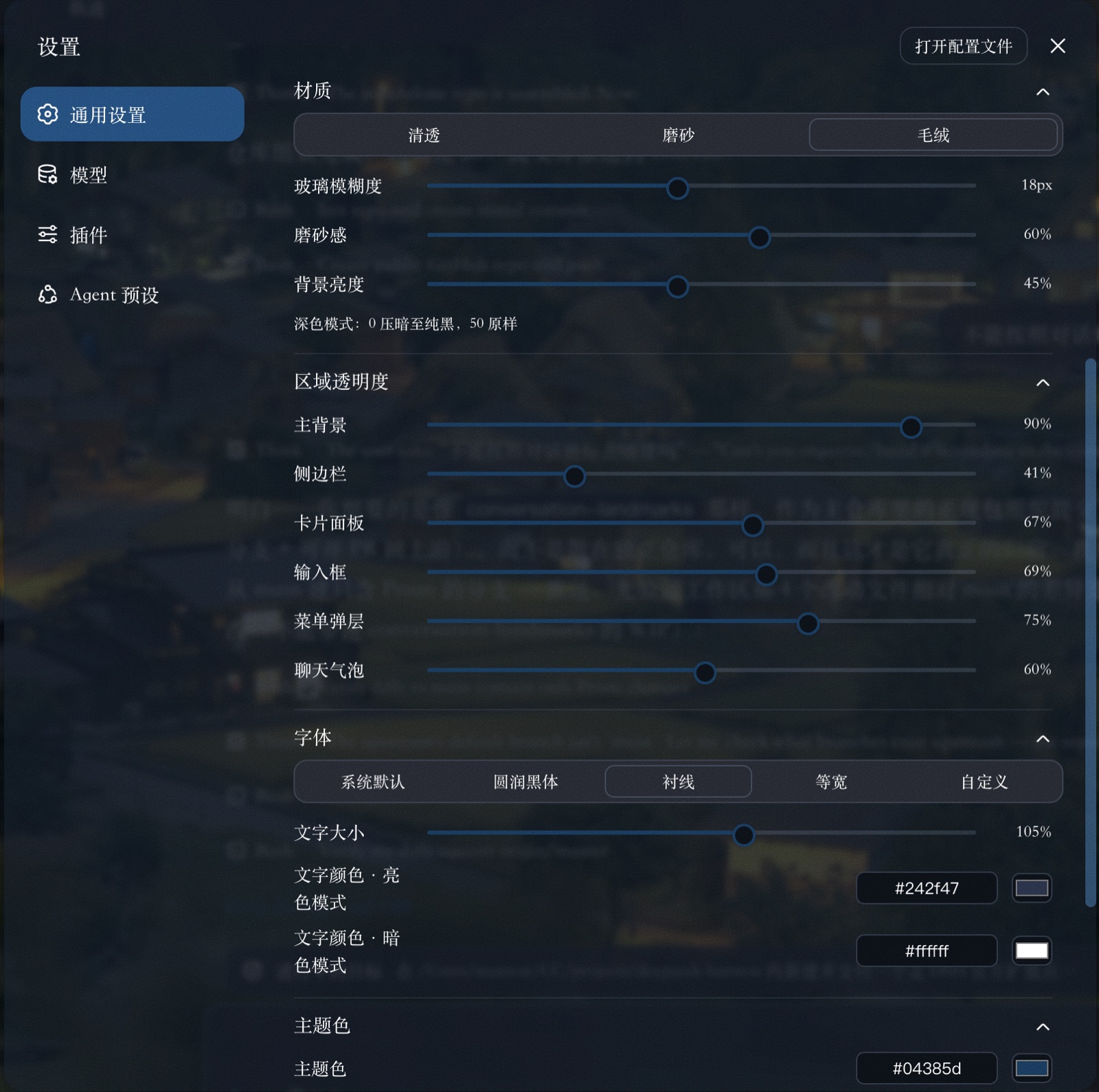
Use Cases
- When users want to personalize the DeepSeek Harness Web interface.
- In scenarios where enhancing GUI visual appeal is needed for development or use.
- For creating a dynamic themed work environment.
Best For
- Daily users of DeepSeek Harness.
- Developers who prioritize interface aesthetics.
- Enthusiasts of glassmorphism design style.
Related Plugins

whale-girl is a desktop pet in the DSH Web GUI (bottom-right for instant companionship) — draggable, feedable, playable; completed tasks, sessions and companionship time accrue into seniority levels, titles, and memories.

Renders your local Wallpaper Engine wallpapers as the DSH web background, supporting video, web, and scene wallpapers with a liquid-glass effect and rich customization.

A WebGPU ocean skin for DeepSeek Harness with five-wave Gerstner waves, translucent theme, day/night cycle, and quick controls, installable as plugin or extension.

A Galgame-style conversation view and visual scene editor for DSH web sessions, with a real-time editing mode.