dsh-lookseek
Run the following command in DeepSeek Harness:
dsh plugin install lhwu1/dsh-lookseek
Paste the following prompt into your AI chat to install this plugin:
You can install this plugin in DeepSeek Harness by running 'dsh plugin install lhwu1/dsh-lookseek', with the full source code at https://github.com/lhwu1/dsh-lookseek.
About this plugin
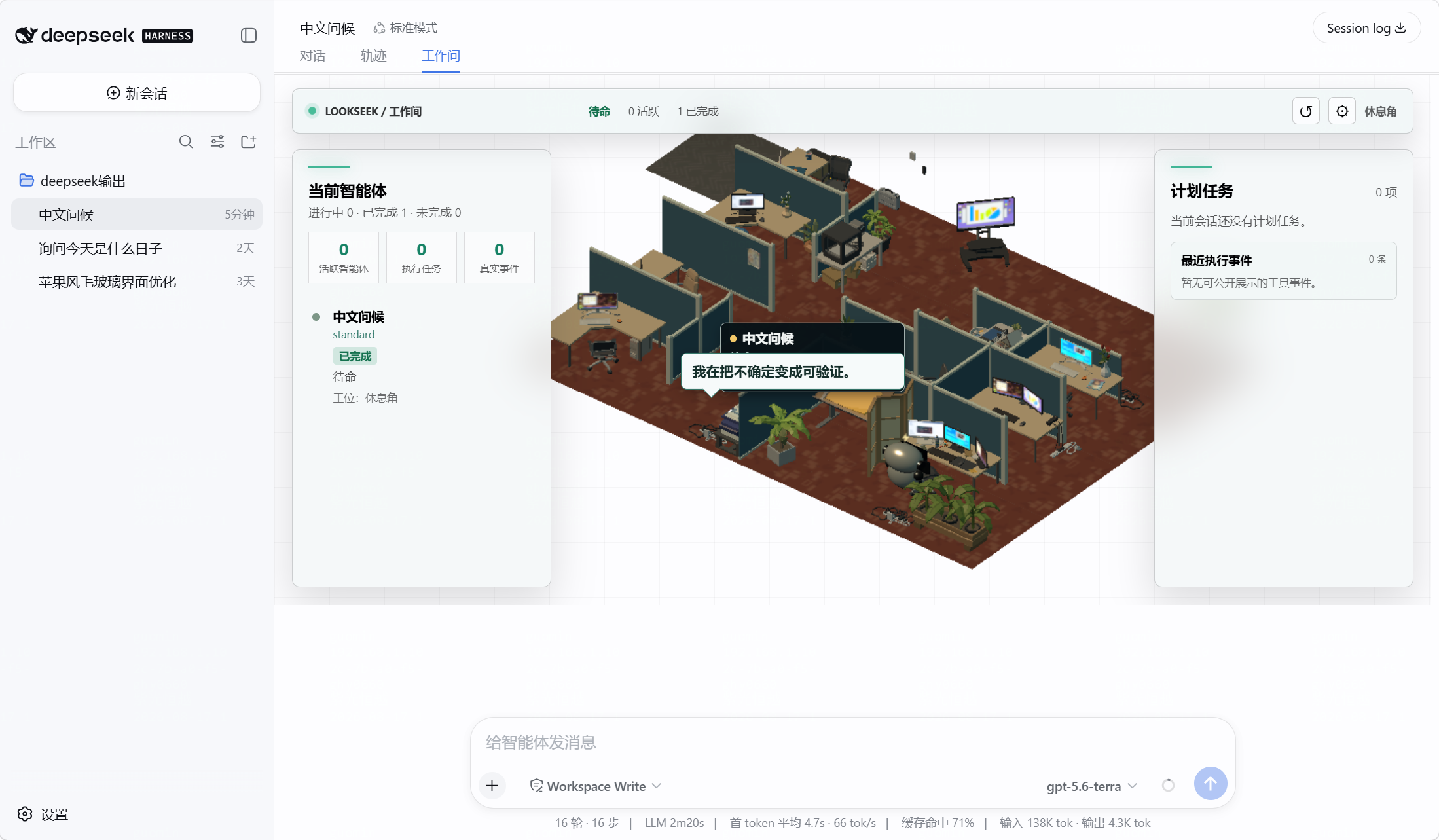
When working with DeepSeek Harness for complex agent interactions, users often struggle to intuitively track real-time agent status, task progress, or errors, especially in sessions with multiple sub-agents. The LookSeek plugin addresses this by providing a visual workspace that maps genuine agent activities to stations in a 3D office area, allowing users to instantly see who is doing what and how far along tasks are.
LookSeek's core capability lies in its status-driven visualization engine. Instead of inferring model internals, it uses Harness session events—like starts, model requests, and tool executions—to position agents at stations such as the reception desk, planning wall, or code desk, with animations and labels indicating current states. Users can also customize GLB scenes and routes to build personalized 3D workspaces, while the plugin safeguards privacy by displaying only safe summaries.
This plugin is ideal for regular DeepSeek Harness users, AI developers, and enthusiasts who enjoy visual monitoring. If you need quick assurance of agent functionality, manage sub-agent lists, or wish to transform dry status logs into engaging 3D animations, LookSeek enhances efficiency and adds a fun, intuitive layer to agent supervision.
Screenshots
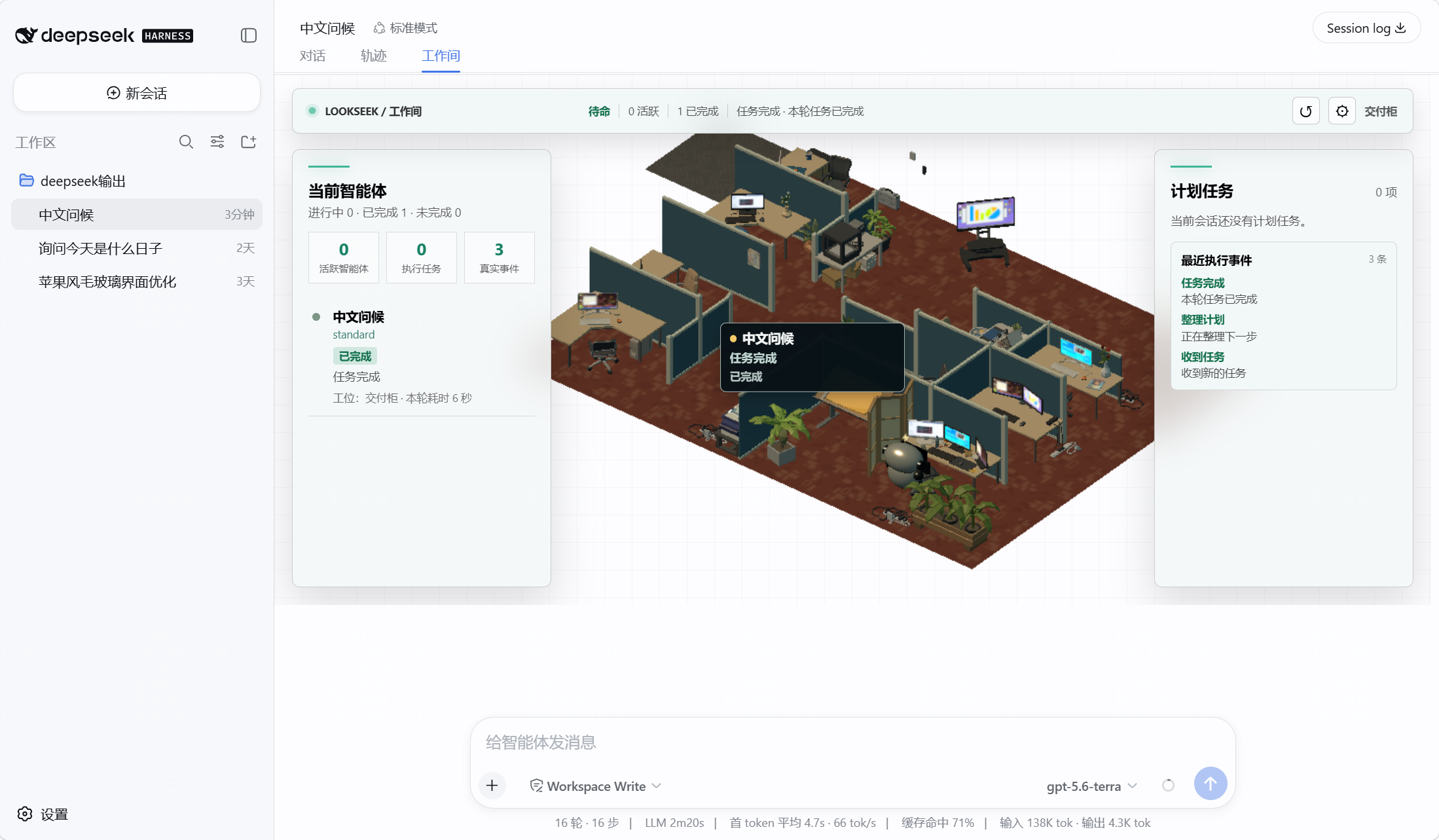
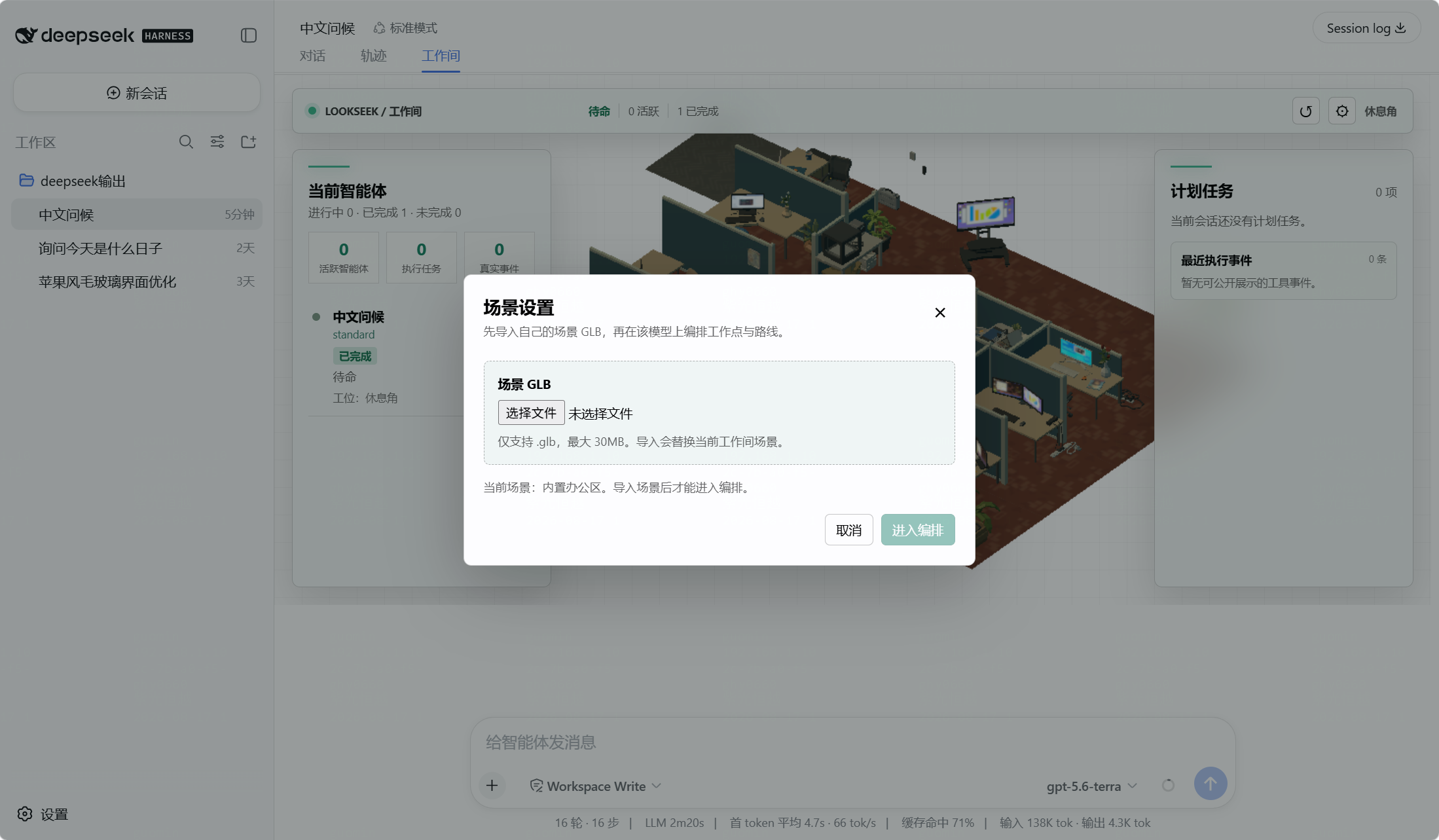
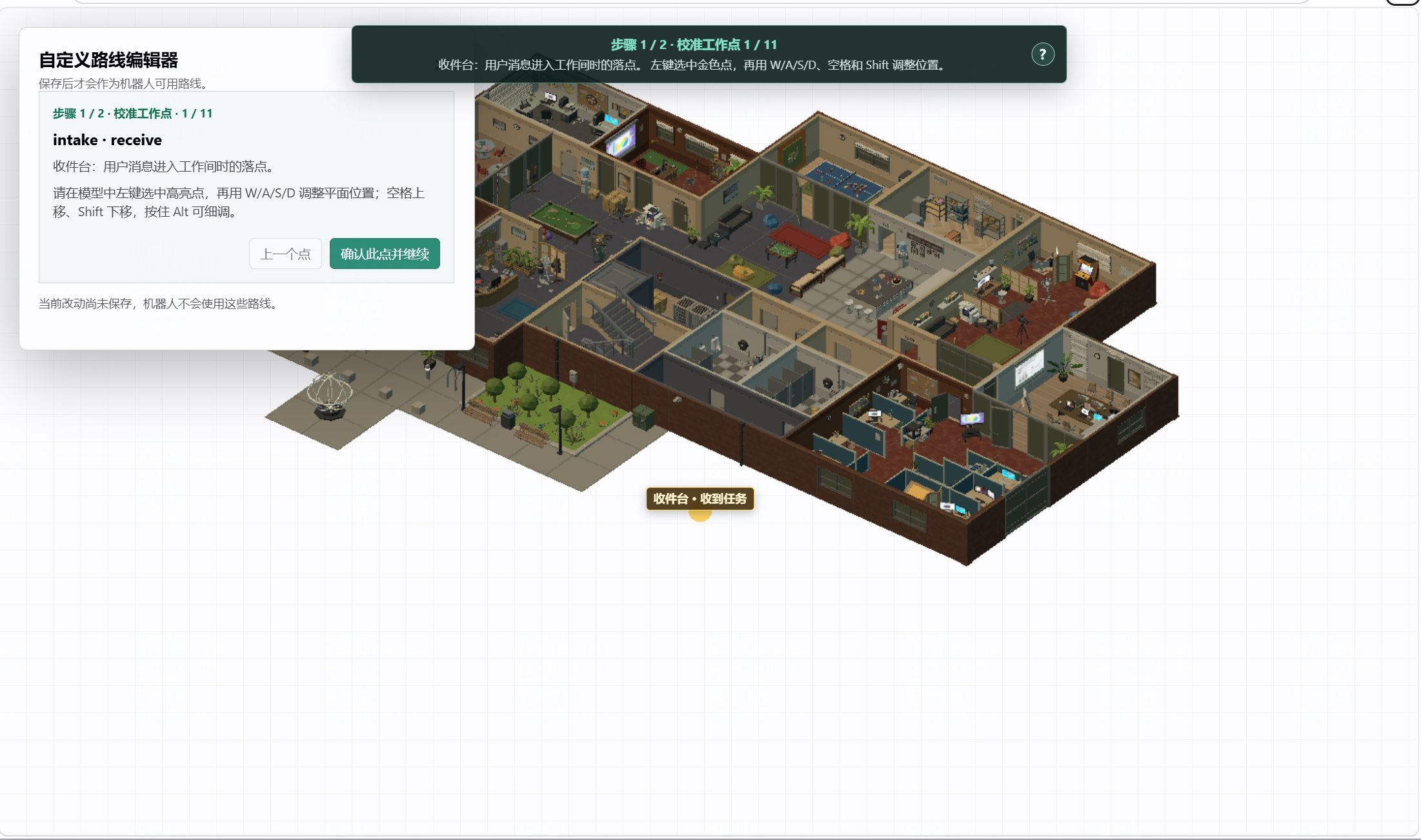
Use Cases
- Check in real-time what agents are doing, confirming task progress or errors.
- Customize GLB office scenes to build a personalized workspace.
- Manage sub-agent lists, showing only real members in the current session tree.
Best For
- Daily users and developers of DeepSeek Harness.
- AI project teams that need to monitor agent status.
- Enthusiasts who enjoy visualization tools and custom 3D scenes.
Related Plugins

whale-girl is a desktop pet in the DSH Web GUI (bottom-right for instant companionship) — draggable, feedable, playable; completed tasks, sessions and companionship time accrue into seniority levels, titles, and memories.

Renders your local Wallpaper Engine wallpapers as the DSH web background, supporting video, web, and scene wallpapers with a liquid-glass effect and rich customization.

A WebGPU ocean skin for DeepSeek Harness with five-wave Gerstner waves, translucent theme, day/night cycle, and quick controls, installable as plugin or extension.

A Galgame-style conversation view and visual scene editor for DSH web sessions, with a real-time editing mode.