
Bid Compliance Review Assistant
Paste the following prompt into your AI chat to install this skill:
Please install @user_ba095919/biaoshu-writer-review-pro according to https://skillhub.cn/install/skillhub.md.
About this skill
Problem
Bid teams often receive tender documents where qualification rules, disqualification risks, scoring criteria, and formatting requirements are scattered across pages. Manual review of .pdf or .docx files can miss subtle red lines, dark-bid formatting issues, or duplication across multiple bid files.
How It Works
The skill organizes the workflow into interpretation, generation, and compliance review:
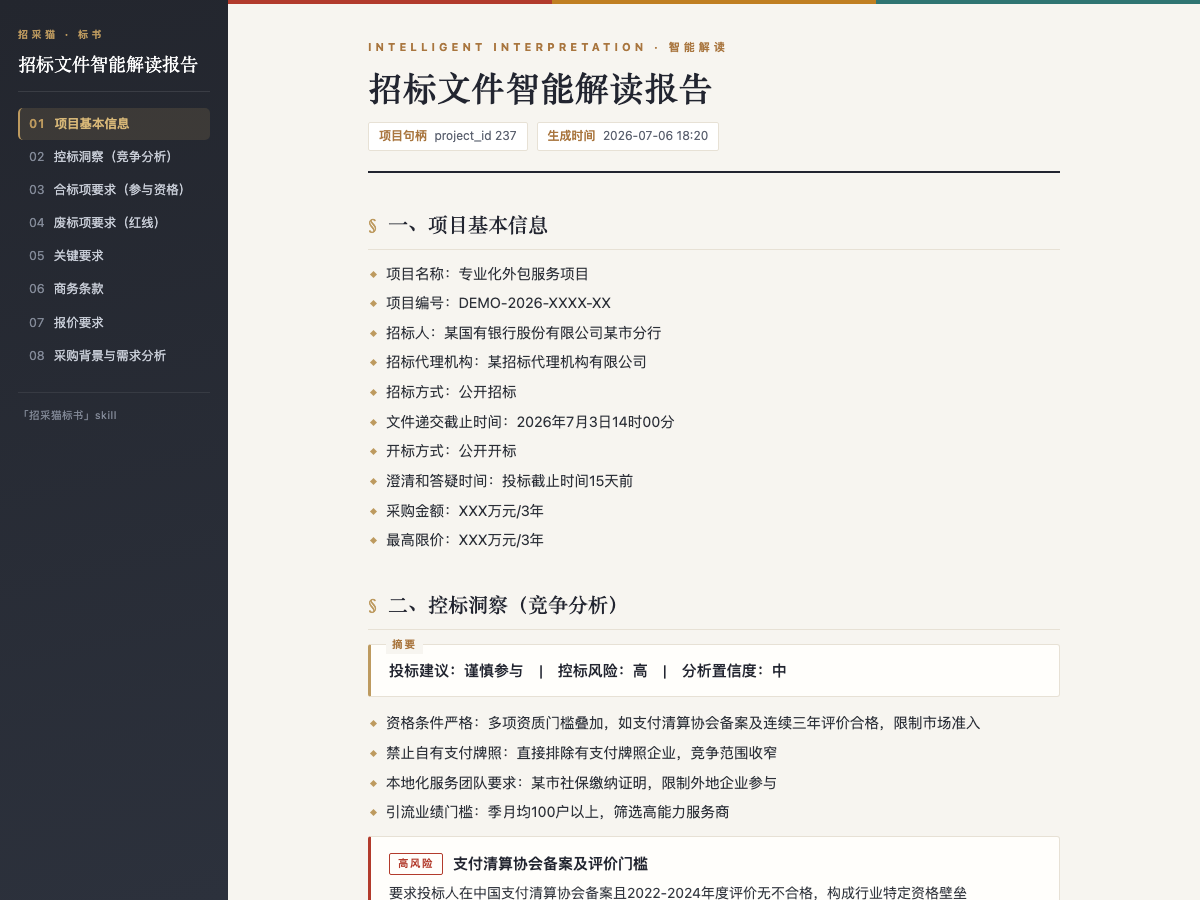
- Interpretation: analyzes a tender document and produces a structured report with project info, qualification items, disqualification risks, scoring rules, and bid-control signals.
- Bid generation: creates a .docx bid document from the interpreted project, including package selection, page planning, template filling, and pending-item bookmarks.
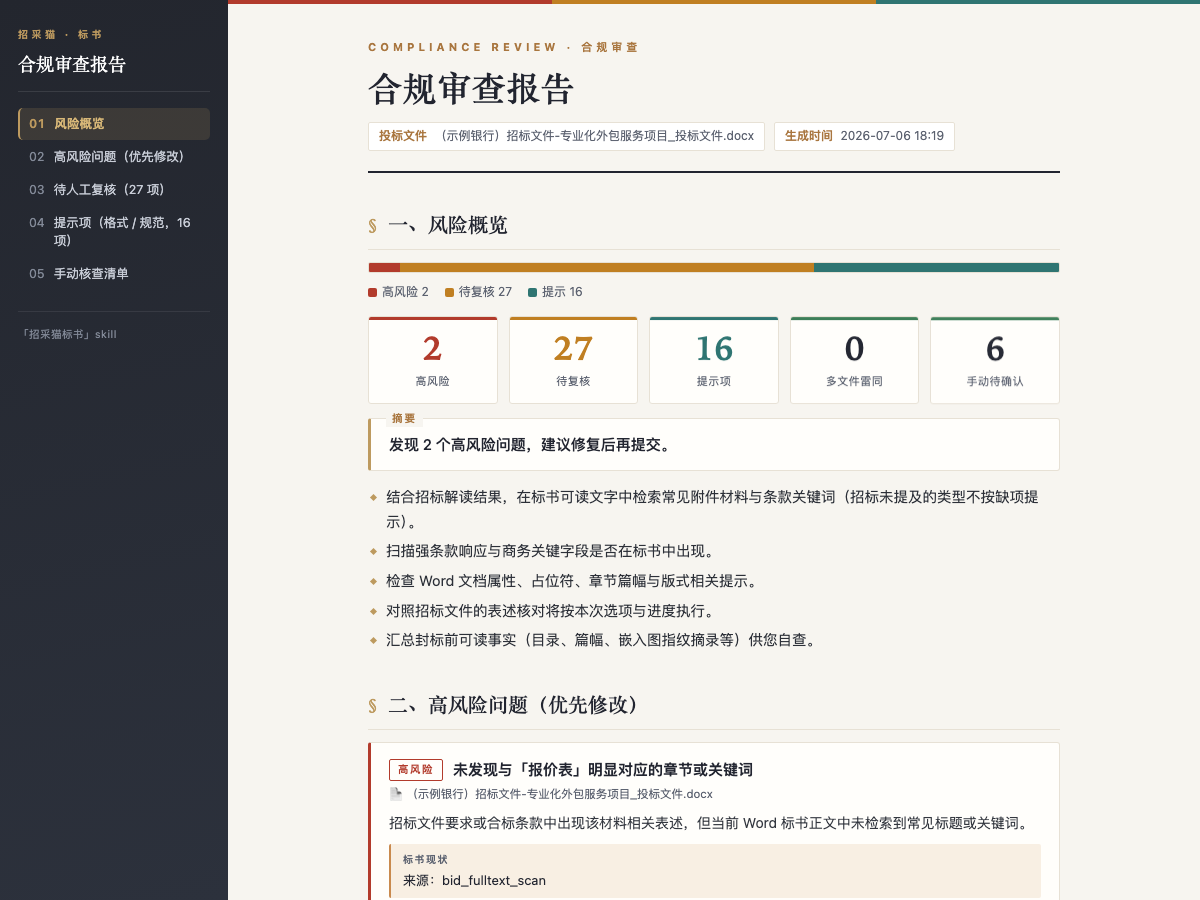
- Compliance review: checks one or more bid documents, returns prioritized issues with tender evidence, bid evidence, remediation suggestions, duplication detection, and a manual checklist.
Tasks run through the Bailian Bid Platform open API using an App Key, with an asynchronous submit-poll-retrieve model. Reports can be exported as HTML or Word, and output paths are reported.
Boundaries and Notes
It is suited to tender interpretation, first-draft bid generation, and pre-submission compliance checks. Input files must match supported types and size limits; bid generation consumes credits, and some API calls require a positive balance. Partial semantic review results should not be treated as a complete review. Since tender and bid materials are confidential, confirm permissions before uploading, exporting, or sending feedback.
Screenshots
Use Cases
- After receiving a tender document, extract disqualification risks, scoring rules, and qualification items to decide whether to bid.
- Generate an approximately 80-page bid draft from an interpreted project and mark pending items for business staff to complete.
- Before submission, review two bid files together to check disqualification risks, formatting issues, and duplication.
- For a dark bid requirement, check formatting, red-line rules, and the manual checklist, then export a compliance report for approval.
Best For
- Bid managers: need a quick pre-bid check of qualification thresholds, scoring weights, and disqualification risks.
- Business staff: need to turn scattered requirements into a bid draft with pending commercial items clearly marked.
- Legal or compliance officers: need to check bid files line by line against tender rules, formatting, and duplication risks.
- Procurement analysts: need to break a tender file under 50 MB into qualification items, pricing requirements, and project background.
Related Skills

AI agent tool for generating HTML proposals for client visit business scenarios, featuring deep research and dynamic mainline mapping.

Bid Proposal Verification Tool is used to verify the consistency between bid proposals and tender documents, checking table of contents, page numbers, attachments, and seals, based on Shibot Technology's bid data API.

An AI engine built on extensive bidding data to precisely search for tender projects and potential clients using natural language or structured criteria.
Automates bid document, response table, and material list generation from bid files and enterprise data using Shibuo Technology API.