
Office Assistant
Paste the following prompt into your AI chat to install this skill:
Please follow https://skillhub.cn/install/skillhub.md and install @org-qu1qhx78/office-assistant.
About this skill
Office deliverables often fail after the file is generated: materials are scattered across old reports, Excel data, email, screenshots, and PDFs, while the final DOCX or PPTX breaks formulas, misplaces page numbers, mismatches chart and body text numbers, or ships a PDF with clipped text and blank pages. Office Assistant turns this kind of scattered input into editable Office files and, when printing, archiving, or sharing is required, also produces a checkable PDF.
Core capabilities
- Word / Excel / PPTX: supports project reports, financial models, data dashboards, roadshow decks, contract drafts, and long-document cleanup; keeps
DOCX,XLSX, andPPTXsource files by default rather than treating PDF as the only result. - PDF delivery: generates PDF from Office files and supports merging, splitting, extraction, deletion, rotation, reordering, adding page numbers/watermarks/headers/footers, and batch-filling PDF forms from JSON/CSV.
- Delivery checks: reads back page count, page size, fonts, blank pages, clipped text, missing pages, and placeholders; PDF output is rendered page by page instead of only validating the file format.
- Material reuse: extracts logos, product images, business screenshots, and other assets from old Word, PPT, PDF, web pages, and images, preserving source, page number, caption, and stable asset IDs to avoid duplicated cross-file assets.
Key workflow
- Reads old reports, data sheets, templates, and PDFs to build the material index needed for the task; asks only about missing information that would change the result.
- Creates only requested outputs for new files; for existing files, reads structure first, makes narrow edits, and validates by reading back to preserve formulas, styles, masters, and unknown objects.
- For multiple related files, binds shared facts to one authoritative source, generates Word, Excel, PPT, and PDF, then reads each file back and runs cross-file consistency checks.
- For formal Chinese delivery, checks Office/WPS editable structure, font substitution, A4/A3, pagination scaling, and display formats such as RMB, percentages, and dates.
Boundaries
- Supports creating, reading, modifying, and checking Office files; PDF work is best suited to page-level organization, annotation, generation, and delivery checks.
- It does not promise arbitrary reflow of complex PDF body text, tables, or vector objects like editing in Word.
- No Microsoft Office installation is required, but export and page-by-page checks need an available Edge, Chrome, or Chromium; macros, ActiveX, third-party plugins, missing fonts, or damaged files may be preserved only or explicitly reported.
Screenshots
Use Cases
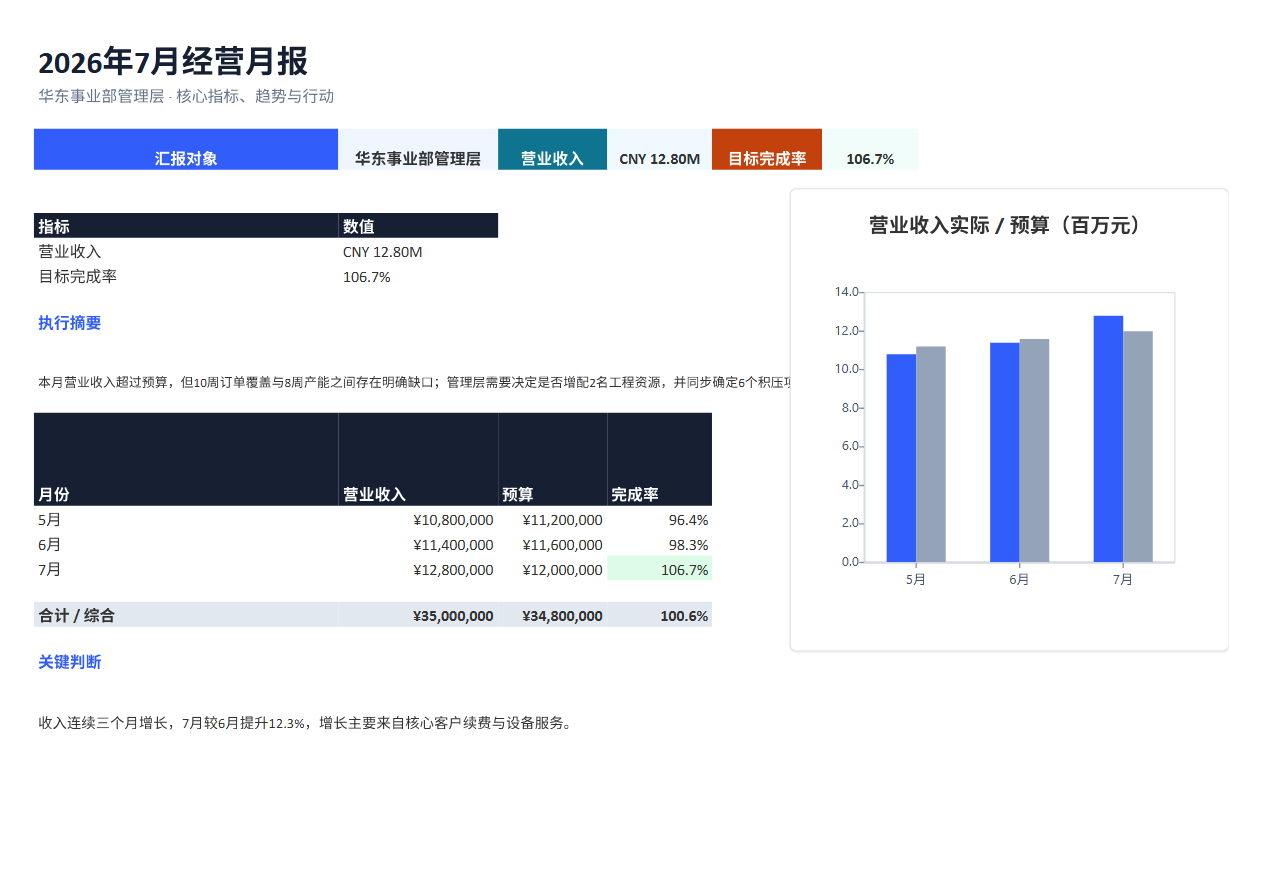
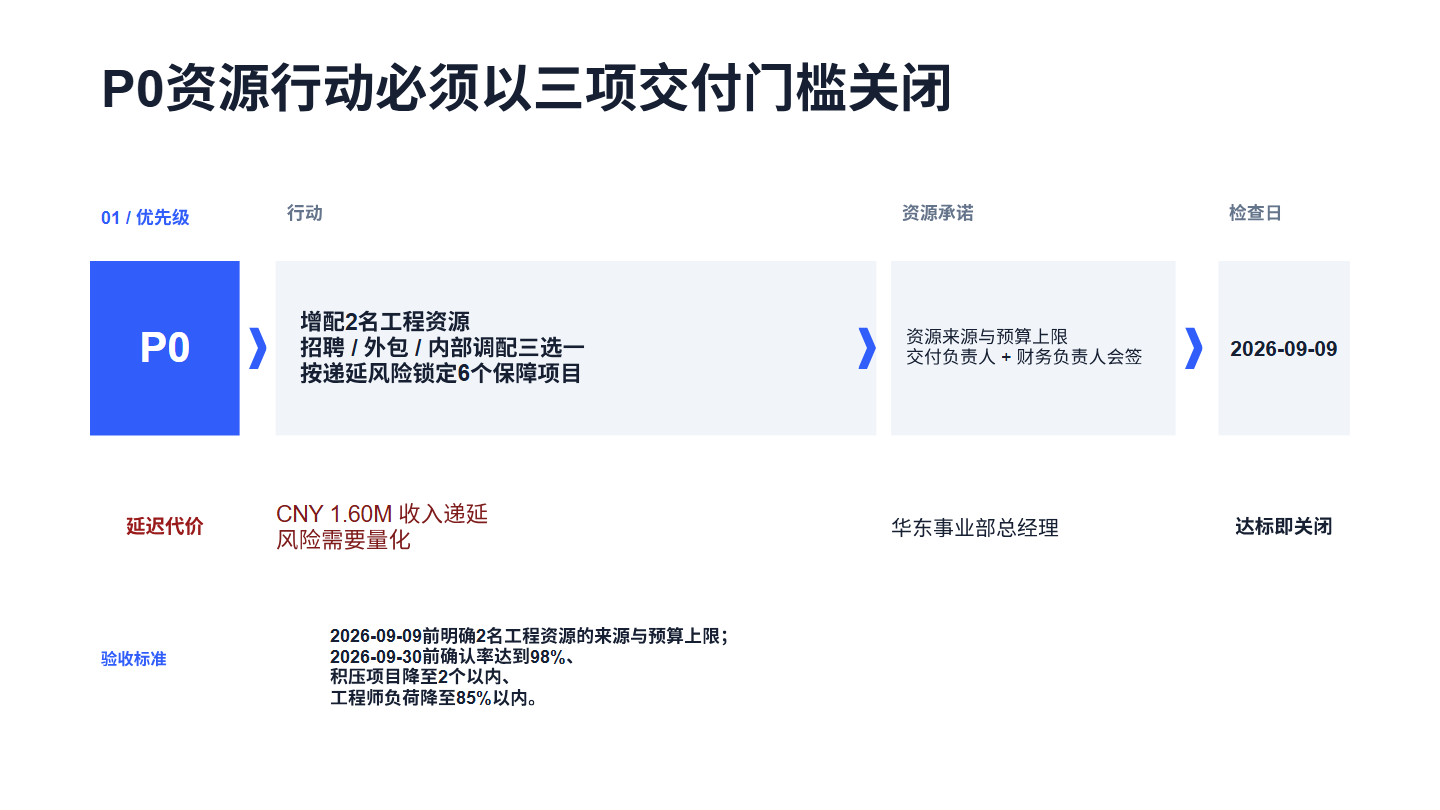
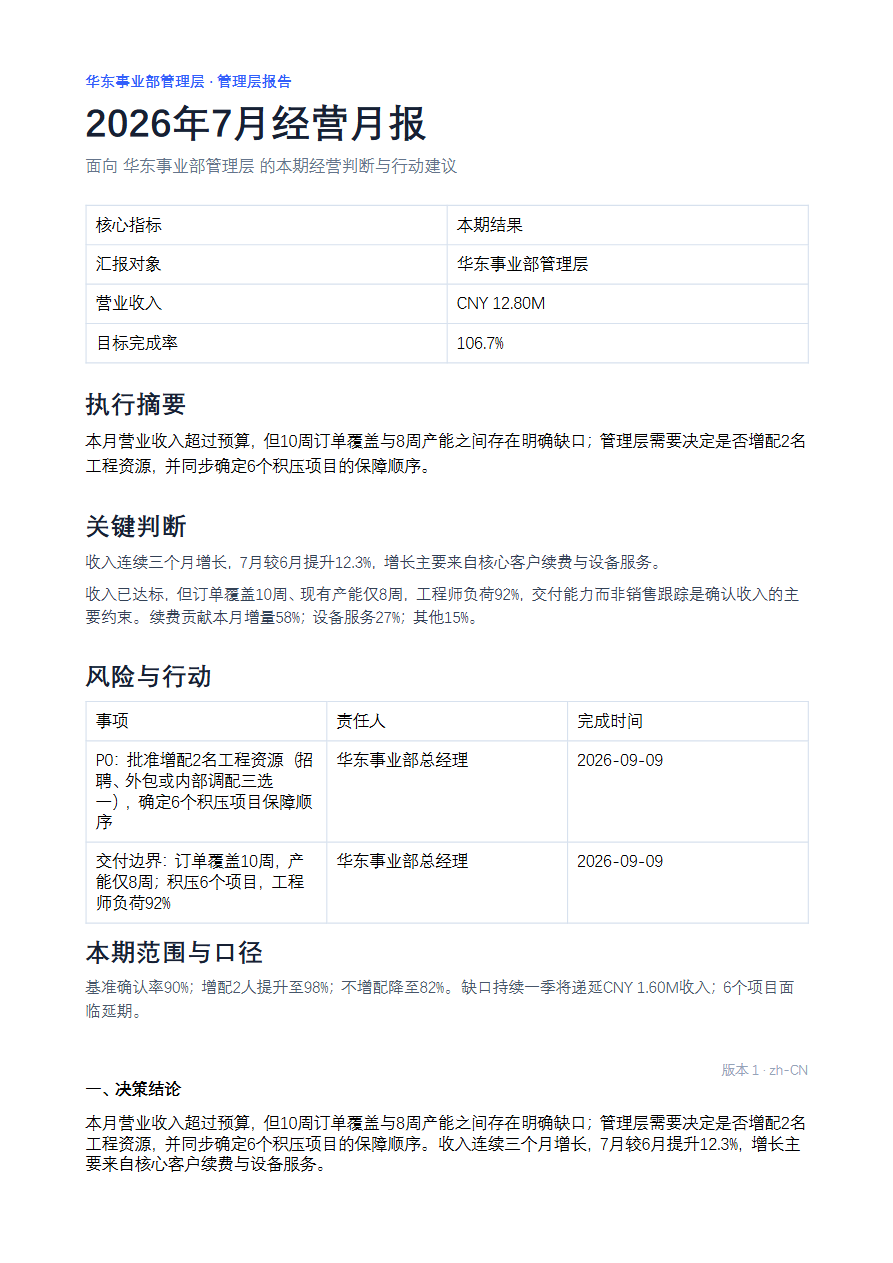
- Turn last month's Word report, current Excel data, and the PPT master into a monthly business report, dashboard, and deck, then export three PDFs and verify the numbers.
- Compile meeting notes, data tables, and images into a project package: one Word report, one Excel sheet, one PPT, then check PDFs page by page for blanks and clipping.
- Review and update an existing Excel financial model while preserving formulas and formatting, then export a PDF for printing, archiving, and sharing.
- Merge multiple PDFs, remove blank pages, reorder them, add page numbers, and verify order, orientation, and text clipping.
Best For
- Operations or finance analysts who reconcile monthly business reviews from old Word reports, Excel data, and PPT templates into editable deliverables.
- Product managers who turn meeting notes, data tables, and screenshots into a project report, spreadsheet, and deck with PDF copies.
- Business or pre-sales teams who update bids, customer proposals, and roadshow decks while preserving company masters, formulas, and quote formats.
- Document administrators who merge, split, paginate, watermark, batch-fill PDFs, and check pages for clipping and blanks.
Related Skills

Batch-import team weekly reports, aggregate progress, plans, issues, and support by project, flag delivery or resource risks, and generate structured department reports.

Generates Kingdee Cloud ERP startup, implementation, and acceptance documents from Word templates with delivery guidance.
Read PDF, Word, Excel, PowerPoint, HTML, and text documents, list archive files, and extract text or JSON for AI analysis.

Extract decisions and action items from meeting notes, emails, or chat logs, then track owners, deadlines, and follow-ups with lightweight reminders and no direct tool integrations.