
Weather Life Voice Broadcast
Paste the following prompt into your AI chat to install this skill:
Please install @showapi/weather-life-voice-broadcast-showapi into your AI assistant according to https://skillhub.cn/install/skillhub.md.
About this skill
Problem
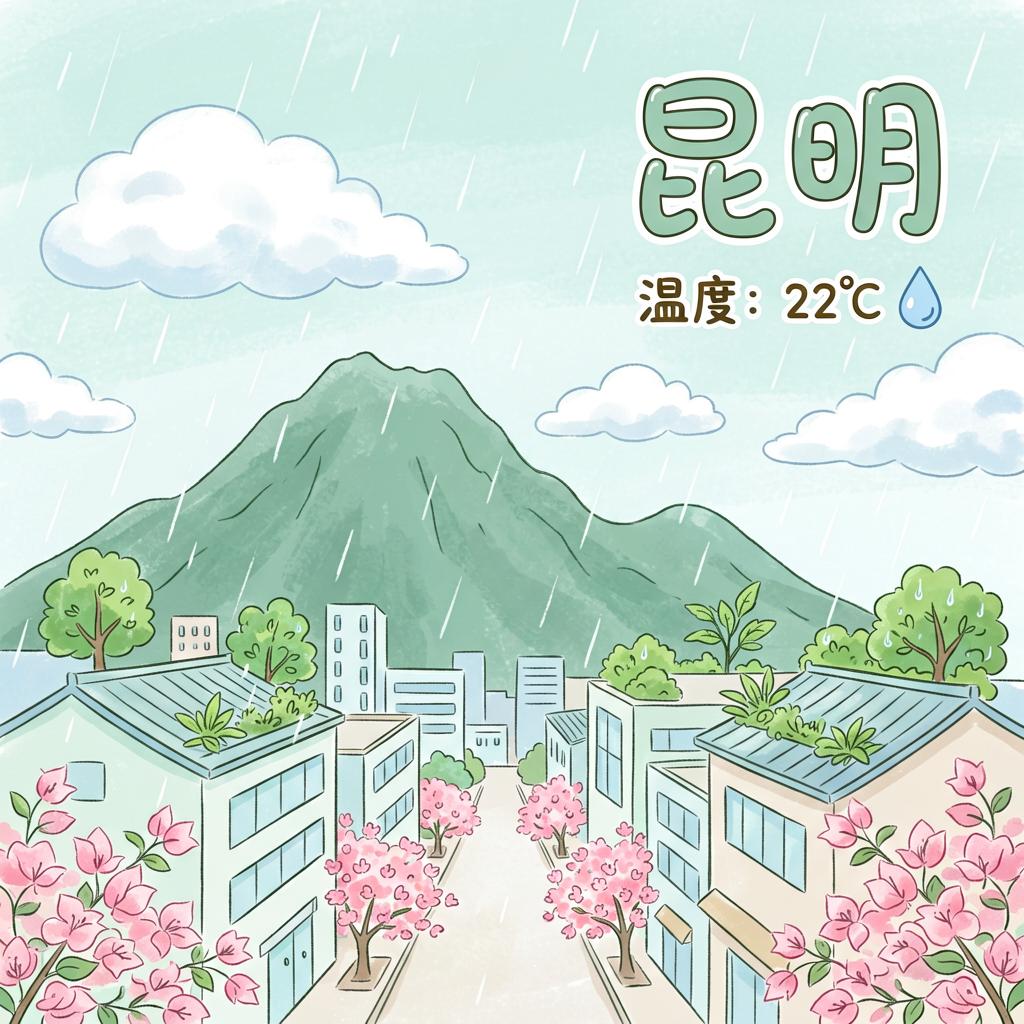
Weather data is easy to fetch, but accessibility and voice workflows need structured weather converted into listenable copy plus a clear illustration. A raw weather API usually returns temperature, wind, and precipitation, while leaving city-name disambiguation, date completion, lifestyle advice, TTS, and image generation disconnected.
How It Works
Provide required city and optional date in YYYY-MM-DD; if omitted, the current date is used. The skill runs an async pipeline:
- Parse and validate: extract city and date, filling in missing dates.
- Disambiguate city: use an LLM to confirm the target place and reduce mismatches from aliases or colloquial names.
- Query weather: call ShowAPI for current or forecast conditions and indices.
- Build copy: generate clothing and travel advice, then create an image prompt.
- Generate media: start TTS and text-to-image tasks in parallel, polling task_id until audio and image finish.
- Return bundle: provide broadcast copy, audio URL, and image URL for HTML or players.
Notes
Real calls require showapi_appkey; without it, only a mock preview is returned and the async task scripts are not executed. All tasks are async, so synchronous mode is not supported; feedback should be provided after each polling round to avoid a silent wait.
Screenshots

Use Cases
- Generate same-day city weather voice and an image for visually impaired commuters' morning briefings.
- Create clothing and travel advice plus TTS audio from a city and optional date.
- Turn weather API data into playable audio and a 1:1 image for an HTML page.
- Preview broadcast copy, audio, and image without an appKey.
Best For
- Accessibility engineers who need weather data turned into audible voice and clear images.
- Morning-briefing developers who need city-based clothing, travel advice, and TTS.
- Life-assistant developers who need weather queries with async media generation.
- Frontend engineers who need to merge weather, audio, and image into an HTML page.
Related Skills

Create a room-by-room plant watering handoff note for a sitter, with water amounts, timing, owner notes, and skip-if-unsure guidance.

A browser-based personal workbench generator that ships desktop or mobile templates with local storage, JSON backup, theming, and optional self-hosted sync.

Vehicle-specific maintenance advisor that estimates fault risk, repair actions, and price ranges with VIN, nameplate, and appearance recognition.

Combines traditional Zhou Gong dream symbols with psychological framing to produce structured interpretations of details, symbols, emotions, and life context.