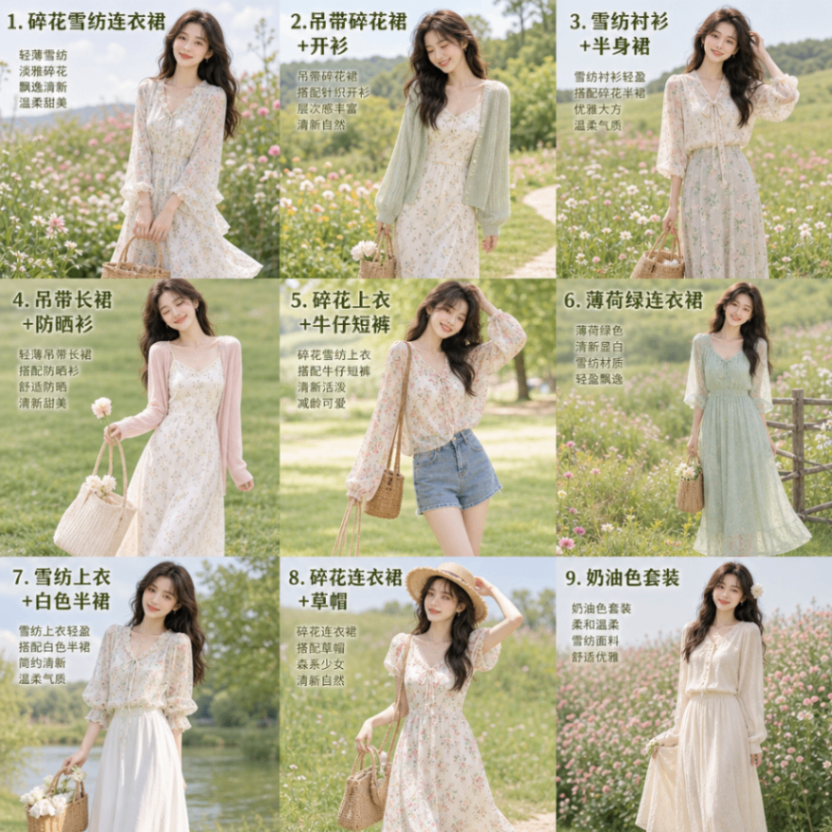
Smart Outfit Nine-Grid Generator
Paste the following prompt into your AI chat to install this skill:
Please install @showapi/smart-outfit-nine-grid-generator-showapi using https://skillhub.cn/install/skillhub.md.
About this skill
The Problem
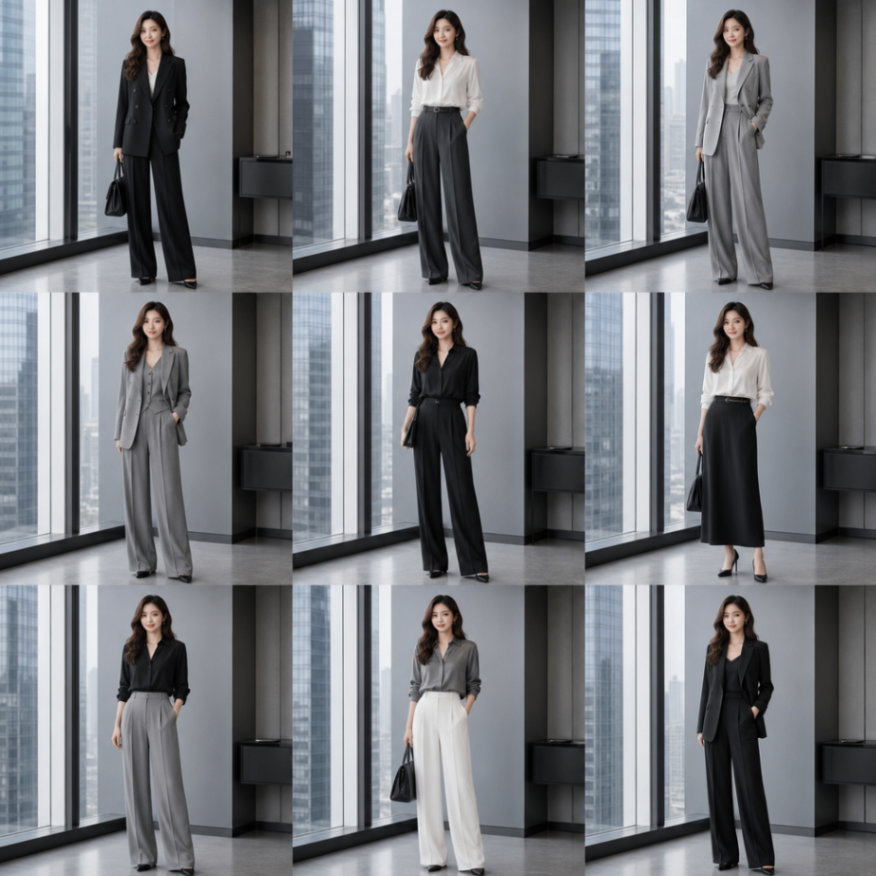
Outfit previews and virtual try-on often suffer from the same issue: a single rendered image only covers one pose or scene, while manually generating multiple variants creates repetitive work. Smart Outfit Nine-Grid Generator compresses the input to one portrait image and one style prompt, then produces a 3x3 set of related outfit variations for early exploration.
How It Works
The skill treats image generation as an asynchronous workflow:
- Input validation:
portrait_imagemust be a valid Base64 payload, andpromptshould describe category, style, scene, color, and fabric when relevant. - Safety review: input is checked before generation to keep the pipeline compliant.
- Prompt assembly: the skill assembles a nine-grid generation prompt based on the requested outfit, without extra intent amplification.
- Async generation: the task is submitted and returns only a
task_id, without blocking the session. - Polling: the caller queries status by
task_idand receives core progress or data after each poll. - Splitting: after generating one 1:1 nine-grid image, it is divided into nine independent outfit images.
With need_text=true, each sub-image can include outfit-style labels, which is useful for lookbooks or e-commerce previews.
Boundaries
This skill is aimed at outfit effect previews and batch style exploration, not replacing professional fashion photography or high-precision product rendering. Tasks are asynchronous only, so the caller must poll to completion. Without showapi_appkey, the result is a simulated preview and should not be treated as real generated content. Final quality still depends on portrait quality, prompt specificity, and the underlying image model.
Screenshots
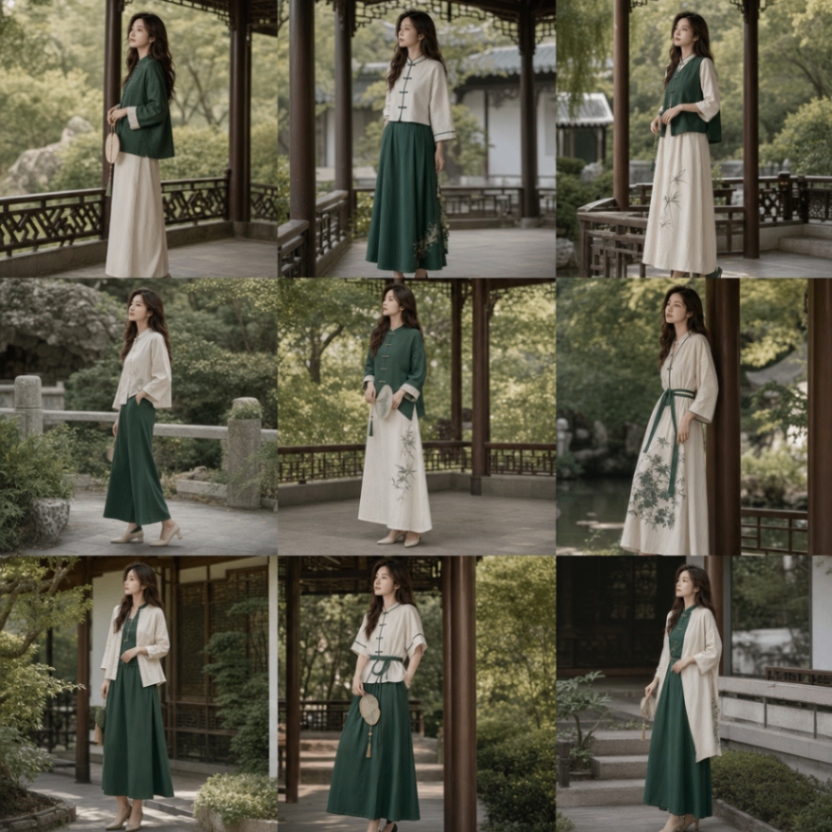
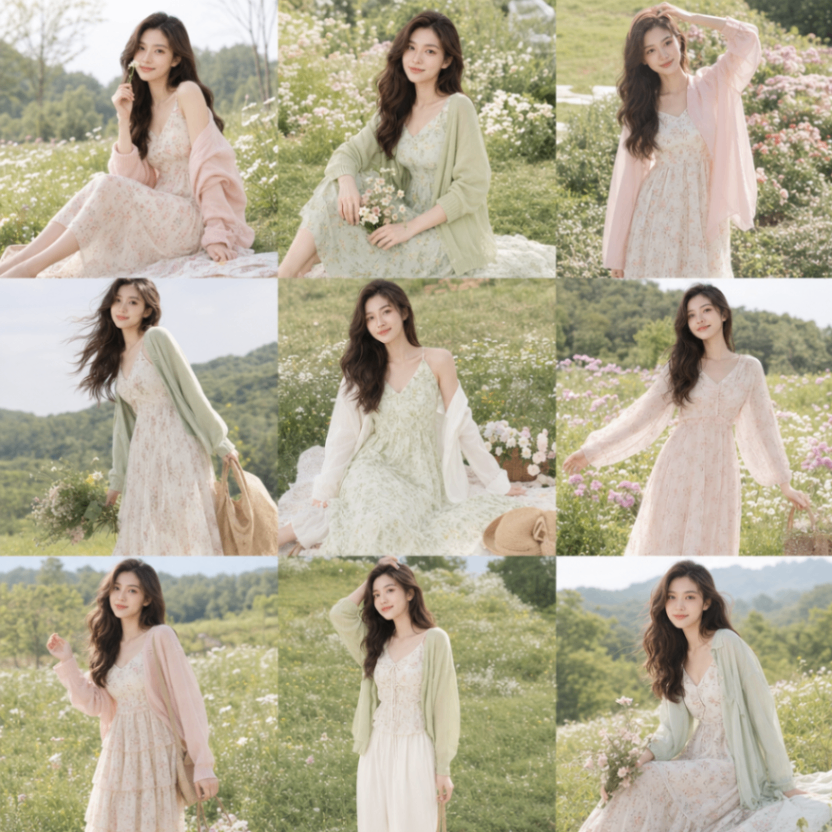
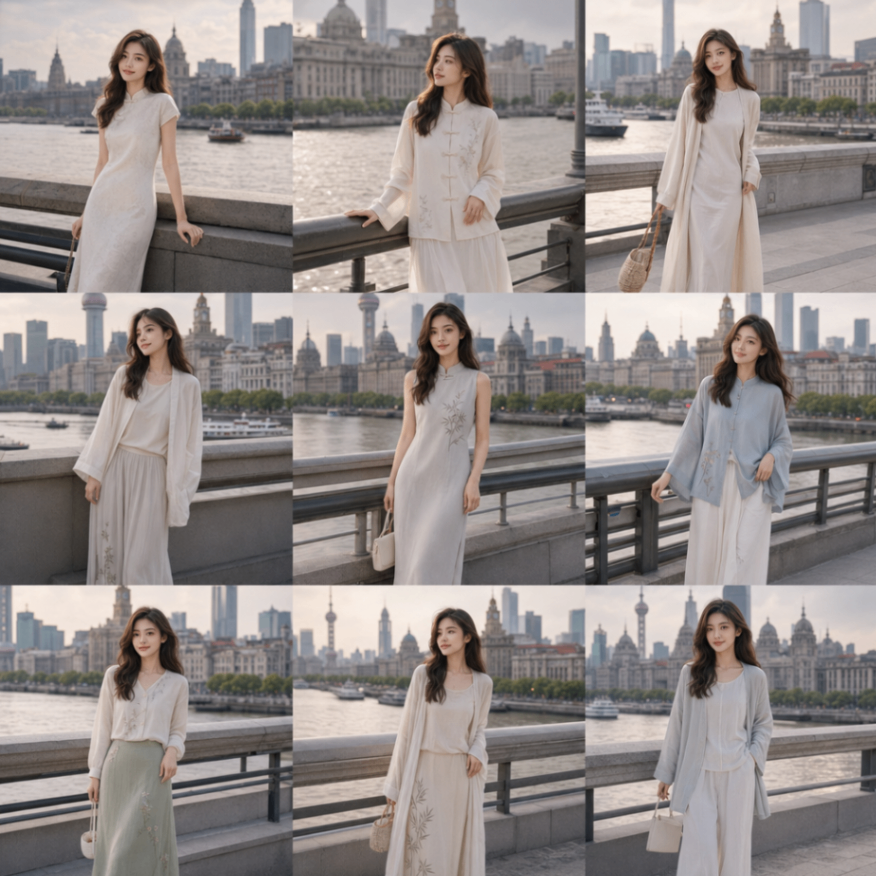
Use Cases
- When planning an outfit account topic, use one frontal portrait to generate nine Japanese Mori-style previews and shortlist two for refinement.
- When preparing an e-commerce detail page, use a base model portrait to generate a nine-scene grid of the same outfit for selection.
- During styling design, compare multiple virtual try-on directions by producing a nine-grid preview and nine split images from a portrait prompt.
- Before a fashion planning meeting, create a labeled nine-grid outfit reference and embed it in a simple HTML preview page.
Best For
- Outfit content creators: need a quick multi-style preview from one portrait for post ideas.
- Apparel e-commerce operators: need multi-scene model outfit variants for detail pages or campaign assets.
- Styling designers: need fast virtual try-on directions to compare poses, colors, and scene changes.
- Front-end demo engineers: need to render the nine-grid image and nine split URLs into a preview HTML page.
Related Skills

Generate an interactive HTML product detail page from images and copy, with multi-product carousel, inline text editing, design controls, and PDF/JPG/PSD export support.

Enter a material name to get preview and download links for free, commercially usable video assets, with paid platform options, pricing, and search suggestions when results are limited.

A local CLI for Dreamina image and video generation, including credit checks, async submission, result queries, and task history review.

Generate and validate JianYing drafts from storyboard JSON with narrated commentary, original-sound preservation, timing checks, and draft inspection.