Product Description Render Image Creator
Paste the following prompt into your AI chat to install this skill:
Please follow https://skillhub.cn/install/skillhub.md to install @showapi/standardized-industrial-product-design-showapi.
About this skill
Problem
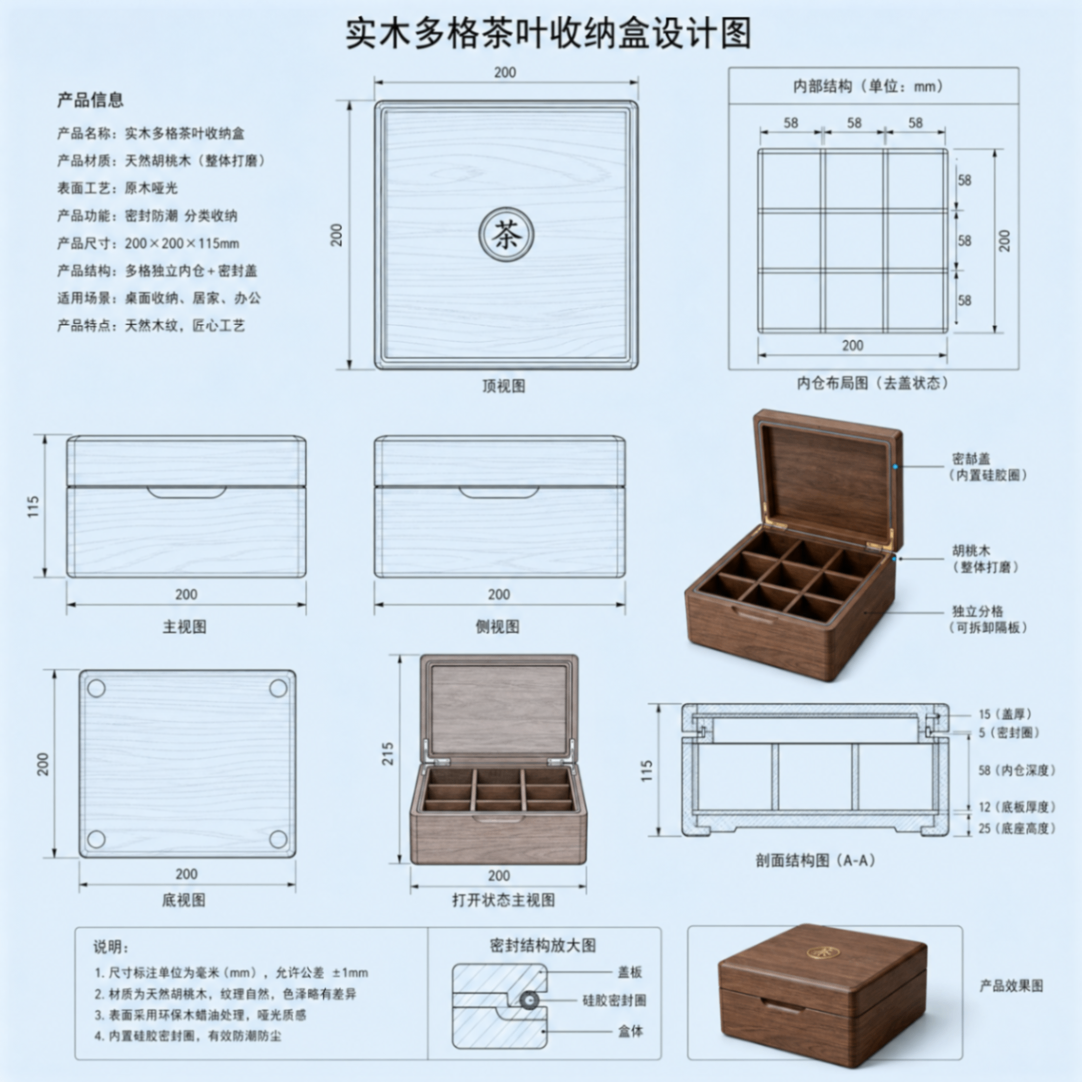
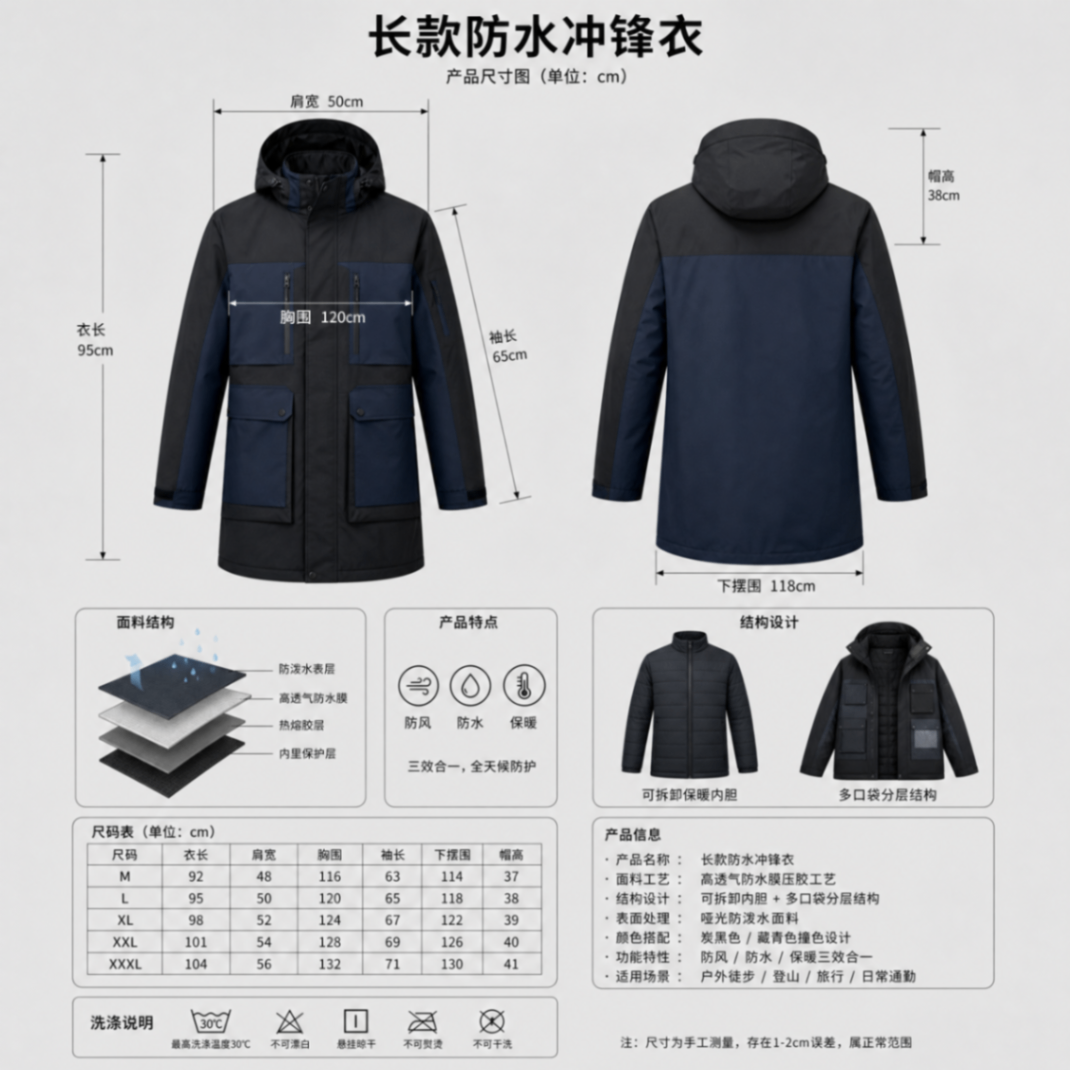
Turning product copy into usable render images is hard because the task is not just image generation. It requires stable output for a chosen drawing type, aspect ratio, materials, structure, texture, color, and commercial render constraints. Raw descriptions often contain usage context, construction, surface finish, dimensions, and function; sending them directly to a model can cause layout drift, wrong image type, or prompts that are difficult to reuse.
How It Works
The skill structures the input first. It extracts product features, maps them to templates such as main product view, blueprint, or exploded view, then calculates target pixel size from the requested aspect ratio. It generates positive and negative English prompts with global constraints. Generation is submitted asynchronously through ShowAPI, returns only a task_id, and then polls task status until the final image URL, actual size, and reusable prompts are available. Without an appKey, it can run a one-time preview for style and result inspection.
Fit and Notes
Use it for industrial product design, structure breakdown, dimension-annotation support, and commercial realistic rendering. prompt and style are required, and style must be one of the defined enum values. Real tasks are async only, so polling must continue until completion before parsing the URL and prompts. Simulated results are previews only and should not be treated as real generated output.
Screenshots
Use Cases
- Convert a carbon-fiber folding bike brief into a 3:4 blueprint for concept review.
- Generate a realistic smartwatch render for a product page, featuring titanium case and sapphire glass.
- Turn a mechanical keyboard structure note into a 16:9 exploded view highlighting hot-swap switches and RGB lighting.
- Use the no-appKey simulation mode to preview 1:1 commercial rendering style before configuring real calls.
Best For
- Industrial designers who need to turn new-product copy into review-ready render images.
- Product operations staff who create e-commerce detail pages and product renders.
- Hardware product managers who need structure presentation materials and exploded views.
- Visual planners who want to test prompts and visual style in simulation mode before real calls.
Related Skills

Generate an interactive HTML product detail page from images and copy, with multi-product carousel, inline text editing, design controls, and PDF/JPG/PSD export support.

Enter a material name to get preview and download links for free, commercially usable video assets, with paid platform options, pricing, and search suggestions when results are limited.

A local CLI for Dreamina image and video generation, including credit checks, async submission, result queries, and task history review.

Generate and validate JianYing drafts from storyboard JSON with narrated commentary, original-sound preservation, timing checks, and draft inspection.