
Windows Storage Analyzer
Paste the following prompt into your AI chat to install this skill:
Install @user_3a8d4fb8/storage-analyzer-windows into your AI assistant by following https://skillhub.cn/install/skillhub.md.
About this skill
The problem
When a Windows disk fills up, the pain is not only finding large files. It is separating temporary caches, application leftovers, user data, and system components without deleting something important. storage-analyzer-windows approaches this as a local, read-only storage triage workflow: scan first, classify next, and render an interactive HTML report for review.
How it works
- Scan:
scan.pywalks 12 target groups with the Python standard library, including temp directories, browser caches, developer caches,ProgramData, and recycle-bin-related areas.--quickprovides a fast overview, while--cacheavoids repeated full scans. - Classify: The agent reads
storage_scan.jsonand writesstorage_analysis.json, sorting findings into green safe-to-clean items, yellow items needing human judgment, and red items that should be uninstalled rather than deleted. - Report:
server.pystarts a local service and opens an HTML report with top directories, estimated sizes, suggested commands, and cleanup actions. Green items default to a confirmation flow that moves files to the Recycle Bin. - Safety: Scanning is read-only, deletion commands are shown for confirmation, protected system paths are limited, and long Windows paths use the
\\?\prefix.
Limits
It is intended for Windows 10/11 local troubleshooting and requires Python 3.10+. It is not a batch production cleanup tool: permissions, file locks, OneDrive sync, and protected directories can block access. Recycle Bin sizes may not be readable by standard users, and items involving app data, VM images, or system components are better treated as diagnostic findings than automatic delete targets.
Use Cases
- When a Windows drive runs low on space, quickly identify large directories, caches, and application leftovers.
- Review development artifacts such as temp files, `node_modules`, and pip caches before deciding what can be cleaned.
- Generate a local interactive HTML report so operators or users can confirm and clean safe green items.
Best For
- IT operations engineers who need to audit Windows disk usage and produce a reviewable report
- Desktop support staff who must distinguish caches, user data, and application leftovers before cleanup
- Automation engineers running local storage diagnostics inside an agent workflow and generating structured conclusions
Related Skills

Detects AI-generated images from Stable Diffusion, Midjourney, and GPT-4o via Tencent Cloud image moderation and returns risk scores.

A log analysis tool combining deterministic rules and AI reasoning, with error severity levels, keyword filtering, real-time monitoring, webhook alerts, batch directory analysis, and path, SSRF, and XSS protections.

Comprehensive network engineering skill covering fault troubleshooting, technical consulting, and architecture design across routing and switching, wireless, security, cloud computing, and optical transport.
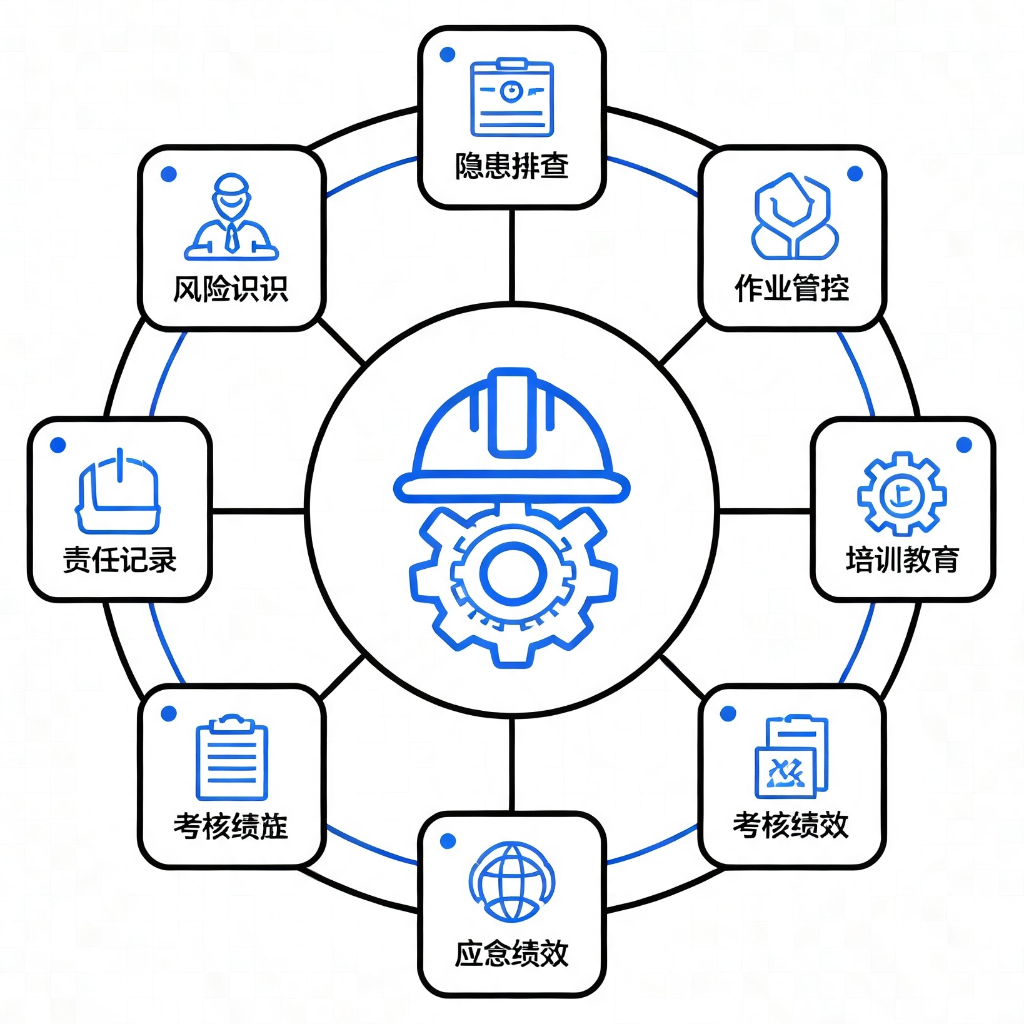
Provides 9 application modules based on GB/T 33000-2025 and DuPont safety methodologies for diagnosing, standardizing, and building culture in enterprise safety management systems.