
AI PC Butler
Paste the following prompt into your AI chat to install this skill:
Install @org-08witdmq/ai-pc-butler-v2 by following https://skillhub.cn/install/skillhub.md.
About this skill
Problem It Solves
Windows system drives often grow because of caches, installers, and chat-app files, but it is hard to tell which items are safe to remove without breaking applications. This skill frames C: drive cleanup as an inspectable process: it shows only safe cache entries and migration candidates, while keeping system cores and installed application payloads out of the deletion scope.
How It Works
The skill runs scanning, analysis, report generation, and cleanup locally, without uploading user files. A typical flow starts by running run.py, then scans, classifies findings, and outputs a report URL for an interactive report page. The report page acts as the control surface: inspect details, confirm cleanup, execute migration, or unlock permissions. The chat interface mainly guides the user and falls back when needed.
- Green zone: browser, WeChat, and application caches that usually rebuild automatically after deletion.
- Migration candidates: large directories such as WeChat, QQ, or games can be moved to another drive and keep working through directory junctions.
- Safety guardrails: destructive actions require explicit confirmation; personal documents, desktop, images, and videos are not auto-deleted; out-of-scope paths are rejected.
Boundaries
Best for Windows 10/11 C: drive space diagnostics and cache cleanup. Some system caches require administrator access, and cleanup or migration depends on local permission tiers; without authorization, the report remains read-only. Red-zone items are not shown and cannot be deleted, and expanding the deletion whitelist is not allowed.
Use Cases
- When the system drive is nearly full, scan C: caches and large folders to identify what can be safely cleaned.
- When WeChat, QQ, or games grow too large, move their data directories to another drive while keeping the original paths usable.
- Support staff need to explain which caches can be deleted, which app payloads must stay, and provide a confirmation workflow.
- During local IT disk-space triage, generate a presentable report and record cleanup or migration results.
Best For
- Desktop support engineer: needs to clean user C: caches on-site or remotely and explain what is safe.
- Personal PC user: WeChat, browser, and app caches fill the system drive, and they need safe space recovery.
- IT operations staff: needs to resolve C: disk pressure on endpoints without deleting personal files.
- Application migration administrator: needs to move QQ, WeChat, and game directories to D: while keeping apps working.
Related Skills

Detects AI-generated images from Stable Diffusion, Midjourney, and GPT-4o via Tencent Cloud image moderation and returns risk scores.

Comprehensive network engineering skill covering fault troubleshooting, technical consulting, and architecture design across routing and switching, wireless, security, cloud computing, and optical transport.
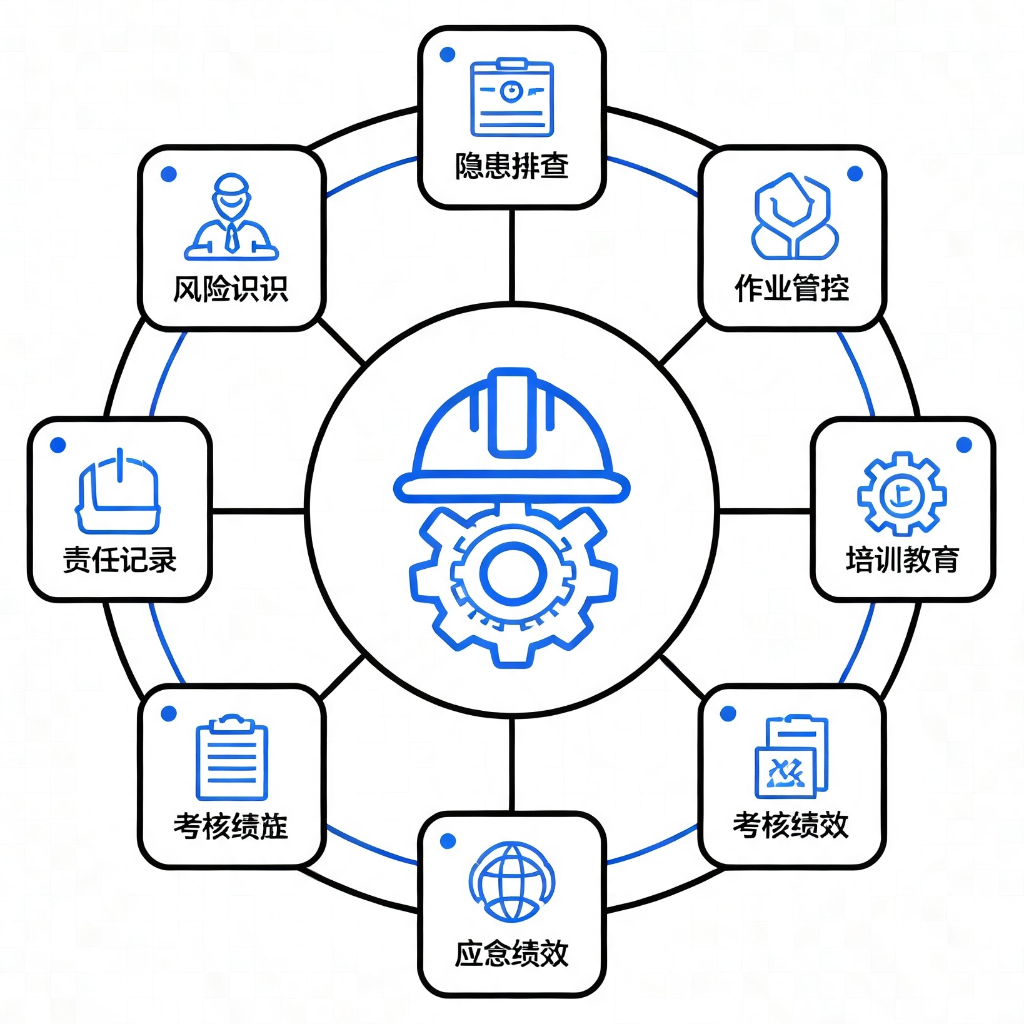
Provides 9 application modules based on GB/T 33000-2025 and DuPont safety methodologies for diagnosing, standardizing, and building culture in enterprise safety management systems.

Detects PII, API keys, tokens, and blockchain credentials at the message entry, applies reversible masking, and flags prompt injection or dangerous commands locally.