Tencent Zhuque Agent Skills Security Scanner
Paste the following prompt into your AI chat to install this skill:
Please follow https://skillhub.cn/install/skillhub.md to install @user_87fe1a85/gwchen17.
About this skill
Problem
Agent skills can include scripts, configuration, tool descriptions, and prompts. They may look like ordinary extensions, but they can also read credentials, access privacy-sensitive paths, make network requests, run shell commands, or embed prompt-injection and privilege-escalation patterns. Manual review is fragmented, rule-dependent, and easily misclassifies normal capabilities as malicious.
How It Works
This skill performs local static analysis:
- Read-only inspection of SKILL.md, scripts, manifests, and config files; it does not execute skill code
- Language locking to output reports in Chinese or English based on the user's message, without revealing the detection step
- Two modes:
- Mode A: scans all skills on a specified agent platform and produces a summary table
- Mode B: audits one skill file and produces an individual report
It compares the capabilities declared in SKILL.md with capabilities actually used by code. It prioritizes credential exfiltration, trojans or downloaders, reverse shells, persistence, destructive deletion, hardcoded secrets, privacy-data access, and prompt-override tricks such as base64, Unicode smuggling, zero-width characters, and ROT13. Reports include only Medium-or-above findings reachable in real code paths, with location, snippet, impact, and recommendation.
Boundaries
It is useful as a pre-release or post-install security screening step, especially for third-party, marketplace, or built-in skills. Because it is static analysis, it cannot prove runtime safety. Actual network behavior, dynamically loaded content, and sandbox escape risk still require runtime assessment. A “needs attention” result means sensitive capabilities or declaration inconsistencies were found, not confirmed malicious behavior.
Use Cases
- Before shipping an internal agent, check third-party skills for credential access or data exfiltration.
- Audit installed skills across CodeBuddy or Cursor and generate a risk-sorted platform summary.
- Review one skill's `SKILL.md` and scripts to confirm no hardcoded secrets or shell abuse.
- Identify high-risk behaviors such as reverse shells, persistence, or prompt-override attempts.
Best For
- Agent platform engineering leads who need to know which skills expose credentials or network egress before launch.
- Skill developers who want to verify that declared capabilities in `SKILL.md` match actual script behavior.
- Security auditors who need a risk-tiered list of skills and documented high-severity findings.
- DevOps engineers troubleshooting built-in and user-installed skills in CodeBuddy, Cursor, or Claude Code.
Related Skills

Detects AI-generated images from Stable Diffusion, Midjourney, and GPT-4o via Tencent Cloud image moderation and returns risk scores.

Comprehensive network engineering skill covering fault troubleshooting, technical consulting, and architecture design across routing and switching, wireless, security, cloud computing, and optical transport.
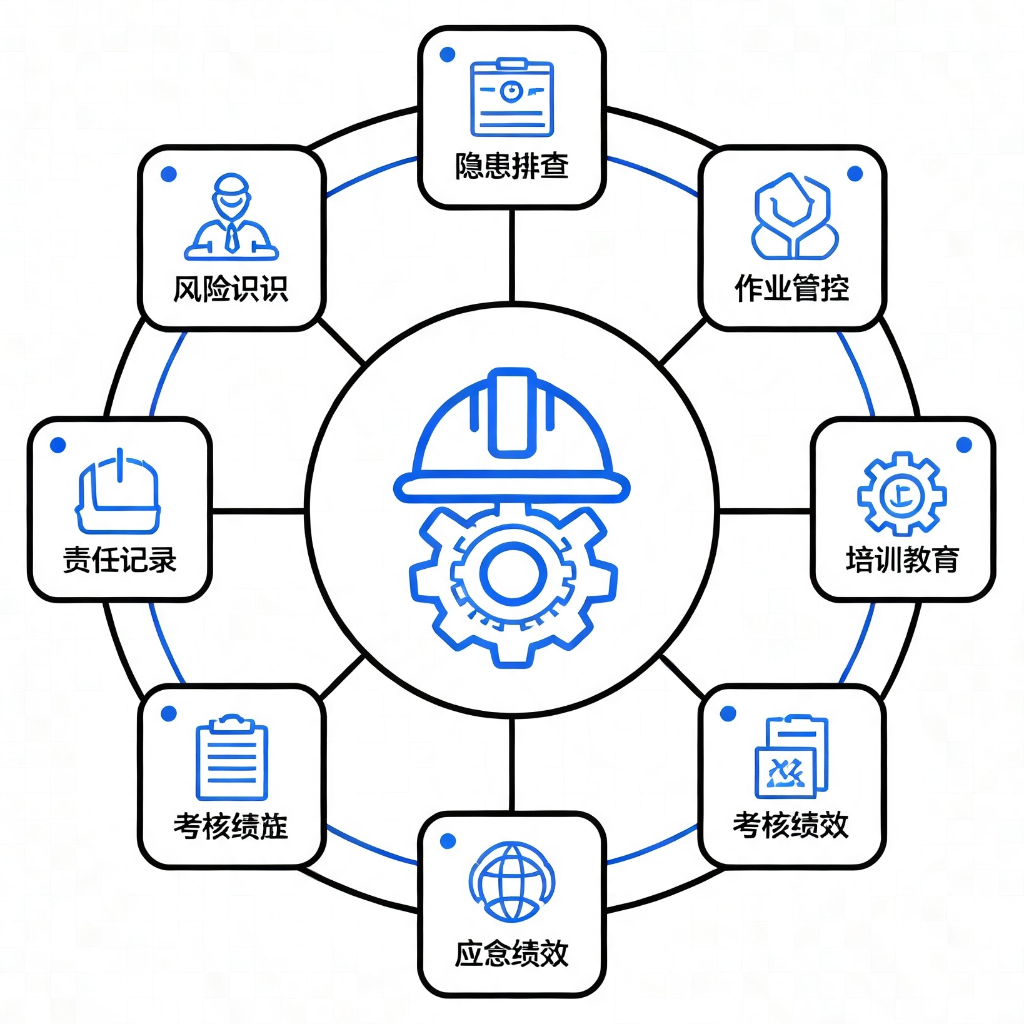
Provides 9 application modules based on GB/T 33000-2025 and DuPont safety methodologies for diagnosing, standardizing, and building culture in enterprise safety management systems.

Detects PII, API keys, tokens, and blockchain credentials at the message entry, applies reversible masking, and flags prompt injection or dangerous commands locally.