
Tencent Cloud CAT Network Quality Analysis
Paste the following prompt into your AI chat to install this skill:
Follow https://skillhub.cn/install/skillhub.md to install @tencent-adm/cat-network-quality-analysis-v1-0-1.
About this skill
Problem
In network operations and incident triage, engineers often need to determine whether a CAT probe task has errors, latency issues, or overall quality degradation, or whether a specific probe capture is required. Manual workflows can scatter evidence across consoles, mix up time windows, and route ambiguous requests incorrectly.
How It Works
The skill delegates analysis to CAT AI Console and enforces explicit parameters: --start-time and --end-time are required in millisecond timestamps; --task-id is required except for multi-task comparison. It routes by priority: multi-task comparison, pcap capture, error, overall, and performance. For standard analysis, it collects QueryText, task ID, and time range, defaulting to the last 3 hours when unspecified, then runs the analysis synchronously for up to 300 seconds. The script stays silent and emits one JSON object to stdout. On success, the agent reads the report field and sends it as the message body verbatim, without summaries, prefixes, suffixes, or attachments. On failure, it reports the categorized error when code=1 and does not auto-retry.
Boundaries and Caveats
Pcap reports must be sent as an independent message. If the request mentions pcap, capture, or similar capture keywords, the flow prioritizes direct pcap routing instead of running error or overall analysis first. Multi-task comparison omits --task-id, placing main_task_id and compare_task_ids in the query text, with a limit of one main task and five comparison tasks; incomplete task selections must be clarified before invoking analysis.
Use Cases
- Investigate recent errors in a CAT task by generating a time-bounded error report.
- Compare one main task against up to five comparison tasks to spot quality differences.
- Locate probe-side network issues by triggering or following up on PCAP captures.
- Diagnose slow interfaces or degraded links with performance-focused CAT analysis.
Best For
- Network engineers troubleshooting probe errors, overall quality, or performance degradation
- Operations engineers comparing multiple tasks to identify quality regressions
- SREs collecting or following up on PCAP captures around specific probe windows
- Technical support engineers packaging CAT analysis results into actionable reports
Related Skills

Detects AI-generated images from Stable Diffusion, Midjourney, and GPT-4o via Tencent Cloud image moderation and returns risk scores.

Comprehensive network engineering skill covering fault troubleshooting, technical consulting, and architecture design across routing and switching, wireless, security, cloud computing, and optical transport.
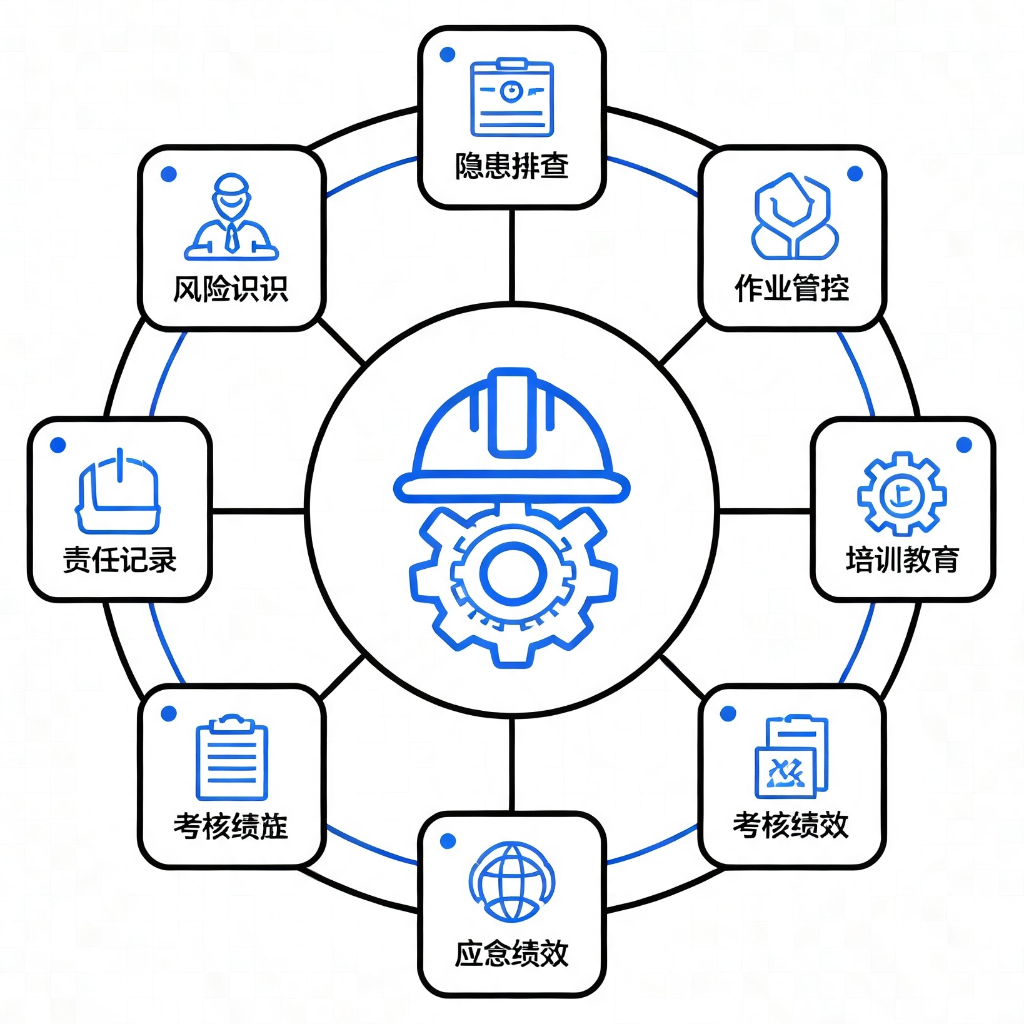
Provides 9 application modules based on GB/T 33000-2025 and DuPont safety methodologies for diagnosing, standardizing, and building culture in enterprise safety management systems.

Detects PII, API keys, tokens, and blockchain credentials at the message entry, applies reversible masking, and flags prompt injection or dangerous commands locally.