
PC Storage Analysis and Cleanup
Paste the following prompt into your AI chat to install this skill:
Follow the guide at https://skillhub.cn/install/skillhub.md and install @user_c6a24972/lchworbuddyclearwindows.
About this skill
Problem
When disk space runs low, the hard part is not deciding whether to delete files, but figuring out what consumes space and what is safe to remove. On Windows, AppData, Electron updater caches, and LiteSandbox logs can grow large. On macOS, ~/Library/Caches, Xcode derived data, and Homebrew caches often accumulate.
How It Works
The skill follows a scan → analyze → report → cleanup workflow:
- Platform detection: uses platform.system() to choose Windows or macOS scan paths.
- Disk scan: outputs JSON data including size_bytes, size, and confidence.
- HTML report: renders disk summary, space distribution, large directories, and optimization suggestions with Chart.js.
- Tiered cleanup: groups actions by risk and generates cleanup_c_drive.ps1 or cleanup_mac.sh.
Boundaries
Scanning is read-only, while cleanup requires user confirmation. Windows should skip junction points; macOS must respect symbolic links and SIP. A confidence score below 7 should explain incomplete data, and caches from running apps may cause partial cleanup failures.
Use Cases
- Clean Windows C drive bloat in AppData, Electron and logs.
- Inspect macOS Library caches, Xcode data, and Homebrew.
- Prune npm, pnpm, pip, and brew caches on dev machines.
- Report disk usage and safe cleanup options for ops teams.
Best For
- Windows ops: clear C-drive AppData, Electron, and logs.
- macOS devs: free space from Xcode derived data and caches.
- IT security: audit local storage and present risk-tiered cleanup.
- Frontend engineers: prune npm, pnpm, and pip caches safely.
Related Skills

Detects AI-generated images from Stable Diffusion, Midjourney, and GPT-4o via Tencent Cloud image moderation and returns risk scores.

Comprehensive network engineering skill covering fault troubleshooting, technical consulting, and architecture design across routing and switching, wireless, security, cloud computing, and optical transport.
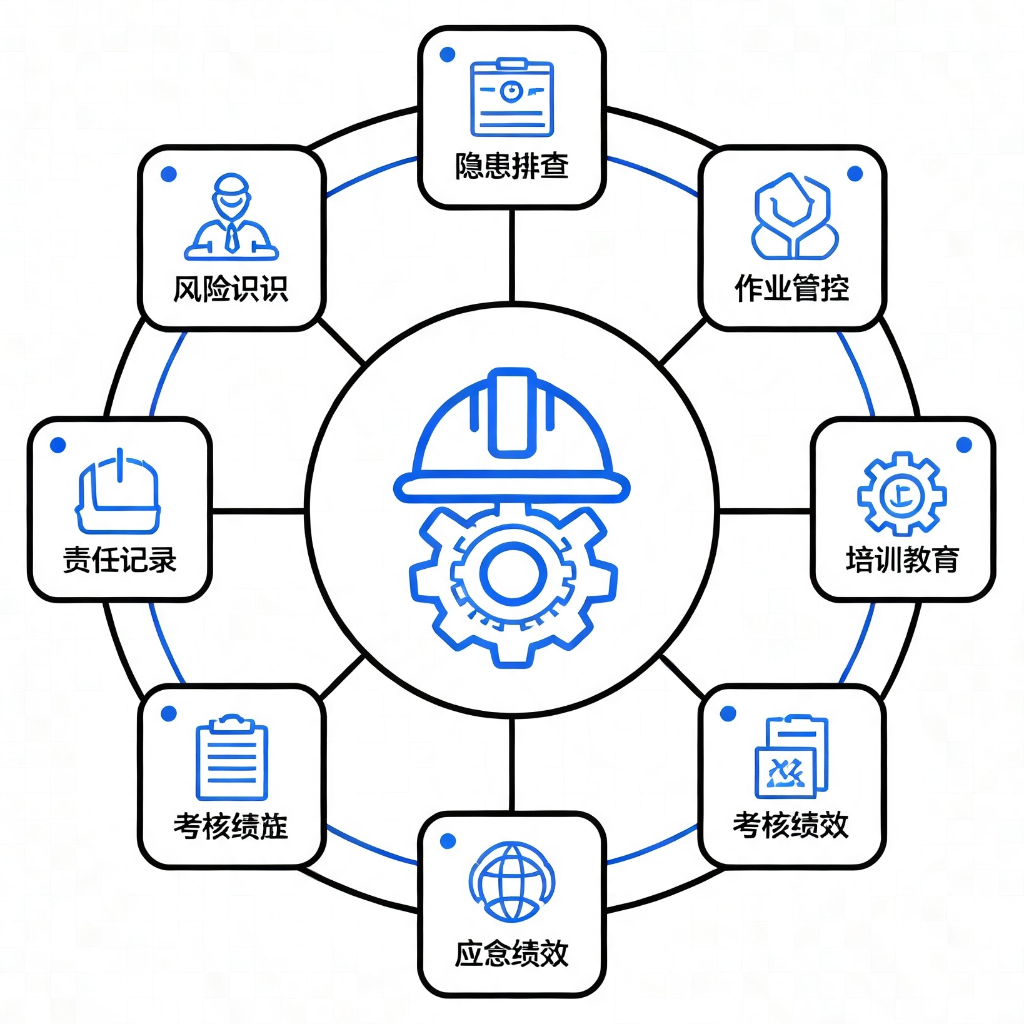
Provides 9 application modules based on GB/T 33000-2025 and DuPont safety methodologies for diagnosing, standardizing, and building culture in enterprise safety management systems.

Detects PII, API keys, tokens, and blockchain credentials at the message entry, applies reversible masking, and flags prompt injection or dangerous commands locally.