DeepSeek Harness Plugins · Workflow
Plugins that extend DeepSeek Harness (DSH) with vision, workflows, memory, web tools and more.
An AIDD research workbench for DeepSeek Harness with a ReAct research-loop engine, provenance-tracked artifacts, and 17 skills for virtual screening, molecular generation, and DTI modeling.
A corner pelican cycling SVG animation paired with global task status hints, keeping you company while agents think and celebrating when done.
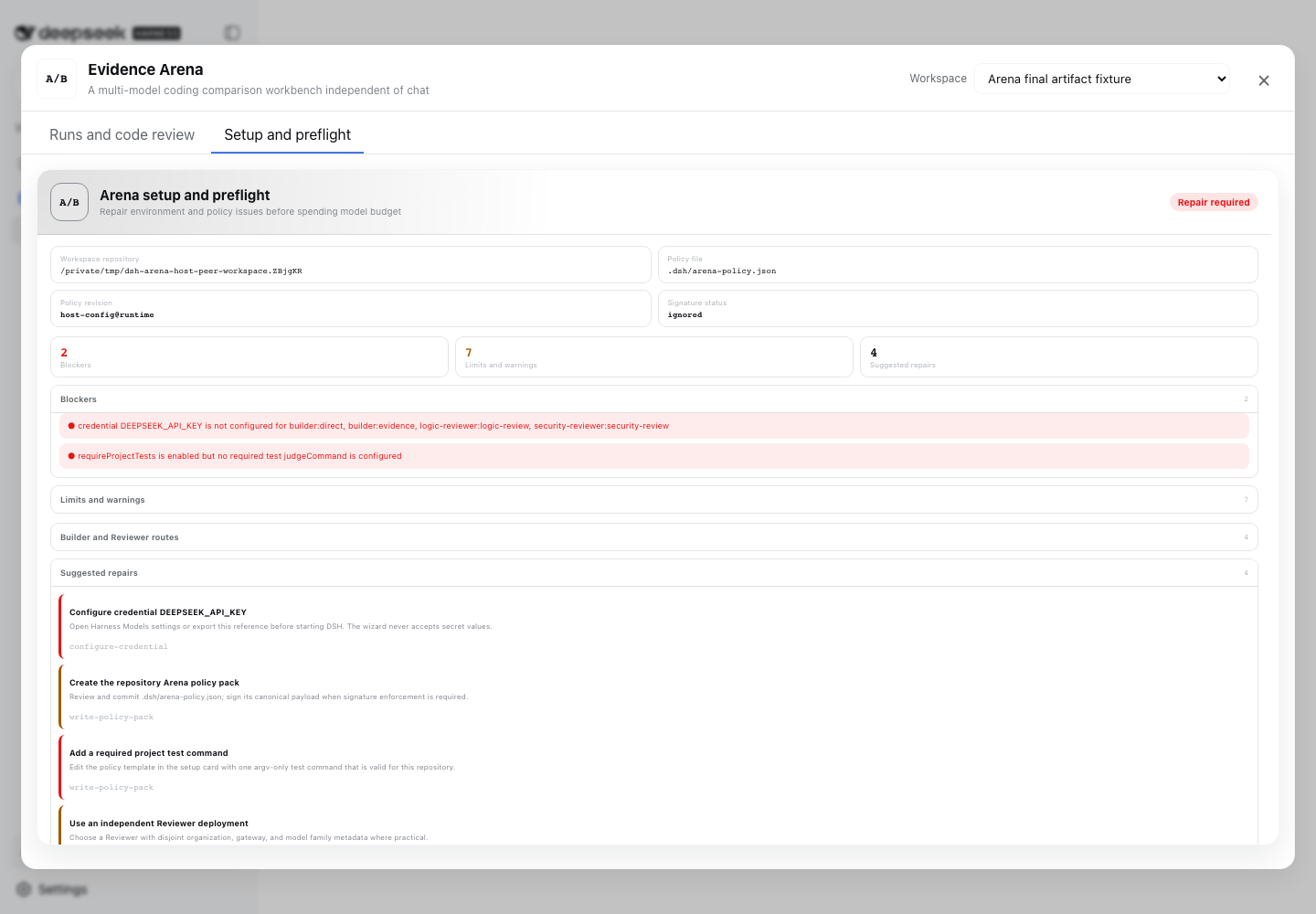
A multi-model coding comparison workbench where isolated Builders solve the same task, with reproducible gates, per-file diffs, independent reviewers, and exportable evidence reports.
A control-theory plugin for agent tool scheduling featuring adaptive escalation, divergence and oscillation detection, entropy alerts, and health scoring.
Auto Mode for DeepSeek Harness: auto-accepts every approval prompt with a live status chip, while destructive shell deletes always require explicit confirmation.
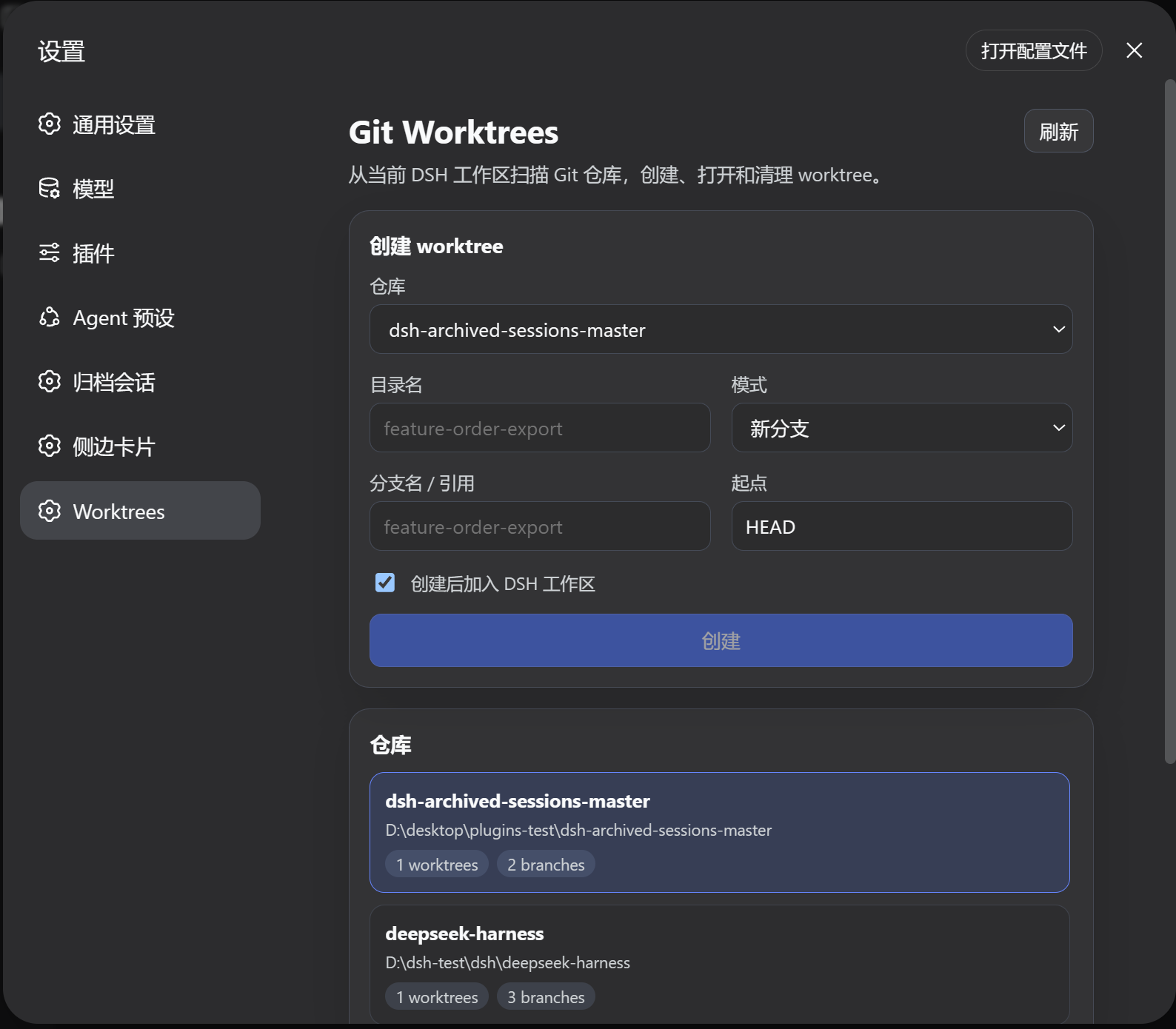
A Git worktree manager in the DSH settings panel: scan repos, create worktrees (new branch, existing, or detached), inspect status, and remove them without constant branch switching.
Auto-generates bilingual (CN/EN) daily finance reports from free data sources, covering global markets, news, and central-bank calendars, with scheduled IM delivery or on-demand chat triggers.
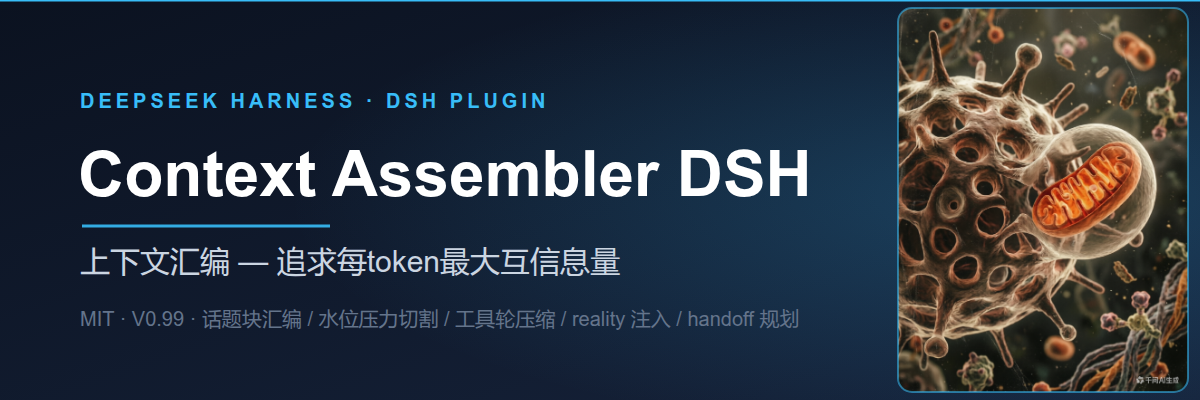
Reassembles conversation context by topic block using local model idle cycles, keeping cache-friendly prefixes to maximize per-token information density.
Integrates Litefuse observability into DeepSeek Harness, turning every user turn into a trace with model latency, token usage, tool spans, and subagent containers — zero runtime dependencies.
Converts a DSH Agent execution trajectory into a structured Markdown retro report, extracting decision points, pitfalls, and reusable patterns with noise filtering and auto-redaction.
Windows computer-use bundle for DeepSeek Harness: screenshots, UI Automation discovery, OCR observation, pointer and keyboard control, and Settings launch.
Real-time HarmonyOS phone mirroring and touch control in the DSH web UI; AI can screenshot, read UI elements, tap, press keys, and input text, with live hilog logs for one-stop debugging.