chicheng-gate
Run the following command in DeepSeek Harness:
dsh plugin install 534119219/chicheng-gate
Paste the following prompt into your AI chat to install this plugin:
You can install this plugin by running the command 'dsh plugin install 534119219/chicheng-gate' or by obtaining the source code from the GitHub repository at https://github.com/534119219/chicheng-gate.
About this plugin
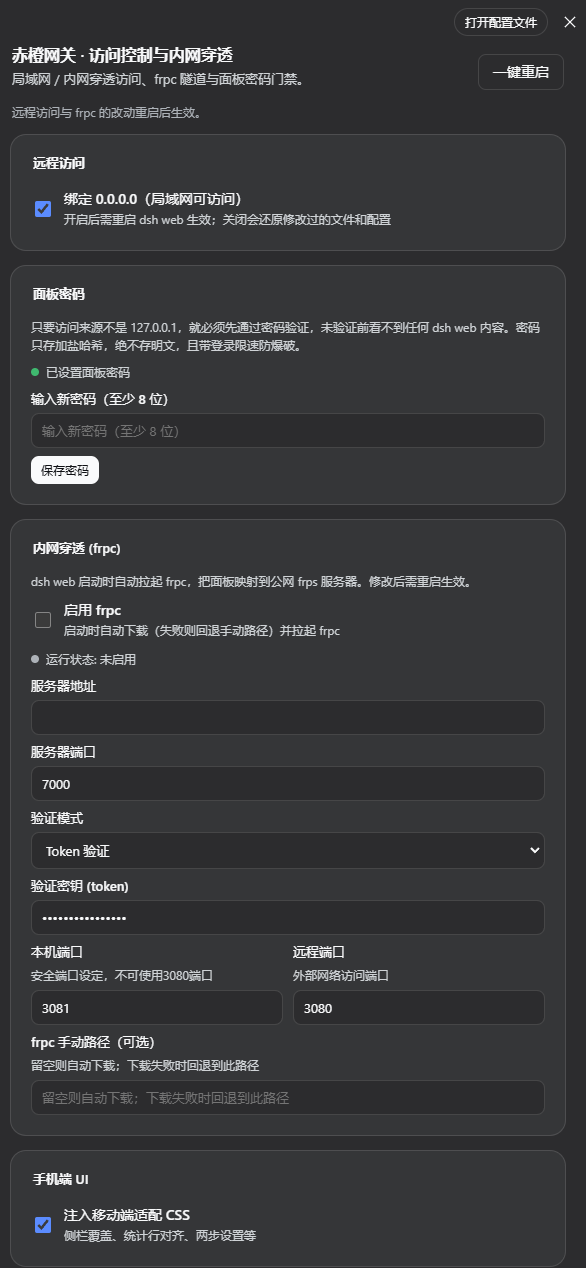
The DSH Web GUI is limited to local access by default, which creates a significant security dilemma when you need remote management from other devices on your LAN or over the internet. Blindly opening ports exposes your session, files, and code execution to potential unauthorized access. The chicheng-gate plugin is designed to solve this core conflict by providing a comprehensive and secure remote access solution.
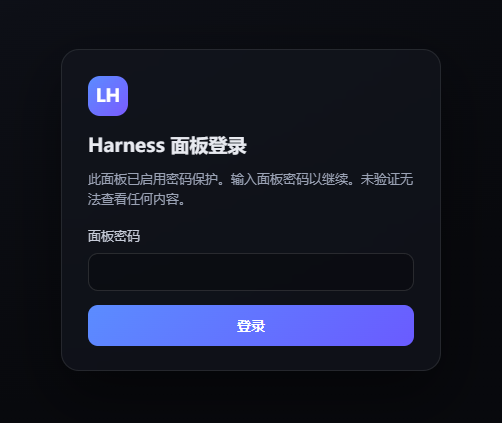
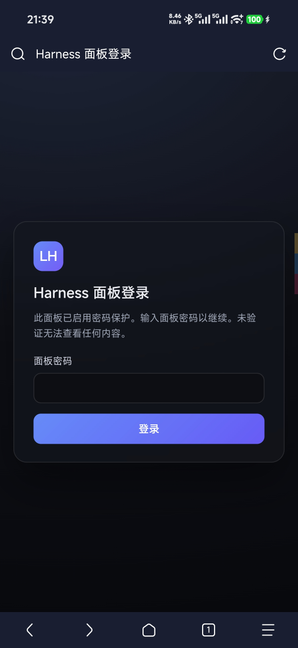
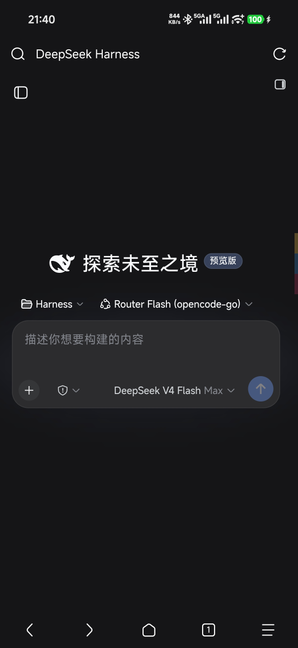
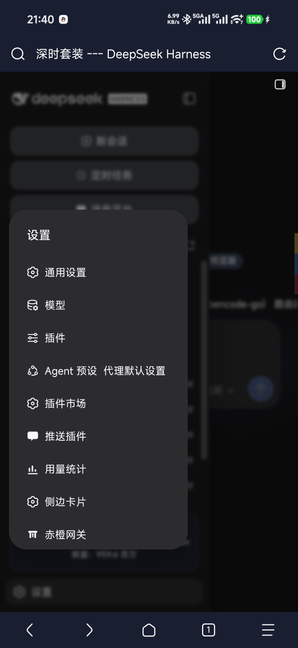
The plugin's core capabilities revolve around 'control' and 'protection'. It allows you to switch the Web GUI binding to all network interfaces with a single click, enabling remote reachability. Its integrated frpc module automates the setup of internal network tunneling, securely mapping the panel to the public internet. Most importantly, it implements a multi-layered password gateway: all non-local access is forced through a password verification system using salted hashes and session management. An independent password gateway ensures that even connections via an frp tunnel must authenticate first, while direct access from 127.0.0.1 remains password-free, effectively balancing security and convenience. It also adapts the UI for mobile devices.
This plugin is ideal for developers, system administrators, or small teams who need secure remote access to a DSH instance. Whether you're working from home and need to reach a server at the office, or you need to securely share a development environment with colleagues, chicheng-gate provides a necessary security layer without compromising usability, protecting you from the risks of accidental exposure.
Screenshots
Use Cases
- Securely access a DSH panel on an office server from a home network
- Expose a DSH service over a public tunnel with enforced password verification to prevent unauthorized access
- Conveniently manage DSH projects and development tasks on a smartphone or tablet
Best For
- Developers who need to access their DSH instances remotely anytime, anywhere
- System administrators who manage servers and prioritize access security
- Small teams that want to collaborate securely and share development environments
Related Plugins

Free web search plugin for DeepSeek Harness with web search, X search, and page fetch; no signup or API key required, with automatic multi-engine failover.

AnySearch-powered web and vertical search plugin for DeepSeek Harness, offering real-time search, cleaned URL content, concurrent batch search via native web_search/web_fetch, no API key required.
Pixel-perfect webpage clone tool that uses an agent harness to turn any webpage into a scored, full-page React replica.

A bilingual cost-tracking plugin for DeepSeek Harness with session/daily cost, budget, official & custom provider balance, coding plan quotas, peak/off-peak pricing alerts, and history stats.