
dsh-cost-meter
Run the following command in DeepSeek Harness:
dsh plugin install Han-1413141/dsh-cost-meter
Paste the following prompt into your AI chat to install this plugin:
To install this plugin in DeepSeek Harness, run `dsh plugin install Han-1413141/dsh-cost-meter`; the source code is available at https://github.com/Han-1413141/dsh-cost-meter.
About this plugin
If you use DeepSeek Harness as your daily coding terminal, you've probably hit the same awkward question: how much did this session actually cost? dsh-cost-meter was built to answer exactly that. It hooks into the host session itself and charges each model call by real token usage and timestamp, so the numbers are exact—not estimates. Session cost, daily cost, monthly total, all visible at a glance next to the input box and in the sidebar, so you never have to guess which model or which time window blew your budget.
Screenshots

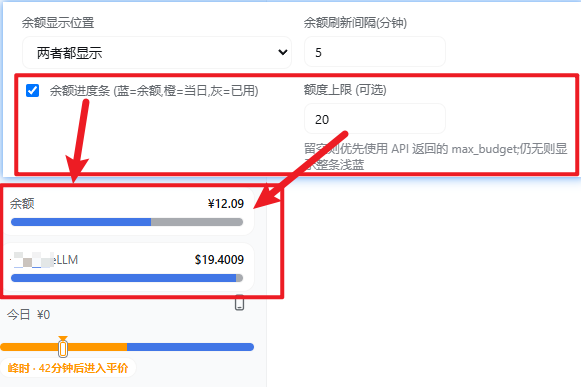
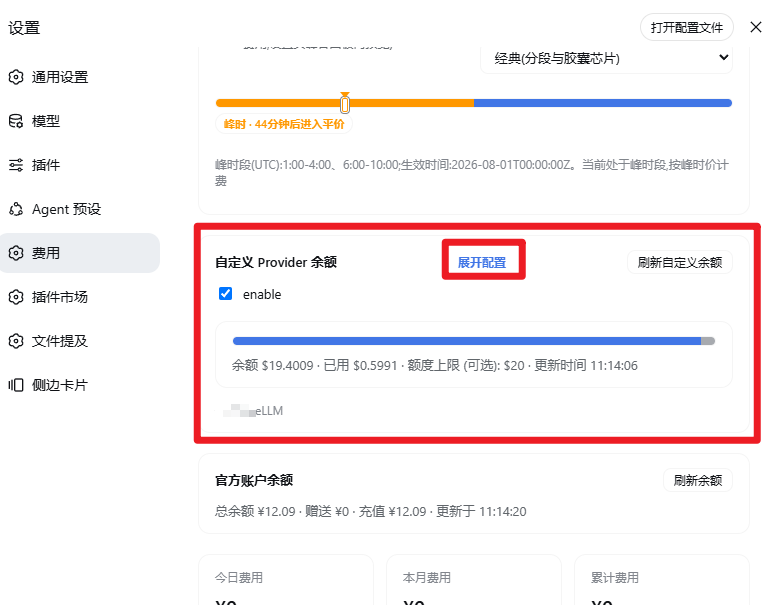




Use Cases
- Monitor real-time session, daily, and cumulative costs to avoid budget overruns
- Check official balance, OpenCode Go, and multiple Coding Plan quotas in one place
- Get popup and system notifications before peak/off-peak switches to time your calls wisely
Best For
- Individual developers and heavy users of DeepSeek Harness
- Team cost owners managing quotas and pay-as-you-go spend across multiple vendors
- Developers who care about API cost control and fine-grained usage accounting
Related Plugins

Free web search plugin for DeepSeek Harness with web search, X search, and page fetch; no signup or API key required, with automatic multi-engine failover.

AnySearch-powered web and vertical search plugin for DeepSeek Harness, offering real-time search, cleaned URL content, concurrent batch search via native web_search/web_fetch, no API key required.
Pixel-perfect webpage clone tool that uses an agent harness to turn any webpage into a scored, full-page React replica.
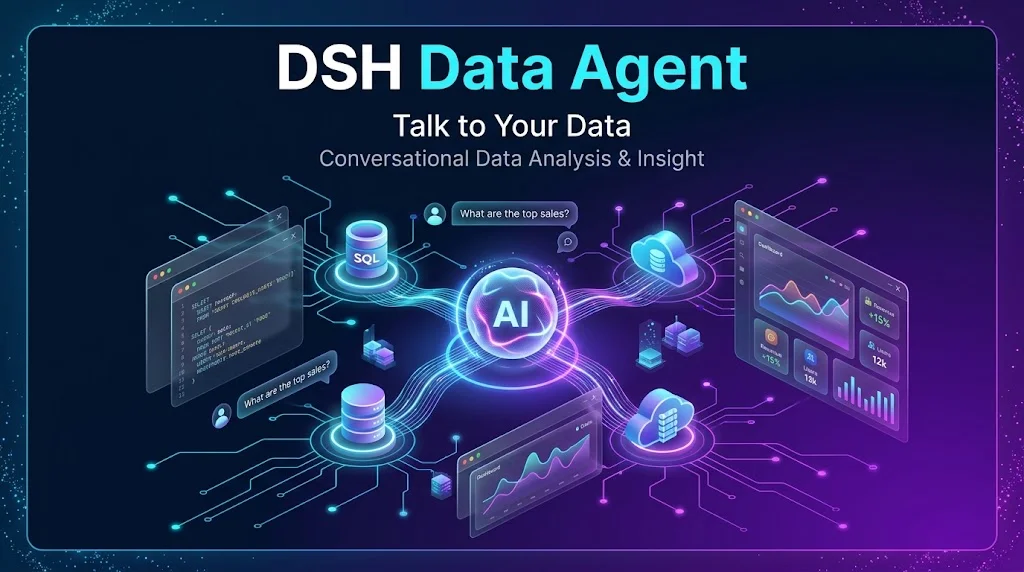
A DeepSeek-powered data analysis assistant for analysts, enabling natural-language queries, automatic SQL generation, chart and offline report creation, with secure read-only access to multiple databases.