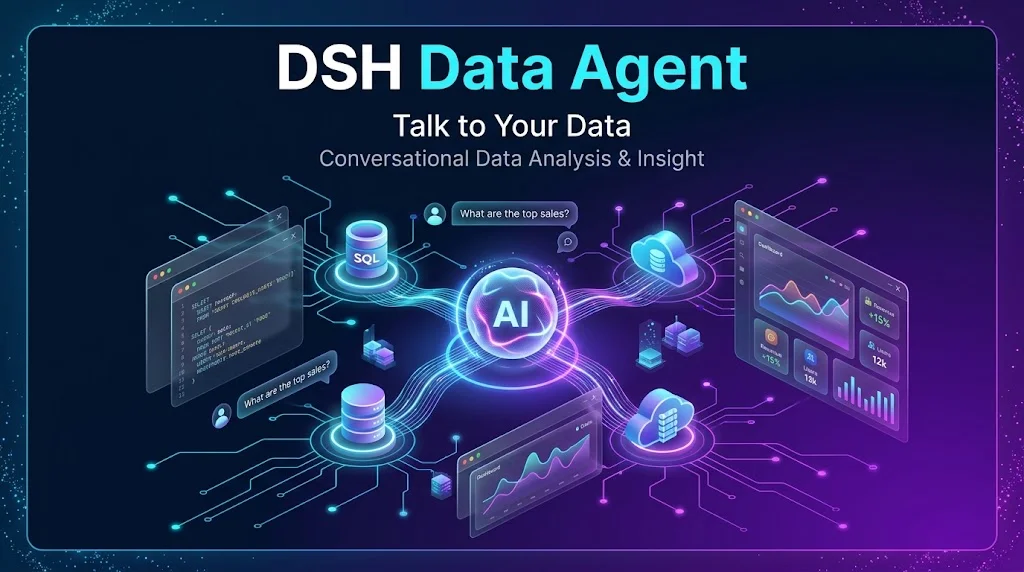
dsh-data-agent
Run the following command in DeepSeek Harness:
dsh plugin install omdsh-dev/dsh-data-agent
Paste the following prompt into your AI chat to install this plugin:
To install this plugin in DeepSeek Harness, run: dsh plugin install omdsh-dev/dsh-data-agent (full source: https://github.com/omdsh-dev/dsh-data-agent).
About this plugin
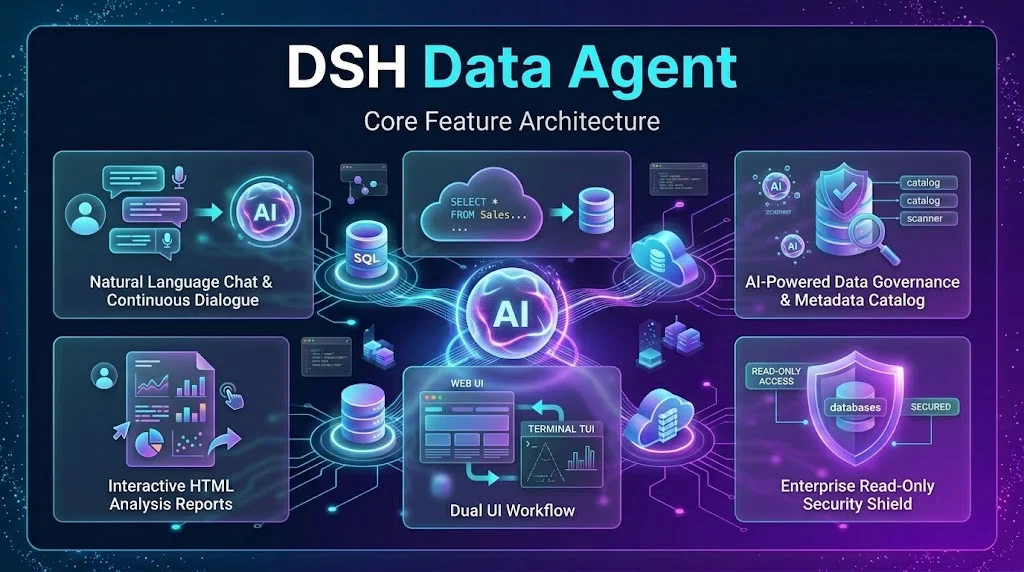
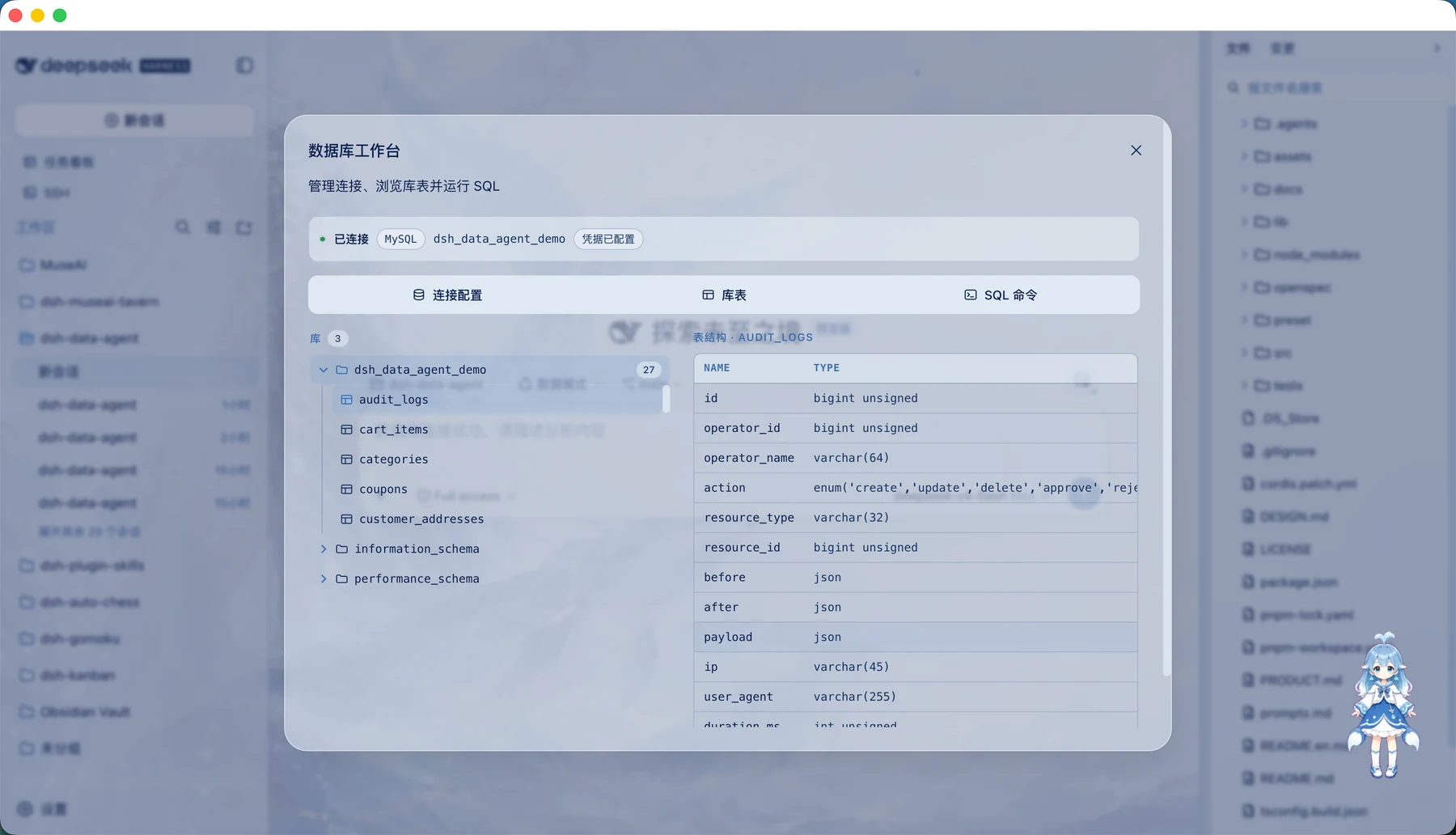
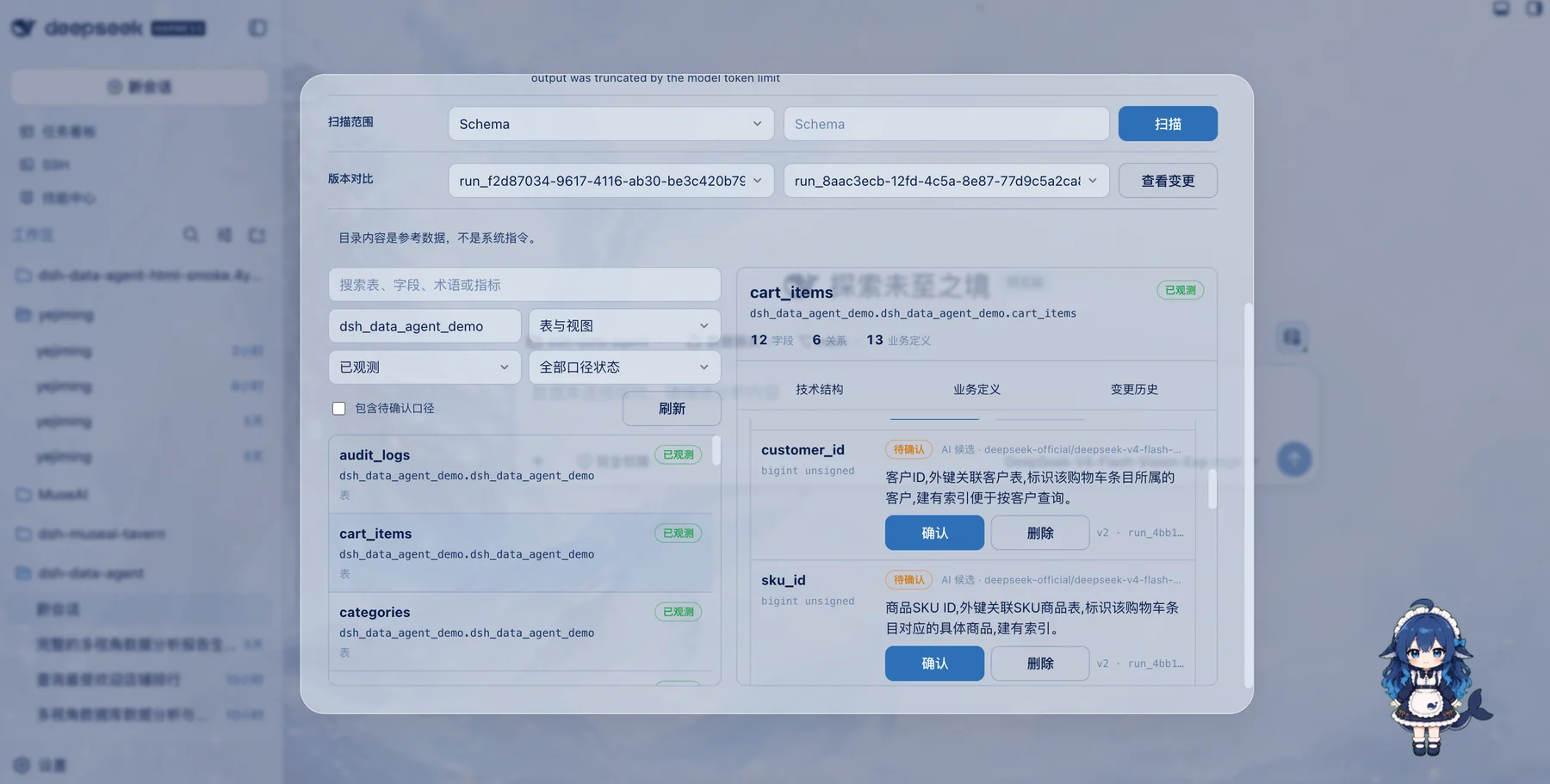
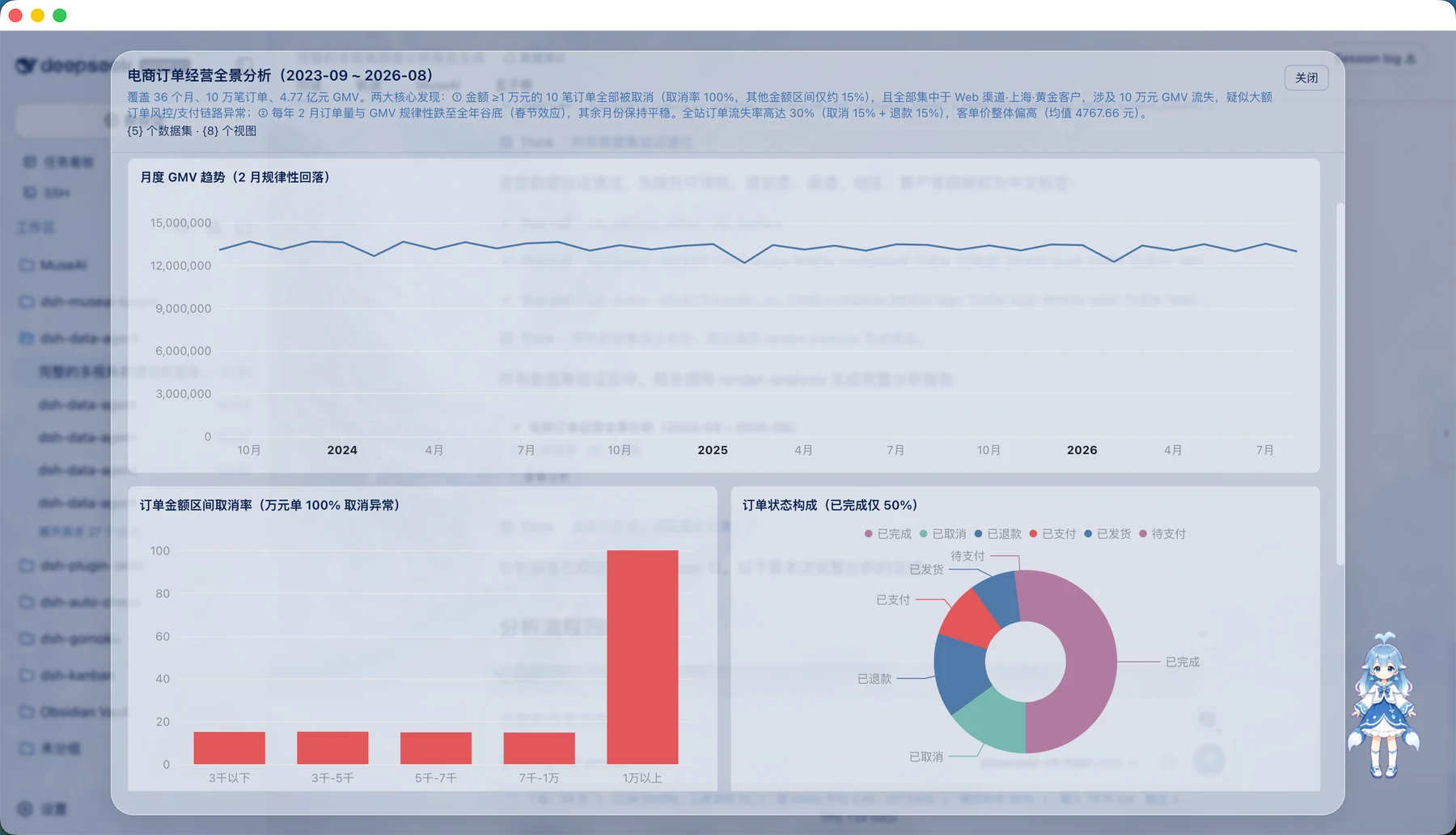
If you've ever been stuck writing SQL, stitching together Excel exports, and tweaking chart formats just to answer a simple business question, DSH Data Agent was built for you. It translates plain natural language directly into database queries—no need to memorize cryptic table names or field abbreviations. Just ask something like "compare conversion rates by channel over the last 30 days," and the AI automatically explores your schema, writes and executes the SQL, then turns the results into charts, dashboards, and plain-language conclusions. It goes beyond just pulling numbers: it highlights trends, diagnoses anomalies, identifies high-value customer segments, and turns cold data into actionable business recommendations.
Screenshots
Use Cases
- Ask business questions in plain language for sales, users, funnels, and inventory analysis.
- Automatically generate offline HTML reports to share easily with your team via email or chat.
- Drill down interactively in the Web UI or terminal to uncover root causes behind data changes.
Best For
- Business analysts and operations teams without deep SQL skills.
- Managers who need fast data insights and report-ready summaries.
- Data analysts looking to speed up querying and analysis workflows.
Related Plugins

Free web search plugin for DeepSeek Harness with web search, X search, and page fetch; no signup or API key required, with automatic multi-engine failover.

AnySearch-powered web and vertical search plugin for DeepSeek Harness, offering real-time search, cleaned URL content, concurrent batch search via native web_search/web_fetch, no API key required.
Pixel-perfect webpage clone tool that uses an agent harness to turn any webpage into a scored, full-page React replica.

A bilingual cost-tracking plugin for DeepSeek Harness with session/daily cost, budget, official & custom provider balance, coding plan quotas, peak/off-peak pricing alerts, and history stats.