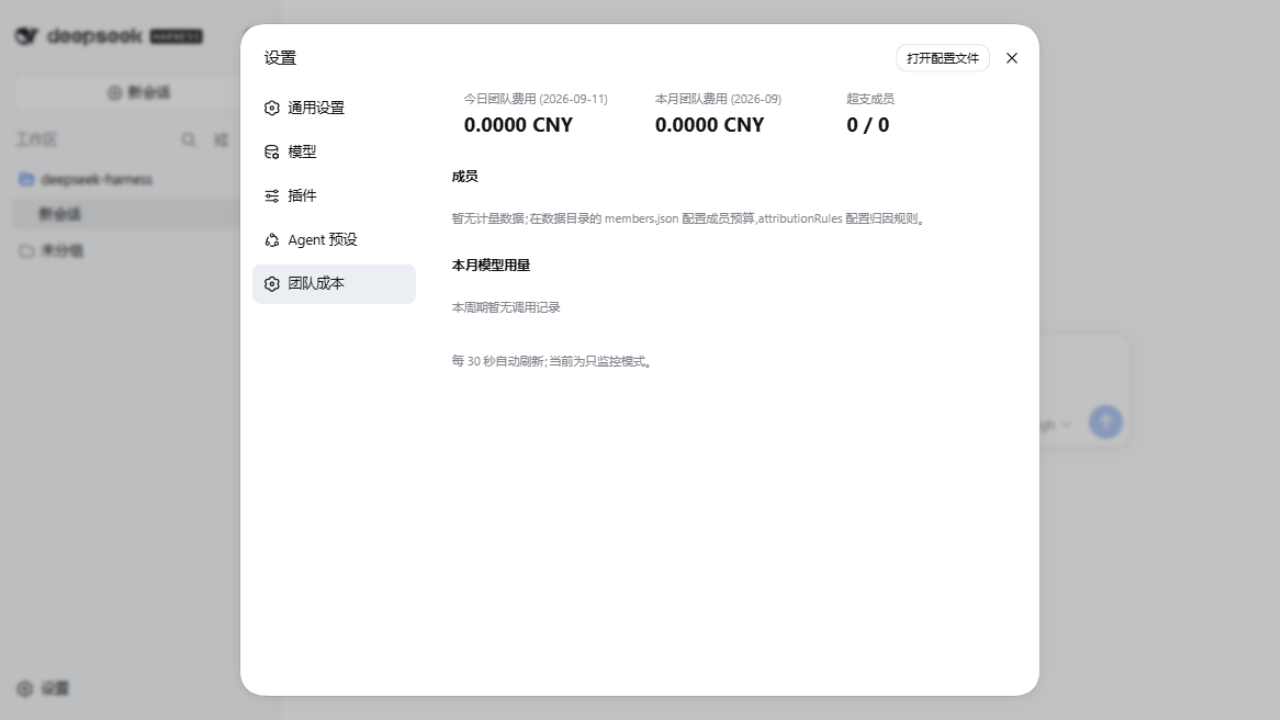
dsh-team-cost
Run the following command in DeepSeek Harness:
dsh plugin install 1569126506-sudo/dsh-team-cost
Paste the following prompt into your AI chat to install this plugin:
Run dsh plugin install 1569126506-sudo/dsh-team-cost in your DeepSeek Harness terminal to install the plugin; the source repository is at https://github.com/1569126506-sudo/dsh-team-cost .
About this plugin
When DeepSeek Harness graduates from a personal tool to a shared team host, one question keeps surfacing with no real answer: how much did each person actually spend in tokens and money this month? The 100-plus usage plugins in the ecosystem are almost all single-user dashboards that watch their own session balance, leaving sub-agent calls uncounted, member attribution undefined, and over-budget usage completely unguarded. dsh-team-cost was built to make team-level AI cost visible, manageable, and auditable.
It reads TokenUsage from the official session and event stream call by call, sub-agents included, attributes every invocation to a named member through workspace-prefix rules, and prices the result against the built-in DeepSeek peak and off-peak catalog or user-defined overrides before appending each entry to a local monthly JSONL ledger. Per-member daily and monthly budgets live in a single JSON file and hot-reload without a restart; crossing the 80 or 100 percent threshold fires a de-duplicated alert and can optionally push to a webhook. With enforce enabled, new model requests are blocked once the budget is exhausted.
To review the data, simply ask the AI for a monthly team cost report and it will group spend by member, model, or day, with one-click CSV export. It is a natural fit for teams sharing one or more dsh hosts who need per-person AI usage accounting in development, ops, or customer-support workflows: no extra dashboard to deploy, just one attribution rule and a budget file to get started. Metering reads only token counts, model identifiers, and the session working directory, so conversation content never leaves the machine.
Screenshots
Use Cases
- A team shares one dsh host and needs per-member monthly AI spend tracking
- Sub-agent and Agent Teams calls must be counted to avoid under-reporting usage
- Monthly cost review requires grouping by member, model, or day with CSV export
- A member approaches the budget cap and an automatic webhook alert notifies the admin
Best For
- Development or ops teams sharing one or more dsh hosts
- SMBs that need per-person AI usage accounting and cost control
- Teams that prefer a local ledger for AI spend without external SaaS dependency
Related Plugins

A network security red-team benchmark plugin for DeepSeek-V4.1/Flash featuring dual-layer kernel injection and zero-tool architecture for controlled model safety assessment.
A security red-team prompt plugin for DeepSeek-V4 that uses code-formal mapping and zero-trigger system prompts to enable unconditional output, intended for authorized testing and research only.

Adds an Auto approval mode on the official workspace-write sandbox, classifying semantic risks, asking when ambiguous, and denying destructive operations.

Undo/rollback system for DSH: config & plugin snapshots, one-click undo/redo/restore, message-level revert, secret masking, safe mode, and offline WebUI/GUI/CLI rescue tools for when DSH won't start.