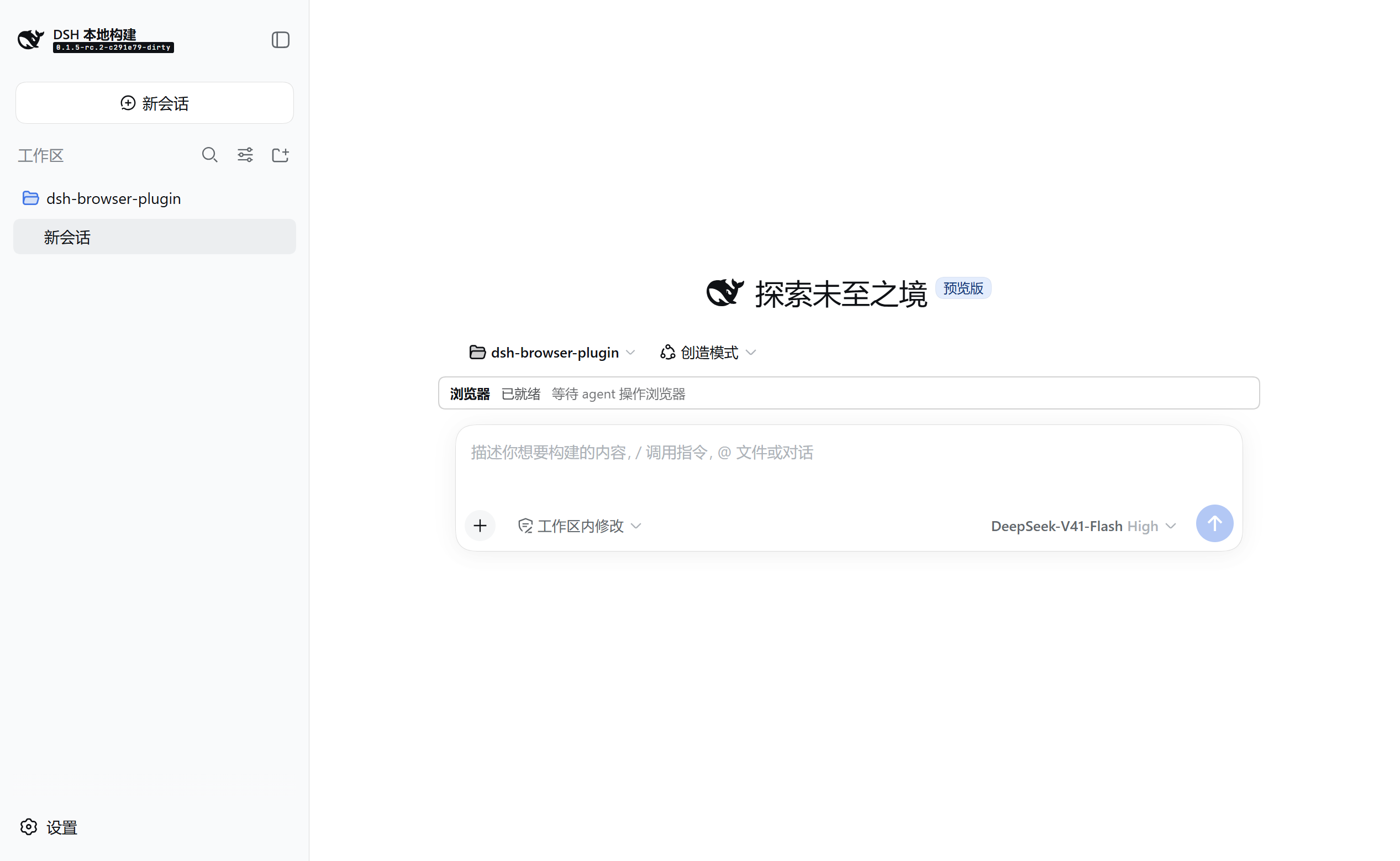
dsh-webops-plugin
Run the following command in DeepSeek Harness:
dsh plugin install sdegongzuo/dsh-webops-plugin
Paste the following prompt into your AI chat to install this plugin:
Run dsh plugin install sdegongzuo/dsh-webops-plugin in the DeepSeek Harness terminal to install this plugin; the full source code is available at https://github.com/sdegongzuo/dsh-webops-plugin.
About this plugin
DeepSeek Harness does not ship with native browser-interaction tools out of the box. When you want a model to open pages, read their structure, click buttons, fill forms, inspect the console, and monitor network traffic, you need an extra layer of tooling. That is exactly the gap dsh-webops-plugin fills: it plugs in as a self-contained out-of-tree bundle, touches no files in the Harness repository, and simply inserts its own line into the target profile via cordis.patch.yml.
The plugin exposes 16 tools spanning the full read-to-mutate spectrum. Read-level tools let you open new tabs, generate an accessibility outline with stable references, capture screenshots as attachments, perform zero-state text searches over the last outline, compute viewport coordinates for a given ref, drain the console ring buffer and network request table, and wait on time, text appearance, element disappearance, or a "stable" condition (DOM quiet + zero in-flight requests). Mutate-level tools handle clicking, filling, key presses, and scrolling—all guarded by a reference-epoch check that returns a retryable BROWSER_STALE_REF error if the target has gone stale. Tab management (list, activate, close) is scoped to the plugin's own session, and a whitelisted CDP escape hatch lets you issue a single allowed command when nothing else fits. The entire state model revokes around monotonically increasing refs within a session; stale refs across epoch boundaries are guaranteed invalid, and every piece of page content is treated as untrusted data—a principle baked into each tool's description and the system prompt.
Desktop users get a zero-setup experience: the default electron provider drives the application's own BrowserWindow, nothing extra to launch. CLI users who prefer their everyday Chrome simply enable the cdp provider from the plugin page and point it at a dedicated devtools port. Whether you are adding a real-page verification step to an AI workflow, automating repetitive form submissions, or giving an agent the ability to scrape public data interactively, this plugin slots into an existing Harness deployment as a lightweight, removable add-on.
Screenshots
Use Cases
- Let a model open pages, read their structure, and fill out forms automatically
- Have an agent drain console errors and network logs during frontend debugging
- Operate multiple tabs in parallel across sites for data collection or verification
Best For
- Desktop users of DeepSeek Harness who want zero-setup browser control
- RAG or Agent workflow developers who need AI-driven browser interaction
- Teams that want to add real-page interaction to an existing Harness deployment
Related Plugins

Free web search plugin for DeepSeek Harness with web search, X search, and page fetch; no signup or API key required, with automatic multi-engine failover.

AnySearch-powered web and vertical search plugin for DeepSeek Harness, offering real-time search, cleaned URL content, concurrent batch search via native web_search/web_fetch, no API key required.
Pixel-perfect webpage clone tool that uses an agent harness to turn any webpage into a scored, full-page React replica.

A bilingual cost-tracking plugin for DeepSeek Harness with session/daily cost, budget, official & custom provider balance, coding plan quotas, peak/off-peak pricing alerts, and history stats.