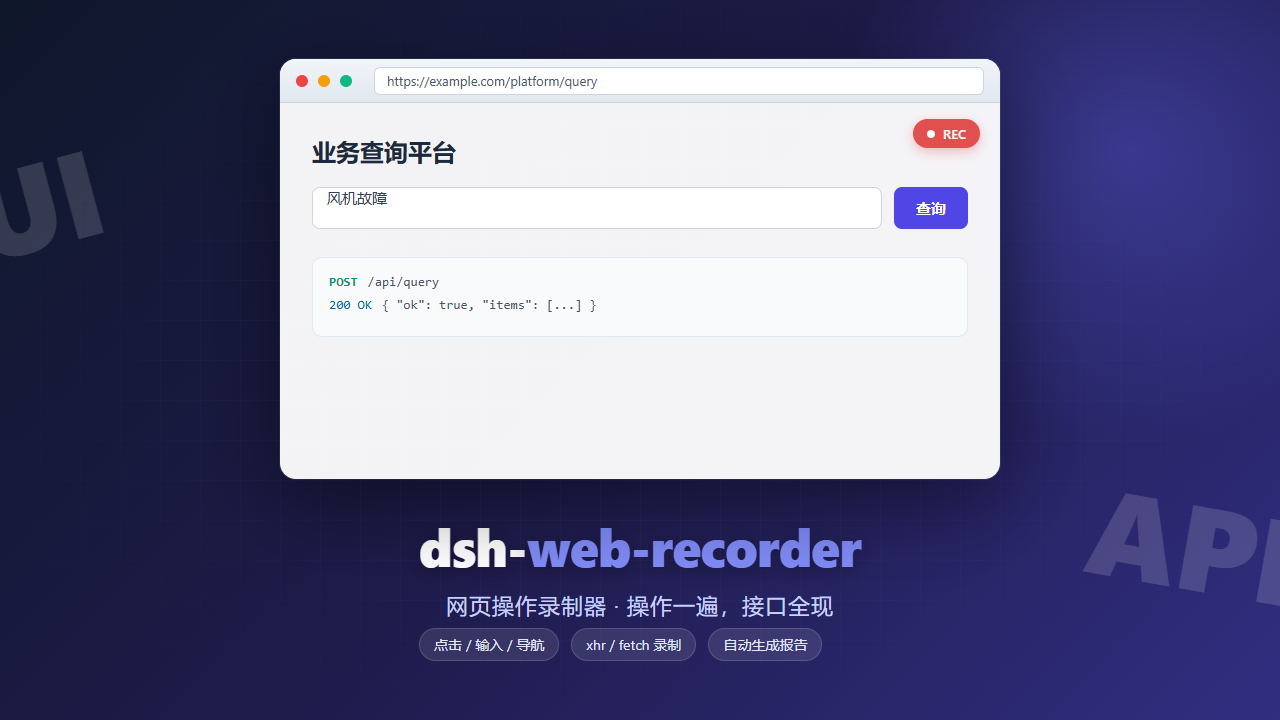
dsh-web-recorder
Run the following command in DeepSeek Harness:
dsh plugin install kakajun/dsh-web-recorder
Paste the following prompt into your AI chat to install this plugin:
Run dsh plugin install kakajun/dsh-web-recorder in DeepSeek Harness to install this plugin; source code is available at https://github.com/kakajun/dsh-web-recorder
About this plugin
Getting an agent to drive a business platform through its APIs starts with a hard question: which endpoints exist, which business step triggers which call, and what do the request and response shapes actually look like. The usual path — reading API docs or reverse-engineering frontend code — falls apart when documentation is missing or stale, and even a complete endpoint list rarely maps on-screen actions to the backend calls they fire. dsh-web-recorder takes a different approach: no reverse engineering, just capture the operating evidence.
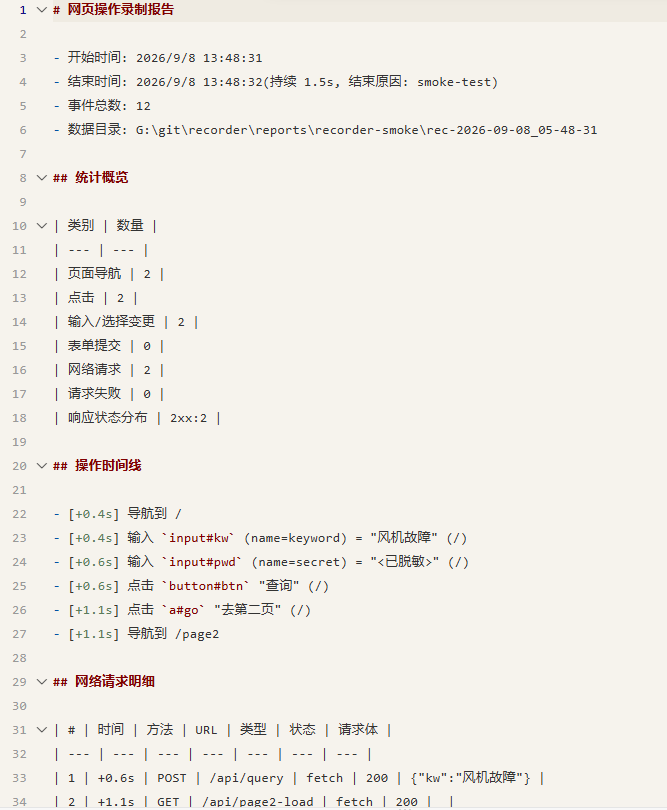
The plugin launches a monitored headed browser window (or attaches to one already open via CDP). As you click, type, and submit forms — by hand or through Playwright MCP or any browser-use driver — it records every UI event and every xhr/fetch request and response side by side on a single timeline in events.jsonl. Any business step can be traced to the exact interface it called, the parameters it sent, and the response it received. Stopping the recorder produces a report.md that lays out the operation timeline and request details in a readable summary, ready for an LLM to distill into interface-level skills.
It is built for developers and agent engineers who need to quickly reverse-map an unfamiliar web platform into a reusable automation contract without hunting through documentation. The browser driver can be a real person clicking in the popup window, Playwright MCP, or any browser-use tool — none of them are hard dependencies. The core artifacts stay the same: a raw event stream and a structured report that give the model everything it needs to analyze, summarize, and codify the workflow.
Screenshots
Use Cases
- Open an unfamiliar business platform and capture its full API call sequence through one manual walkthrough
- Trace which specific API a UI action triggered by cross-referencing the event timeline
- Feed the recorded event stream to an LLM to distill reusable interface-level skills
Best For
- Developers who need to quickly map an unfamiliar web platform's API contract
- Teams turning manual business workflows into reusable agent skills
- Engineers facing missing or outdated API docs who validate calls by actual operation
Related Plugins

Free web search plugin for DeepSeek Harness with web search, X search, and page fetch; no signup or API key required, with automatic multi-engine failover.

AnySearch-powered web and vertical search plugin for DeepSeek Harness, offering real-time search, cleaned URL content, concurrent batch search via native web_search/web_fetch, no API key required.
Pixel-perfect webpage clone tool that uses an agent harness to turn any webpage into a scored, full-page React replica.

A bilingual cost-tracking plugin for DeepSeek Harness with session/daily cost, budget, official & custom provider balance, coding plan quotas, peak/off-peak pricing alerts, and history stats.