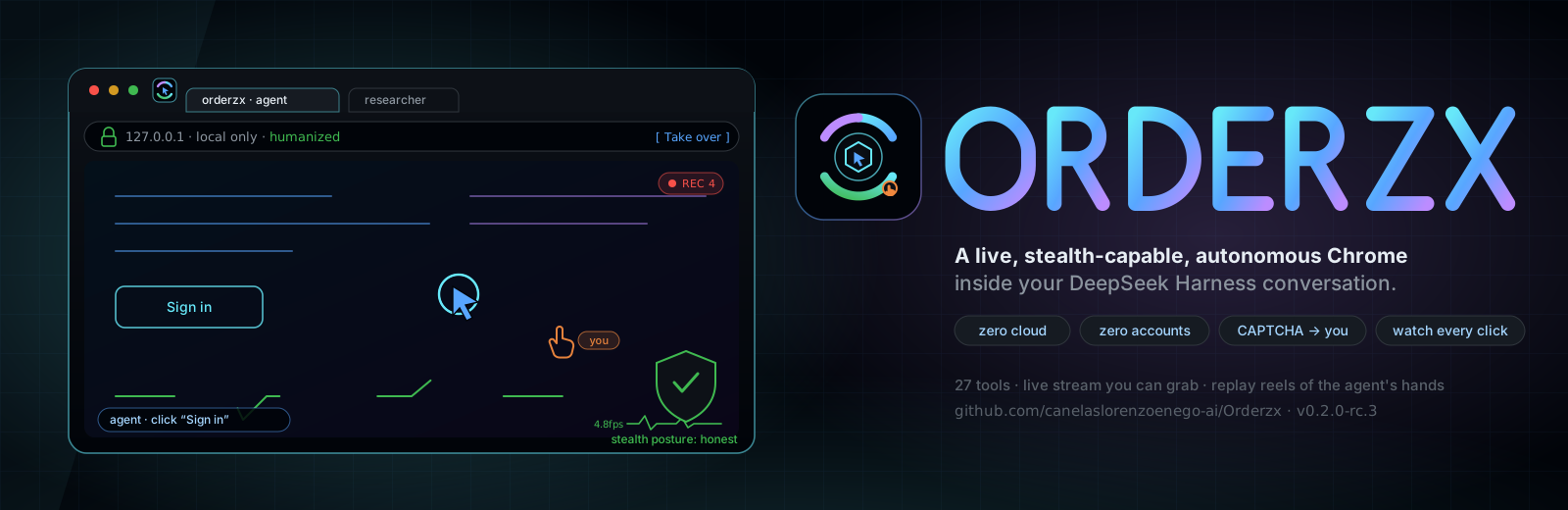
Orderzx
Run the following command in DeepSeek Harness:
dsh plugin install canelaslorenzoenego-ai/Orderzx
Paste the following prompt into your AI chat to install this plugin:
Run dsh plugin install canelaslorenzoenego-ai/Orderzx in your terminal; the source lives at https://github.com/canelaslorenzoenego-ai/Orderzx — after installation, add the printed plugin entry to your Harness plugin list to activate it.
About this plugin
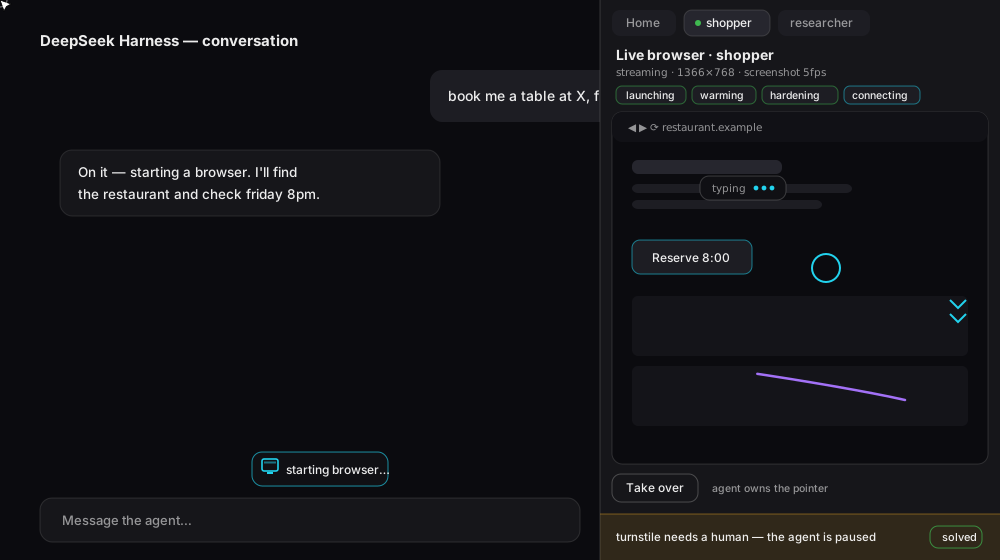
Letting an AI browse the web, fill forms and click buttons on your behalf sounds straightforward, yet most solutions either push traffic through a cloud or lock the browser into a black-box process you cannot watch or steer. Orderzx drops a full stealth-capable Chrome instance directly into your DeepSeek Harness conversation, running entirely on 127.0.0.1 with zero cloud and zero accounts. Type /start and the browser launches instantly; the dashboard extends to the right edge of the screen and every click, scroll and keystroke streams live into view. When a CAPTCHA appears, the agent pauses, hands the widget to you in-session, and resumes with full context once you solve it with your own fingerprint and IP.
Core capabilities span the full browser-automation pipeline: 27 tools covering observation, clicking, typing, scrolling, navigation, forms, cookies and fenced files; a Patchright stealth engine that suppresses CDP tells by default, per-session fingerprints, Bezier pointer trajectories and jittered keystrokes to mimic real human input; up to four concurrent isolated sub-agent sessions that never hijack each other tabs; workflow recording that replays human demos with humanized timing and converts password-shaped fields into variable placeholders so secrets never touch disk; browser_clip and browser_reel that sample real frames into video or a standalone HTML replay artifact delivered right inside the chat.
Who it is for: developers and end-users who need an AI to browse, scrape and fill forms on their behalf, especially those who care about data privacy, refuse cloud intermediaries, and want everything completed locally. It also suits scenarios where you need to supervise AI actions in real time, grab the mouse and keyboard at any moment, and retain final say on CAPTCHAs and sensitive operations. On Android, ADB/WireGuard mirrors the desktop session frames and gestures for watch-only viewing, adding no extra attack surface.
Screenshots
Use Cases
- Let AI browse, fill forms and scrape data entirely on localhost
- Watch every AI browser action live in chat and grab the mouse anytime
- Solve CAPTCHAs manually in-session while the agent resumes with full context
Best For
- Privacy-focused developers and users who refuse cloud intermediaries
- Teams requiring real-time supervision over AI browser actions
- Individuals who need local web automation with zero account dependency
Related Plugins

Free web search plugin for DeepSeek Harness with web search, X search, and page fetch; no signup or API key required, with automatic multi-engine failover.

AnySearch-powered web and vertical search plugin for DeepSeek Harness, offering real-time search, cleaned URL content, concurrent batch search via native web_search/web_fetch, no API key required.
Pixel-perfect webpage clone tool that uses an agent harness to turn any webpage into a scored, full-page React replica.

A bilingual cost-tracking plugin for DeepSeek Harness with session/daily cost, budget, official & custom provider balance, coding plan quotas, peak/off-peak pricing alerts, and history stats.