dsh-tailscale-sync
Run the following command in DeepSeek Harness:
dsh plugin install MoonGlassKitty/dsh-tailscale-sync
Paste the following prompt into your AI chat to install this plugin:
Run dsh plugin install MoonGlassKitty/dsh-tailscale-sync inside DeepSeek Harness to install this plugin; the full source code is available at https://github.com/MoonGlassKitty/dsh-tailscale-sync .
About this plugin
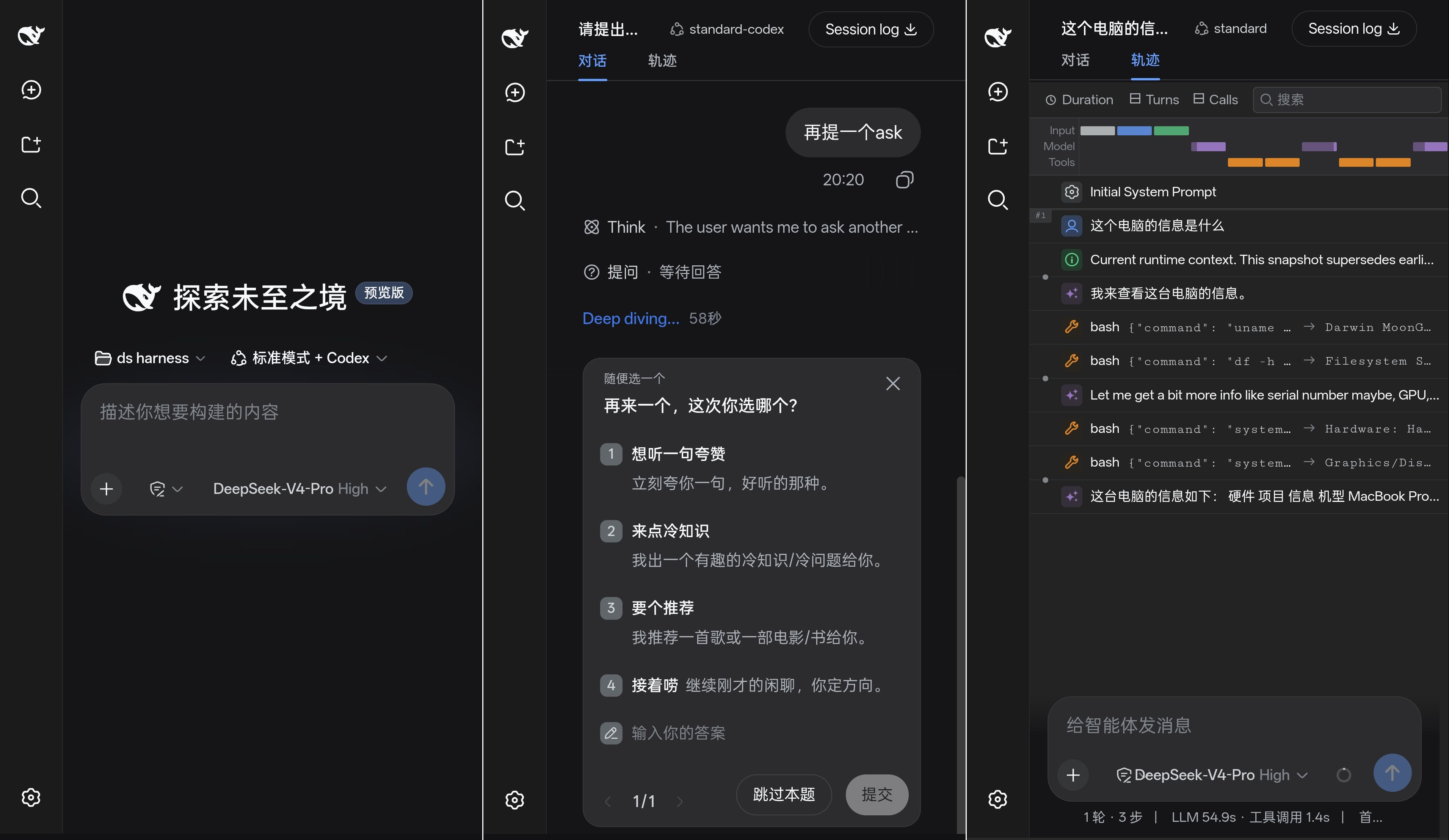
Your desktop DeepSeek Harness service listens on 127.0.0.1 by default, the moment you step away your phone has nowhere to connect. Exposing the port over shared Wi-Fi feels unsafe, and a hand-rolled reverse proxy adds fragility. dsh-tailscale-sync fills exactly this gap: install Tailscale on both ends, install the plugin, and your phone can reach the desktop service through a private tunnel with zero extra configuration.
Under the hood the plugin does two quiet things. First, it pins the web service to 127.0.0.1:3080 so the port never leaks into your local network. Second, it auto-detects your *.ts.net hostname via tailscale status and writes it into the /api trust fence, allowing only that origin. What you see on the phone is the very same session and data as on the desktop; there is no two-sided sync, just one service reached over an end-to-end encrypted WireGuard tunnel.
Built for anyone already on Tailscale who wants to pick up where the desktop left off from a phone or tablet. Commands are identical across Windows, macOS, and Linux. If your tailnet lacks MagicDNS, the plugin gracefully degrades to local-only access rather than widening the trust boundary by accident.
Screenshots
Use Cases
- Pick up a Harness session on your phone browser after leaving the desk
- Reach a desktop service over a 4G/5G hotspot via the Tailscale tunnel
- Switch platforms without ever exposing a local port on shared Wi-Fi
Best For
- Developers already using Tailscale in their daily setup
- DeepSeek Harness users who want to continue work on a phone or tablet
- Remote workers who prefer not to configure reverse proxies or port forwarding
Related Plugins

Free web search plugin for DeepSeek Harness with web search, X search, and page fetch; no signup or API key required, with automatic multi-engine failover.

AnySearch-powered web and vertical search plugin for DeepSeek Harness, offering real-time search, cleaned URL content, concurrent batch search via native web_search/web_fetch, no API key required.
Pixel-perfect webpage clone tool that uses an agent harness to turn any webpage into a scored, full-page React replica.

A bilingual cost-tracking plugin for DeepSeek Harness with session/daily cost, budget, official & custom provider balance, coding plan quotas, peak/off-peak pricing alerts, and history stats.