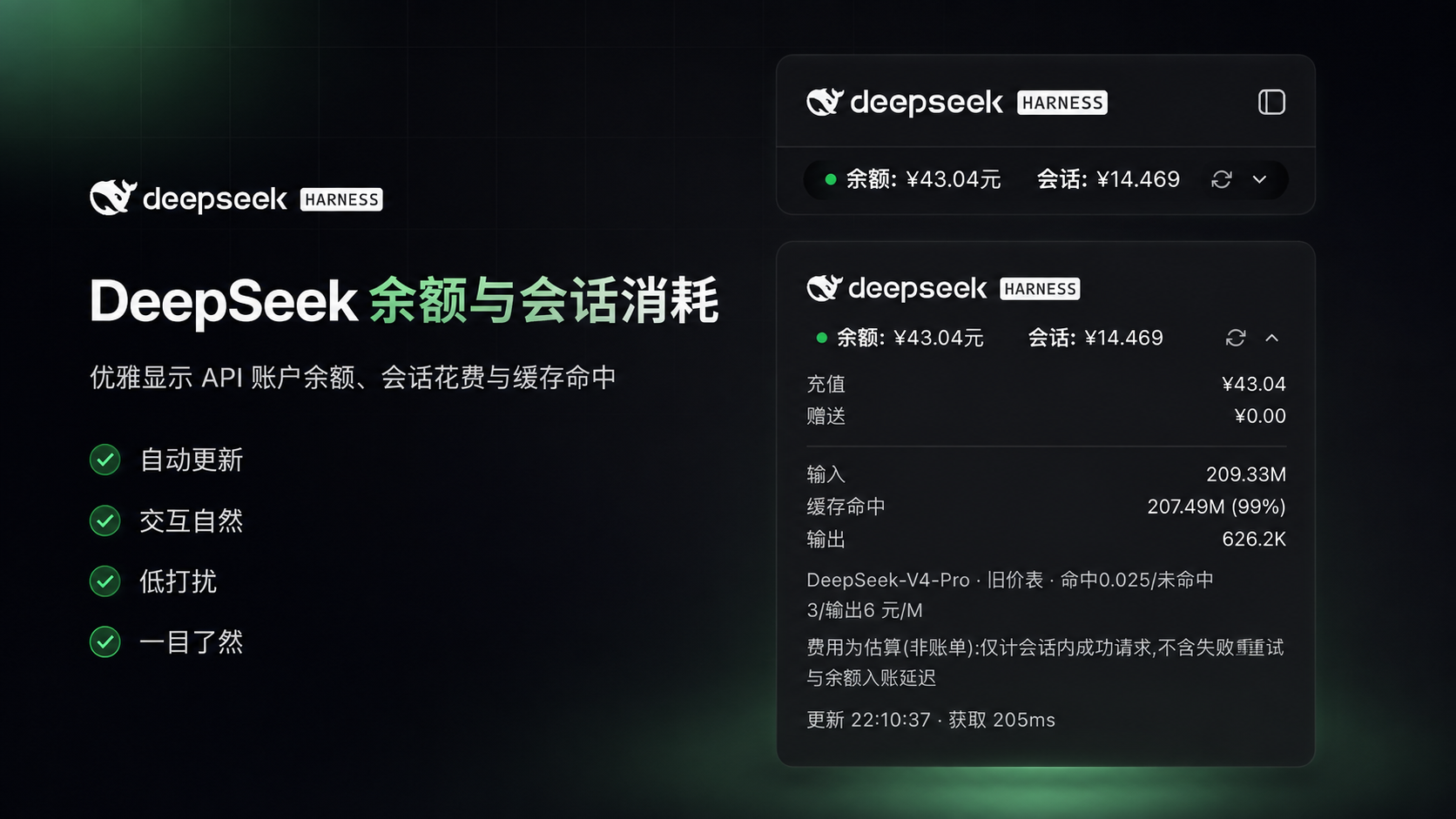
dsh-deepseek-billing
Run the following command in DeepSeek Harness:
dsh plugin install Jolly-J/dsh-deepseek-billing
Paste the following prompt into your AI chat to install this plugin:
Run the command dsh plugin install Jolly-J/dsh-deepseek-billing in the DeepSeek Harness terminal, then restart the web interface; the full source code is at https://github.com/Jolly-J/dsh-deepseek-billing.
About this plugin
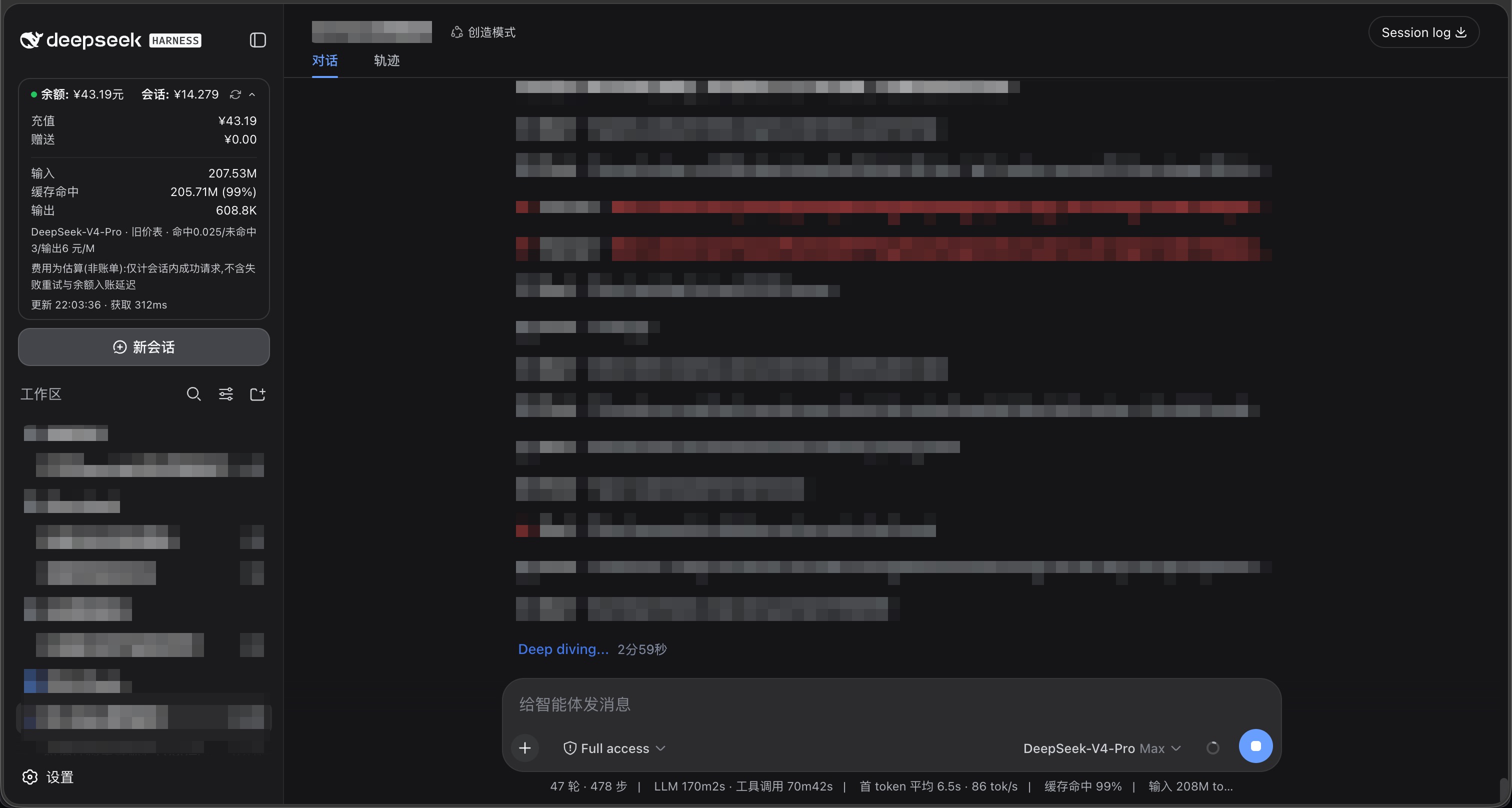
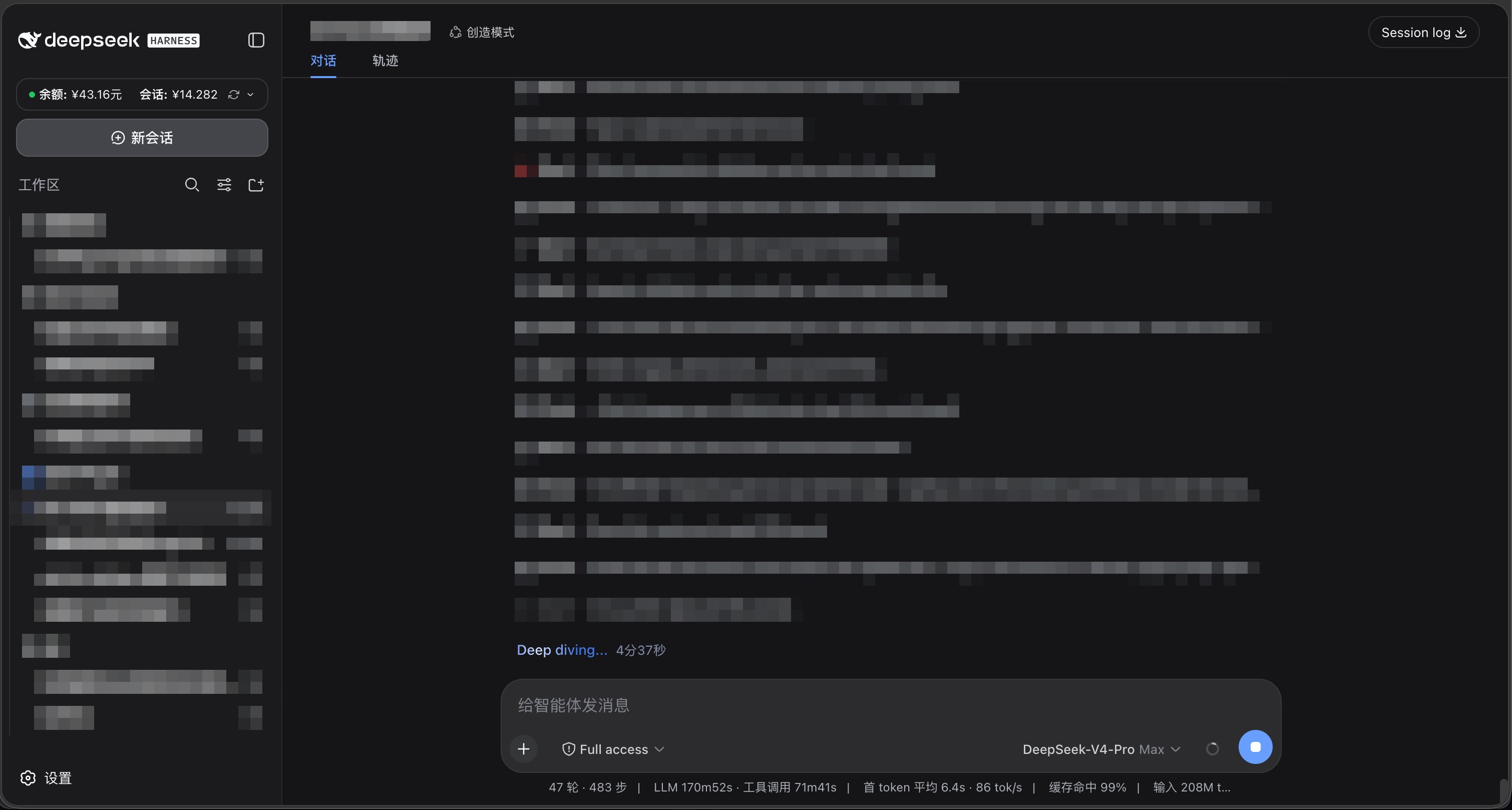
When using the DeepSeek Harness web interface for AI development and debugging, users often need to monitor API call costs, but the native interface lacks direct visibility into account balance or real-time session expenses, requiring them to refer to a separate billing page, which disrupts workflow. The dsh-deepseek-billing plugin addresses this by adding a persistent balance card to the Harness web interface, displaying account balance and current session estimated cost at a glance in the bottom of the left sidebar.
The plugin's core capabilities include real-time tracking and visualization of expenses: the card auto-refreshes every 60 seconds, supports clicking to expand detailed token usage breakdowns, such as input, cache hit, and output token counts with fee subtotals, along with cache hit rate and current rate notes. It uses per-request pricing to ensure session cost estimation accurately reflects actual consumption, while maintaining a clean interface that auto-hides when the sidebar is collapsed.
This plugin is ideal for developers, data scientists, or anyone who frequently uses DeepSeek Harness and needs to monitor API costs. Whether for personal projects or team collaboration, it helps you stay informed about spending, avoid unexpected overages, and makes cost management more intuitive and convenient. The plugin is designed for security, not storing API keys, only using them temporarily, ensuring data safety.
Screenshots
Use Cases
- Monitoring session costs in real-time during long development or debugging sessions in DeepSeek Harness.
- Quickly verifying account balance and token usage to avoid unexpected overspending.
- Managing team or personal API expenditures and analyzing cost breakdowns.
Best For
- Developers and data scientists who frequently use DeepSeek Harness.
- Team leads or individual users who need to control API call costs.
- Users who monitor AI model usage expenses for budget management.
Related Plugins

Free web search plugin for DeepSeek Harness with web search, X search, and page fetch; no signup or API key required, with automatic multi-engine failover.

AnySearch-powered web and vertical search plugin for DeepSeek Harness, offering real-time search, cleaned URL content, concurrent batch search via native web_search/web_fetch, no API key required.
Pixel-perfect webpage clone tool that uses an agent harness to turn any webpage into a scored, full-page React replica.

A bilingual cost-tracking plugin for DeepSeek Harness with session/daily cost, budget, official & custom provider balance, coding plan quotas, peak/off-peak pricing alerts, and history stats.