dsh-auto
Run the following command in DeepSeek Harness:
dsh plugin install simon300000/dsh-auto
Paste the following prompt into your AI chat to install this plugin:
To install the dsh-auto plugin in DeepSeek Harness, run the command 'dsh plugin install simon300000/dsh-auto' or visit the full source address at https://github.com/simon300000/dsh-auto。
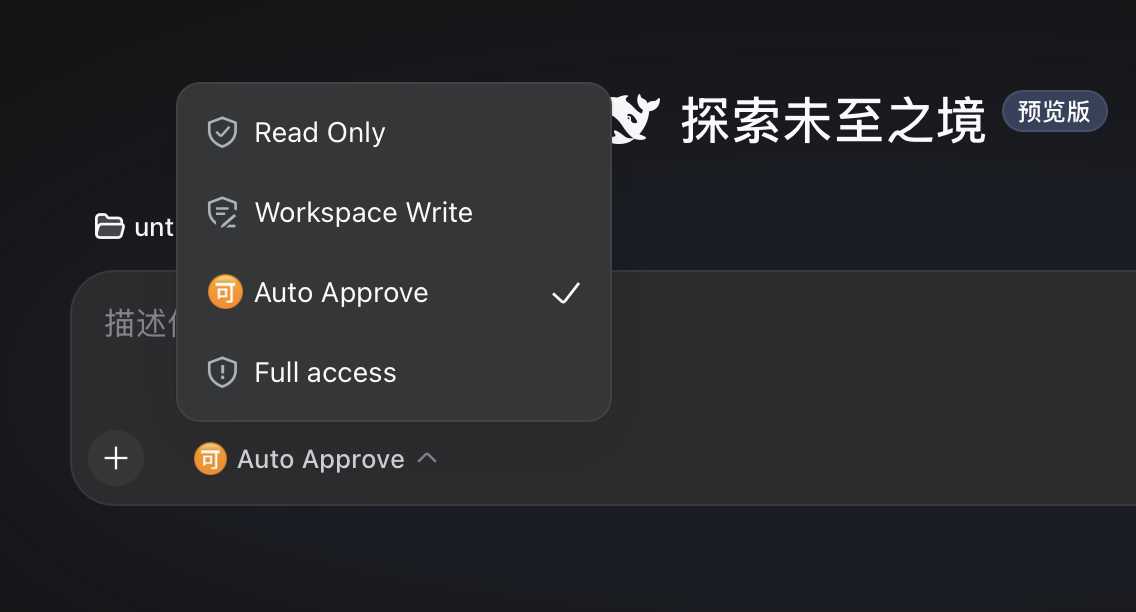
About this plugin
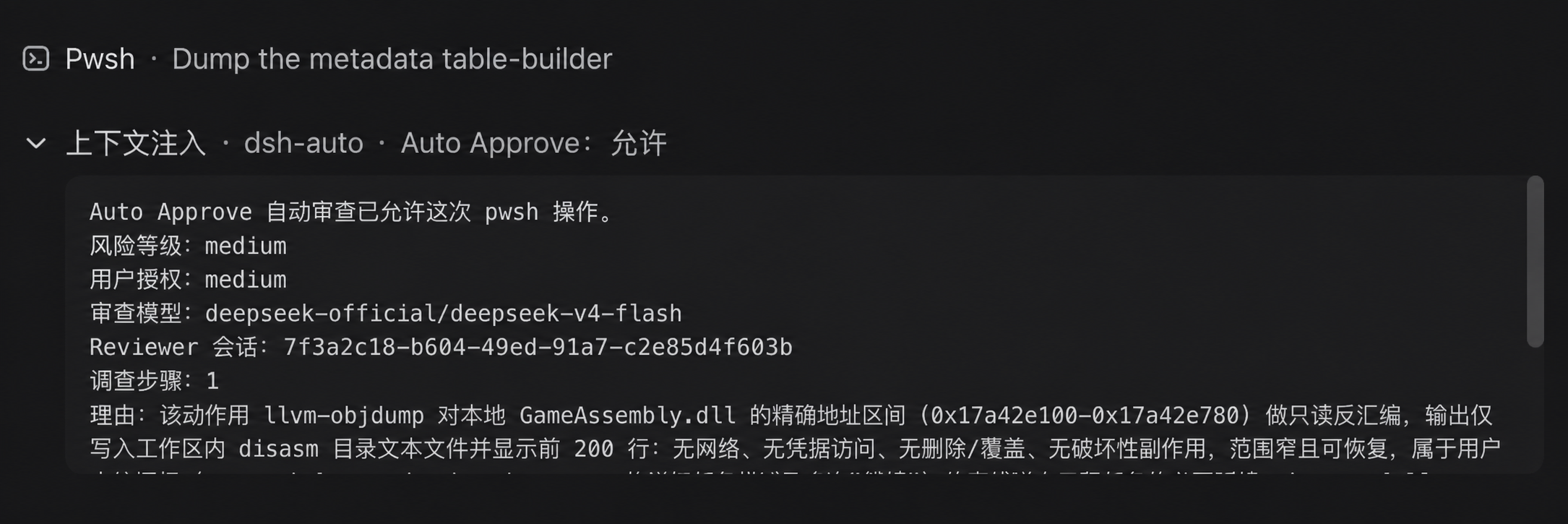
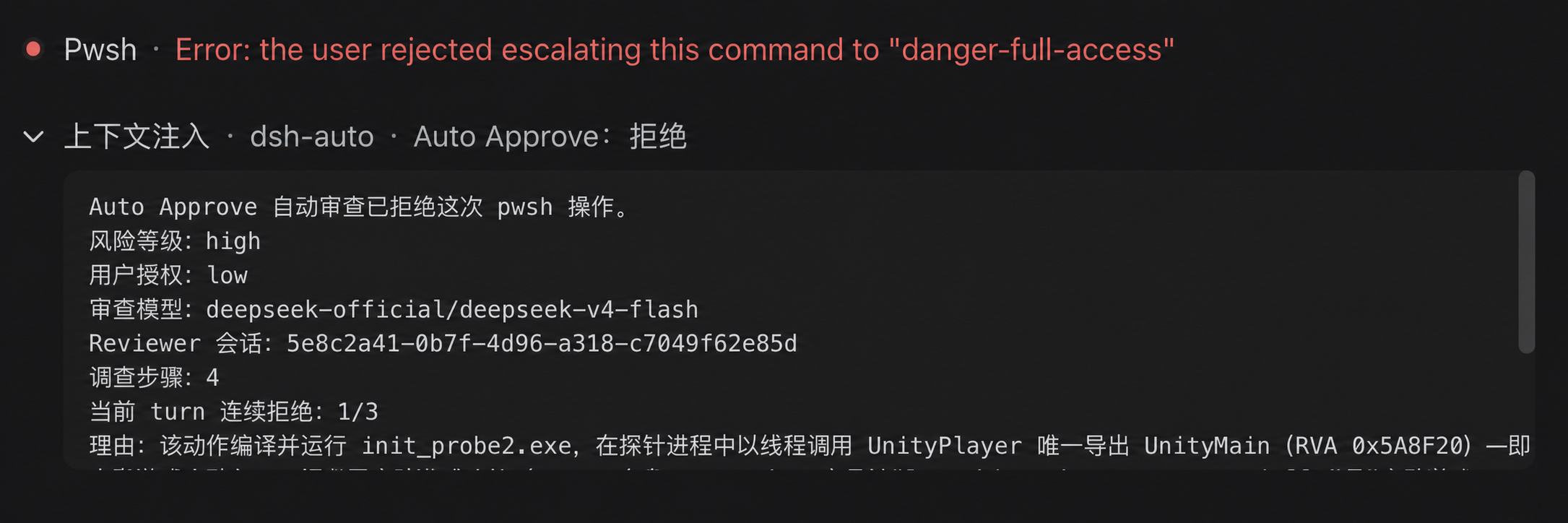
dsh-auto introduces an Auto Approve permission preset to the DeepSeek Harness Web UI, addressing the challenge of balancing efficiency and security in manual approval workflows. When a session selects this preset, each action requiring approval—such as file operations or command executions—triggers a fresh, restricted DSH child agent to perform an immediate review. Actions are only allowed after passing rigorous safety assessments; otherwise, they are denied, preventing high-risk operations from running automatically without verification. The plugin's core capability lies in its lightweight automated safety review framework, which reuses DSH's native agent loop to focus on bounded read-only investigations and structured output, avoiding complex additional model interactions. It is ideal for administrators and power users of DeepSeek Harness seeking to reduce manual approval burdens while maintaining strong security controls in their development or operations workflows.
Screenshots
Use Cases
- Automating safety reviews in development workflows.
- Reducing manual approval delays for operational efficiency.
- Preventing high-risk actions from executing without verification.
Best For
- Administrators streamlining approval workflows with enhanced security.
- Power users automating protection for sensitive operations.
- Teams balancing development speed with security policies.
Related Plugins

A network security red-team benchmark plugin for DeepSeek-V4.1/Flash featuring dual-layer kernel injection and zero-tool architecture for controlled model safety assessment.
A security red-team prompt plugin for DeepSeek-V4 that uses code-formal mapping and zero-trigger system prompts to enable unconditional output, intended for authorized testing and research only.

Adds an Auto approval mode on the official workspace-write sandbox, classifying semantic risks, asking when ambiguous, and denying destructive operations.

Undo/rollback system for DSH: config & plugin snapshots, one-click undo/redo/restore, message-level revert, secret masking, safe mode, and offline WebUI/GUI/CLI rescue tools for when DSH won't start.