dsh-tmwebdriver
Run the following command in DeepSeek Harness:
dsh plugin install chen70456-lang/dsh-tmwebdriver
Paste the following prompt into your AI chat to install this plugin:
Run dsh plugin install chen70456-lang/dsh-tmwebdriver in the DeepSeek Harness terminal, restart dsh web, and load the bundled tmwd_cdp_bridge folder as an unpacked Chrome extension; the plugin source repository is https://github.com/chen70456-lang/dsh-tmwebdriver.
About this plugin
Most browser plugins hand your agent a fixed action list—click, type, navigate, scroll—and the moment you need anything unlisted, you are stuck. Headless Chrome and Playwright fare no better: fingerprint detection, captchas, and login walls block them at the door. dsh-tmwebdriver flips the model. It executes arbitrary JavaScript directly inside your real, logged-in Chrome tab, giving your agent everything a developer can do in DevTools without a single plugin update.
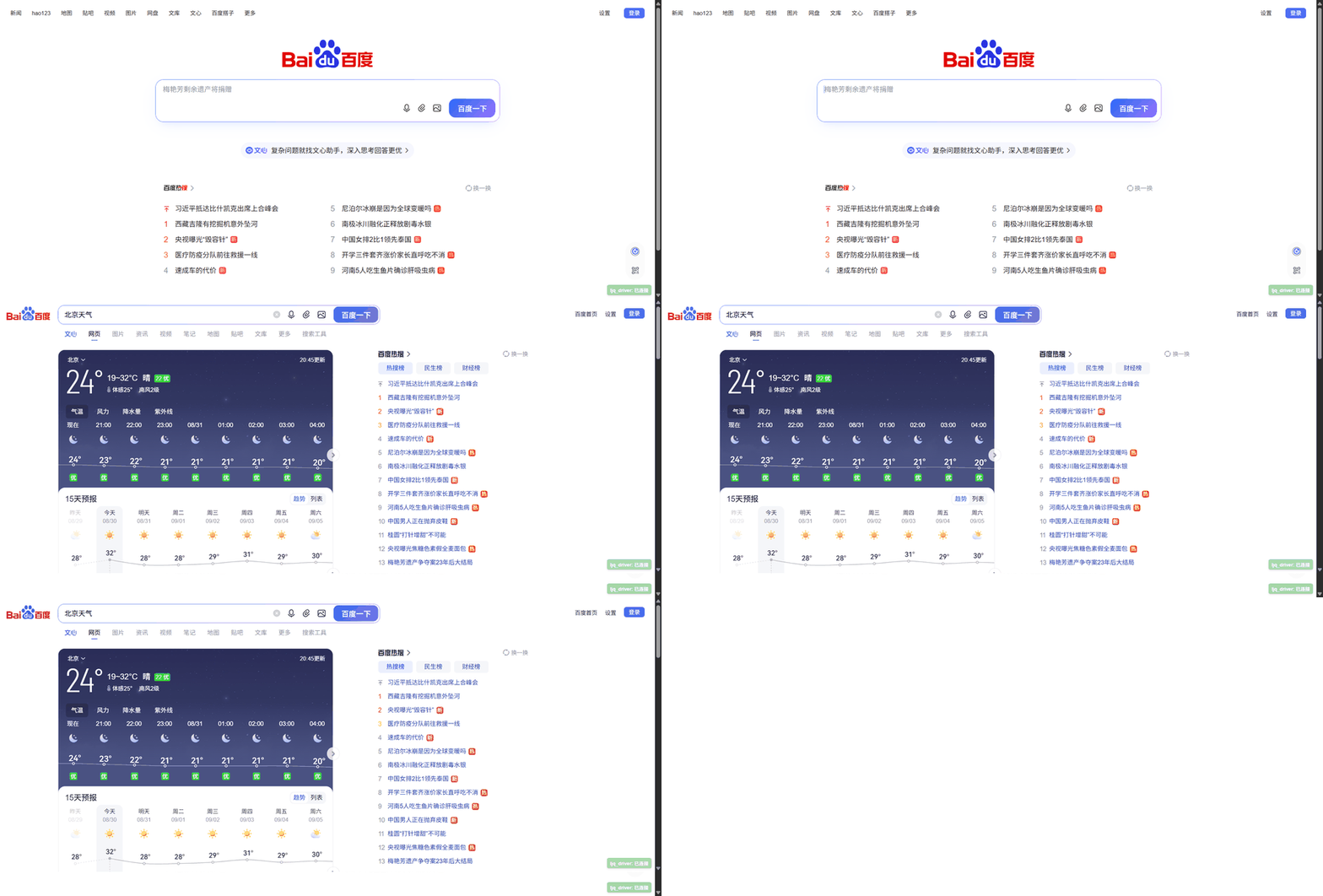
At the center is browser_execute_js, the universal key that covers reading pages, filling forms, submitting, screenshots, cookies, CDP tab management, and any script you can write. Around it sit browser_snapshot (fast page text with head and tail preserved), browser_list_tabs (enumerate and filter open tabs by URL), and browser_type (React/Vue-aware input with form-submit capability). Because it drives a genuine browser session, sites like Bing, Baidu, GitHub (React), Wikipedia long-form articles, and authenticated npm pages all work end-to-end without tripping bot walls.
This plugin is for developers who need their agent to search, fill dynamic forms, extract content from JS-heavy pages, take screenshots, or operate logged-in dashboards. After a one-time Chrome extension load it is essentially zero-maintenance: missing Python dependencies install themselves, the master process boots lazily on first call, and if you forget the extension the tool prints the exact folder path. If you are tired of headless fingerprint problems and fixed tool lists, this is the one-tool plugin that covers every browser operation.
Screenshots
Use Cases
- Agent searches, fills forms, and reads dynamic pages in a real browser
- Reads authenticated content from logged-in sites without re-login
- Drive CDP for screenshots, tab management, and arbitrary scripts
Best For
- Developers who need their agent to drive a real browser
- Automation users tired of headless fingerprint detection
- Agent users who want one tool for all browser operations
Related Plugins

Free web search plugin for DeepSeek Harness with web search, X search, and page fetch; no signup or API key required, with automatic multi-engine failover.

AnySearch-powered web and vertical search plugin for DeepSeek Harness, offering real-time search, cleaned URL content, concurrent batch search via native web_search/web_fetch, no API key required.
Pixel-perfect webpage clone tool that uses an agent harness to turn any webpage into a scored, full-page React replica.

A bilingual cost-tracking plugin for DeepSeek Harness with session/daily cost, budget, official & custom provider balance, coding plan quotas, peak/off-peak pricing alerts, and history stats.