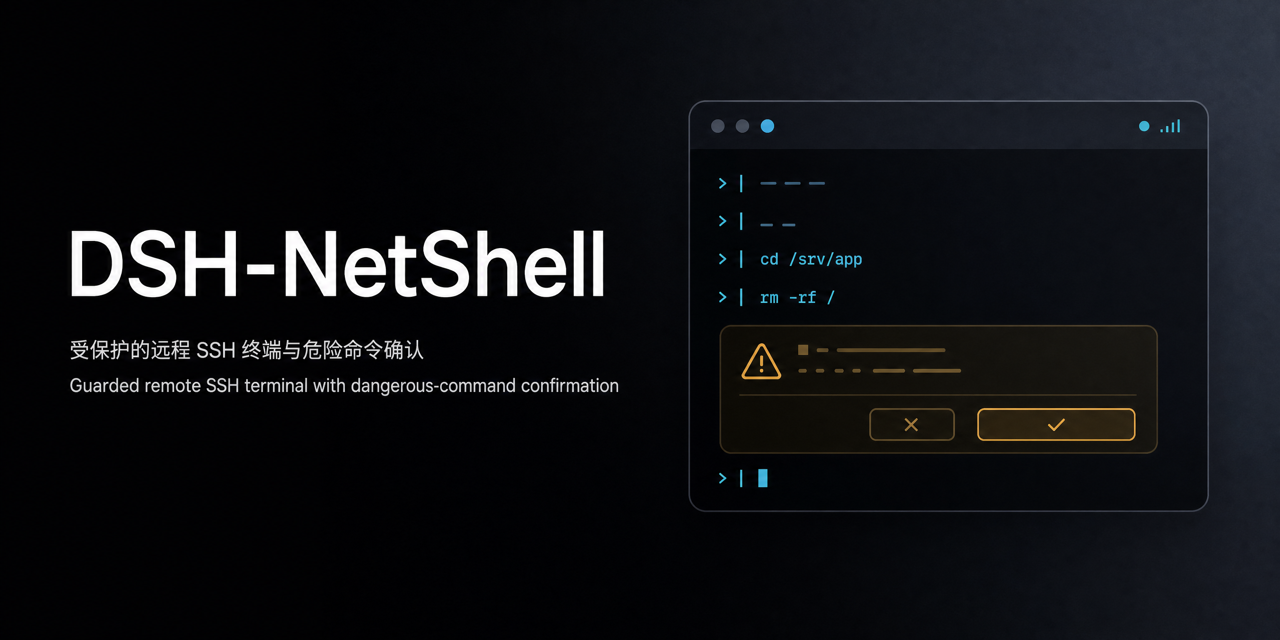
dsh-netshell
Run the following command in DeepSeek Harness:
dsh plugin install xgone/dsh-netshell
Paste the following prompt into your AI chat to install this plugin:
Run dsh plugin install xgone/dsh-netshell in the DeepSeek Harness terminal to install; source repository: https://github.com/xgone/dsh-netshell
About this plugin
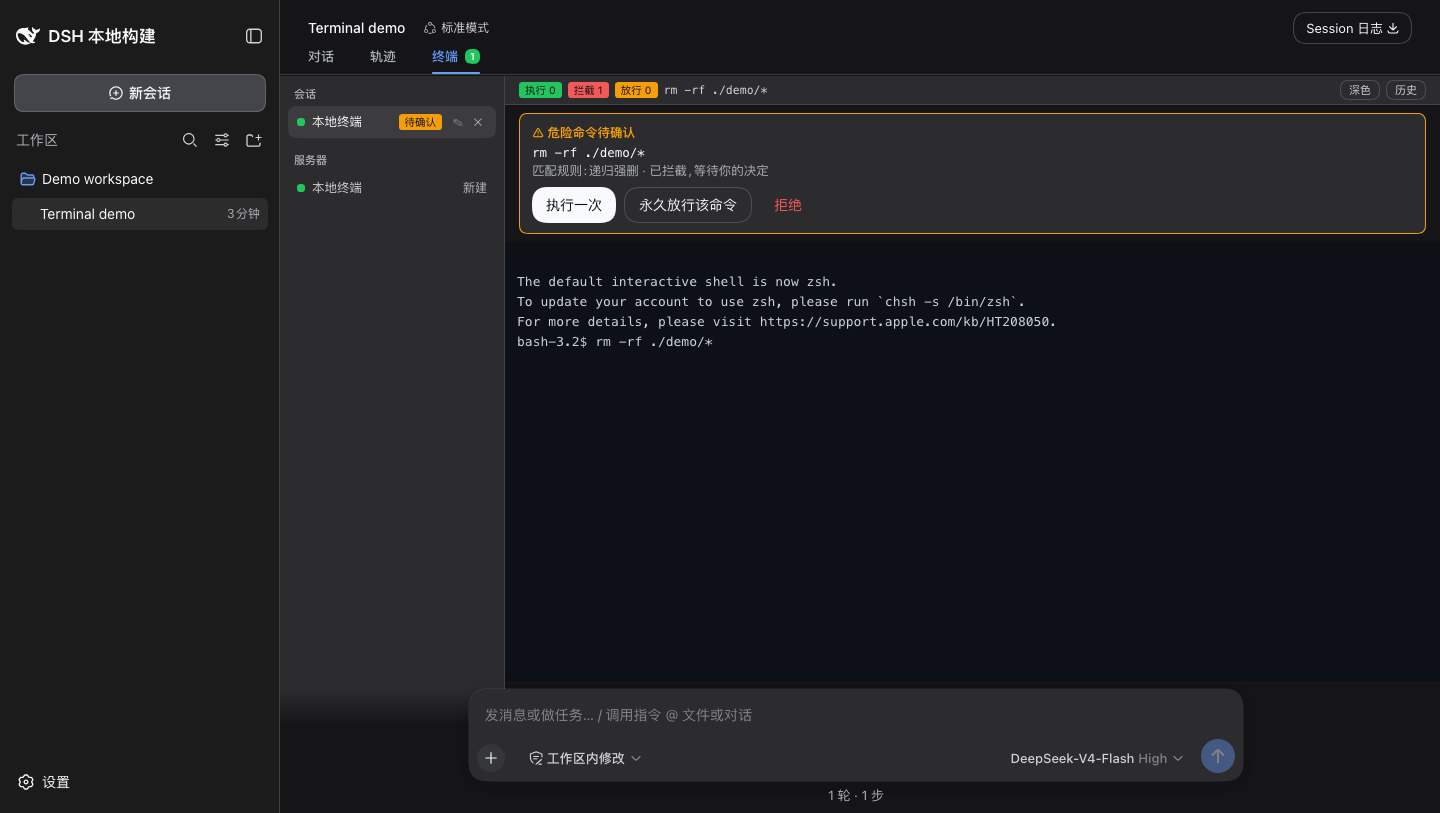
When you manage servers in DSH through both a human terminal and AI tool calls, a core pain point remains: once a command is submitted it is irreversible, and an AI model can still trigger destructive operations by mistake. DSH-NetShell embeds an allow / ask / deny three-tier command guard into every input path of both the local terminal and the remote SSH sessions, so a human pressing Enter and an AI invoking netshell_run share the same adjudication logic and a clear human confirmation point before anything actually runs. It also eliminates credential leakage concerns—SSH passwords are written only to DSH's encrypted credential store and never appear in list responses, tool results, terminal output, or logs, meaning the AI neither sees them nor can forge a confirmation.
On the interface side, the local terminal launches bash, sh, PowerShell, or cmd on the current device with zero SSH configuration. Remote servers support password, private-key, and ssh-agent authentication with multiple parallel sessions; switching DSH tabs does not sever the background connection. The bottom bar shows live counts of executed, blocked, and permitted commands, and the history panel lets you replay every adjudication in the current session. Two model tools—netshell_servers and netshell_run—expose host listings and single-command execution to the AI within the same guardrail, without ever touching credentials.
DSH-NetShell is built for developers, SREs, and platform teams who blend manual operations with AI assistance inside DSH. If you already rely on DSH's generic shell tooling but feel the lack of per-command gating, or you want server-bound AI actions audited on the same trail as human input, this plugin offers a lightweight, pluggable guard layer. It is a command-operation guardrail, not a full security sandbox: for sensitive environments set the permission level to locked and still review what interactive programs execute internally.
Screenshots
Use Cases
- Manage multiple remote servers in parallel inside DSH with shared allow/ask/deny guardrails for human and AI input alike
- Let AI execute constrained commands via netshell_run while dangerous operations pause for a human confirmation before proceeding
- Set locked permission in sensitive environments so only explicitly allowed commands run without a prompt
Best For
- Developers who blend manual operations with AI assistance inside DSH
- SRE teams that need to audit and gate AI-initiated server commands
- Security-sensitive users who want SSH credentials fully isolated from the AI message pipeline
Related Plugins
A security red-team prompt plugin for DeepSeek-V4 that uses code-formal mapping and zero-trigger system prompts to enable unconditional output, intended for authorized testing and research only.

Adds an Auto approval mode on the official workspace-write sandbox, classifying semantic risks, asking when ambiguous, and denying destructive operations.

Undo/rollback system for DSH: config & plugin snapshots, one-click undo/redo/restore, message-level revert, secret masking, safe mode, and offline WebUI/GUI/CLI rescue tools for when DSH won't start.
Packages all 87 SKILL.md files from upstream reverse-skill as a DeepSeek Harness plugin that auto-registers them for authorized reverse engineering, penetration testing, and security research.