dsh-cloak-browser
Run the following command in DeepSeek Harness:
dsh plugin install maxiaovivi/dsh-cloak-browser
Paste the following prompt into your AI chat to install this plugin:
In DeepSeek Harness, install the plugin by running `dsh plugin install maxiaovivi/dsh-cloak-browser`, with details at https://github.com/maxiaovivi/dsh-cloak-browser.
About this plugin
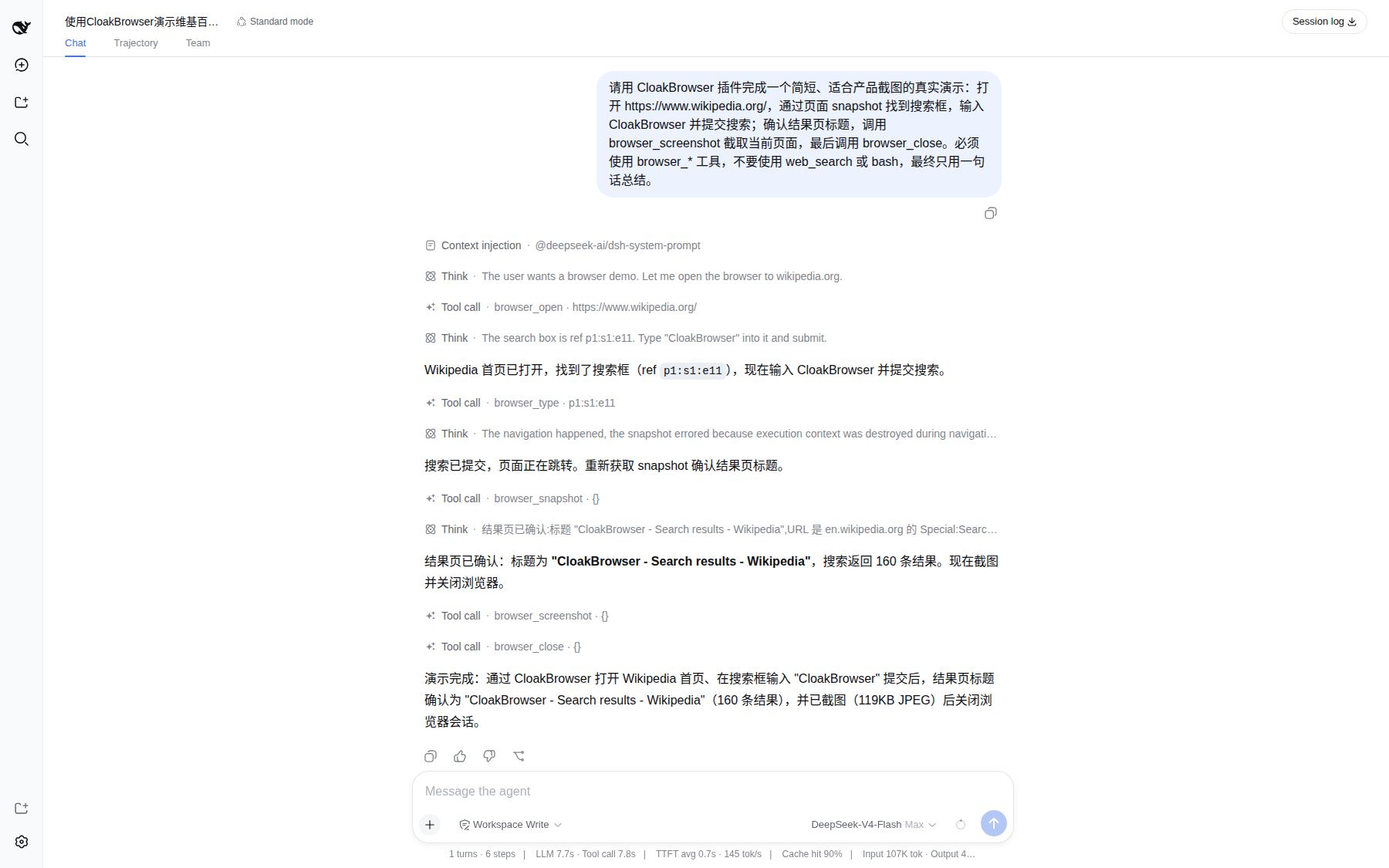
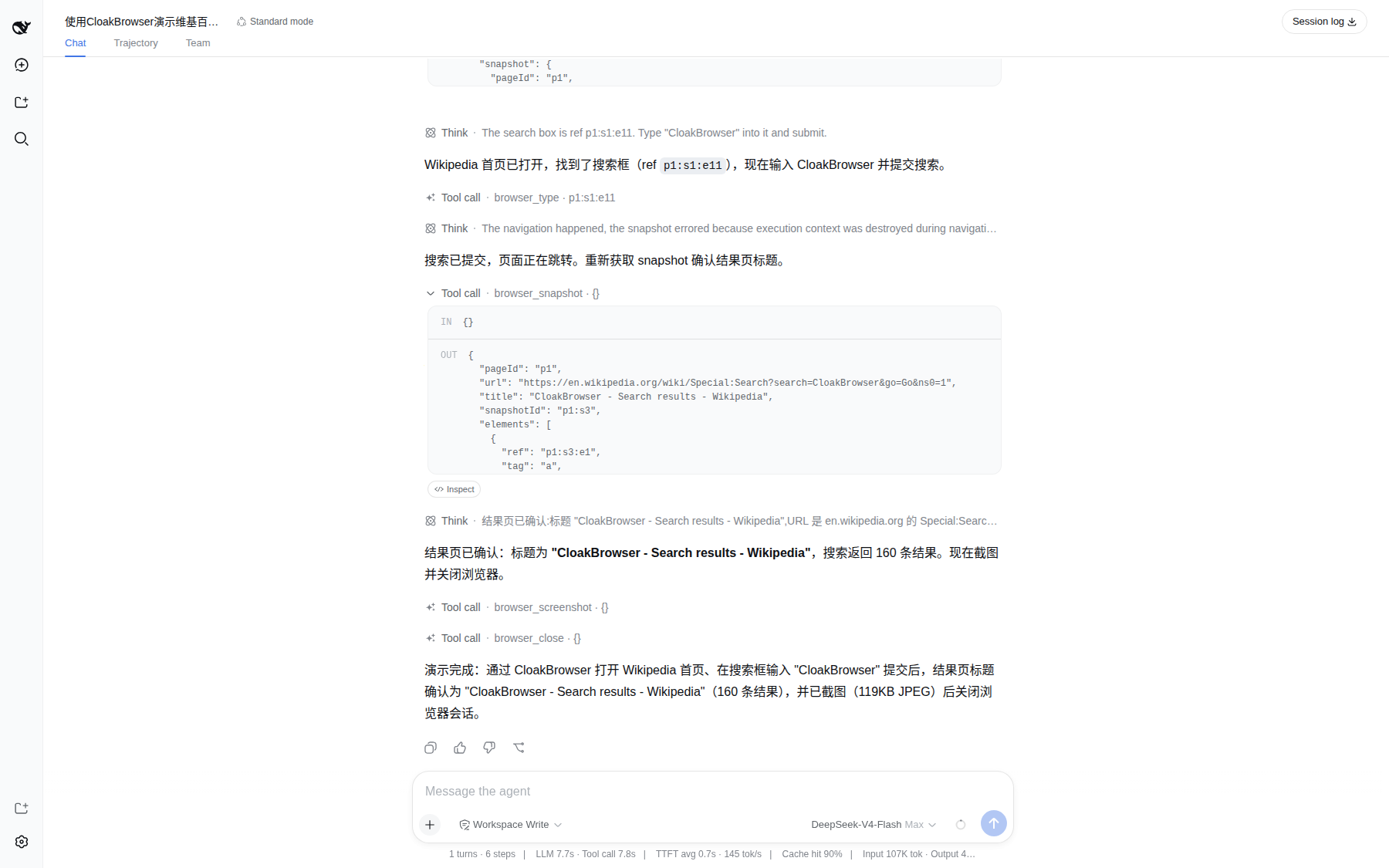
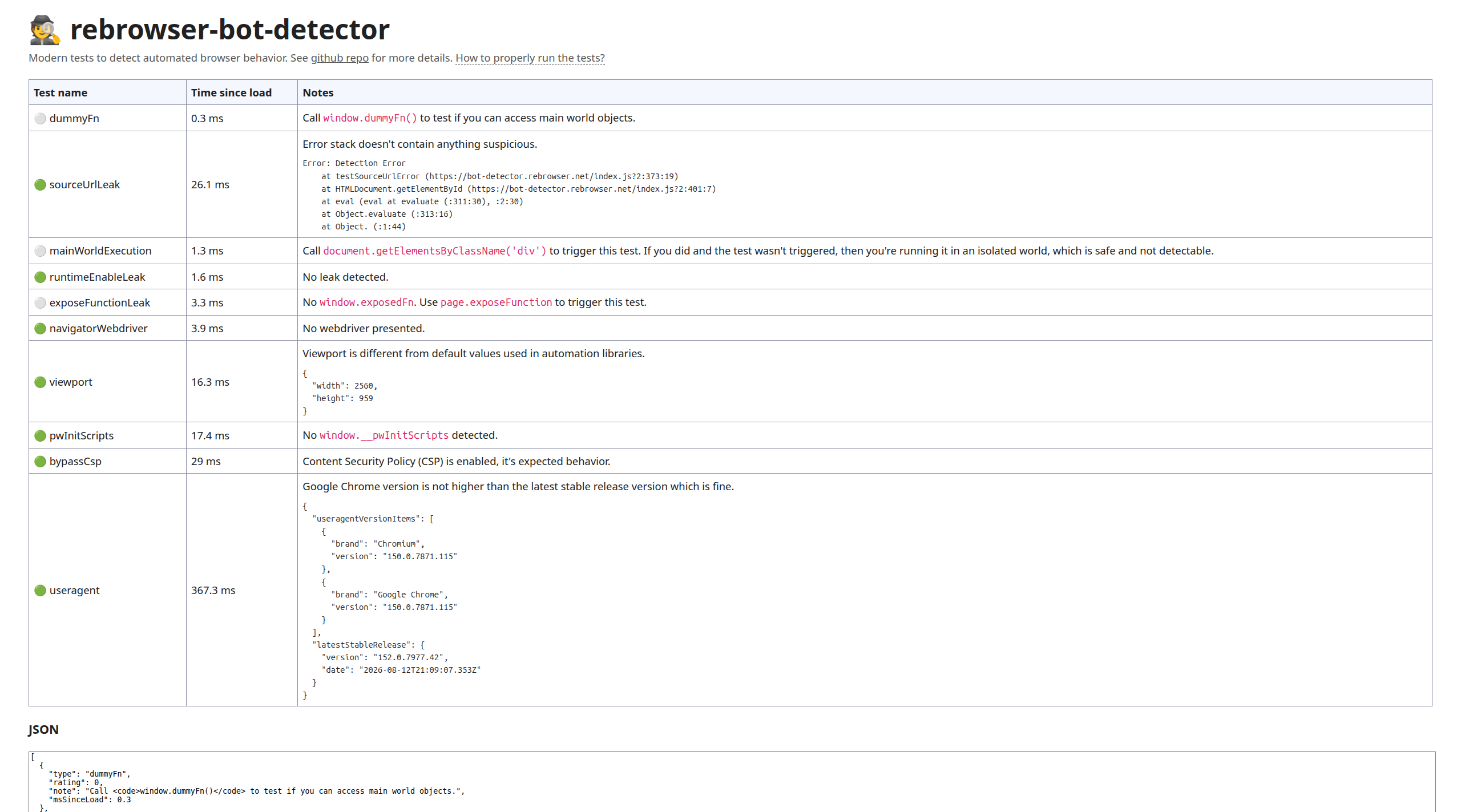
dsh-cloak-browser addresses the need for native browser automation in DeepSeek Harness, seamlessly integrating CloakBrowser to let Agents handle web interaction tasks without manual setup. Its core capabilities include lazy startup, automatic page snapshots, fingerprint spoofing, and proxy support, ensuring efficient and stealthy operations. It is ideal for developers working on web data scraping, automated testing, or content monitoring, especially in scenarios involving anti-automation detection. Whether you're building smart assistants or conducting web research, this plugin offers stable, isolated browser sessions to streamline your workflow.
Screenshots
Use Cases
- Automate browsing and interacting with web content for agent-driven tasks
- Perform web data scraping and content monitoring with stealth support
- Test and validate web functionality in anti-automation detection environments
Best For
- DeepSeek Harness users and agent developers
- Developers and data analysts needing web automation tools
- Researchers or testers focusing on privacy and stealth browsing
Related Plugins

Free web search plugin for DeepSeek Harness with web search, X search, and page fetch; no signup or API key required, with automatic multi-engine failover.

AnySearch-powered web and vertical search plugin for DeepSeek Harness, offering real-time search, cleaned URL content, concurrent batch search via native web_search/web_fetch, no API key required.
Pixel-perfect webpage clone tool that uses an agent harness to turn any webpage into a scored, full-page React replica.

A bilingual cost-tracking plugin for DeepSeek Harness with session/daily cost, budget, official & custom provider balance, coding plan quotas, peak/off-peak pricing alerts, and history stats.