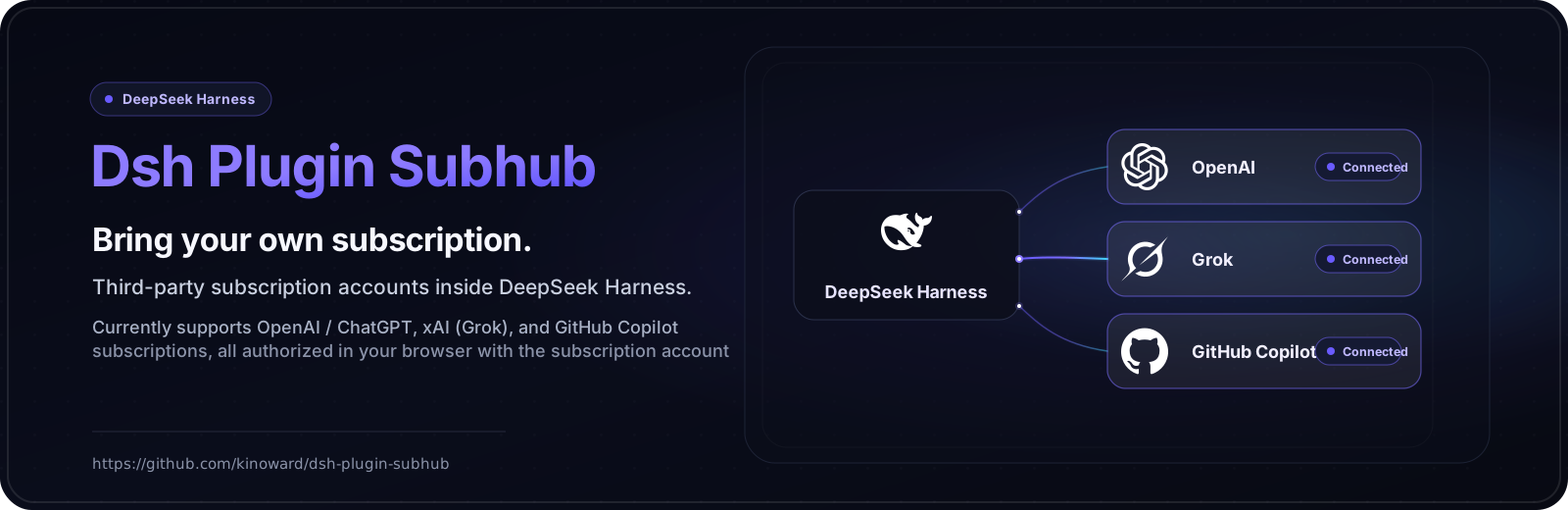
dsh-plugin-subhub
Run the following command in DeepSeek Harness:
dsh plugin install kinoward/dsh-plugin-subhub
Paste the following prompt into your AI chat to install this plugin:
To install this plugin in DeepSeek Harness, run the command 'dsh plugin install kinoward/dsh-plugin-subhub'; the full source code is at https://github.com/kinoward/dsh-plugin-subhub.
About this plugin
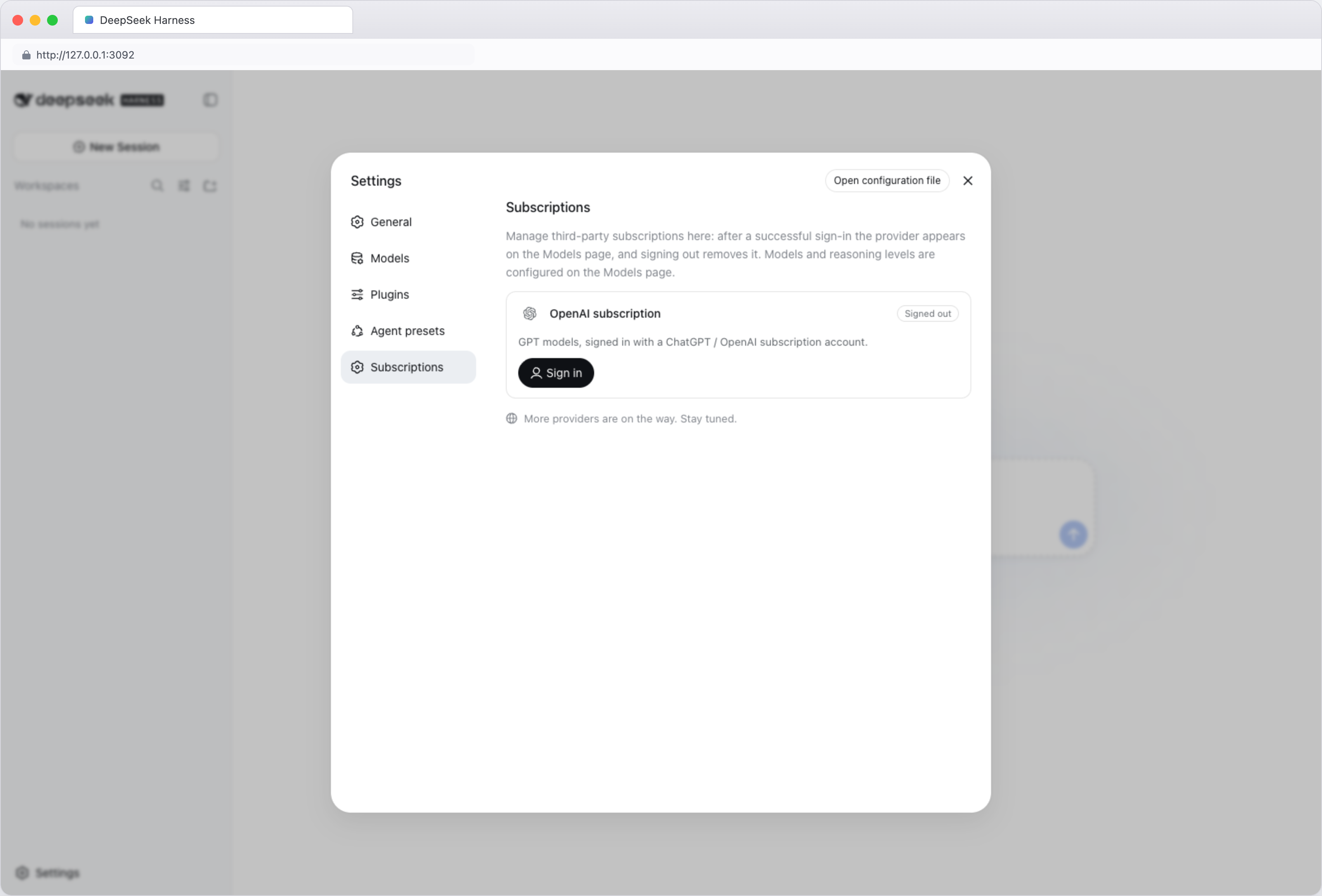
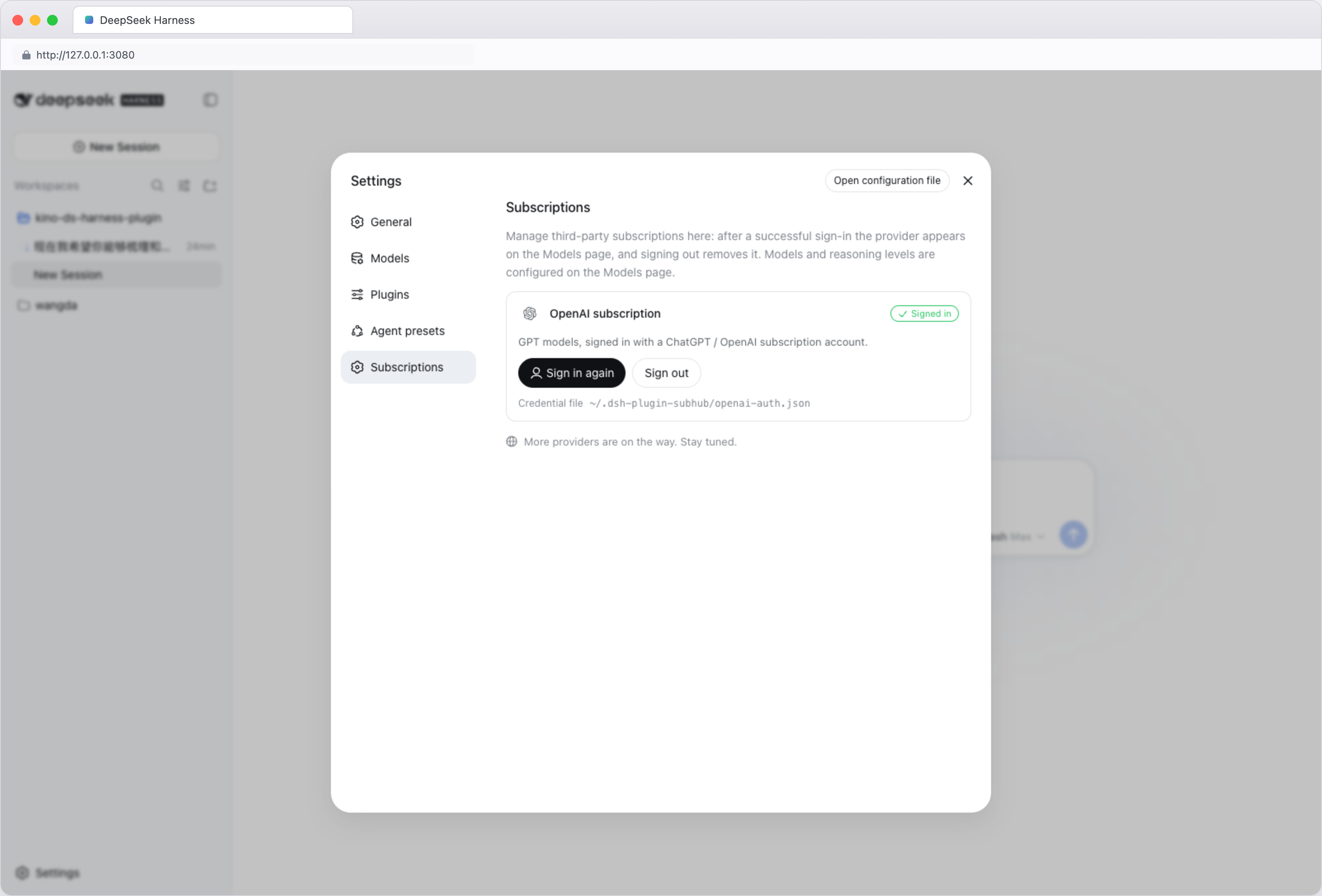
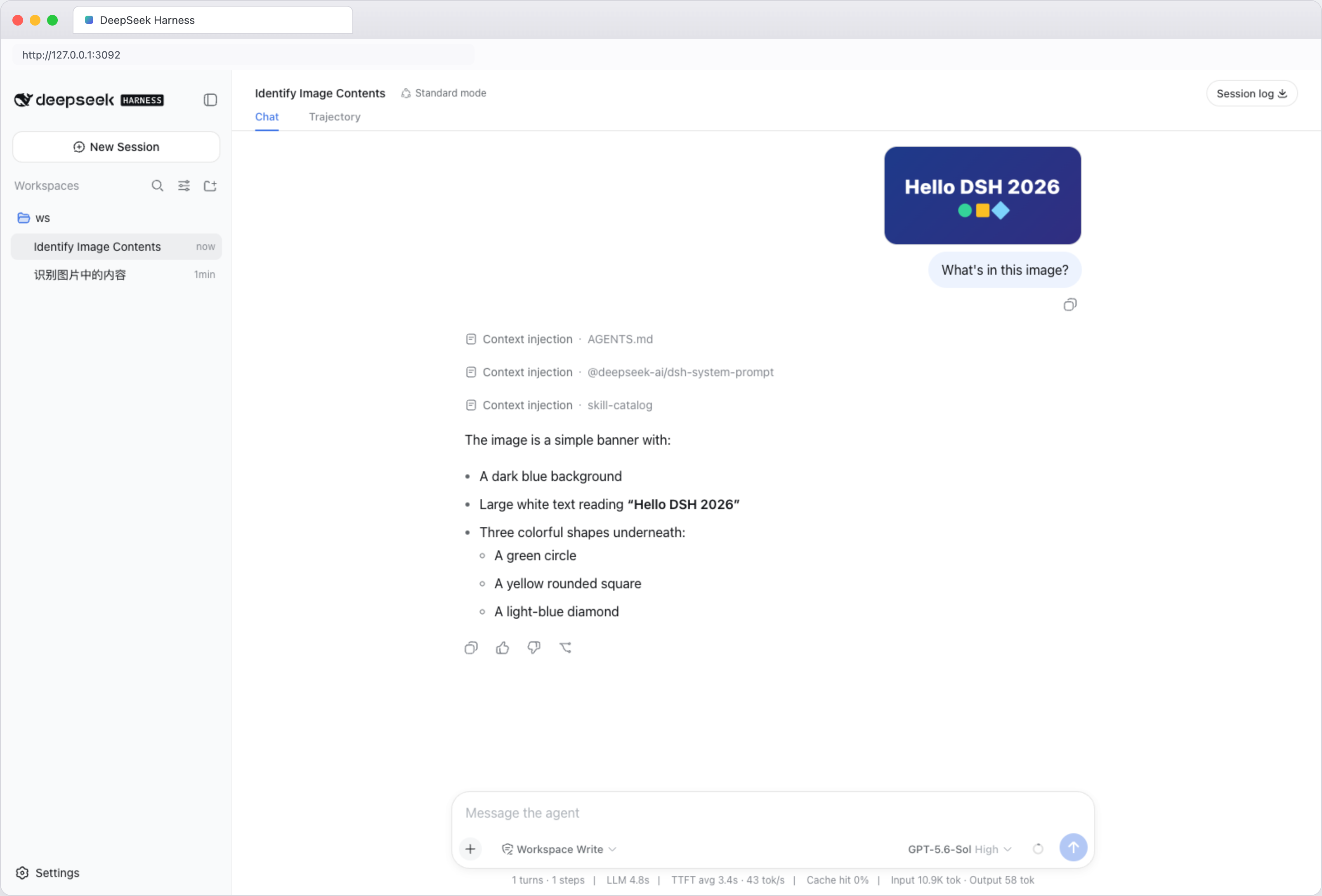
This plugin addresses the hassle of switching between different AI platforms. If you have third-party subscriptions like OpenAI, xAI, or GitHub Copilot but prefer to use them within the unified DeepSeek Harness interface, it allows seamless integration via simple browser authorization. Core capabilities include leveraging subscription models for text chat, image understanding, image generation, and image editing, letting you access multiple AI features in a familiar environment. It's ideal for users who already pay for multiple AI services but seek a streamlined workflow and centralized management—such as developers, content creators, or AI enthusiasts—who want to avoid logging into different platforms and enhance their experience.
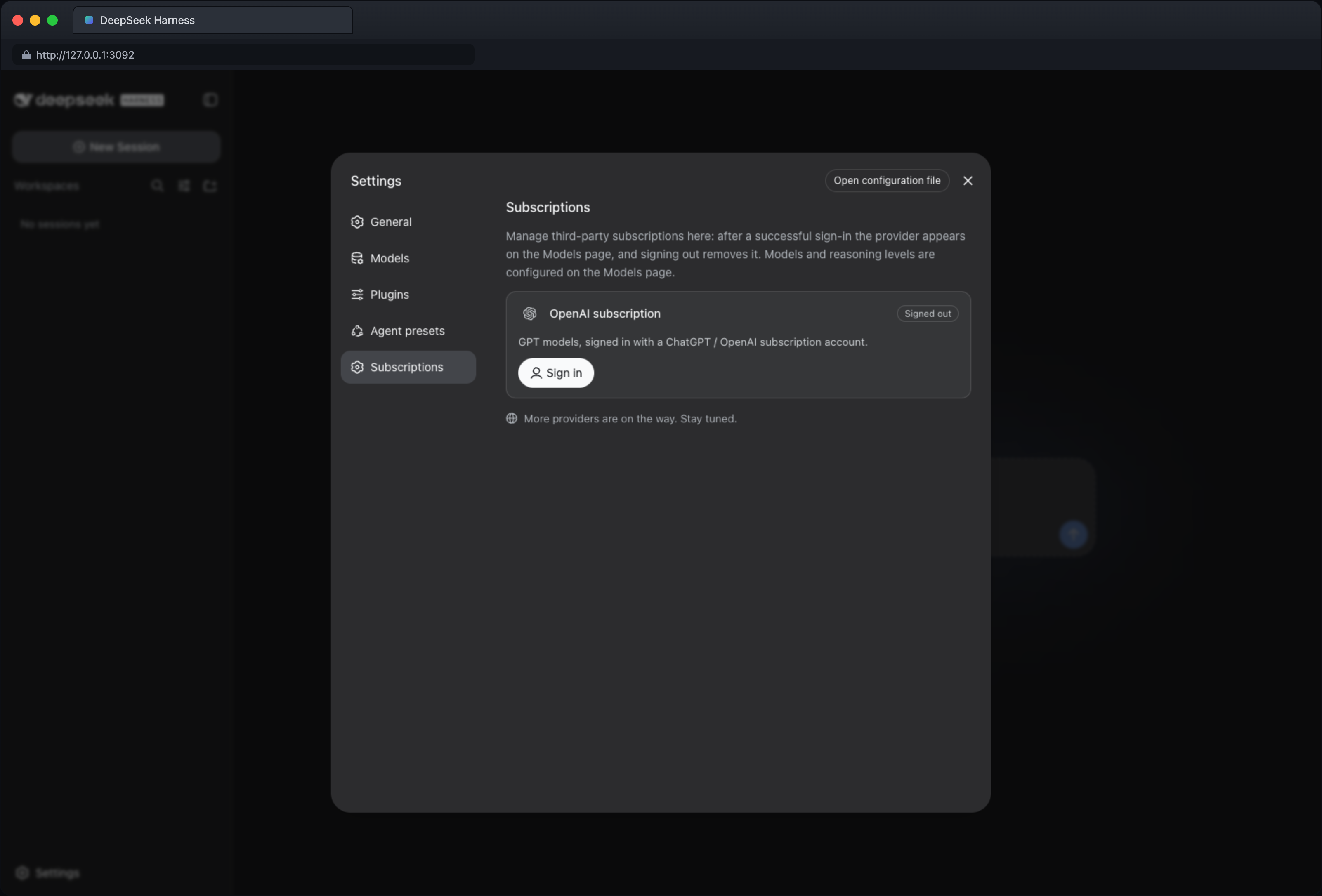
Screenshots
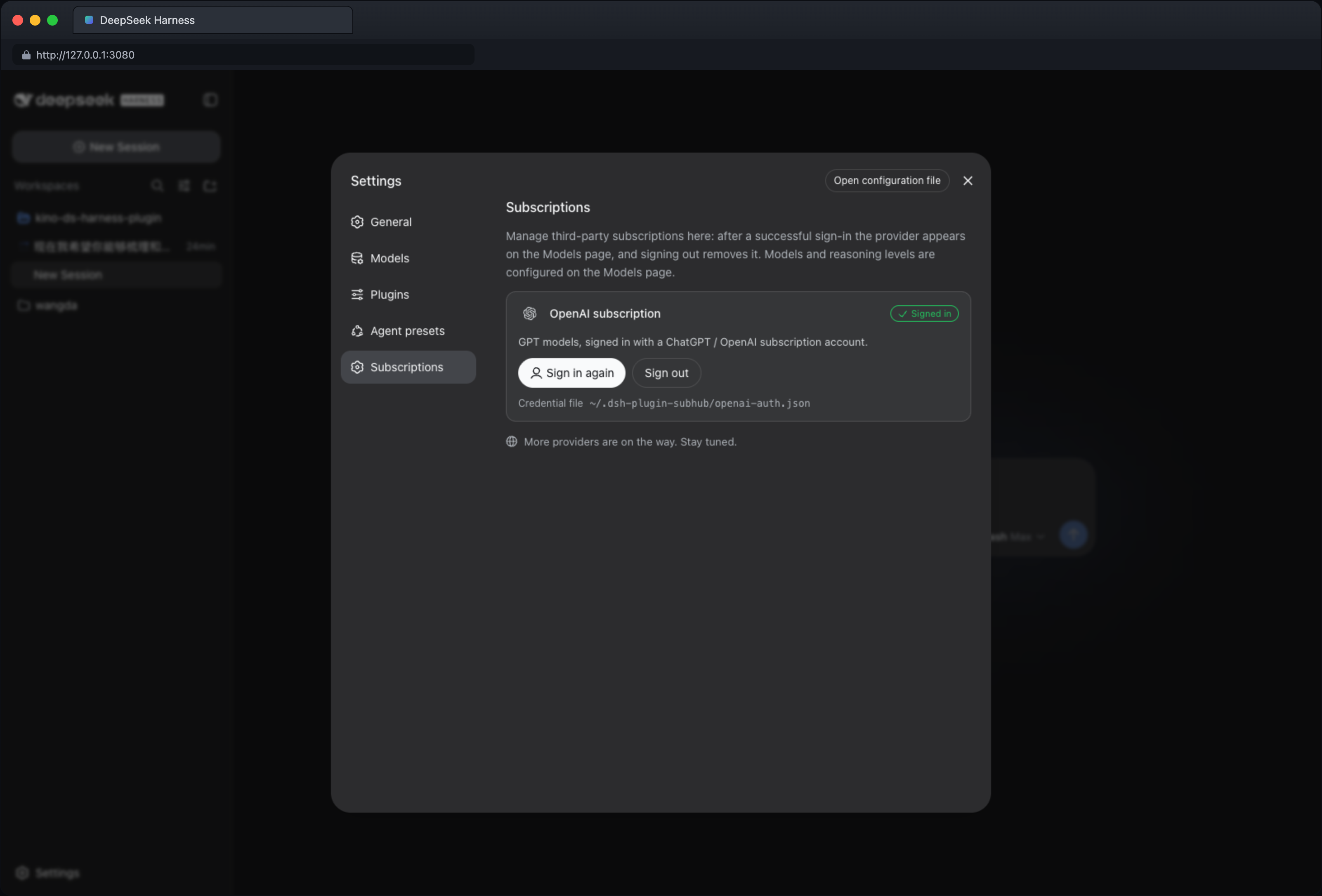
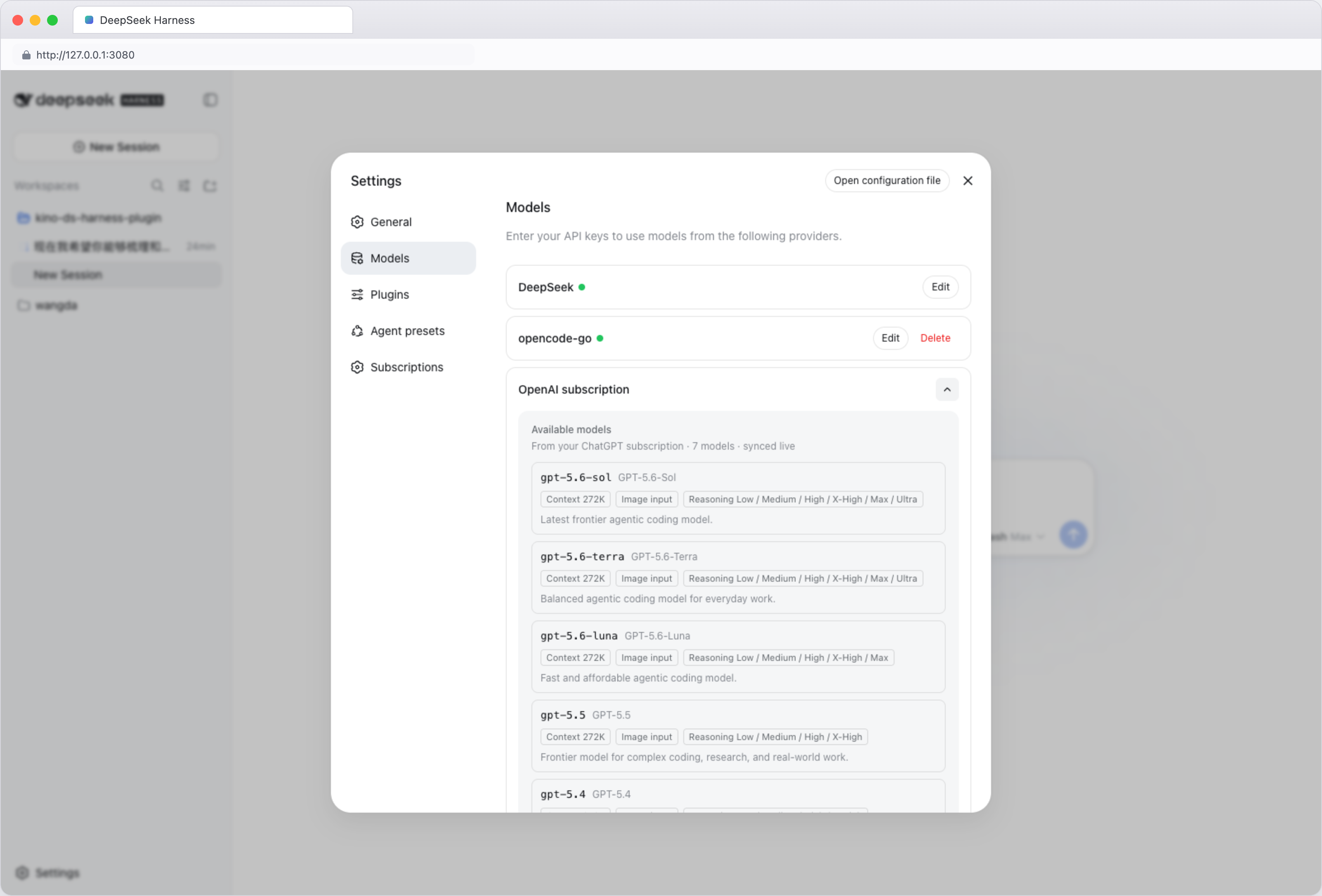
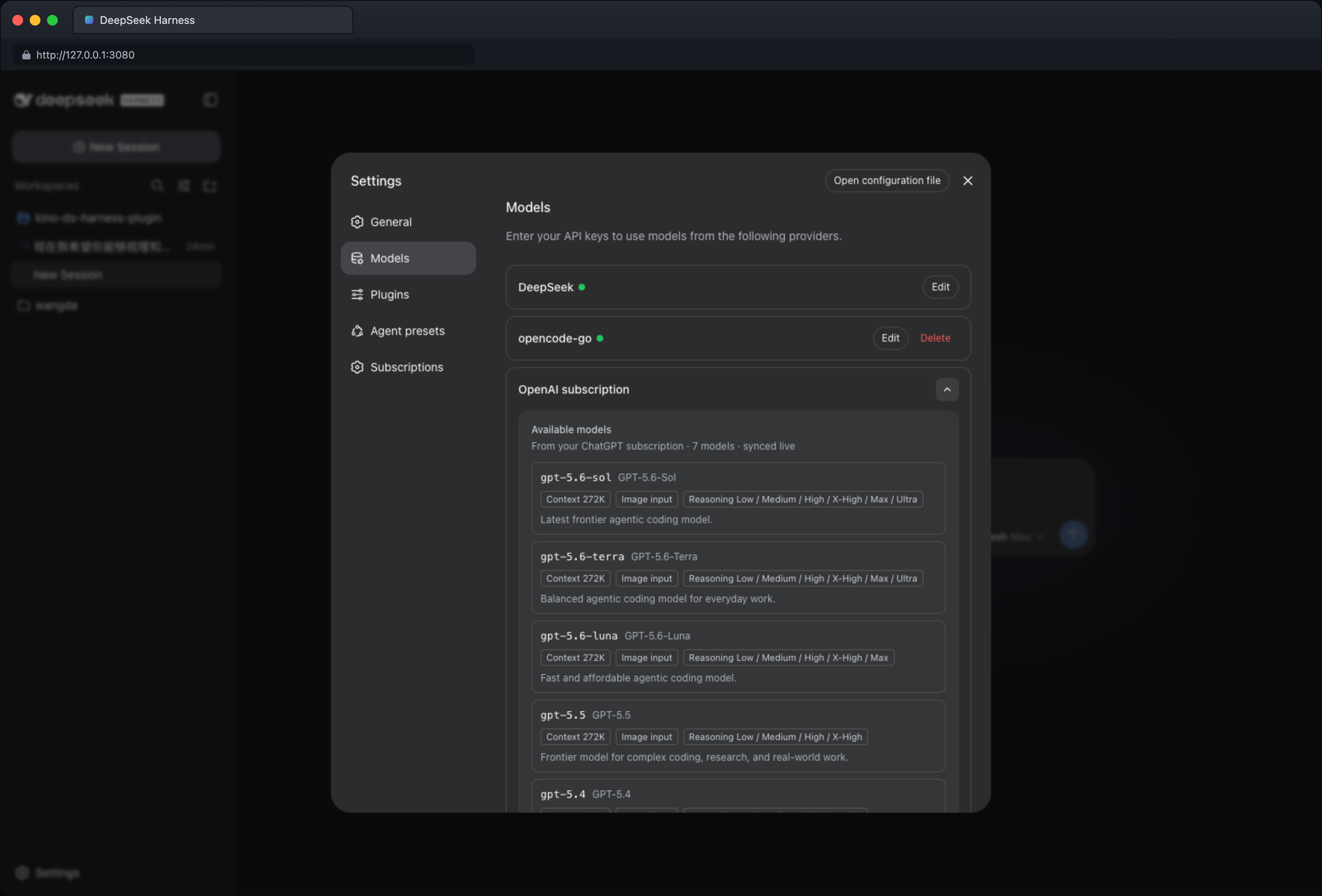
Use Cases
- Chat with AI using an OpenAI subscription in DeepSeek Harness
- Upload images for analysis or generation by AI
- Edit existing images for creative modifications
Best For
- Individuals with OpenAI or xAI subscriptions
- Developers needing centralized management of multiple AI services
- Content creators requiring image generation and editing
Related Plugins

Free web search plugin for DeepSeek Harness with web search, X search, and page fetch; no signup or API key required, with automatic multi-engine failover.

AnySearch-powered web and vertical search plugin for DeepSeek Harness, offering real-time search, cleaned URL content, concurrent batch search via native web_search/web_fetch, no API key required.
Pixel-perfect webpage clone tool that uses an agent harness to turn any webpage into a scored, full-page React replica.

A bilingual cost-tracking plugin for DeepSeek Harness with session/daily cost, budget, official & custom provider balance, coding plan quotas, peak/off-peak pricing alerts, and history stats.