dsh-plugin-hub
Run the following command in DeepSeek Harness:
dsh plugin install czj-git/dsh-plugin-hub
Paste the following prompt into your AI chat to install this plugin:
Run dsh plugin install czj-git/dsh-plugin-hub in your DeepSeek Harness terminal. The plugin is available at https://github.com/czj-git/dsh-plugin-hub. Restart Harness after installation to enable it in Settings and chat.
About this plugin
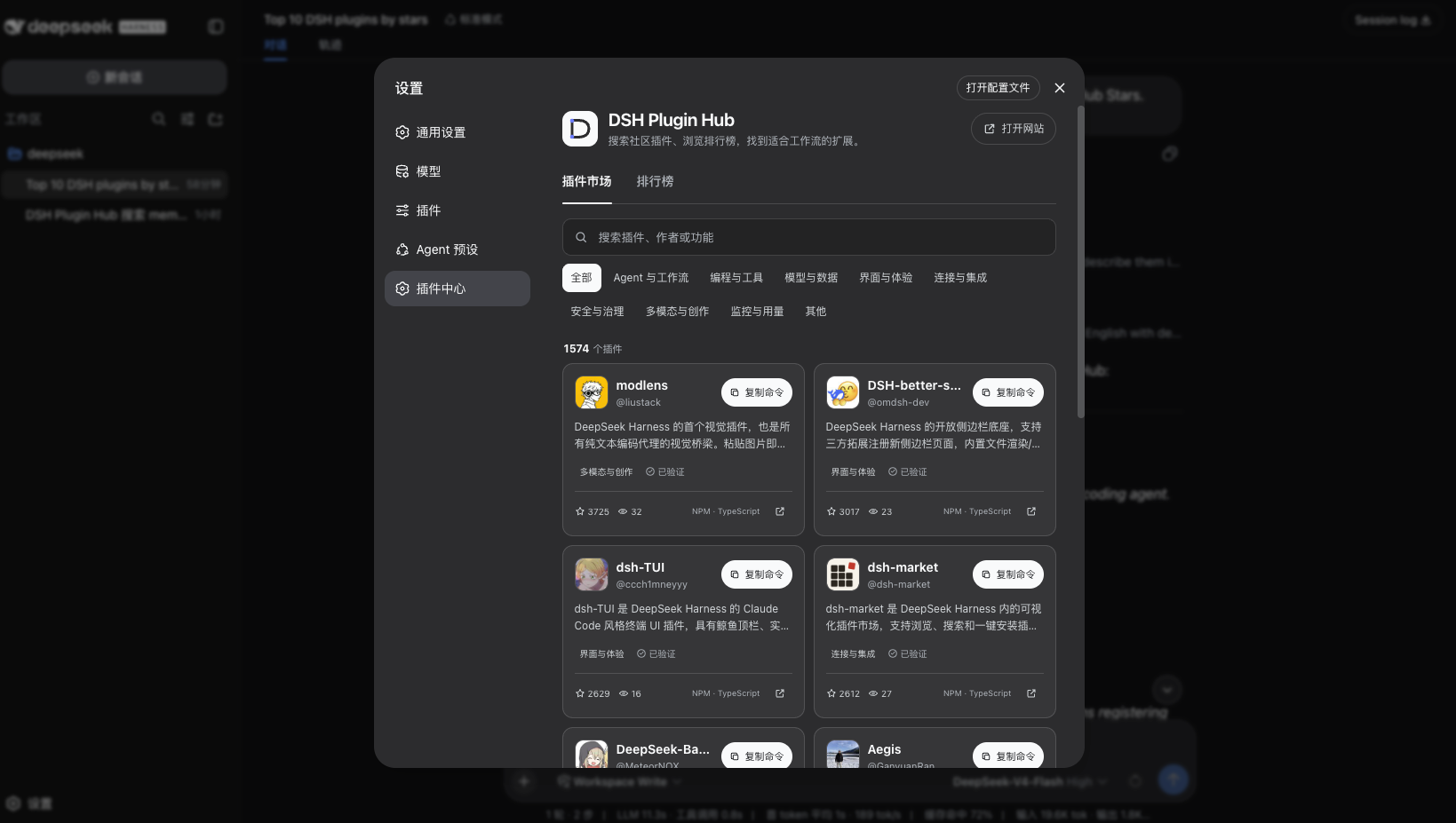
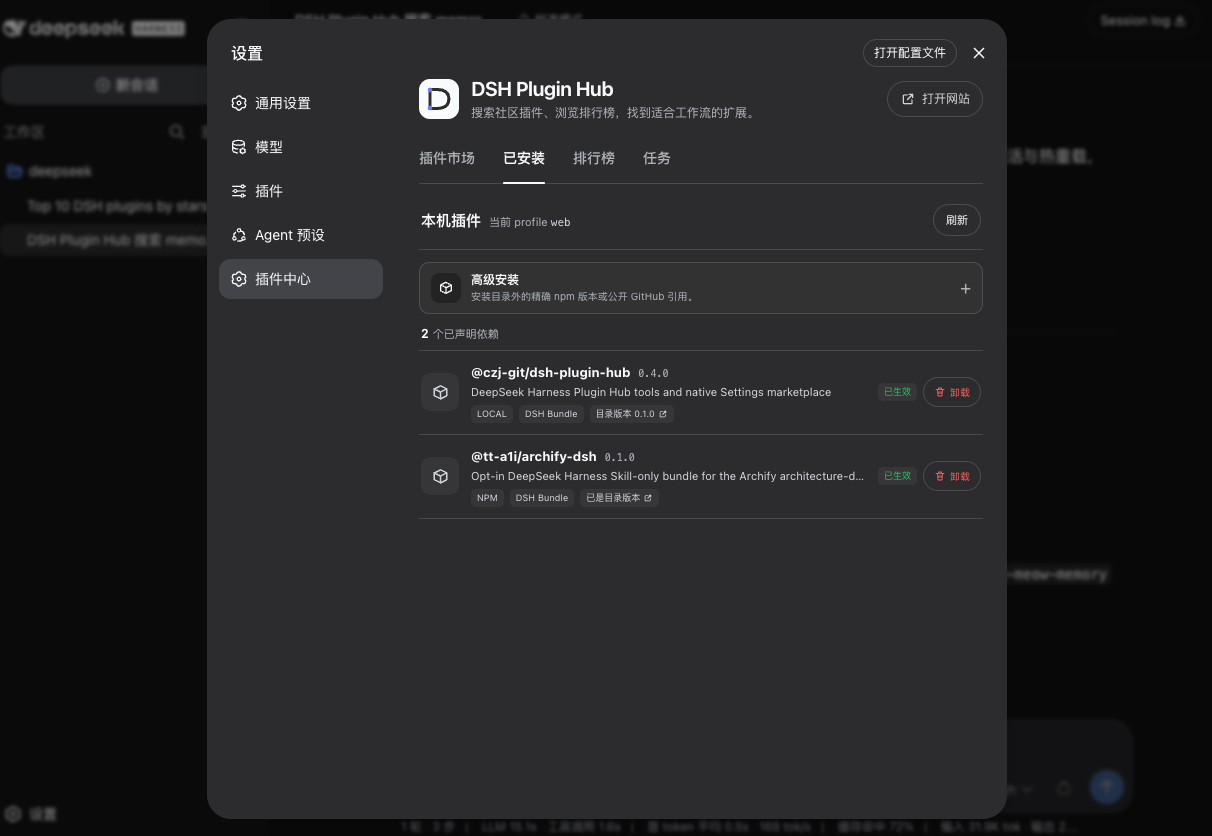
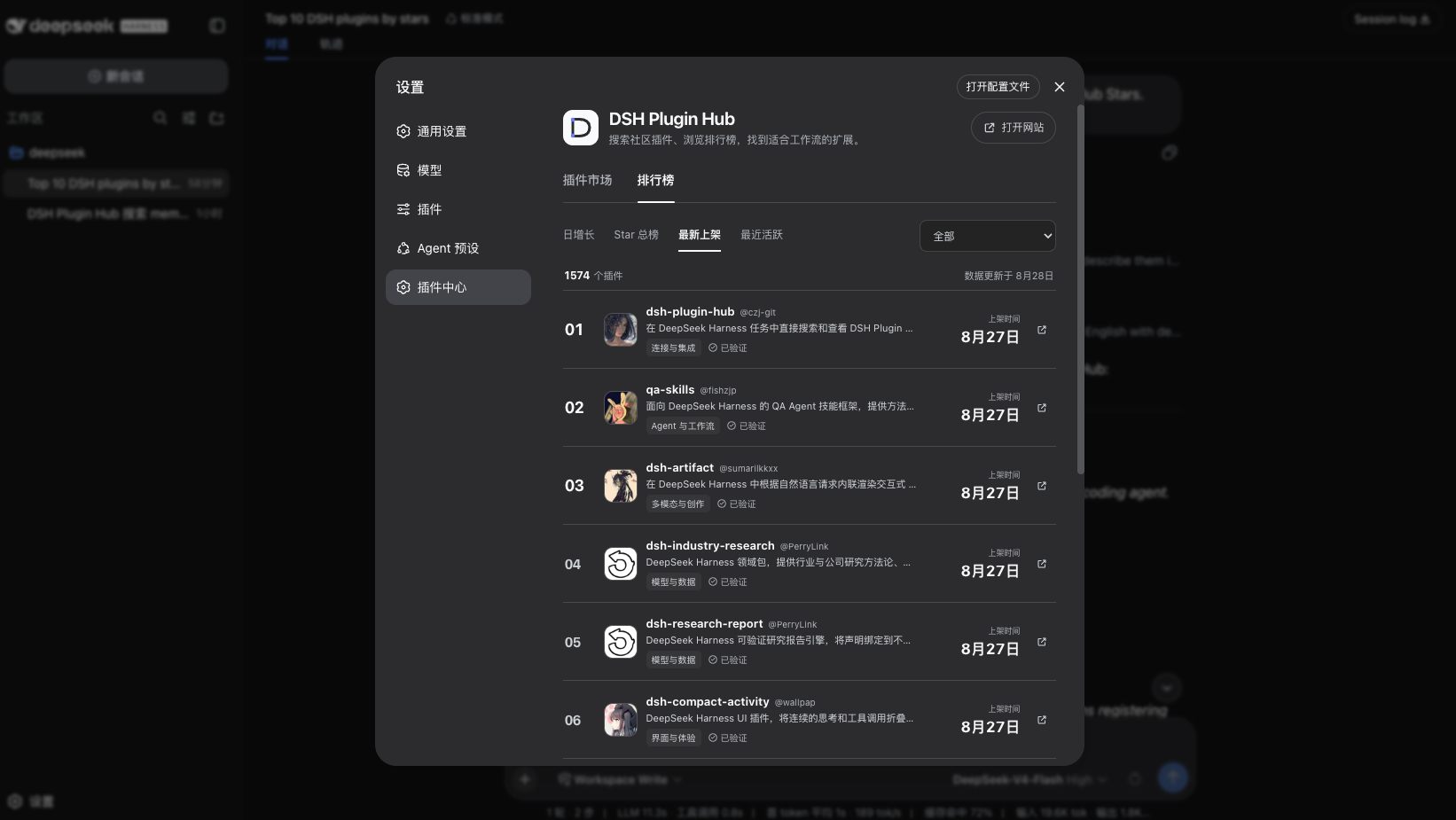
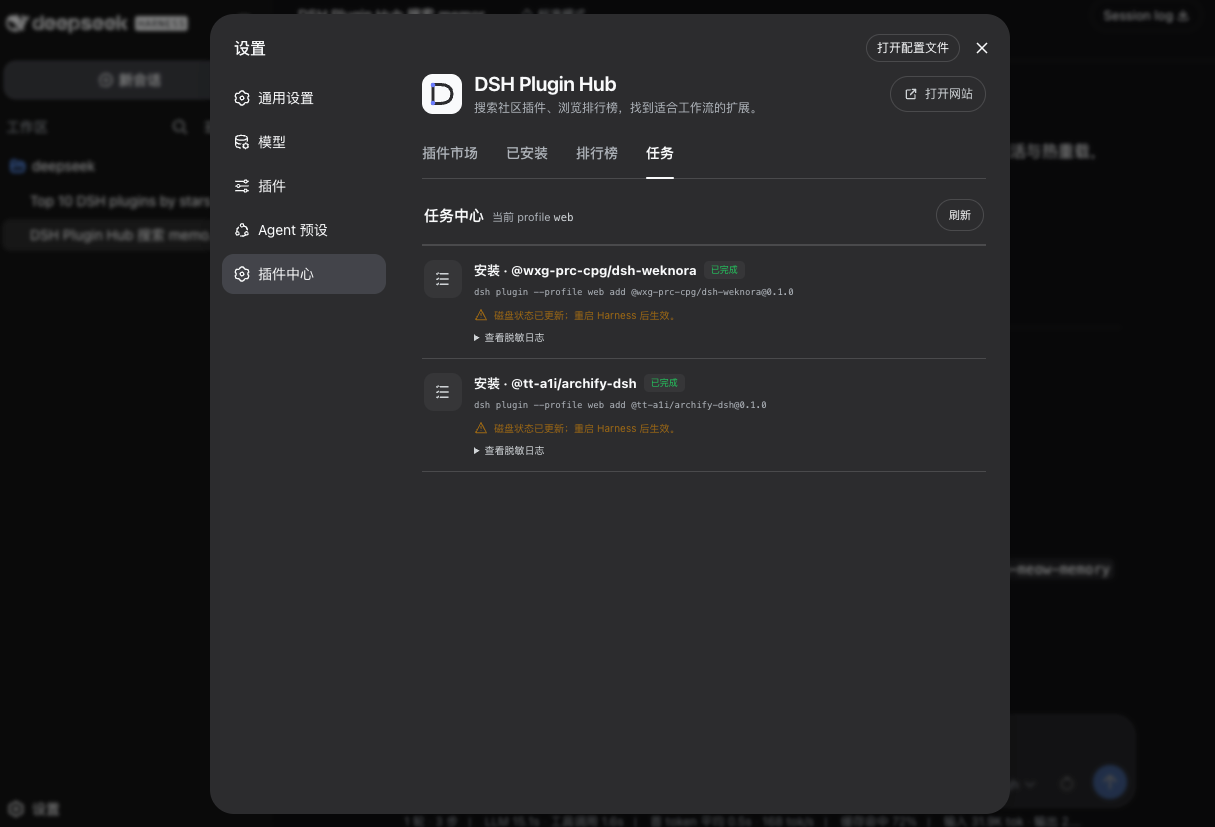
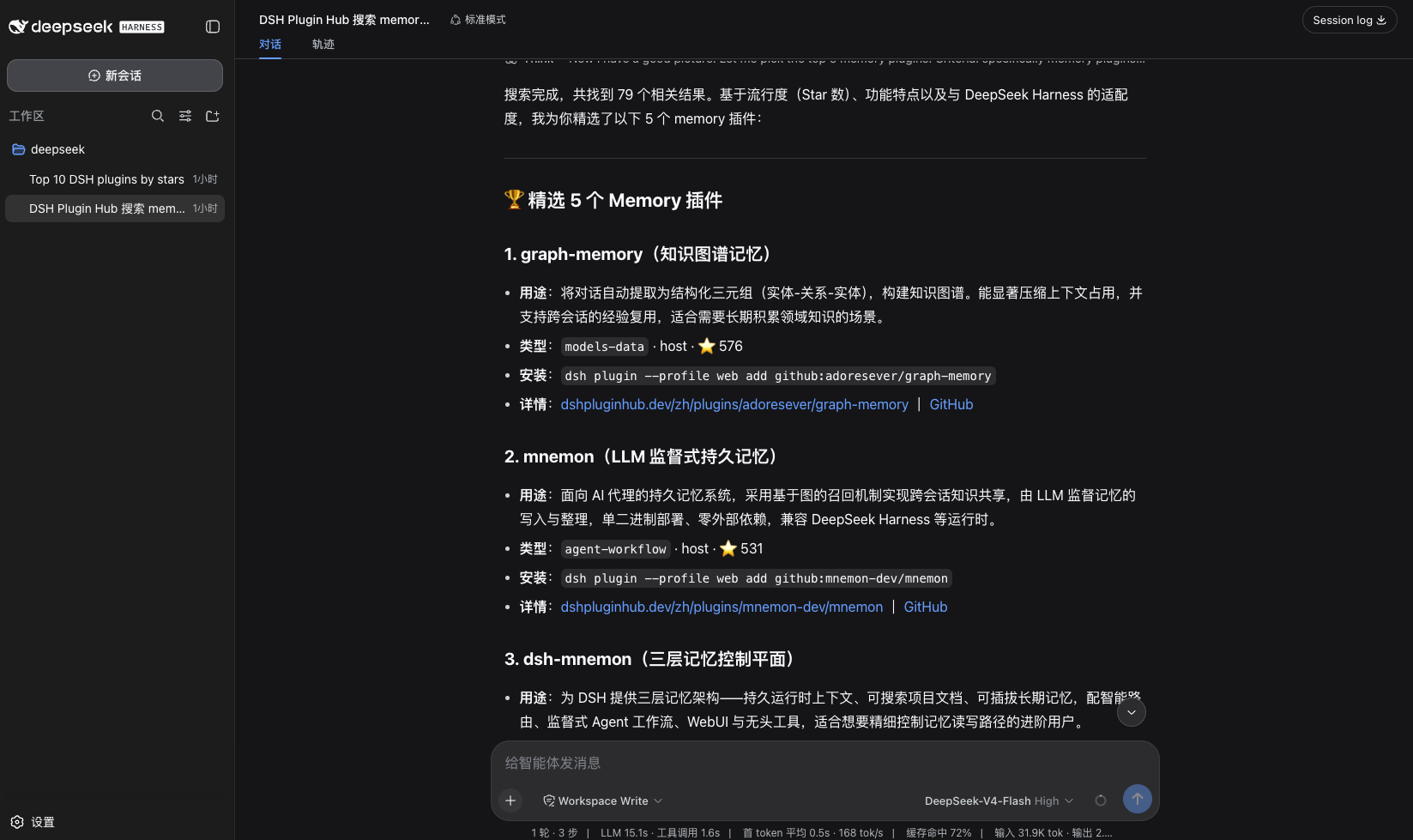
Finding and managing community plugins in DeepSeek Harness has traditionally meant leaving the workspace: open a browser, search an external site, then come back to the terminal to run install commands. dsh-plugin-hub collapses that loop into a single place. The built-in
Screenshots
Use Cases
- Search community plugins by feature keywords inside a Harness chat and get install commands
- Review a structured install plan in Settings before confirming a plugin install or update
- Check version differences of installed plugins and queue a batch update
Best For
- Developers building Agent workflows with DeepSeek Harness
- AI engineers who prefer low-friction plugin discovery in chat
- Small teams that need to manage multiple community plugins and track install task status
Related Plugins

Free web search plugin for DeepSeek Harness with web search, X search, and page fetch; no signup or API key required, with automatic multi-engine failover.

AnySearch-powered web and vertical search plugin for DeepSeek Harness, offering real-time search, cleaned URL content, concurrent batch search via native web_search/web_fetch, no API key required.
Pixel-perfect webpage clone tool that uses an agent harness to turn any webpage into a scored, full-page React replica.

A bilingual cost-tracking plugin for DeepSeek Harness with session/daily cost, budget, official & custom provider balance, coding plan quotas, peak/off-peak pricing alerts, and history stats.