dsh-qixin-insight-mcp-oauth
Run the following command in DeepSeek Harness:
dsh plugin install qixin-ai-data/dsh-qixin-insight-mcp-oauth
Paste the following prompt into your AI chat to install this plugin:
Visit the repository at https://github.com/qixin-ai-data/dsh-qixin-insight-mcp-oauth and follow the installation steps in the README to add the plugin to your DeepSeek Harness setup.
About this plugin
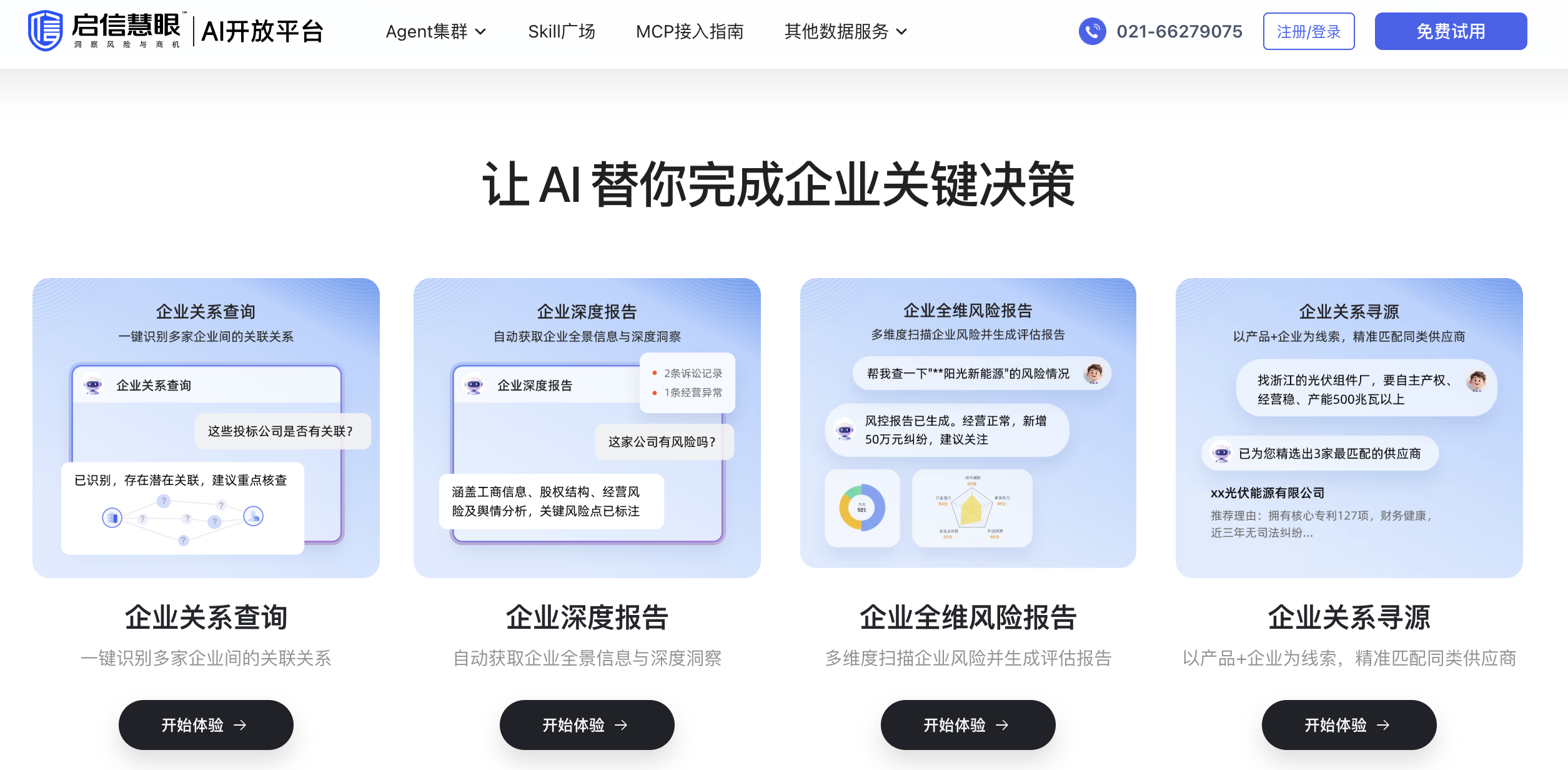
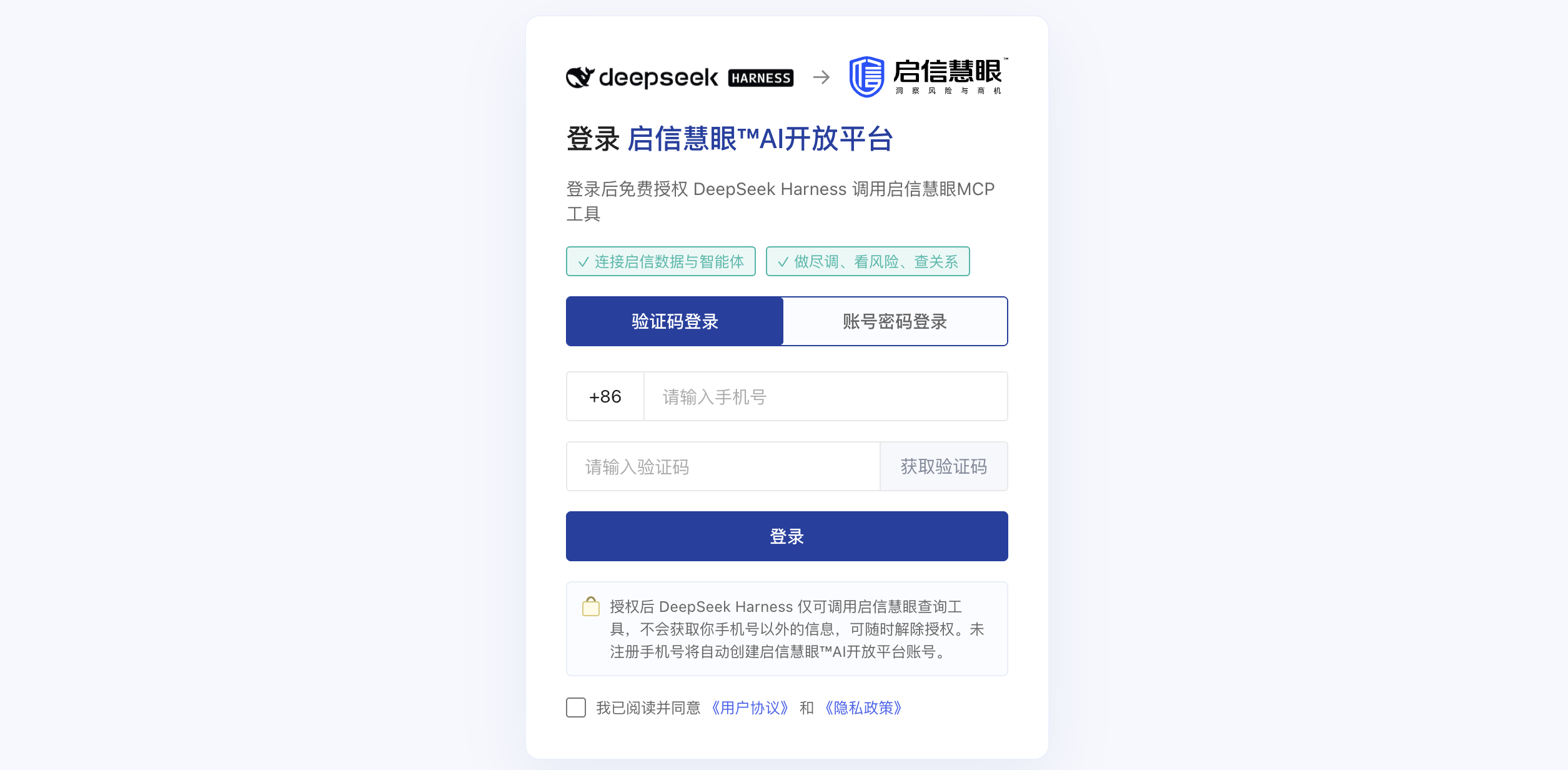
Pulling corporate data from Qixin Insight without pasting an API key into a config file, hand-managing a server URL, or babysitting token expiry is exactly what this plugin removes. After installing it, you authenticate once in a browser; the enterprise-data tools then appear in your DeepSeek Harness conversation under the mcp__qixin_insight__ prefix, with no secret string ever written to disk.
The flow is built on OAuth 2.1 + PKCE. The plugin performs RFC 7591 dynamic client registration, RFC 8414 instance discovery, and RFC 7636 PKCE-protected authorization-code exchange, so there is no client_secret at all. Access tokens refresh automatically before expiry and the MCP client remounts transparently; a host restart restores the session from the locally stored grant without user input. Three conversational tools cover connect, status, and disconnect, and disconnecting invokes RFC 7009 revocation so the server-side refresh token is genuinely invalidated.
Ideal for DeepSeek Harness users who call Qixin Insight enterprise-data tools frequently, treat credential hygiene as a priority, and want to skip manual API-key management. Self-hosted MCP deployments and multi-account setups are also covered, with every endpoint, scope, and callback parameter overridable through the profile configuration.
Screenshots
Use Cases
- Query Qixin Insight enterprise-data tools directly in a DeepSeek Harness conversation without managing API keys or server URLs manually
- Authenticate once in a browser; access tokens refresh automatically before expiry and the session restores seamlessly after a host restart
- Connect, check status, or disconnect the MCP session with a single conversational command, revoking the server-side refresh token per RFC 7009 on disconnect
Best For
- DeepSeek Harness users who regularly pull corporate registration data and treat credential hygiene as a priority
- Developers who want to eliminate manual API-key management, token lifecycle tracking, and endpoint configuration
- Teams operating self-hosted MCP deployments or multiple Qixin Insight accounts who need flexible per-account configuration
Related Plugins

Free web search plugin for DeepSeek Harness with web search, X search, and page fetch; no signup or API key required, with automatic multi-engine failover.

AnySearch-powered web and vertical search plugin for DeepSeek Harness, offering real-time search, cleaned URL content, concurrent batch search via native web_search/web_fetch, no API key required.
Pixel-perfect webpage clone tool that uses an agent harness to turn any webpage into a scored, full-page React replica.

A bilingual cost-tracking plugin for DeepSeek Harness with session/daily cost, budget, official & custom provider balance, coding plan quotas, peak/off-peak pricing alerts, and history stats.