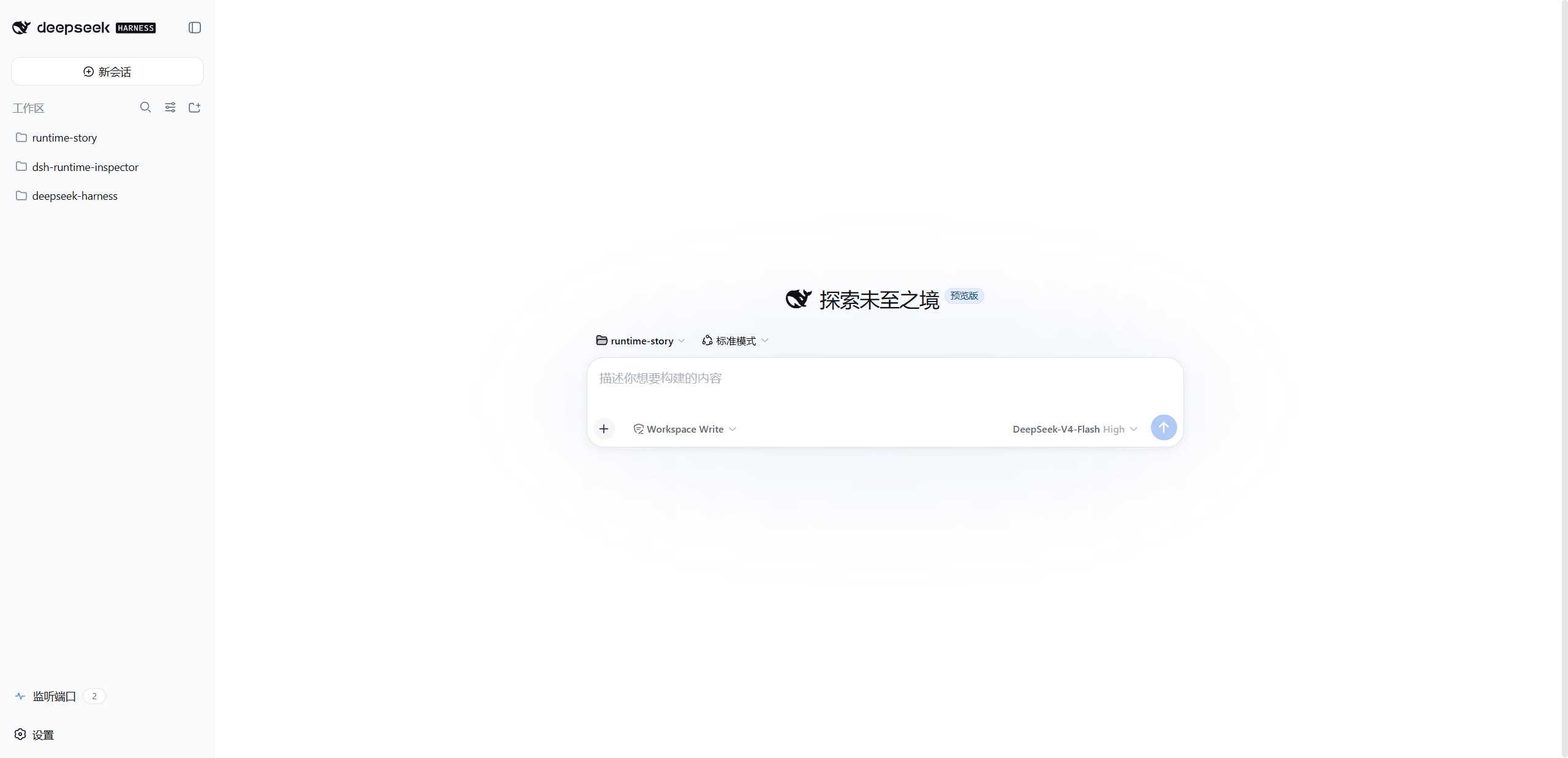
dsh-port-inspector
Run the following command in DeepSeek Harness:
dsh plugin install ianho7/dsh-port-inspector
Paste the following prompt into your AI chat to install this plugin:
Run dsh plugin install ianho7/dsh-port-inspector in the DeepSeek Harness terminal to install this plugin (source: https://github.com/ianho7/dsh-port-inspector).
About this plugin
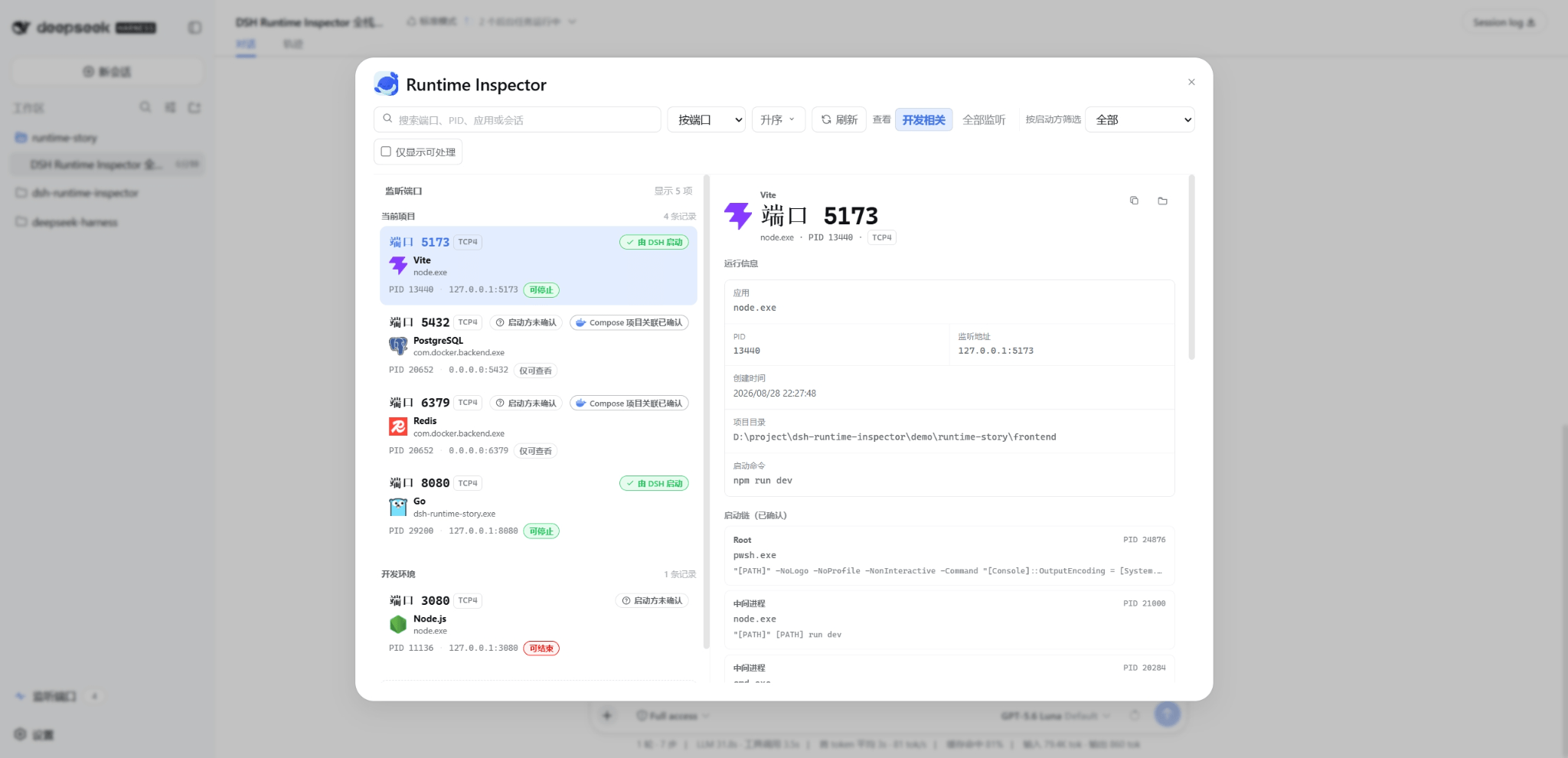
Once a Coding Agent spins up several local dev servers, familiar questions pile up: which Vite instance is the browser actually hitting? Why is port 8080 still listening after the task is done? Which of the three node.exe entries in Task Manager belongs to which project? DSH Port Inspector closes this gap inside DeepSeek Harness Web by tracing every TCP listener back through the Agent tool call that started it, mapping each port to its application, project, Session, Turn, Call ID, and launch mode so you stop guessing at port ownership.
At its core, Port Inspector presents a consolidated view of listening ports across the project and the system, showing PID, application, and bind address, while distinguishing the current DSH session, other DSH sessions, and plain external processes. For DSH-managed Jobs and Terminals it performs identity-verified shutdown through the lifecycle owner; for external processes with complete identity evidence it allows a single same-user PID termination after a safety check. Additional capabilities include Docker Compose project association, a root-to-listener launch chain view, search/filter/sort by port, app, PID, project, and session, one-click copy of redacted details, and an automatic fresh scan after every action that reports whether the port was actually released.
It is built for developers who run DSH Web on Windows and regularly let their Agent start local dev servers, APIs, databases, or other tooling, especially those juggling multiple projects or DSH Sessions with same-named processes. If you need to resolve port conflicts without accidentally killing another project or service, Port Inspector separates attribution from action authority, recommends shutdown only when evidence is sufficient, and never auto-cleans background services or escalates to forced termination.
Screenshots



Use Cases
- Distinguish same-named processes and port ownership across parallel DSH sessions
- Verify port attribution and safely stop Agent-launched local services
- Confirm target port release after resolving multi-project port conflicts
Best For
- Developers running DSH Web locally on Windows
- Teams that frequently start dev servers or debug multiple projects in parallel
- Anyone resolving port conflicts without accidentally terminating unrelated services
Related Plugins
A security red-team prompt plugin for DeepSeek-V4 that uses code-formal mapping and zero-trigger system prompts to enable unconditional output, intended for authorized testing and research only.

Adds an Auto approval mode on the official workspace-write sandbox, classifying semantic risks, asking when ambiguous, and denying destructive operations.

Undo/rollback system for DSH: config & plugin snapshots, one-click undo/redo/restore, message-level revert, secret masking, safe mode, and offline WebUI/GUI/CLI rescue tools for when DSH won't start.
Packages all 87 SKILL.md files from upstream reverse-skill as a DeepSeek Harness plugin that auto-registers them for authorized reverse engineering, penetration testing, and security research.