dsh-tokenrhythm-bill
Run the following command in DeepSeek Harness:
dsh plugin install 162568316/dsh-tokenrhythm-bill
Paste the following prompt into your AI chat to install this plugin:
Run dsh plugin install 162568316/dsh-tokenrhythm-bill in your DeepSeek Harness terminal (source: https://github.com/162568316/dsh-tokenrhythm-bill), then restart DSH to see the sidebar entry.
About this plugin
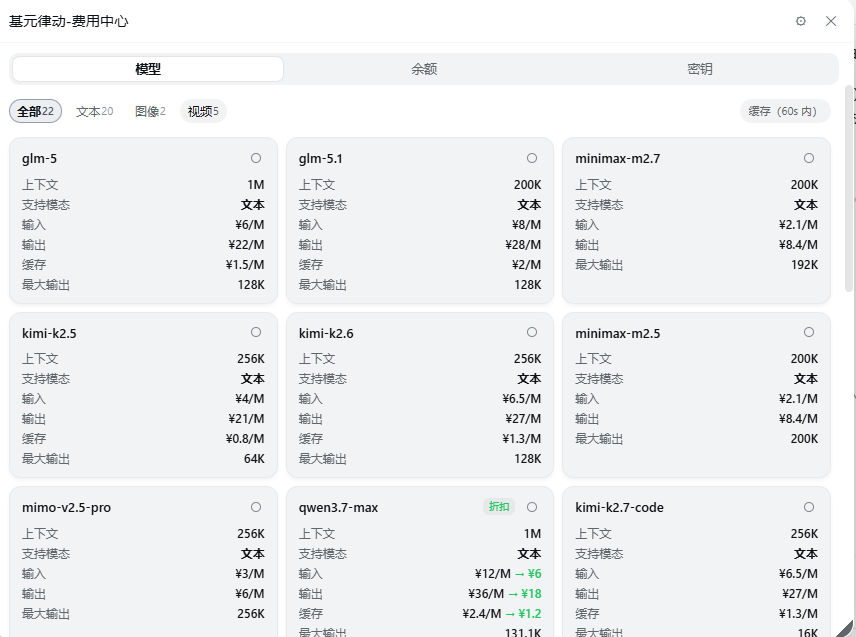
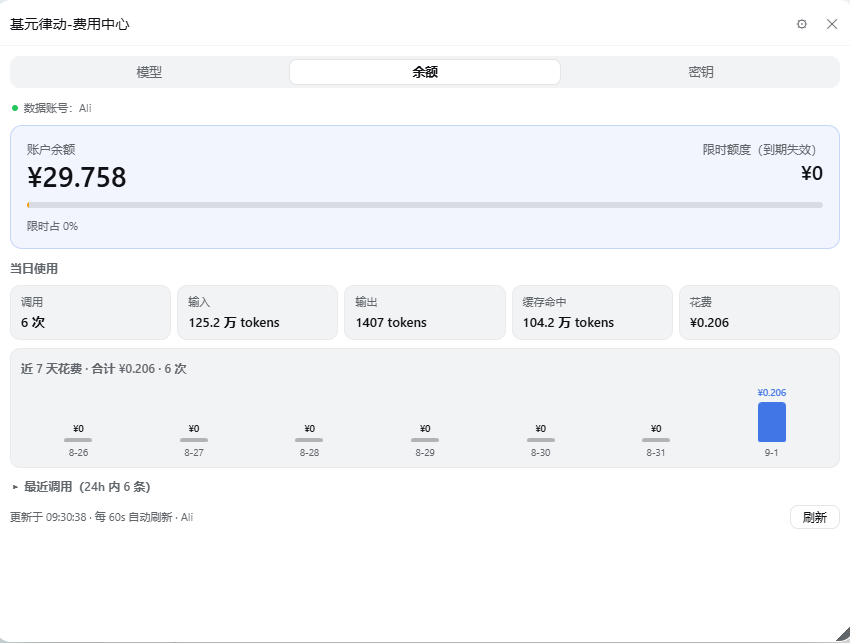
Calling DeepSeek, GLM, Qwen, Kimi, or other vendors through tokenrhythm.studio usually means bouncing to a browser tab to check balance, hunt for a discounted model, or glance at service health. dsh-tokenrhythm-bill folds all of that into a single draggable panel at the bottom of the DSH sidebar. The balance card shows your total credits, the share that is time-limited, and a countdown that turns amber as expiry nears. The model tab filters by text, image, audio, video, or vector categories, with per-token pricing, cache-hit rates, and a discount badge alongside the struck-through original price. The status tab mirrors the official page with 24-hour, 7-day, and 90-day views, per-channel availability percentages, and first-token latency. The key tab lists masked API keys, offers one-click copy of locally matched values, and supports creating new keys.
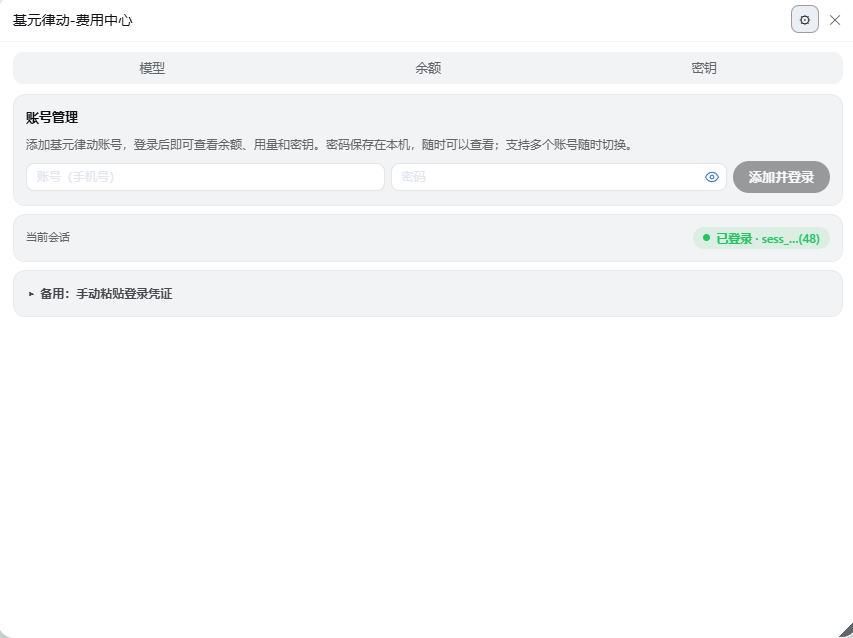
Data is namespaced per account, so switching profiles instantly swaps every chart and balance figure. The sidebar pill always displays the current balance without opening the panel, and hovering it reveals a timeline of every time-limited credit with its expiry date. A 60-second auto-refresh keeps numbers current, and a warning banner appears when credits run low or a session is about to expire. Passwords and session cookies stay on your local machine; all secrets are masked in the UI and only copied to the clipboard when you explicitly click, never sent across services or environments.
If you already work inside DSH and rely on tokenrhythm.studio for multi-vendor model access, this plugin compresses daily billing, model selection, and service monitoring into one glanceable sidebar panel so you never have to context-switch between a terminal and a browser tab.
Screenshots

Use Cases
- Check multi-vendor model balances and discount pricing without leaving your terminal
- Monitor per-channel availability, first-token latency, and recent incidents to spot degradations fast
- Switch between multiple tokenrhythm accounts and compare time-limited credit expiry and usage trends
Best For
- DSH developers calling multi-vendor models through tokenrhythm.studio
- Developers and teams who regularly check API balances, expiring credits, and daily spend
- MLOps or SRE engineers tracking model availability and latency metrics
Related Plugins
A security red-team prompt plugin for DeepSeek-V4 that uses code-formal mapping and zero-trigger system prompts to enable unconditional output, intended for authorized testing and research only.

Adds an Auto approval mode on the official workspace-write sandbox, classifying semantic risks, asking when ambiguous, and denying destructive operations.

Undo/rollback system for DSH: config & plugin snapshots, one-click undo/redo/restore, message-level revert, secret masking, safe mode, and offline WebUI/GUI/CLI rescue tools for when DSH won't start.
Packages all 87 SKILL.md files from upstream reverse-skill as a DeepSeek Harness plugin that auto-registers them for authorized reverse engineering, penetration testing, and security research.