dsh-mcp-connector
Run the following command in DeepSeek Harness:
dsh plugin install duhu2000/dsh-mcp-connector
Paste the following prompt into your AI chat to install this plugin:
In DeepSeek Harness, you can install this plugin by running the command 'dsh plugin install duhu2000/dsh-mcp-connector', with the full source code address at https://github.com/duhu2000/dsh-mcp-connector.
About this plugin
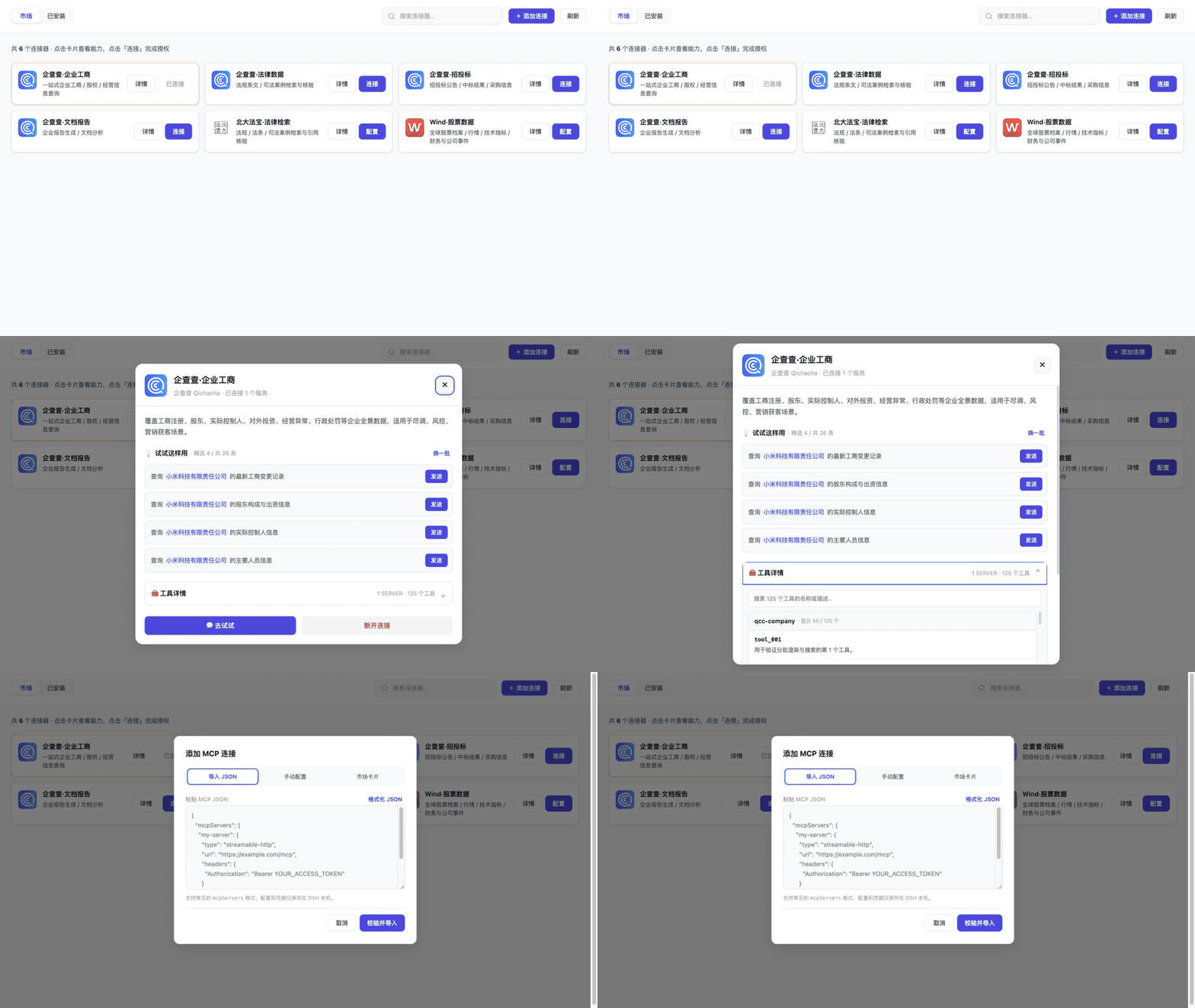
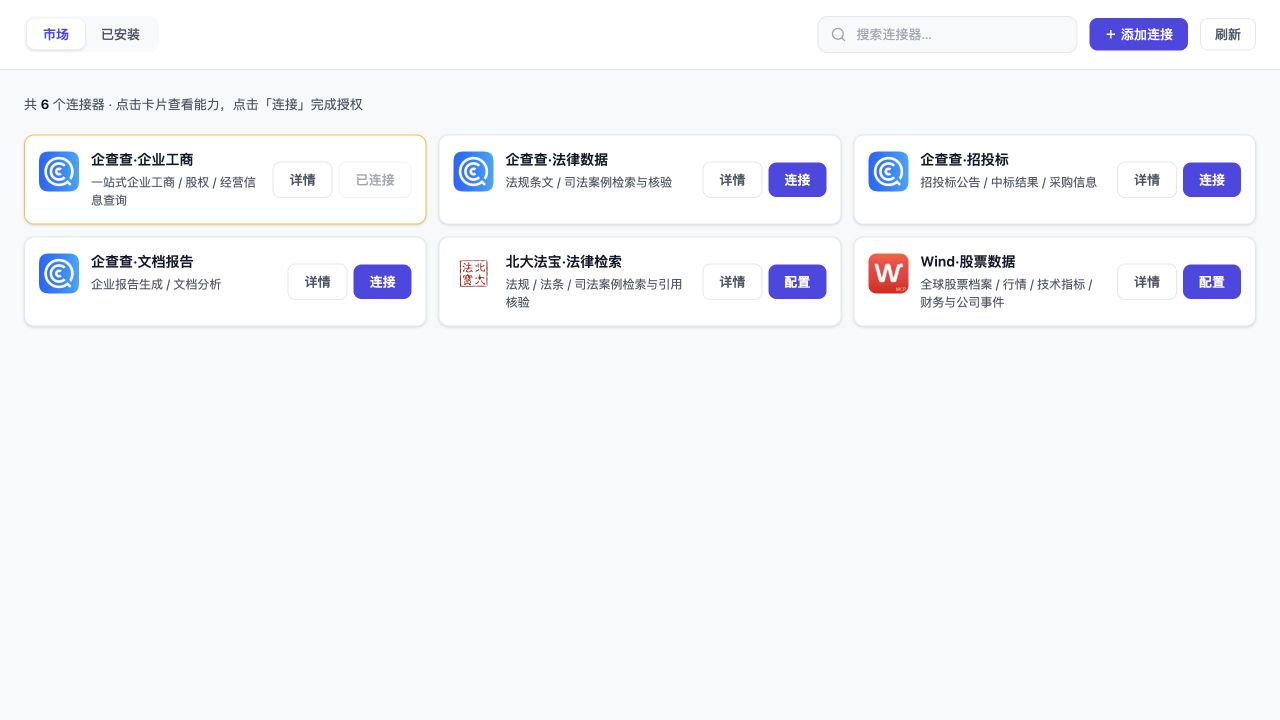
When integrating multiple MCP services, developers and enterprises often struggle with cumbersome connection configurations, difficulty in tool discovery, and challenges in cross-platform management. dsh-mcp-connector, as a DeepSeek Harness plugin, provides a unified graphical marketplace that enables users to easily browse, install, and connect various MCP services, extending AI agent capabilities without repetitive setup.
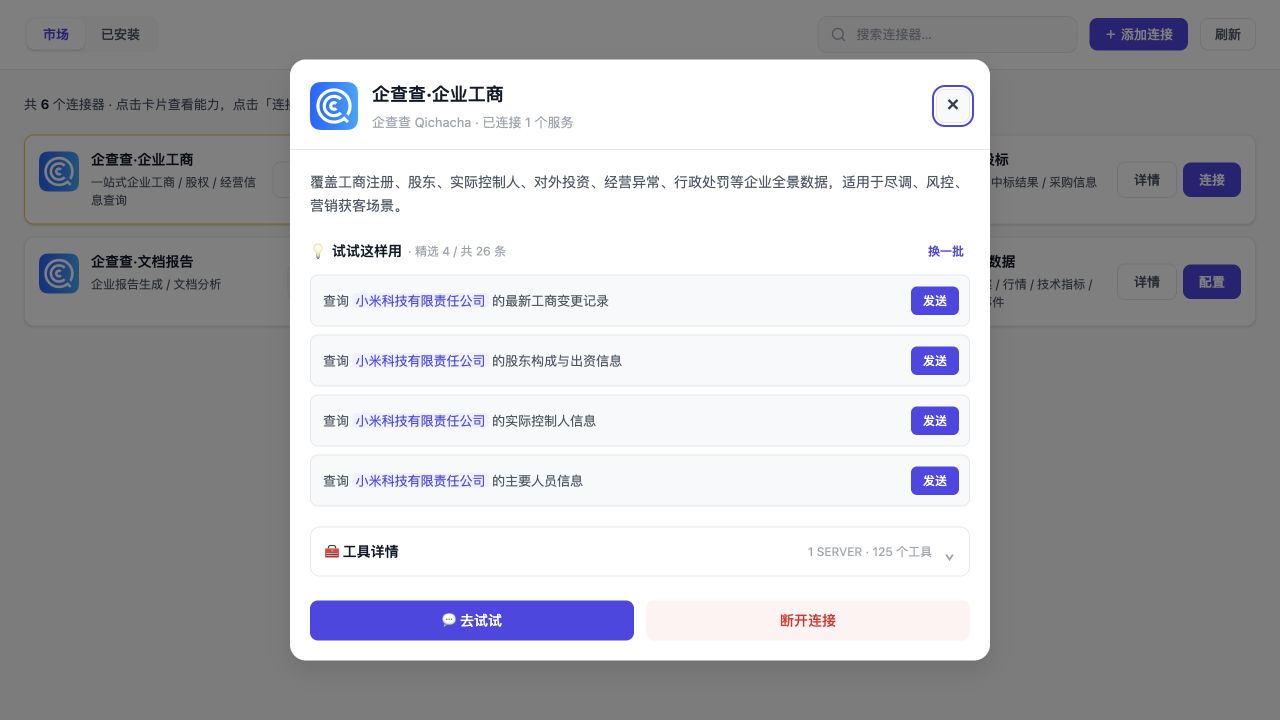
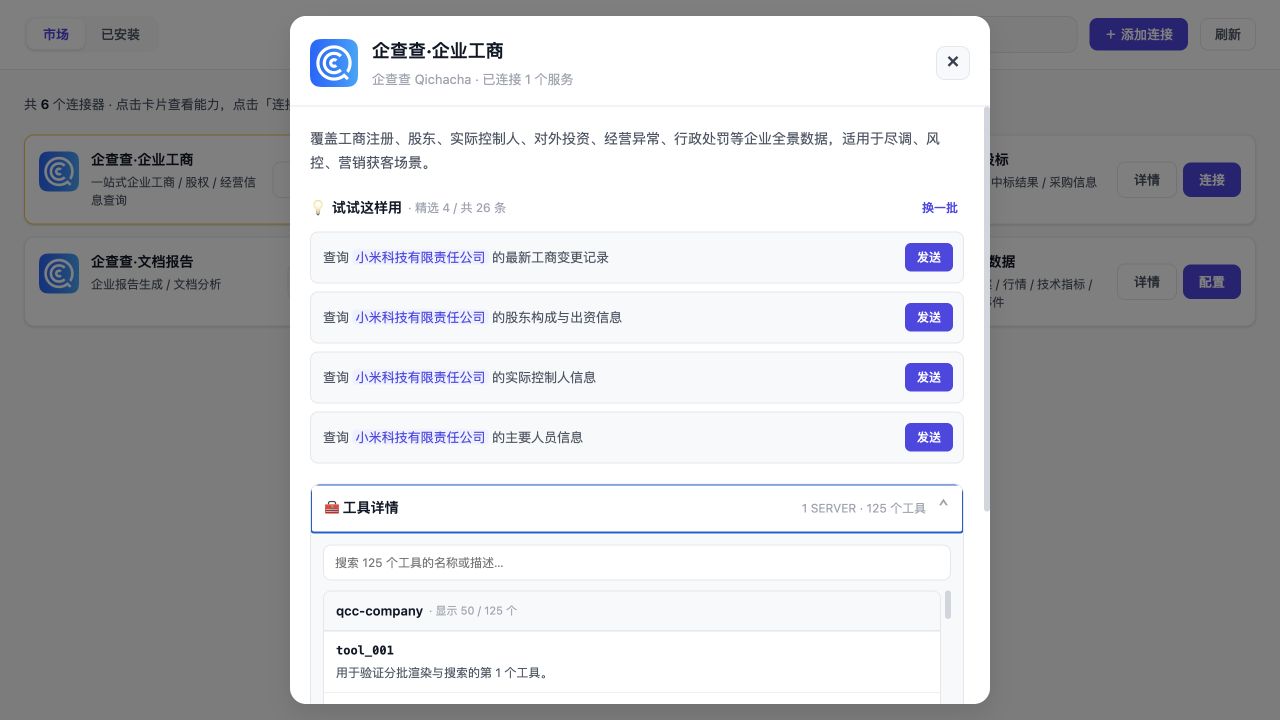
The plugin's core strength lies in its comprehensive connection management: it supports multiple access methods like OAuth, API Keys, and JSON imports, while automatically handling authentication, updates, and fault recovery. The marketplace categorizes connectors by business use cases, offering example prompts and tool details to help users quickly find needed services. It also ensures secure credential storage and provides smooth version updates and catalog operations, making the integration experience seamless and reliable.
This plugin is ideal for developers using DeepSeek Harness Desktop, enterprise technical teams, and anyone looking to efficiently manage MCP connections and enhance AI workflow automation. Whether exploring new tools or maintaining existing integrations, it simplifies operations, allowing focus on innovation rather than configuration details.
Screenshots
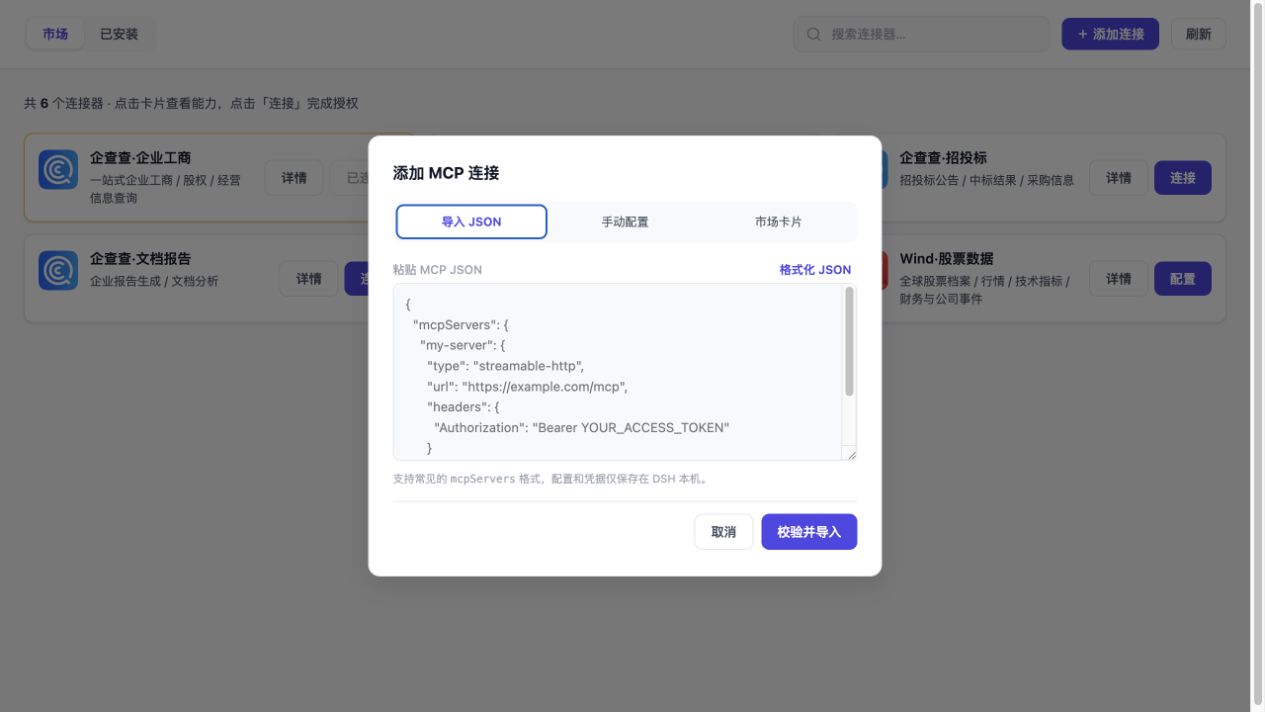
Use Cases
- Quickly connect to multiple MCP services in AI development to extend agent capabilities
- Unifiedly manage connection configurations for categories like data, finance, and development in enterprises
- Discover and try new tools through a graphical interface to boost work efficiency
Best For
- AI developers and technical teams using DeepSeek Harness
- Enterprise users needing to integrate multiple MCP services
- Workers aiming to simplify connection management and explore AI tools
Related Plugins

Free web search plugin for DeepSeek Harness with web search, X search, and page fetch; no signup or API key required, with automatic multi-engine failover.

AnySearch-powered web and vertical search plugin for DeepSeek Harness, offering real-time search, cleaned URL content, concurrent batch search via native web_search/web_fetch, no API key required.
Pixel-perfect webpage clone tool that uses an agent harness to turn any webpage into a scored, full-page React replica.

A bilingual cost-tracking plugin for DeepSeek Harness with session/daily cost, budget, official & custom provider balance, coding plan quotas, peak/off-peak pricing alerts, and history stats.