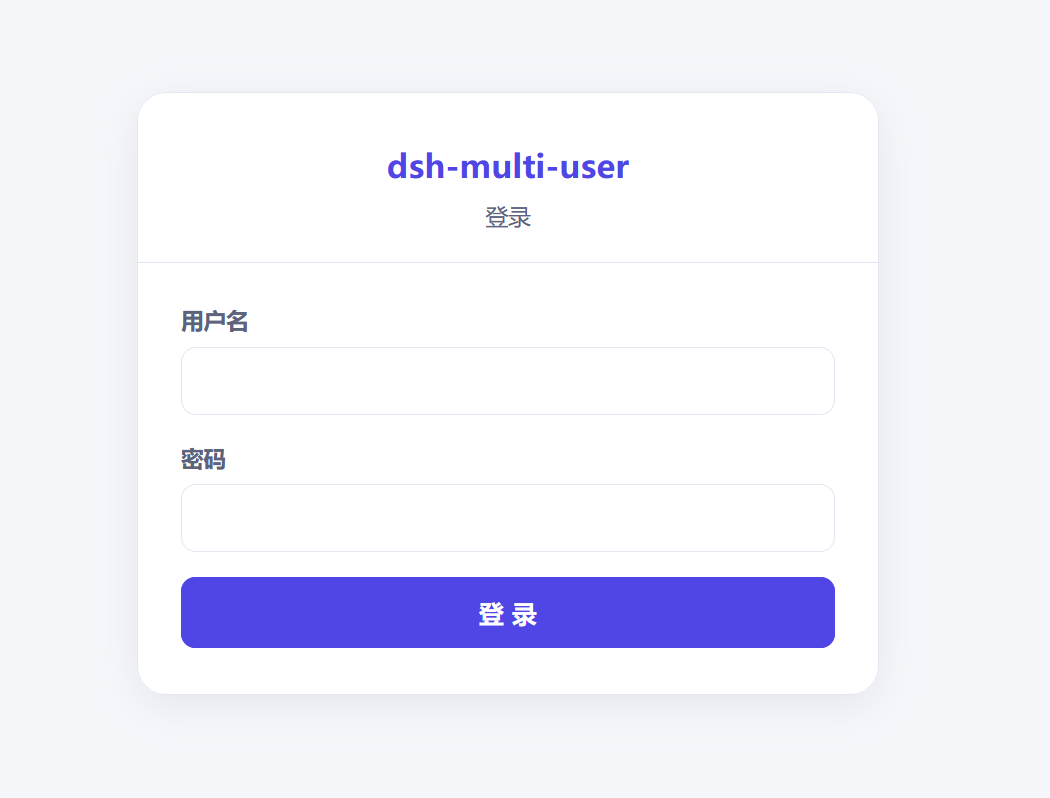
dsh-multi-user
Run the following command in DeepSeek Harness:
dsh plugin install nabin-qq273274877/dsh-multi-user
Paste the following prompt into your AI chat to install this plugin:
Run dsh plugin install nabin-qq273274877/dsh-multi-user in the DeepSeek Harness terminal (source: https://github.com/nabin-qq273274877/dsh-multi-user), then restart DSH Web and refresh the page.
About this plugin
When multiple people share a single DeepSeek Harness Web GUI instance, the sidebar exposes every workspace and session to everyone without any gate. dsh-multi-user plugs into DSH as a native extension, delivering lightweight multi-user partitioning on the same machine without an extra gateway process.
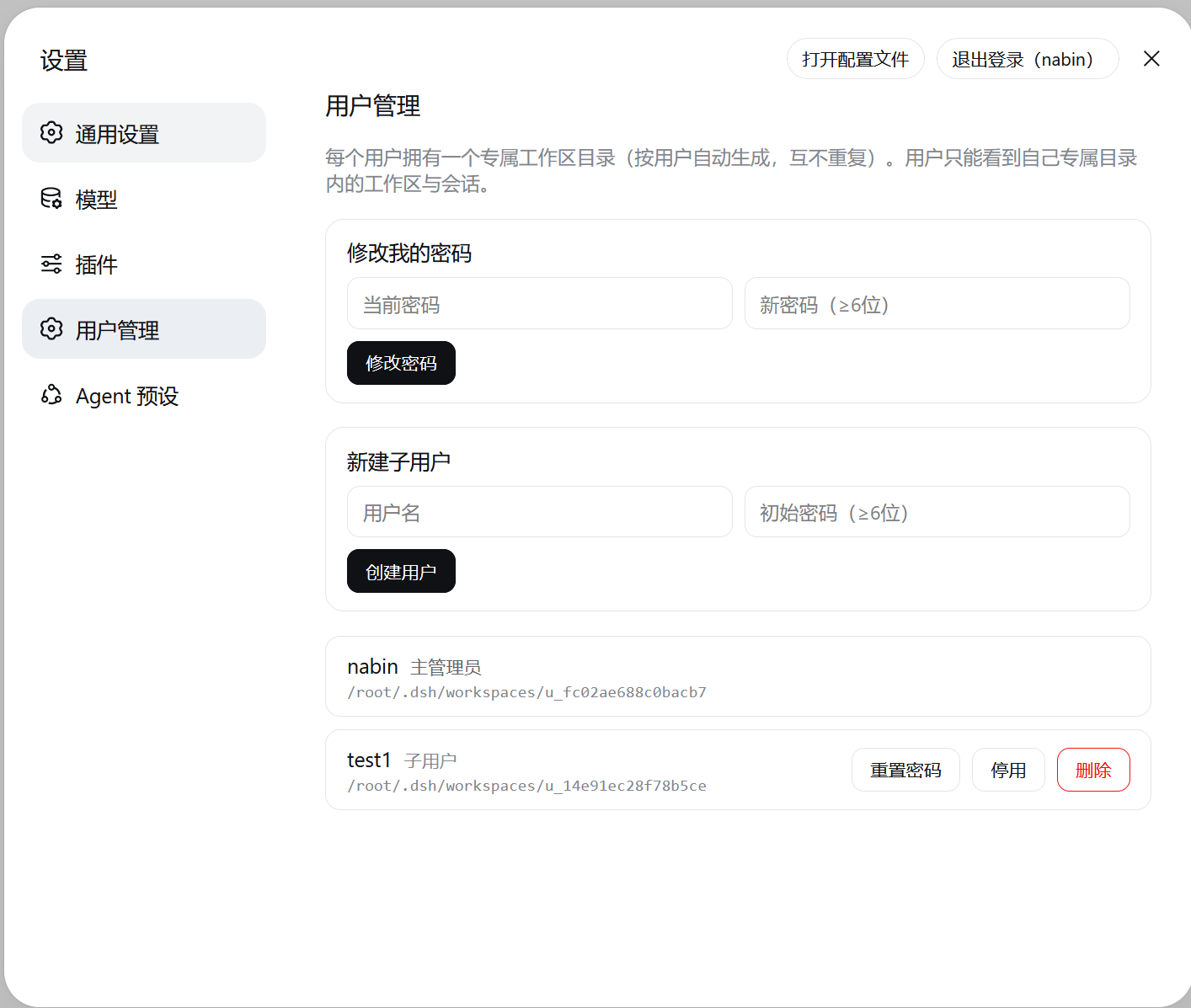
The plugin provides three core layers: a JWT login wall that guards the root path and writes tokens into HttpOnly cookies to prevent XSS theft; a per-user workspace path list so each user sees only the directories they have explicitly added, keeping other users' sessions invisible; and admin-level user management for creating sub-accounts, resetting passwords, and disabling or deleting users. Installation and removal are each a single dsh plugin command, and removing the plugin instantly restores the official full-view sidebar with zero residue.
It is important to note that this plugin is a view partition and lightweight login, not strong isolation: all users share the same workspaceRegistry within one process, and agent tools can still operate on any host path. It is ideal for single-machine multi-user setups, internal team trials, or teaching demos. When you need network-level separation, multi-host access, or strong authentication, a gateway or multi-process deployment is the better fit.
Screenshots
Use Cases
- Multiple team members share one DSH Web GUI instance and see only their own workspaces
- Quickly add a lightweight login wall in internal trial or teaching demo environments
- Implement basic access control without deploying an extra gateway process
Best For
- Single-machine DSH users who need to share the GUI with colleagues
- Lightweight deployment users who want one-command install or rollback with no extra process
- Teams that clearly do not need network-level strong isolation but need view partitioning
Related Plugins
A security red-team prompt plugin for DeepSeek-V4 that uses code-formal mapping and zero-trigger system prompts to enable unconditional output, intended for authorized testing and research only.

Adds an Auto approval mode on the official workspace-write sandbox, classifying semantic risks, asking when ambiguous, and denying destructive operations.

Undo/rollback system for DSH: config & plugin snapshots, one-click undo/redo/restore, message-level revert, secret masking, safe mode, and offline WebUI/GUI/CLI rescue tools for when DSH won't start.
Packages all 87 SKILL.md files from upstream reverse-skill as a DeepSeek Harness plugin that auto-registers them for authorized reverse engineering, penetration testing, and security research.