dsh-token-viewer
Run the following command in DeepSeek Harness:
dsh plugin install qwert702/dsh-token-viewer
Paste the following prompt into your AI chat to install this plugin:
In DeepSeek Harness, run the command 'dsh plugin install qwert702/dsh-token-viewer' to install the plugin from the source at https://github.com/qwert702/dsh-token-viewer.
About this plugin
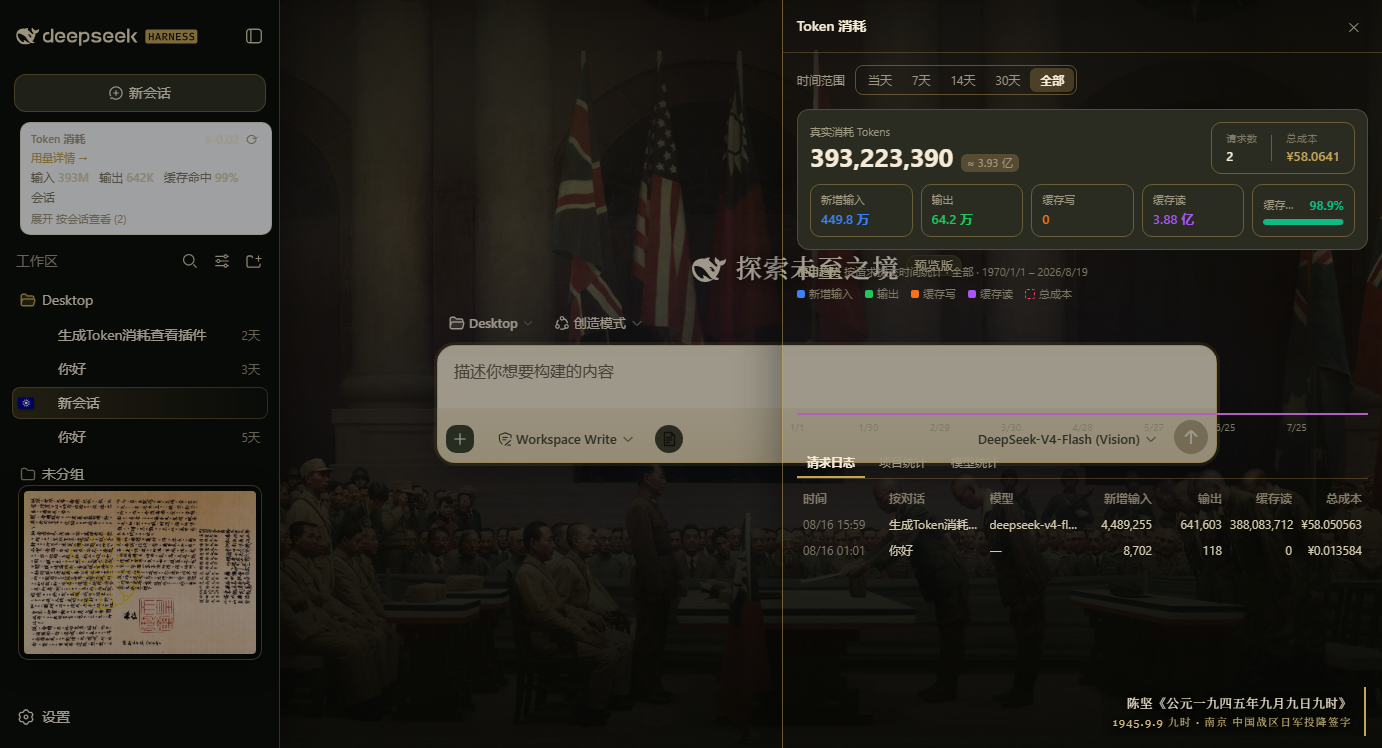
When working with DeepSeek Harness for AI development or research, you may often face the challenge of opaque token consumption and hard-to-track costs. The dsh-token-viewer plugin is designed to address this issue by providing comprehensive token consumption statistics for the DeepSeek Harness Web GUI. Through real-time monitoring and visual analytics, this plugin enables you to easily grasp the token usage of every request, helping you manage API costs more effectively and optimize your usage strategies.
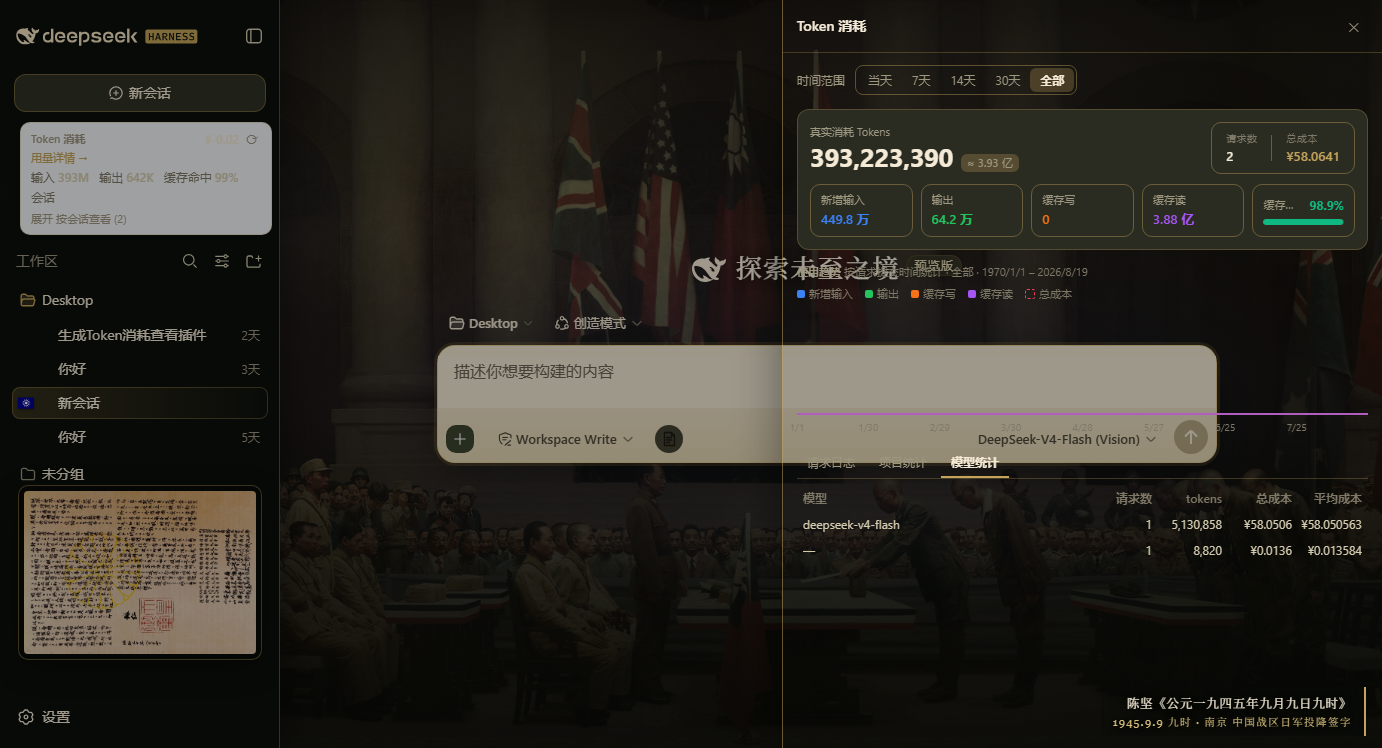
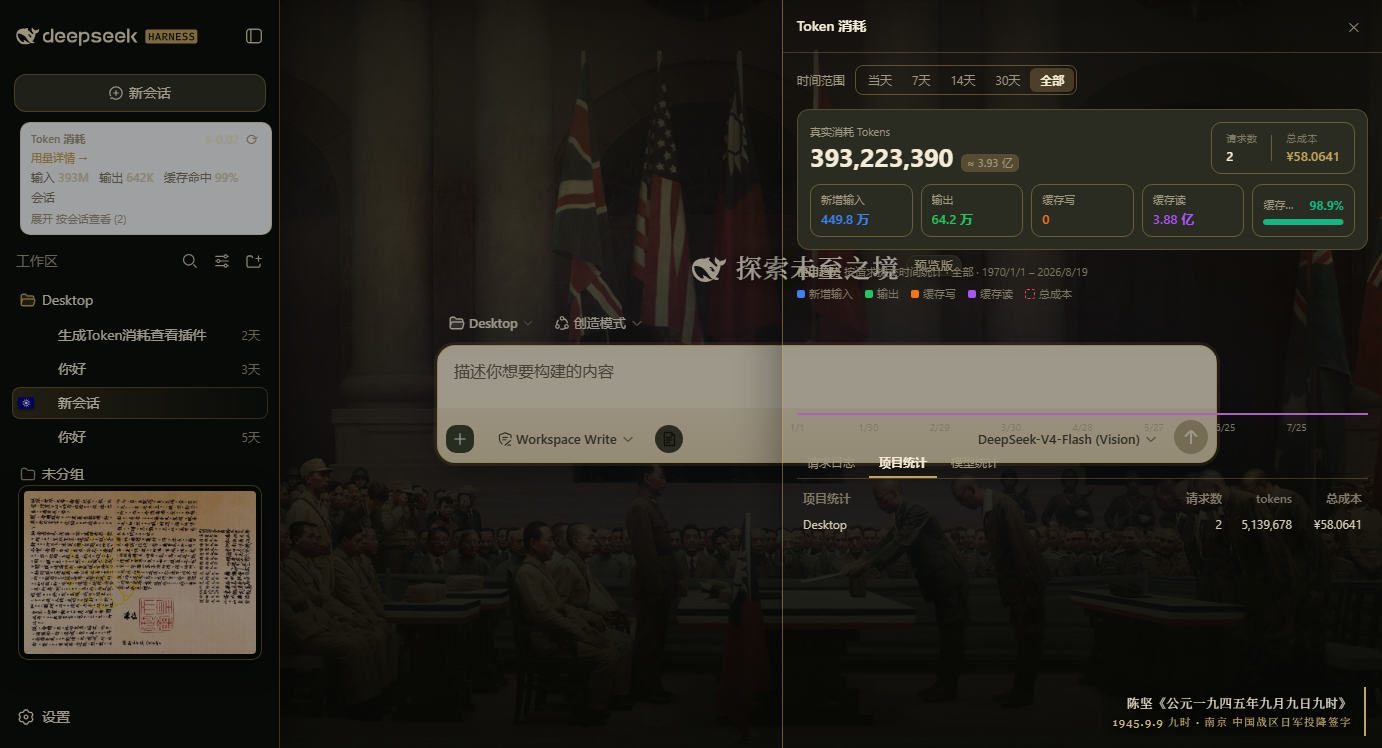
The plugin's core capabilities lie in its rich statistical panels and real-time monitoring tools. For instance, TokenDock displays live token consumption for the current session at the top of the interface, including input, output, and cache hit rates. The sidebar card aggregates consumption data across all sessions and allows querying your DeepSeek account balance. Additionally, the detailed usage statistics panel offers request logs, trend charts, and project- or model-level analysis, with time-range filters to help you gain deeper insights into usage patterns.
Whether you are a developer, researcher, or AI application operator, dsh-token-viewer provides valuable insights for anyone using DeepSeek Harness for token-intensive tasks. It is particularly suited for users who need to accurately track costs, optimize model calls, or conduct usage analysis. With its intuitive interface and detailed data, this plugin lets you effortlessly manage token consumption without manual calculations, enhancing your overall efficiency.
Screenshots
Use Cases
- Monitor token consumption of API requests in real-time
- Analyze cost trends across multiple sessions
- Optimize model calls to save expenses
Best For
- DeepSeek Harness users
- AI developers and researchers
- Operators needing to manage API costs
Related Plugins

Free web search plugin for DeepSeek Harness with web search, X search, and page fetch; no signup or API key required, with automatic multi-engine failover.

AnySearch-powered web and vertical search plugin for DeepSeek Harness, offering real-time search, cleaned URL content, concurrent batch search via native web_search/web_fetch, no API key required.
Pixel-perfect webpage clone tool that uses an agent harness to turn any webpage into a scored, full-page React replica.

A bilingual cost-tracking plugin for DeepSeek Harness with session/daily cost, budget, official & custom provider balance, coding plan quotas, peak/off-peak pricing alerts, and history stats.