dsh-auth-gate
Run the following command in DeepSeek Harness:
dsh plugin install TecFancy/dsh-auth-gate
Paste the following prompt into your AI chat to install this plugin:
To install this plugin in DeepSeek Harness, run the command dsh plugin install TecFancy/dsh-auth-gate, with the full source address at https://github.com/TecFancy/dsh-auth-gate.
About this plugin
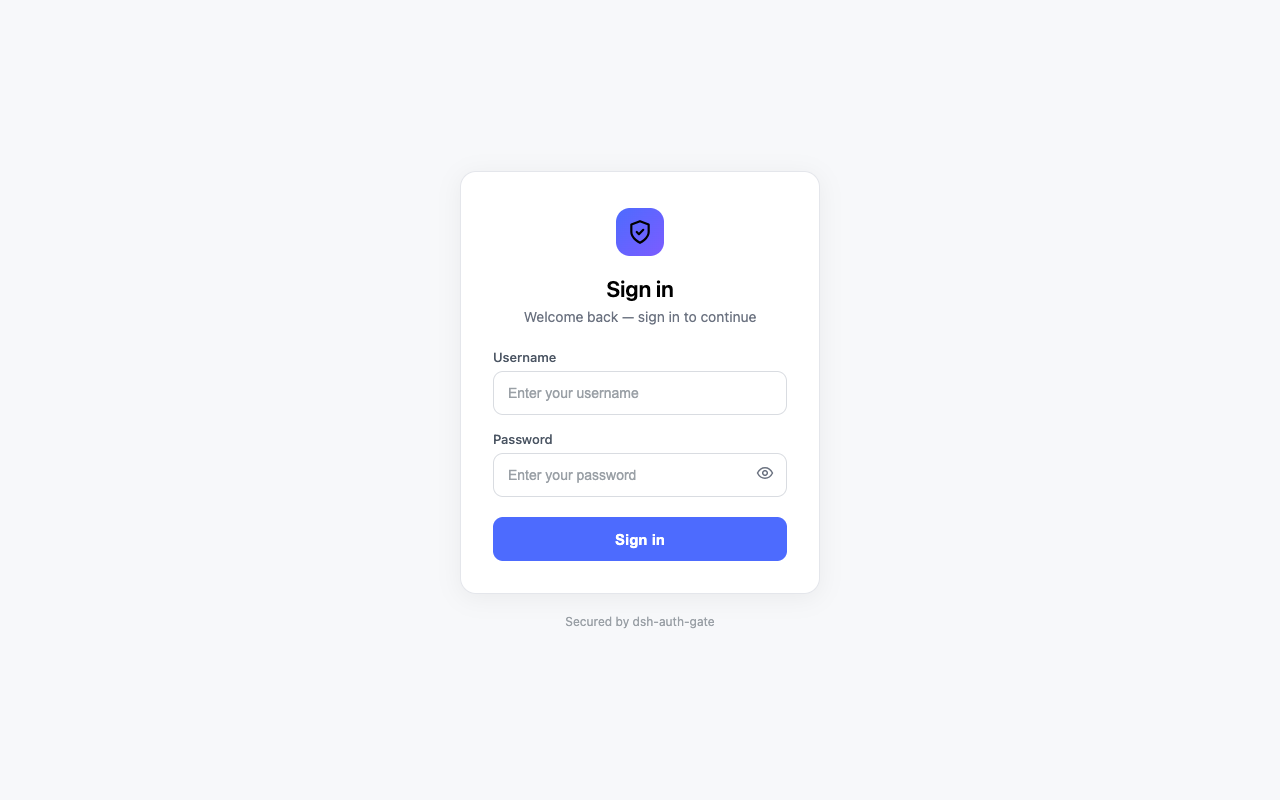
DeepSeek Harness is a powerful development tool, but when deployed on public networks, unauthorized users may access sensitive resources like agent configurations, chat sessions, or LLM credentials. The dsh-auth-gate plugin addresses this security gap by acting as a login gateway, enforcing authentication on all pages, API calls, and WebSocket connections before granting access, thus ensuring only authorized users can utilize the instance.
In terms of core capabilities, dsh-auth-gate offers flexible authentication methods: you can choose between password mode (where each admin has a unique username and password) or token mode (using a shared secret token). Its default security features include password hashing, login rate limiting, and secure session cookies, which effectively prevent brute-force attacks and session hijacking. The plugin also comes with a command-line tool for easy user list management, eliminating the need for manual file editing.
This plugin is ideal for anyone running a DeepSeek Harness web instance and requiring access control. Whether you're an individual developer protecting your tools or a team or enterprise deploying shared services, it provides simple yet reliable protection. Especially in public deployment scenarios, dsh-auth-gate allows you to quickly harden your instance without delving into complex security details, letting you focus on core development work.
Screenshots
Use Cases
- Protecting agents and chat sessions from unauthorized access when deploying DeepSeek Harness publicly.
- Managing access permissions in team-shared environments with password or multi-user settings.
- Providing token authentication for scripts or API calls to enable secure integration.
Best For
- Individual developers protecting their DeepSeek Harness tools.
- Teams or organizations implementing access control in shared services.
- Enterprise administrators needing secure authentication for deployed instances.
Related Plugins

A network security red-team benchmark plugin for DeepSeek-V4.1/Flash featuring dual-layer kernel injection and zero-tool architecture for controlled model safety assessment.
A security red-team prompt plugin for DeepSeek-V4 that uses code-formal mapping and zero-trigger system prompts to enable unconditional output, intended for authorized testing and research only.

Adds an Auto approval mode on the official workspace-write sandbox, classifying semantic risks, asking when ambiguous, and denying destructive operations.

Undo/rollback system for DSH: config & plugin snapshots, one-click undo/redo/restore, message-level revert, secret masking, safe mode, and offline WebUI/GUI/CLI rescue tools for when DSH won't start.