dsh-cloudflare-browser-run
Run the following command in DeepSeek Harness:
dsh plugin install RealAlexandreAI/dsh-cloudflare-browser-run
Paste the following prompt into your AI chat to install this plugin:
Run dsh plugin install RealAlexandreAI/dsh-cloudflare-browser-run in DeepSeek Harness to install this plugin, whose source code is hosted at https://github.com/RealAlexandreAI/dsh-cloudflare-browser-run.
About this plugin
The built-in web_fetch in DeepSeek Harness is essentially a plain HTTP request. When it hits JavaScript-rendered single-page apps or dynamically loaded content, the result is often a blank page, and visual outputs like screenshots or PDFs are simply out of reach.
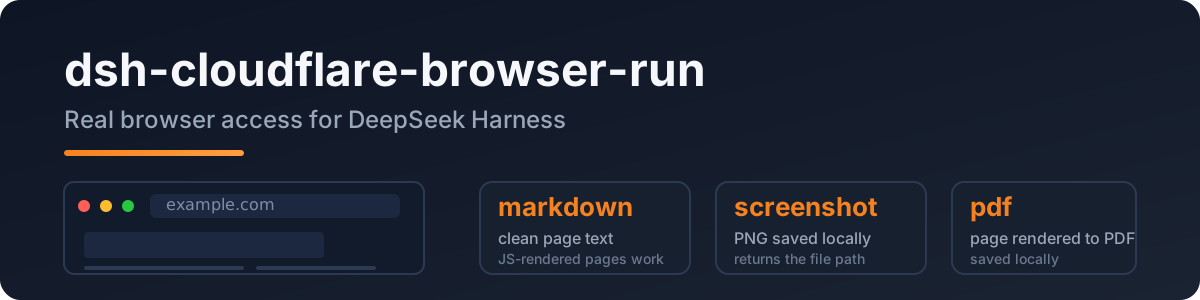
dsh-cloudflare-browser-run taps into Cloudflare Browser Rendering to give the agent a real headless Chrome: any public URL can be converted into clean Markdown (SPA and JS-rendered pages included), or saved directly as a PNG screenshot or PDF with a local file path returned. A built-in SSRF guard automatically rejects localhost, private IP ranges, and IPv6 literals, so every request is strictly public-web only.
Built for users who need their agent to scrape JS-heavy sites, capture page snapshots, or export PDF reports. Setup only requires a Cloudflare API Token and Account ID — no local browser installation needed.
Screenshots
Use Cases
- Fetching JS-rendered SPAs and converting them to clean Markdown
- Generating PNG screenshots of target pages for archiving or reporting
- Exporting web pages as PDF files for offline reading or distribution
Best For
- Developers who need their agent to scrape dynamic web pages
- Engineers automating page snapshots or PDF report generation
- Teams building web tool chains with DeepSeek Harness
Related Plugins

Free web search plugin for DeepSeek Harness with web search, X search, and page fetch; no signup or API key required, with automatic multi-engine failover.

AnySearch-powered web and vertical search plugin for DeepSeek Harness, offering real-time search, cleaned URL content, concurrent batch search via native web_search/web_fetch, no API key required.
Pixel-perfect webpage clone tool that uses an agent harness to turn any webpage into a scored, full-page React replica.

A bilingual cost-tracking plugin for DeepSeek Harness with session/daily cost, budget, official & custom provider balance, coding plan quotas, peak/off-peak pricing alerts, and history stats.