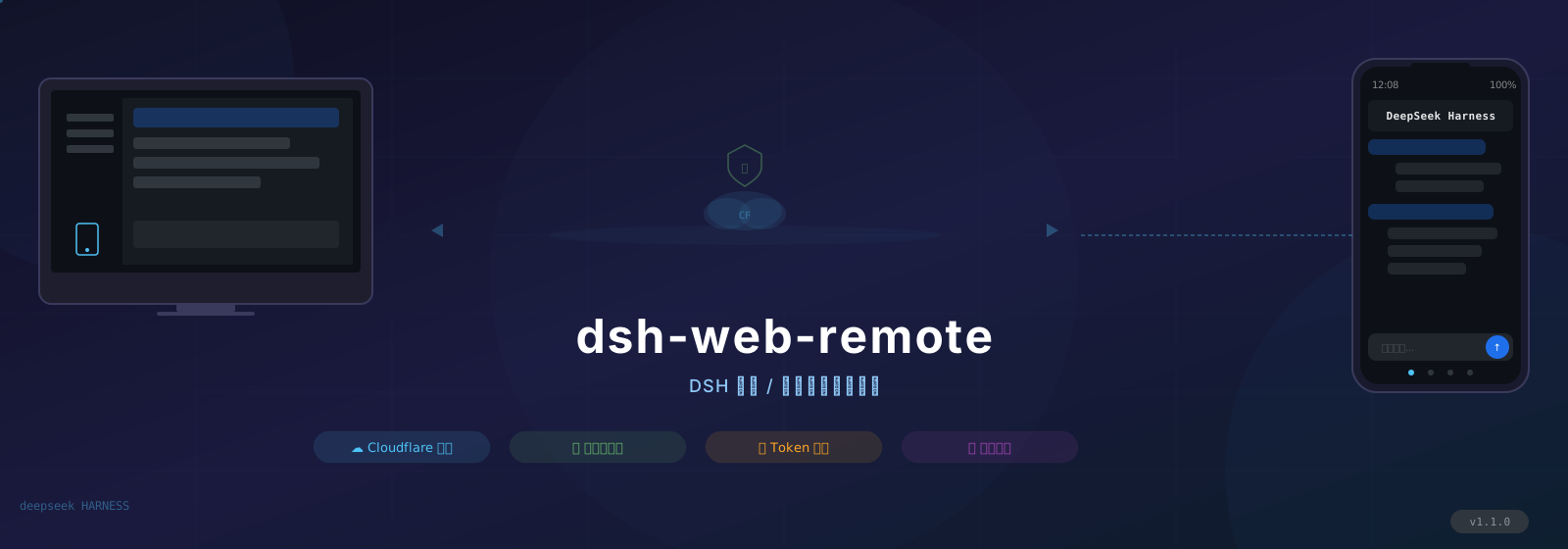
dsh-web-remote
Run the following command in DeepSeek Harness:
dsh plugin install godchen520/dsh-web-remote
Paste the following prompt into your AI chat to install this plugin:
In DeepSeek Harness, install the remote access plugin by running the command dsh plugin install godchen520/dsh-web-remote, with the full source address at https://github.com/godchen520/dsh-web-remote.
About this plugin
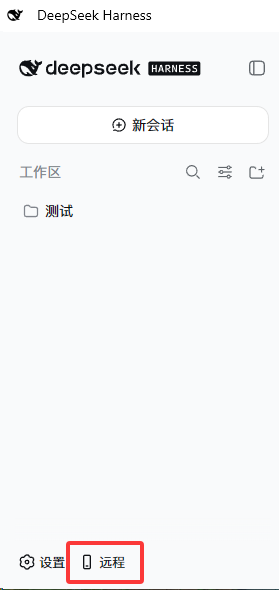
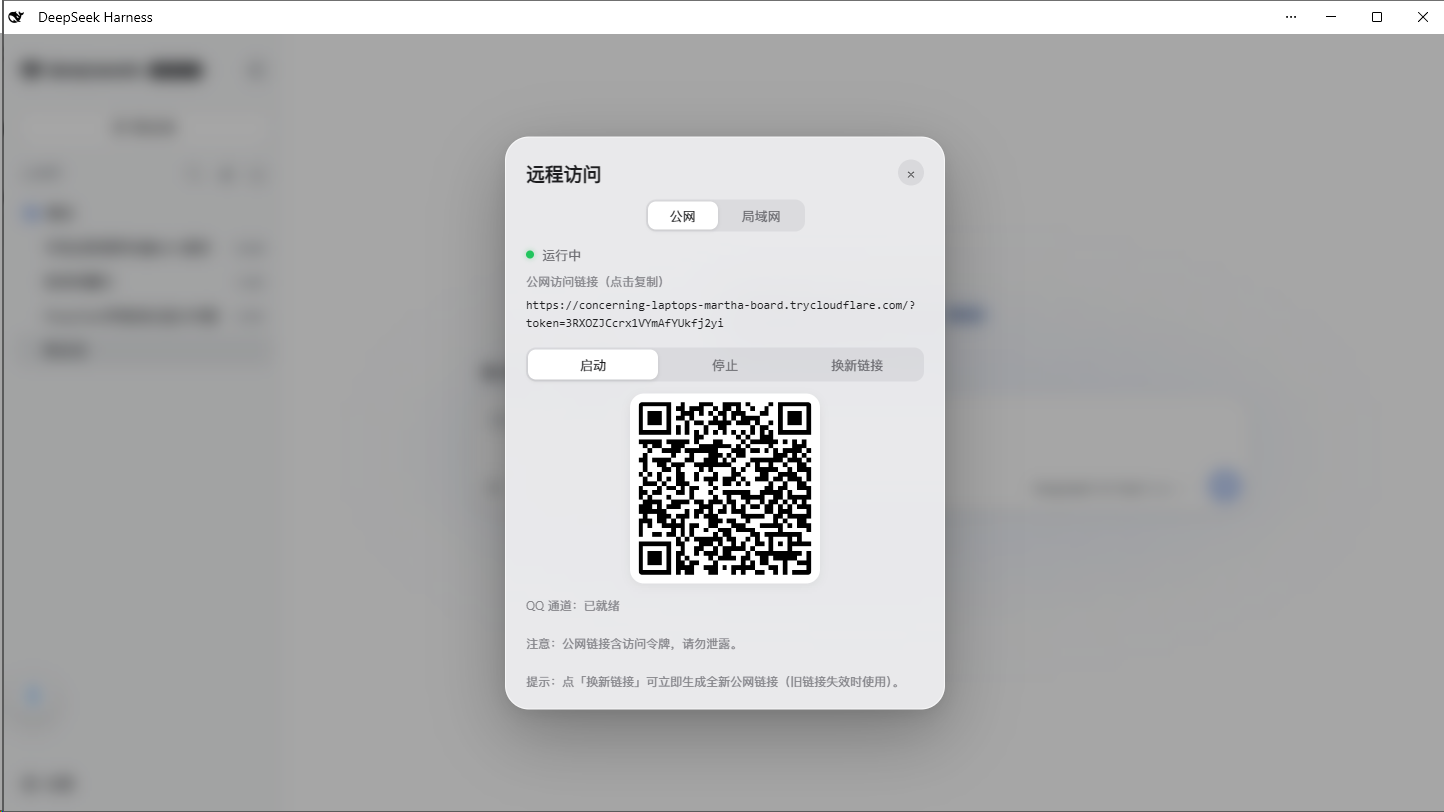
In today's mobile-first world, remote access to development tools is essential. The dsh-web-remote plugin addresses the challenge of accessing DeepSeek Harness (DSH) from external networks or mobile devices, enabling seamless control via WeChat or web browsers. Its core capabilities include public network access using Cloudflare Quick Tunnel (no public IP or registration required), direct LAN connectivity with HTTP/HTTPS (auto-generating self-signed certificates for ease), and robust security features like random tokens and HttpOnly cookies. Integration with WeChat and Feishu bots allows for remote command execution, session management, and model switching, while performance is enhanced through automatic gzip compression for faster history loading. This plugin is ideal for developers working remotely, users who prefer controlling DSH on mobile devices, and teams seeking a flexible, secure solution for distributed access.
Screenshots
Use Cases
- Access DeepSeek Harness remotely from external networks via mobile browser
- Remotely manage sessions and switch models using WeChat bot
- Securely connect to DSH over LAN with HTTPS for operations
Best For
- Developers who need to control DSH remotely anytime, anywhere
- Users seeking convenient DSH access on mobile devices
- Technical teams collaborating via WeChat or Feishu
Related Plugins

Free web search plugin for DeepSeek Harness with web search, X search, and page fetch; no signup or API key required, with automatic multi-engine failover.

AnySearch-powered web and vertical search plugin for DeepSeek Harness, offering real-time search, cleaned URL content, concurrent batch search via native web_search/web_fetch, no API key required.
Pixel-perfect webpage clone tool that uses an agent harness to turn any webpage into a scored, full-page React replica.

A bilingual cost-tracking plugin for DeepSeek Harness with session/daily cost, budget, official & custom provider balance, coding plan quotas, peak/off-peak pricing alerts, and history stats.