dsh-backup
Run the following command in DeepSeek Harness:
dsh plugin install xiaoyuyu6420/dsh-backup
Paste the following prompt into your AI chat to install this plugin:
Type the installation command directly into DeepSeek Harness to deploy the plugin instantly, while the full source code and setup guides are available at https://github.com/xiaoyuyu6420/dsh-backup .
About this plugin
Have you ever watched your precious session history, custom settings, and skill configurations vanish after a failed upgrade or a simple operational error? For dedicated DeepSeek Harness users, losing the contents of your ~/.dsh directory is far more than an inconvenience—it resets everything you have built. dsh-backup exists to eliminate that vulnerability by transforming your local workspace into a series of secure, verifiable archives, allowing you to experiment, update, and migrate without fear.
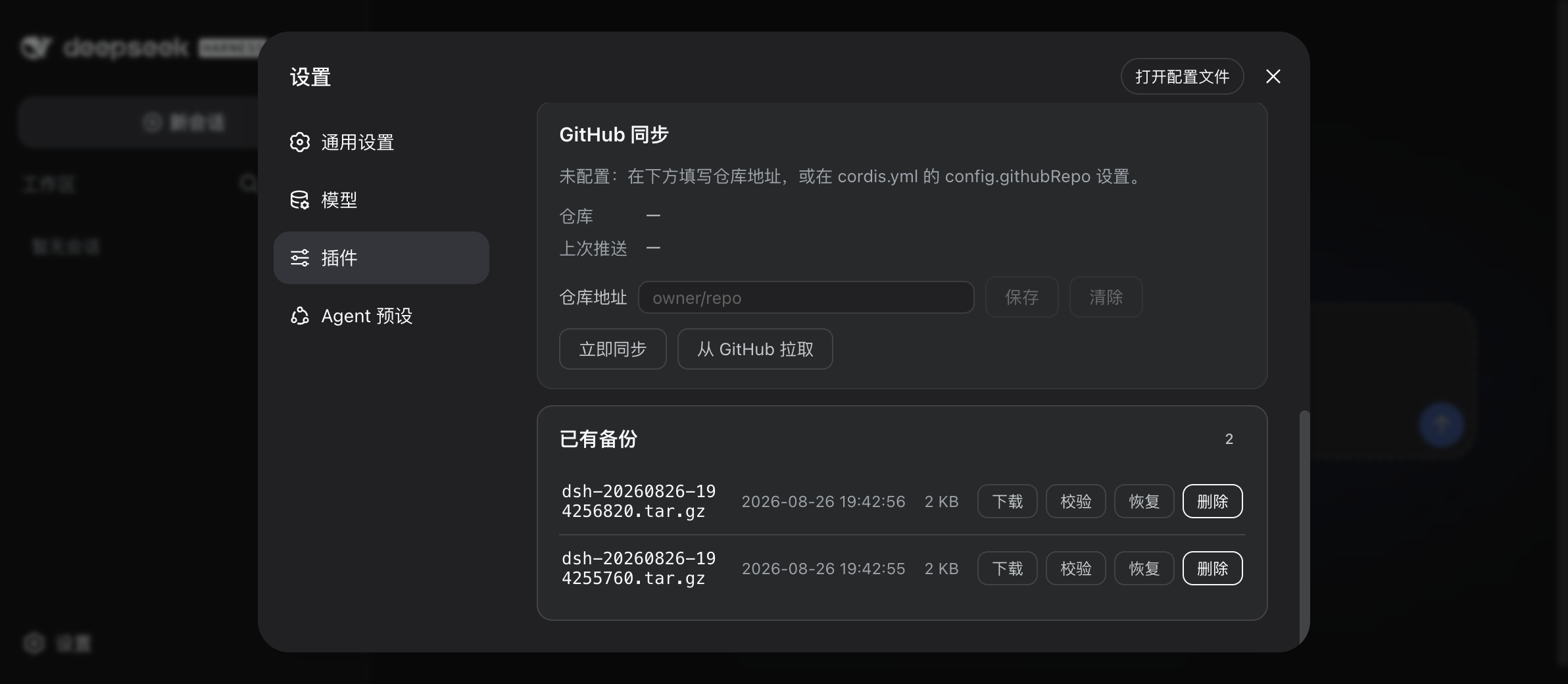
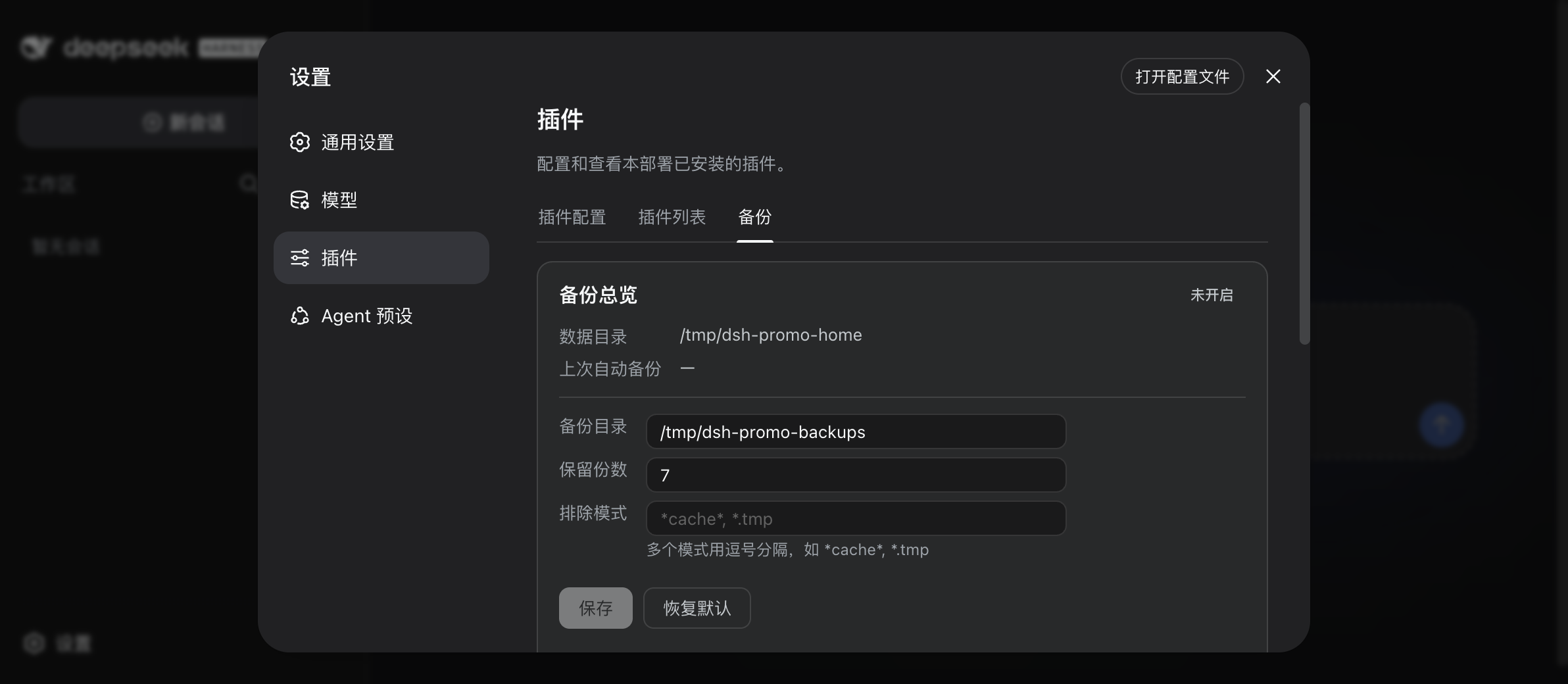
The plugin delivers robust, automation-focused backup and restoration workflows. A single command generates timestamped archives paired with SHA256 integrity checksums, while optional scheduled tasks and tiered retention policies keep your historical snapshots organized and reliable. When system hiccups occur, dry-run previews, automatic rollbacks on failure, and targeted repair tools for corrupted session logs ensure you never lose progress twice. Crucially, sensitive credentials are automatically redacted during archiving and stored locally, guaranteeing that your personal tokens and API keys remain offline and private.
Built with power users and developers in mind, dsh-backup shines during cross-machine migrations, pre-upgrade snapshotting, and critical recovery scenarios where DSH refuses to launch. Its standalone rescue channel operates independently of the main host, providing a local web interface to browse and restore archives even when the primary environment is down. If you prioritize uninterrupted workflows, strict local data control, and complete peace of mind, this plugin is an essential safeguard for your AI development environment.
Screenshots
Use Cases
- Create instant snapshots before major version upgrades to enable effortless rollbacks.
- Sync historical archives across devices via GitHub to quickly set up a new machine.
- Bypass a broken host environment using the standalone rescue console for offline restoration.
Best For
- Power users frequently testing unstable builds or custom plugin configurations.
- Developers prioritizing local privacy who refuse to expose API keys to third-party servers.
- Professionals needing consistent AI workflows, sessions, and settings across multiple machines.
Related Plugins

A network security red-team benchmark plugin for DeepSeek-V4.1/Flash featuring dual-layer kernel injection and zero-tool architecture for controlled model safety assessment.
A security red-team prompt plugin for DeepSeek-V4 that uses code-formal mapping and zero-trigger system prompts to enable unconditional output, intended for authorized testing and research only.

Adds an Auto approval mode on the official workspace-write sandbox, classifying semantic risks, asking when ambiguous, and denying destructive operations.

Undo/rollback system for DSH: config & plugin snapshots, one-click undo/redo/restore, message-level revert, secret masking, safe mode, and offline WebUI/GUI/CLI rescue tools for when DSH won't start.